
Site model checklist: an early review list GenAnywhere supports
Ten checks that keep a generated scene useful, and the order that makes them quick to run.
Site model checklist work is mostly about stopping small assumptions before they travel. A generated scene arrives with a source, a date and a set of estimates, and each of those needs a look before the scene goes into a review. GenAnywhere supplies the editable base; the list below is what the team does with it.

1 Before you start
1.1 What is the question?
Write the question in one sentence. A scene built to test massing is not the scene you need for an access review, and a checklist run without a question turns into a ritual. The sentence decides which checks matter.
Keep the sentence with the file. When the question changes, the checklist changes with it, and the record shows why the scene was built the way it was.
A question that cannot be written in one sentence is usually two questions. Split it, and run the list against the harder part rather than averaging the two into a scene that suits neither.
1.2 Who is the audience?
The audience decides how much of the scene to show and how much to explain. A client needs the arrangement and a clear statement of limits. A design team needs the layers and the export. A reviewer needs the source and the date.
Write the audience next to the question. Two lines at the top of the note save a paragraph of explanation later, and they keep the scene from being shown to the wrong room.
Audiences also differ in patience. A client will sit through a short explanation of limits; a colleague will want the file. Prepare both, and lead with the one the meeting needs.
2 Source checks
2.1 Are the date and coverage right?
Check the source date at the start. A scene built from older data may miss a new road, a demolition or a completed building, and the scene will look confident while being wrong. Compare the date with what the team knows about the site.
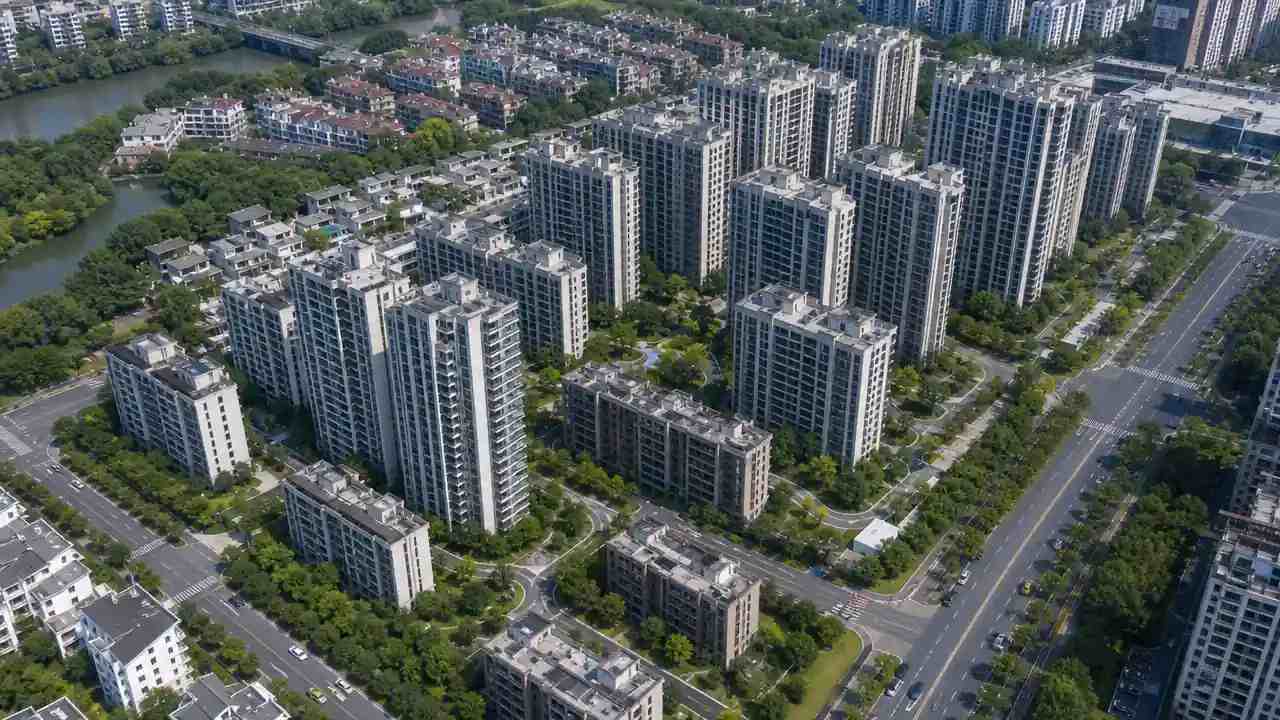
Then check the coverage. The area should include the neighbours and the street, because the argument usually lives there. A scene that stops at the plot line answers a narrower question than the one being asked.
Coverage can also fade at the edge of a dataset. Look at the outer row of buildings before accepting the area, and extend it if a block arrives half drawn.
2.2 What is missing?
Name the gaps rather than hoping nobody notices. A missing building, a changed access or a plot that has been cleared are normal gaps in a map source. Each one needs either an edit or a line in the note.
Records conventions such as the FGDC metadata standards exist because sources need to outlive the people who made them. A short note in the same spirit is enough for a project scene.
3 Scene checks
3.1 Are the layers usable?
Look at the layers a reviewer will use. Buildings, ground, water and vegetation should be separable, and the names should mean something outside the person who made them. A scene with four numbered layers is hard to discuss.
Toggle each layer once. If a toggle produces a surprise, fix it before the session rather than during it. The check takes a minute and prevents the moment when the room waits for a laptop.
Ask someone else to read the layer names. A name that made sense to the builder can be opaque to a reviewer, and the rename is cheaper than the explanation.
3.2 Are the edits recorded?
Every replaced building and every changed height should have a line. The line does not need to be elaborate; a date and a reason are enough. What matters is that a reader can tell the source from the team's changes.
Edits without a record become facts. A raised terrain edge that nobody remembers making will be defended in a meeting as if it came from the map, and the conversation will be poorer for it.
4 Export checks
4.1 Are scale and origin correct?
Open the file in the receiving tool and measure one known feature. A road width or a building footprint is enough to confirm the scale. If the number is wrong, fix the import settings and write down what worked.
Check the origin at the same time. A scene placed far from the world centre can behave oddly when the camera moves, and the fault looks like a rendering problem rather than a placement one.
4.2 What survives the export?
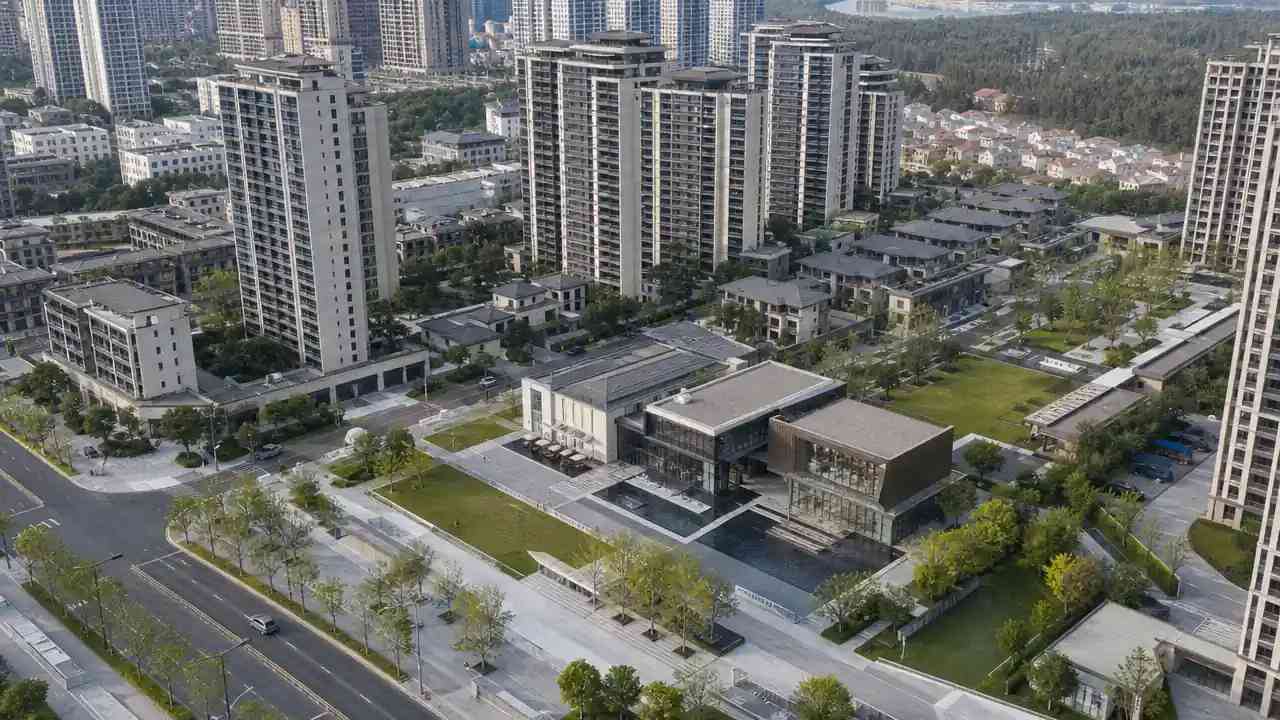
Check the object list and the materials. Some layers arrive separate, some merge, and some names change. What survives determines how much work the receiving team has to do, and that work belongs in the plan.
If the structure matters, rebuild the groups that a reviewer will toggle. Rebuilding everything is a common overreaction, and it consumes the time that the two useful groups needed.
Record the import settings in the note. A scale factor or an axis convention that worked once will work again, and the note stops the next person from rediscovering it.
5 Review checks
5.1 What do you show?
Show the view that matches the question. Massing needs an oblique or aerial view, access needs a ground view and a plan, and a consultation needs both. The order should follow the argument rather than the software.
Keep the proposal visually distinct from the context. A muted context and a clear proposal are easier to read than a scene where everything is the same colour, and the distinction prevents a predictable question.
Check the view on the screen you will use. A scene that reads well on a monitor can lose its contrast on a projector, and the difference is worth catching before the room fills.
5.2 What do you say?
Say what the scene is and what it is not, in one sentence, before the discussion starts. A context scene built from map data is not a measured record, and the room should hear that early. The sentence protects the model and the team.
Then let the scene do its work. A review that spends its time on caveats has wasted the model, and a review that spends its time on the arrangement has used it well.
6 Close the checklist
6.1 What do you keep?
Keep the scene, the note and the export that went with it. Three items, one folder, and the review can be reconstructed later. The note should carry the question, the date, the source, the edits and the person who checked the file.
Run the list on a new scene in the GenAnywhere app when a new question needs a fresh scene, and run the same list.
6.2 When do you stop?
Stop when the checks that matter to the question have passed. A checklist that grows after every project becomes a document nobody reads, and the useful checks drown in the inherited ones. Cut the ones that have not changed an answer.
6.3 When do you repeat?
Repeat when the question changes, the site changes or the scene is exported to a new tool. Those three events are where the assumptions move, and a short repeat run is cheaper than a late discovery.
Use the checklist with the GenAnywhere workflow.
7 FAQ
FAQ-1 How long should the checklist take?
Most of it is quick: the source date, the coverage, the layers and one dimension. An opening run may take half an hour while the team learns what it is looking at. Later runs are shorter, and the note from the previous project does most of the work. Keep the list short enough to finish.
FAQ-2 Who should run it?
The person who built the scene runs it and the person who will use the scene confirms it. That pairing catches the assumptions that the builder stopped noticing and the user will notice at the wrong moment. A third reviewer is useful for client-facing scenes. Keep the group small enough to finish in one sitting.
FAQ-3 Does it need a survey?
No, and a survey does not replace it. The checklist is about whether the scene is fit for the question, not whether the site has been measured. Where a measured fact is required, the checklist should flag it and point to the survey rather than pretending the scene covers it.
FAQ-4 Can it support a client handover?
Yes, with the note attached. The scene, the export and the note make a package a client can open and understand. The note should say what the scene is for and what it does not cover, so the client does not read it as a measured record or a fixed design.
Content and technical notes
This article was prepared by the GenAnywhere team with AI-assisted drafting and human review.
Product features, formats, and availability change as the platform evolves; refer to the official GenAnywhere website for current details.
For technical questions or corrections, contact support@genanywhere.com.
Last reviewed: 2026-11-06.