
Site model layers: what to separate before review, GenAnywhere
A scene is easier to argue with when its parts can be turned off, and the separation starts before export.
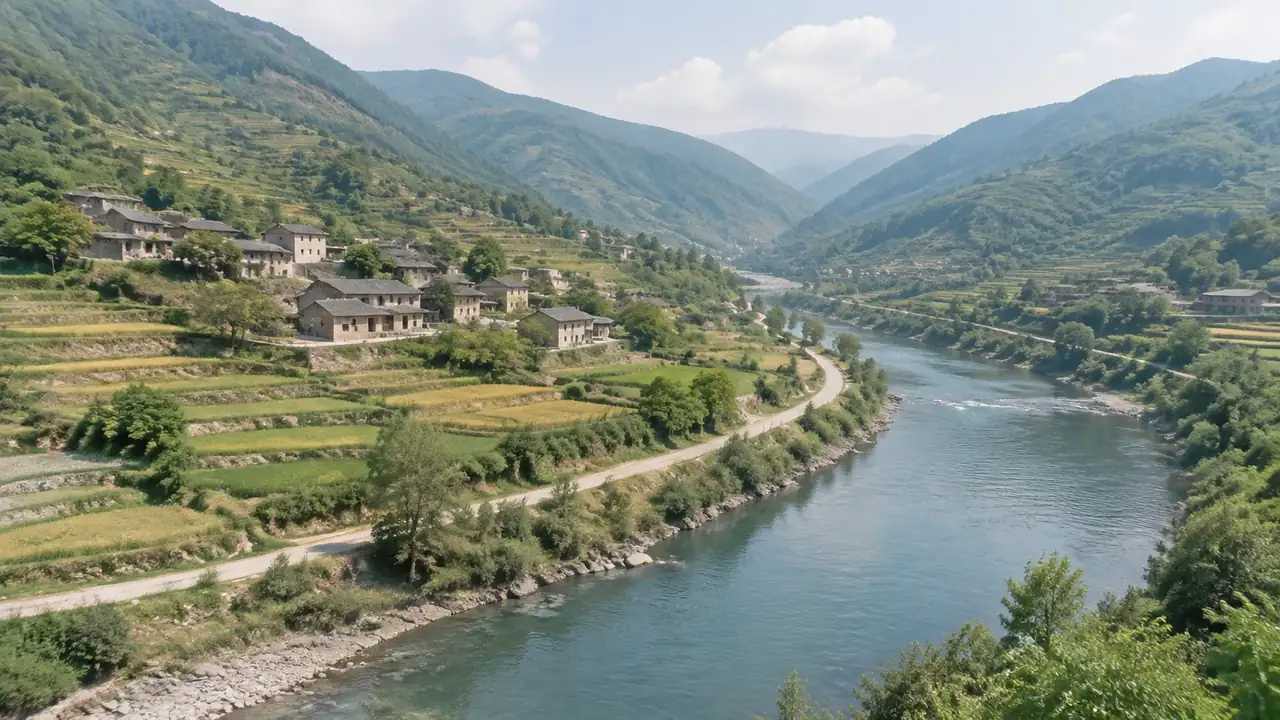
Site model layers decide whether a review can focus or has to squint. GenAnywhere keeps buildings, terrain and vegetation in separate layers, so a team can show the ground without the trees or the blocks without the ground. This article explains what to separate, how to name it and what survives the trip into another tool.
1 Why layers matter
1.1 What goes wrong in a merge?
A merged scene looks fine and behaves badly. Every question turns into a negotiation about what is visible, and every edit risks touching something unrelated. The geometry is still there, and the ability to isolate a part of it is gone.
The problem appears late. A team builds a scene, exports it, and discovers in the meeting that the vegetation hides the street edge. Separating layers earlier would have taken a few minutes and avoided a rushed fix.
It also changes how a reviewer trusts the scene. A model that can be opened up invites questions, and a model that cannot suggests that something is being protected.

1.2 Who needs which layer?
A planner wants the ground and the buildings. A landscape lead wants the vegetation and the water. A game team may want the buildings and the ground and none of the trees. The same scene serves all three when the layers are intact.
Ask each reviewer which layer they will look at. The answer shapes the scene more than any style choice, and it takes one short conversation to settle.
The payer usually wants the whole scene and the specialist wants one part. Knowing which is which prevents a scene that is too detailed for the room and too general for the person who has to sign it off.
2 How the base is layered
2.1 How are buildings handled?
Buildings sit in their own layer, and each one can be replaced, moved, rotated or given a different height and type. That individual control is what makes an early review possible, because a proposal can be tested against a context that stays fixed.
The building layer also carries the uncertainty. Heights are estimated, and the layer is the place where an estimate can be corrected without rebuilding the scene.
Keep the corrections together. A group of edited buildings is easier to explain than a scene where changes are scattered, and it gives the next reviewer a place to start.
2.2 How are terrain and vegetation handled?
Terrain sits in a separate layer with water as a surface within it. Vegetation forms another layer around the site. The separation follows the way people ask questions: what is the ground, what is built and what is planted.
Standards such as the OGC's CityGML describe how city objects are grouped for exchange, and the logic is similar. The useful unit is the thing a reviewer wants to isolate, not the thing that is easiest to export.
3 Preparing for review
3.1 How do you name layers?
Name layers by what they hold and what role they play. Context buildings, proposed blocks, ground and planting are clearer than layer one to layer four. A name that survives translation is better than a joke that does not.
Keep the naming consistent across versions. A reviewer who learned the structure last month should recognise it this month, and consistency costs nothing once it is a habit.
Avoid names that describe a temporary state. Draft, test and new become meaningless within a week, while context, proposal and ground stay true for the life of the scene.
3.2 How do you toggle for a session?
Decide the sequence before the session. Start with the ground, add the context, then the proposal. A deliberate order tells a story, and a random toggle sequence makes the room wonder what is being hidden.
Test the toggles on the machine you will use. A scene that switches cleanly at a desk can stall on a projector laptop, and the pause is the moment attention drifts.
4 What to separate beyond the base
4.1 Existing and proposed
Existing and proposed belong in separate groups even when they share a layer type. A proposed building and a context building should not be indistinguishable, because the whole conversation rests on the difference.
A simple rule helps: context muted, proposal clear. The rule applies to colour, naming and the order of the toggles, and it keeps the review from drifting into a debate about what is already there.
4.2 Additions and removals
Separate what is added from what is removed. A demolished building and a new one are different arguments, and a scene that shows just the result hides half the change. A removal marker is enough when the geometry is gone.
The same applies to terrain edits. A cut or a fill changes the ground, and the change should be visible as an edit rather than absorbed into the surface without a trace.
5 Layers after export
5.1 What survives?
Some layers survive as separate objects and some arrive merged. The receiving tool and the export determine which, and the result is worth checking on the day rather than at the end of the project. Open the file and look at the object list.
If the structure survives, keep it. If it does not, rebuild the groups that matter in the receiving tool and record the work in the note. A short list of what changed is enough.
Name the groups the same way in both tools where you can. A reviewer who moves between the browser and the engine then sees one structure rather than two.
5.2 What should you rebuild?
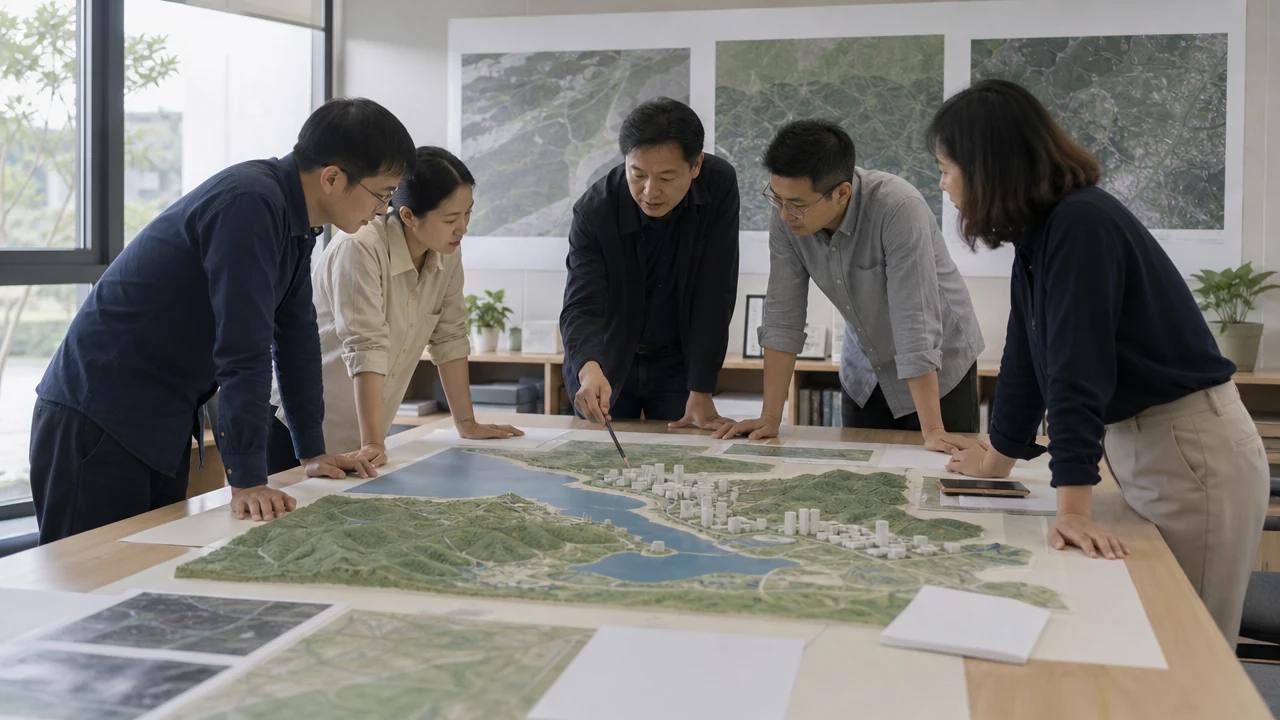
Rebuild the groups a reviewer will use. If the team will toggle buildings against ground, those two groups are worth recreating. If nobody will touch the vegetation, leave it merged and move on.
Rebuilding everything is a common mistake. It consumes the handover budget and produces a structure nobody asked for, while the two groups that mattered stay unfinished.
The test is simple: name the two toggles the review will use. If the structure supports them, the handover is done. Everything beyond that is a preference rather than a requirement.
6 Review discipline
6.1 Which layer do you start with?
Start with the ground. It sets the level and the shape of the argument, and it gives the room a base to read the buildings against. A review that opens with a finished image skips the step where people orient themselves.
Then add the context and the proposal in that order. The sequence mirrors how a scheme is understood, and it gives the presenter a natural place to pause for questions.
6.2 Which layer do you hide?
Hide the layer that distracts from the question. Vegetation often goes when the subject is massing, and buildings go when the subject is landscape. The choice should follow the question rather than a default setting.
Hiding a layer is not hiding a problem. If the vegetation conceals a failing street edge, the answer is to fix the edge and then show it, not to leave the layer off.
6.3 When do you stop editing?
Stop when the scene answers the question it was built for. A layer structure can absorb unlimited refinement, and the refinement has a cost that the review does not repay. Review the layers in the GenAnywhere app and keep the structure simple.
See how layers are built in the GenAnywhere workflow.
7 FAQ
FAQ-1 Can I add layers of my own?
Yes, in the tools that receive the scene, and the base structure gives you a place to start. Add groups for the things your review needs, such as proposed blocks or removed buildings. Keep the additions few, because a deep structure is as hard to navigate as a flat one.
FAQ-2 Do layers survive a GLB export?
Sometimes. A GLB can carry separate objects and it can arrive merged, depending on how the scene was prepared and how the receiver imports it. Check the object list after import, and plan a short regrouping pass if the structure matters to the review. Test with one file before committing the batch.
FAQ-3 Why separate vegetation?
Because vegetation answers a different question from buildings. A landscape review needs the planting visible, and a massing review is often clearer without it. Separating the layer lets one scene serve both, and it avoids exporting two versions of the same site. It also makes the tree line easy to correct.
FAQ-4 How many layers are enough?
Three or four at the base, plus the groups your review needs. Buildings, ground, water and vegetation cover most early work. More layers add control and add maintenance, and the balance shifts once the scene has to be handed to another team. Start small and add what a review actually uses.
Content and technical notes
This article was prepared by the GenAnywhere team with AI-assisted drafting and human review.
Product features, formats, and availability change as the platform evolves; refer to the official GenAnywhere website for current details.
For technical questions or corrections, contact support@genanywhere.com.
Last reviewed: 2026-11-06.