
Can GenAnywhere model vessels? What the limits are
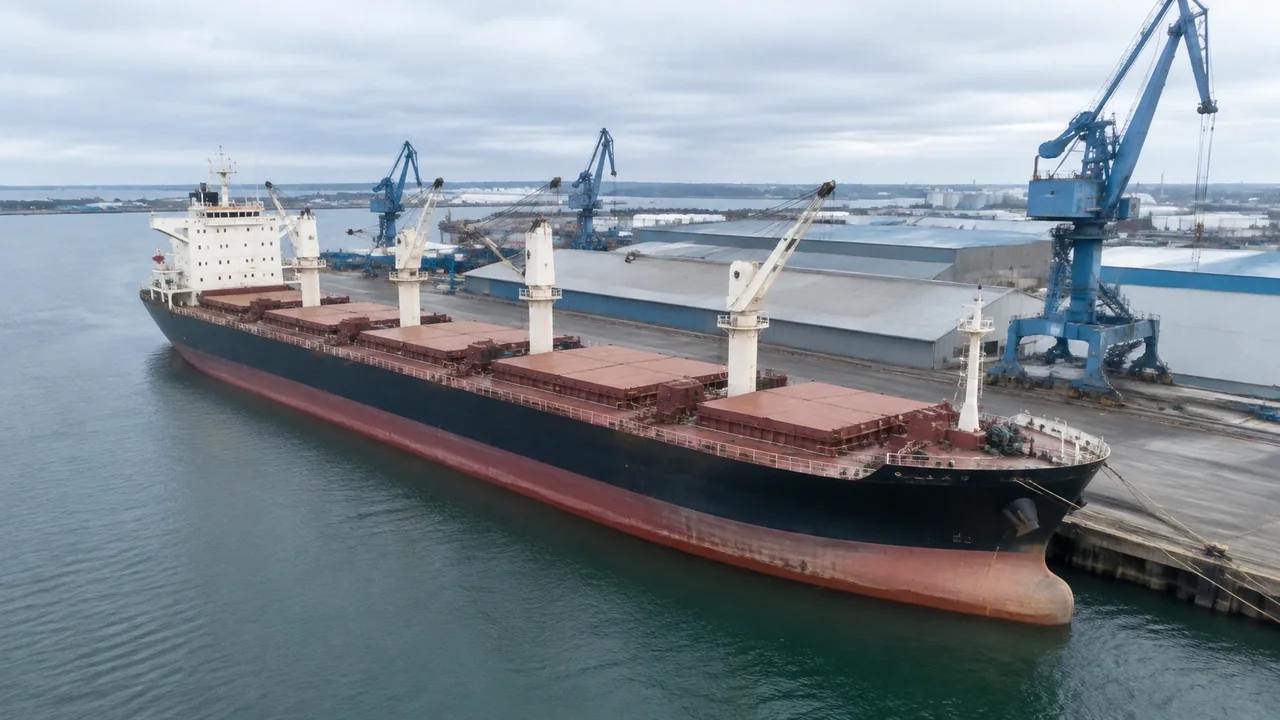
The berth, the water and the sheds behind it can be generated; a ship arrives as a placed asset, and nothing in the scene floats.
No. Vessels are not part of the generated content. A berth scene gives you the quay line, the water surface, the sheds behind it and the surrounding land, and a ship model is placed onto that scene from another source. The limits follow from that split, and they are worth stating before a drawing review starts.
1 What a berth scene holds
1.1 The quay edge and the water plane
The water edge is generated where the mapped shoreline meets the terrain, so the quay line appears as a continuous boundary between land and water. Berth length and alignment follow the source imagery, and a berth extended last season may still be drawn at its older length. The water is a surface, not a surveyed depth model, and it has no tide state attached. Use the edge to orient the review, then check the berth length in a drawing before anyone quotes a figure from the picture. A berth that has been rebuilt since the imagery will still be drawn at its old length, and the picture should not be asked to settle that difference.
1.2 Buildings and ground behind the quay
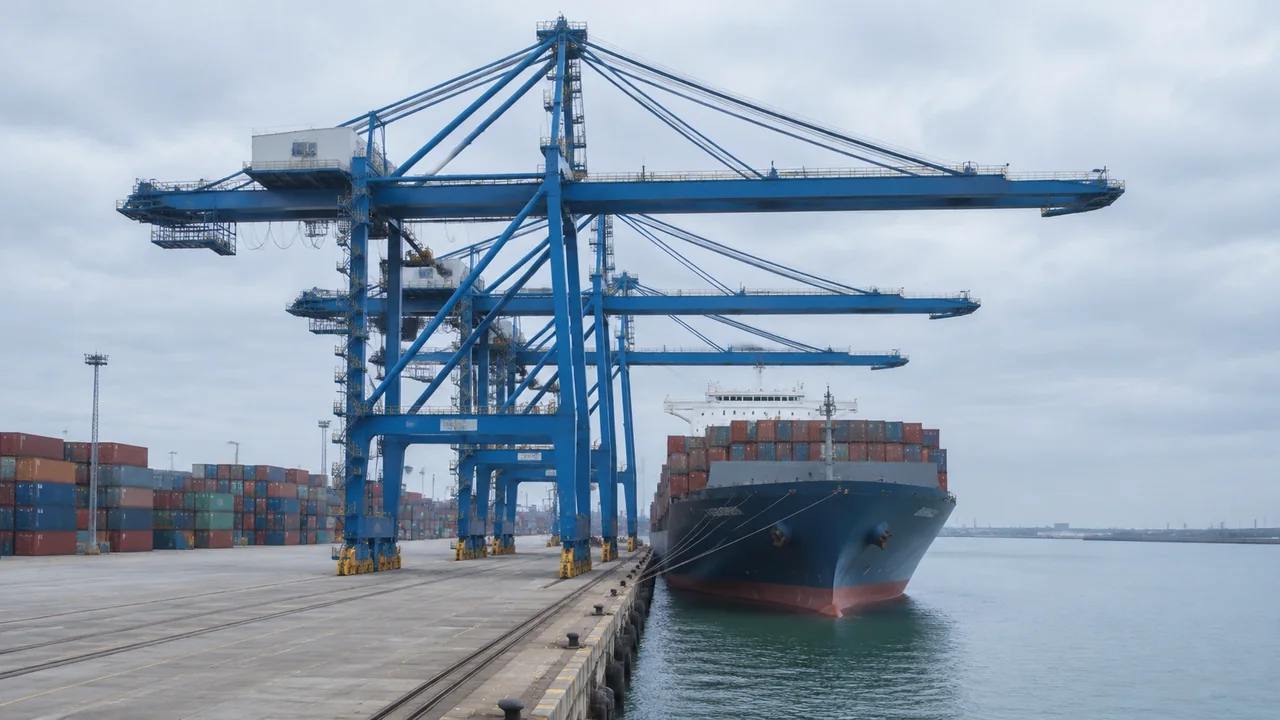
Sheds, gatehouses, workshops and offices usually appear because their footprints sit in the map data. Heights are estimated and types are inferred, so a long transit shed may read as a warehouse while a small office may read as a gatehouse. All of them are editable. That matters at a terminal that has changed since the imagery was captured, because the buildings a reviewer recognises at once are the ones most worth correcting before the meeting begins. Walk the quay inside the scene beforehand and fix the two or three that are plainly wrong.
2 Where a vessel comes from
2.1 Hulls are design or asset geometry
A hull is a designed object with a defined form, and the platform builds sites rather than ships. Ship models usually arrive from a naval architecture package, a classification model or a generic asset library maintained by the port. Placement happens downstream, in whichever tool holds the rest of the scene once it has been exported. Teams that expect a generated ship wait for something that will not appear, so say it early rather than at the end of the session. Ask the port which hull models it already holds before anyone commissions a new one.
2.2 Matching a hull to a berth
If a vessel is going to be placed for a review, three things have to agree: the berth length, the hull footprint at the waterline, and the orientation relative to the quay. Get those roughly right and the composite reads; get them wrong and the picture misleads. A generic hull of plausible size is often enough for a land use discussion. A specific vessel matters when the conversation is about that vessel, so decide which case you are in before anyone imports a file. Record the source file and the scale next to the placement, because a rescaled hull is easy to misread a month later.
3 Limits to state early
3.1 No draft, tide or mooring model
Nothing in the scene represents water depth, tide range, under keel clearance or mooring arrangements. Those come from hydrographic survey, tidal records and mooring studies, and none of them are generated here. A flat water plane can look like a calm berth at any state of tide, which makes a useful illustration and a poor assumption. Tide tables and survey dates are the right places to look, and they are usually already in the project folder. Say where the water level sits when you present the view, or leave the water unlabelled and let the survey drawing carry that information instead.
3.2 No manoeuvring or handling claims
The scene does not test turning circles, tug requirements, berth occupancy, crane reach or cargo handling rates. A ship beside a quay is a static picture of a relationship, not a manoeuvring study. Nothing in a still image shows a turning manoeuvre, a tug line or a berthing window. Ports organisations publish technical guidance that belongs with those questions, and PIANC is a reasonable place to start reading. Keep those answers in the documents built for them. A review that needs a manoeuvring answer should not be holding a screenshot and hoping.
4 Preparing a vessel review
4.1 Framing the berth
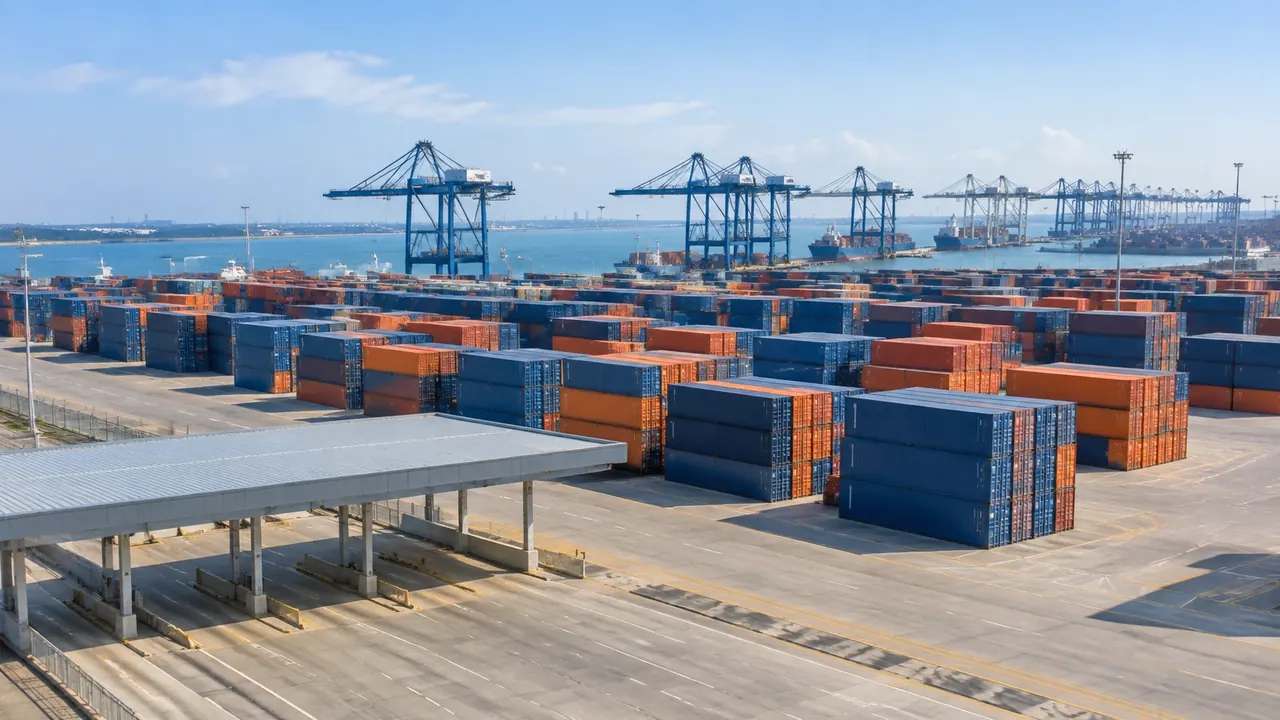
Frame enough of the quay to show where the ship would sit and what stands behind it. Too tight and the vessel floats in an abstract strip of water; too wide and the berth disappears into a city view. A frame covering roughly two berth lengths usually works, because it shows the neighbours on both sides. Include the shed frontage if the review concerns operations, and exclude it if the review concerns navigation. Screenshots at both extents cost a minute and answer the doubt before it forms. One frame cannot serve both, and pretending otherwise wastes the meeting.
4.2 Agreeing the level of hull detail
Decide how much ship is enough. A simple block with the right length and beam answers questions about occupancy and sightlines. A detailed hull with superstructure and deck fittings answers questions about appearance and, sometimes, about what can be seen from the bridge. Detailed hulls cost preparation time and invite questions the scene cannot answer. Agree the level before the model is imported, and write it into the caption so nobody mistakes a stand-in for the vessel under discussion. A block that is obviously a stand-in invites fewer false claims than a detailed hull.
5 Handing the composite on
5.1 Export and place
Preview the scene and export a GLB when the work leaves the platform. The file carries the quay, the ground and the buildings into 3D, BIM, GIS and game engine workflows, where the hull can be placed against the berth. Import behaviour differs between applications, so open the file in the receiving tool before a meeting depends on it. Place the ship there rather than describing it in an email. A placed model settles arguments that a paragraph of text cannot.
5.2 Recording sources
A composite has more than one source, and the note in the handover should say so. List the site scene, the hull model, the drawing used for berth length and the date of the imagery. That note prevents a later reader from treating the whole picture as one dataset with one date. It also gives the next team a way to refresh the parts that age quickest. Dates are the part most often dropped from a handover note, and the part most often needed six months later. Imagery and vessel models age at very different rates, and the note keeps that visible.
6 Before you export
6.1 Scope
Agree how much of the terminal the file covers. One berth shows the quay line and the shed frontage clearly, while a whole port shows relationships and loses edge detail. Choose according to the decision at hand, and write the choice into the agenda. If two questions need two extents, take two exports rather than one compromise that answers neither well. Two files also let each team work at the scale it needs without rescaling anything. The scope belongs in the file name, where it survives being forwarded to people who never saw the agenda.
Open the GenAnywhere app and frame a berth scene
6.2 Missing assets
Vessels, cranes, straddle carriers, trucks and fenders are equipment and design items, and none of them are generated. List them in the handover with an owner for each. The list tells the receiver which parts of the picture are context and which will arrive later, and it stops the awkward question about why the ship is missing from a port model. A named owner turns the list into a plan rather than a wish.
6.3 Purpose
State what the file is for. A berth occupancy discussion, a visual check for a planning application and a game engine scene all need different levels of detail. Purpose decides which assets the receiver prepares and how much of the quay has to be in the frame. An export without a stated purpose tends to be filed and forgotten. One sentence in the covering note is enough to prevent that, and it takes less time than the export itself.
7 FAQ
FAQ-1 Can GenAnywhere generate a ship?
No. The platform generates the site: terrain, water, buildings and vegetation. A ship is a design or asset model that a team brings from its own library or from a naval architecture package. Describe it as a placed asset wherever the composite is shown. The distinction is simple, and saying it plainly keeps an early review from turning into a debate about missing geometry.
FAQ-2 Can I show a vessel at the berth?
Yes, by placing a hull model on the exported scene in a downstream tool. Match the length, beam and orientation to the berth, and keep the water level consistent with whatever the review assumes. The scene itself holds no ship. If the review just needs to discuss land use behind the quay, the empty berth may be enough, and it is honest about what the model knows.
FAQ-3 Does the scene show water depth?
No. The water is a surface with no bathymetry, no tide state and no under keel clearance. Depth information comes from hydrographic survey, and organisations such as the IHO publish the standards that surveys are reported against. Keep depth questions in the survey drawing and the navigation study. A water plane in a site model is a visual boundary, not a navigational statement.
FAQ-4 What comes in the export?
A previewable 3D scene and a GLB carrying the quay, ground, buildings and vegetation into 3D, BIM, GIS or game engine workflows, plus any building edits you made. It does not include the vessel, the cranes or the cargo. Test the file in the receiving tool, note the edits, and list the assets still to be added before the file is passed on.
See how a berth scene moves into a GLB workflow
Content and technical notes
This article was prepared by the GenAnywhere team with AI-assisted drafting and human review.
Product features, formats, and availability change as the platform evolves; refer to the official GenAnywhere website for current details.
For technical questions or corrections, contact support@genanywhere.com.
Last reviewed: 2026-11-13.