
Container yard scale: what GenAnywhere covers in one scene
How much terminal a single scene can hold, and where to split it
Scale questions come up early in a yard study. Someone asks whether the whole terminal can sit in one model, and the honest answer depends on what the model is for. A scene built for a layout conversation needs less than one built for a training walkthrough. GenAnywhere can hold a working terminal in one scene, and the useful question is where the detail should stop.
1 What scale means for a yard scene
1.1 The unit that matters: a block
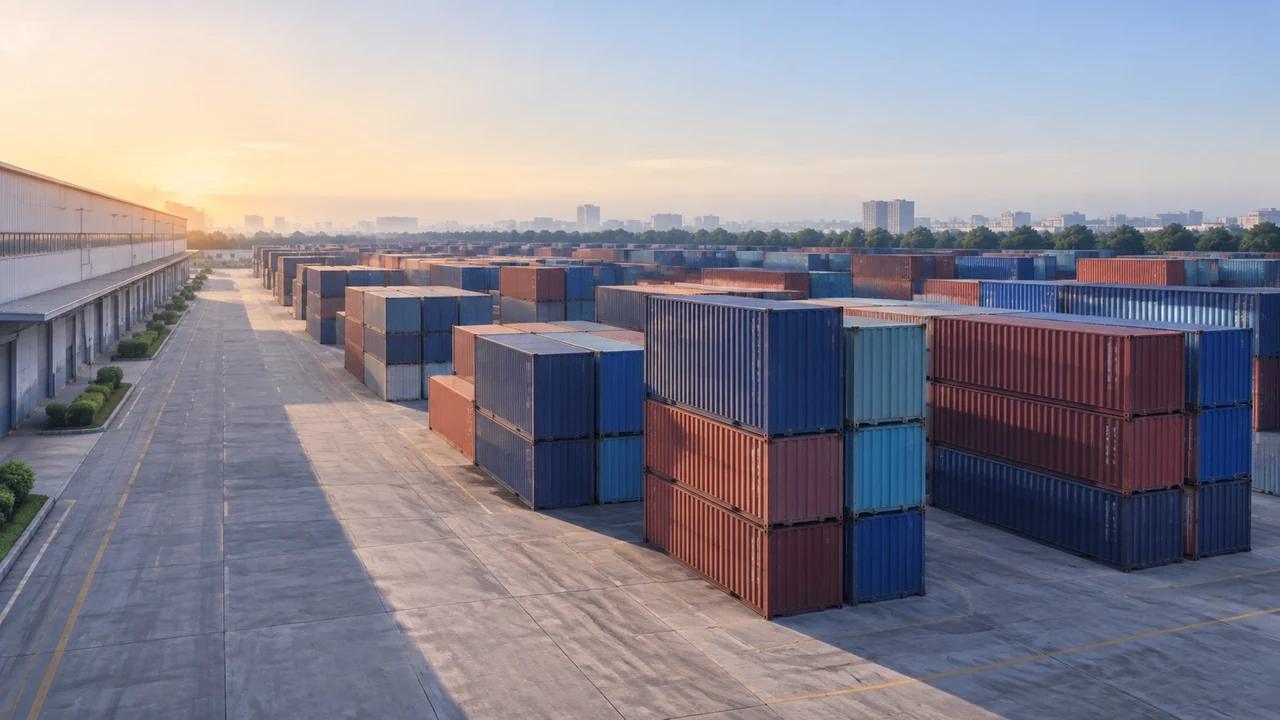
Container terminals are organized in blocks, and blocks are the natural unit for a scene. Each block has a stacking area, lanes, and a relation to the berth or the gate. If the blocks are right, the terminal reads correctly even when the individual containers are simple.
That is a relief for anyone worried about modeling every box. A block with the right footprint, height, and lane spacing carries the information a planner needs, and it keeps the scene light enough to edit.
The block also gives the scene a natural editing unit. Moving a block is a planning question. Moving a container is a data question, and the scene is not built for data.
1.2 Where detail stops paying off
Detail pays off where a decision depends on it. A gate conversation needs the lane layout and the queue space. A berth conversation needs the crane rail and the apron depth. A conversation about the whole terminal needs neither at full resolution.
Set the detail level per area. GenAnywhere's layer controls let a team show buildings, terrain, and vegetation separately, and the same discipline applies to the yard: model the decision area closely, and keep the rest at block level.
A useful rule is to model closely where people will stand. The gate, the crane base, and the pedestrian crossing are places where the view matters. The middle of a stack field is not.
2 Building a yard at working scale
2.1 Selecting the terminal footprint
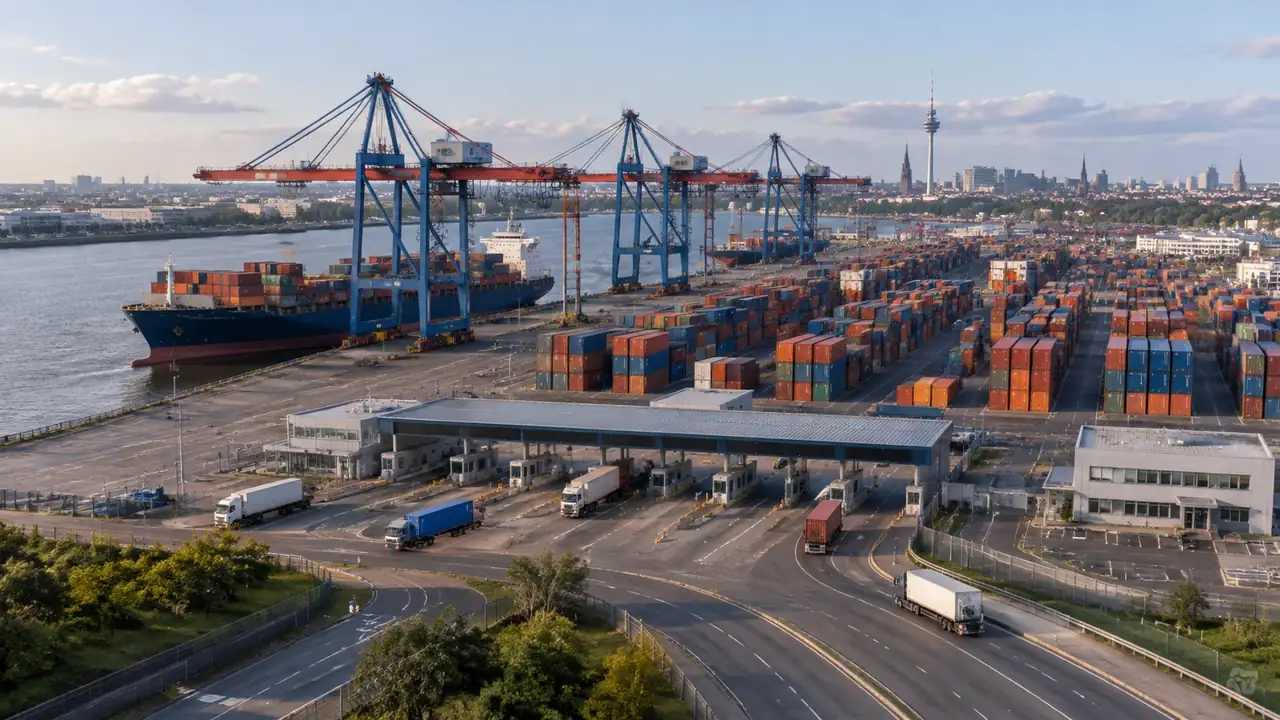
Select an area that covers the berths, the yard, the gates, and the road access. A scene that stops at the fence leaves out the queue that spills onto the street, which is often the constraint that matters. In GenAnywhere, the selection generates an editable model with the surrounding buildings and terrain.
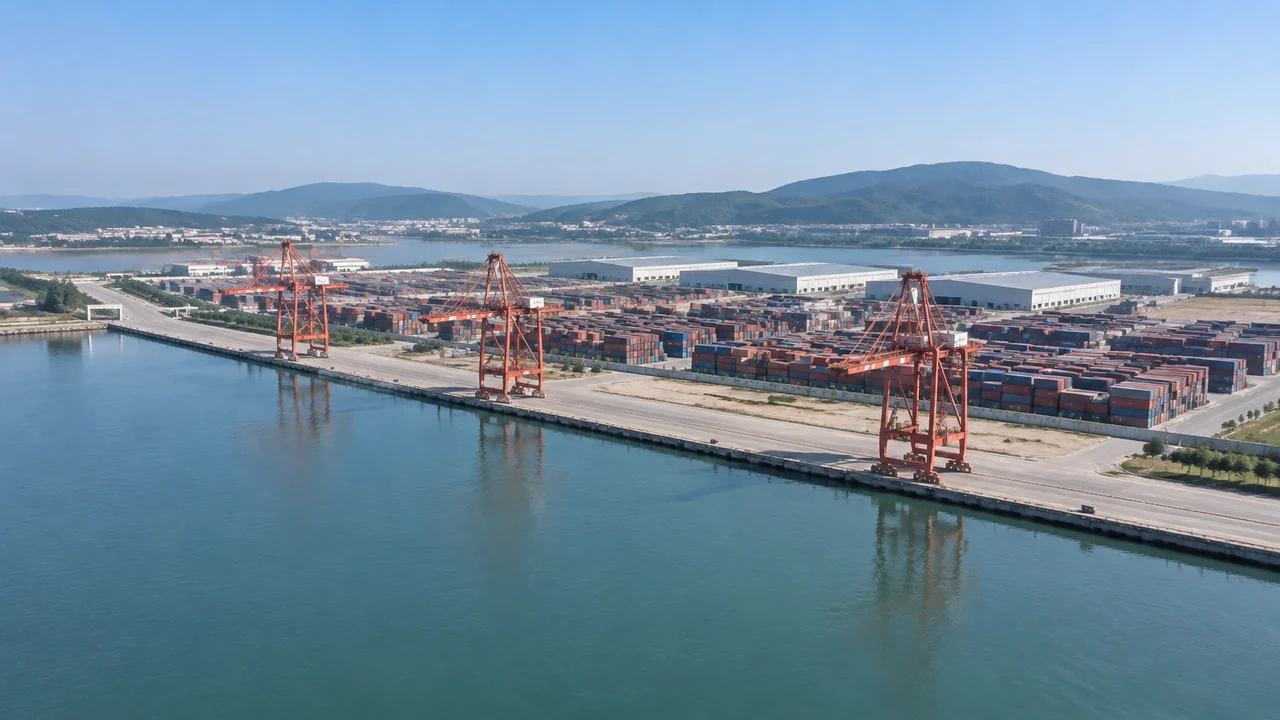
Check the water edge before placing anything. The quay line, the fenders, and the apron width set the geometry for everything behind them.
The surrounding roads belong in the scene even when they sit outside the terminal. The queue that forms at the gate is part of the terminal's footprint in practice, whatever the property line says.
2.2 Laying out blocks, lanes, and gates
Place the blocks, then the lanes between them, then the gate complex. GenAnywhere lets you replace a building, move or rotate it, and change its height and type, so a block can be shifted when a lane needs more room. The edits are quick enough to try two layouts in one session.
Lane width is the dimension people argue about. A lane that fits a terminal tractor may not fit a fire appliance, and the difference is easier to see when a block is in place.
Keep the stack heights consistent within a block. A yard that mixes heights at random looks detailed and communicates less than a yard with a clear pattern.
3 Reading the yard from three distances
3.1 The gate view
Stand at the gate and look in. The opening hundred meters decide whether the yard reads as organized. Truck lanes, the inspection area, and the transition to the stacks should be legible without a diagram.
That view is also where a scale problem shows. A gate that looks generous on a plan can be two lanes wide in the scene, and two lanes may not be enough for the peak the terminal expects.
Look at the gate from the road as well as from inside. The driver's view decides whether the entrance reads clearly, and a queue that blocks a junction will draw complaints from the neighborhood.
3.2 The crane and the stack
Stand at crane height and look down the block. The stack rows, the truck lanes, and the transfer points should form a pattern a driver can follow. Gaps that look small from above can be impassable at ground level.
Move to the base of the stack and look up. The height that seemed modest from above can feel like a wall, which is useful information when the yard sits near a public road.
4 Where the scene stops
4.1 Throughput and operations
The scene does not know throughput, dwell time, or crane productivity. It cannot tell you whether a block will handle the volume, and it should not be asked to. Those answers come from terminal operating data and simulation.
What the scene can do is make sure the operational study is looking at a layout that fits. That is a smaller contribution than it sounds, and it is often the one that saves a redesign.
Dwell time and yard density are operational measures. The scene can show how many blocks exist and how they relate. It cannot say how full they will be on a given day.
4.2 Presenting scale honestly
Say what is modeled and what is blocked out. A viewer who sees a full terminal may assume the data behind it is equally complete. Label the scene as a context model and note the estimated heights and the simplified stacks.
That clarity helps the audience ask better questions. It also protects the team from a review that treats a planning scene as an operational plan.
5 Handing the yard scene on
5.1 Exporting for visualization and training
GenAnywhere exports a general GLB that opens in Unreal Engine, Unity, Blender, Revit, Rhino, SketchUp, ArcGIS Pro, and similar tools. A training team can build a walkthrough, and a planning team can place the yard in a wider map.
The export carries the scene as built. If the yard will be used for training, the receiving team should add the signage, the vehicles, and the interaction that a training environment needs.
5.2 Reviewing with operations staff
Operations staff read a yard differently from planners. They look for the routes they drive and the corners they turn. A scene lets them walk those routes before the layout is fixed, and their objections tend to be specific.
Take notes on the scene and keep them with the file. A list of operational objections is more useful to the next design round than a general impression.
Bring a printed plan to the session as well. Some operators read a plan faster than a model, and the two together produce a better conversation.
6 Where this fits
6.1 Teams that benefit
Terminal planners, port engineers, and training teams get value from a yard scene at working scale. So do community liaison teams who need to show how a terminal sits beside a city.
Port authorities are another audience. They often want a single view that shows how a terminal sits against the water, the city, and the road network. That view is also the one that ends up in a board pack.
6.2 When a plan is enough
If the question is a single block's internal layout, a plan is faster. A scene earns its place when the question involves the whole terminal, the water edge, the gate, or the view from outside the fence. If the answer changes when the camera moves, the scene is doing its job.
6.3 A short checklist
Confirm the berth line, the yard boundary, and the gate. Decide which areas need detail and which can stay at block level. Set the viewpoints before the review. Then build the yard and keep the stacks simple. A scene that opens quickly gets used.
You can build a terminal scene at the GenAnywhere app and see how it moves into other tools on the workflow pages. For geospatial context standards, OGC documents models that a yard scene does not replace.
7 FAQ
FAQ-1 How large an area can one scene hold?
It depends on the detail you need. A whole terminal at block level is practical; a single gate at lane level is also practical. Trying to do both in one file is where scenes become slow. Split the work when the two levels of detail pull against each other. Start with the decision area and expand when the question requires it.
FAQ-2 Does the scene include crane operations?
It shows cranes as objects in the scene, not as working machines. Cycle times, productivity, and scheduling are operational questions. Use the scene to check whether the crane rail, the apron, and the stack layout fit together, then take the operations question elsewhere. The scene shows the geometry a productivity study needs.
FAQ-3 Can stacks be edited individually?
Individual containers are not the right unit for a yard scene. Blocks and stack rows are. You can adjust a block's height and position, which changes the pattern without turning the model into a container inventory. A block-level pattern is easier to read than a field of identical boxes. Keep the block key with the file.
FAQ-4 Does the model support training?
A GLB can be imported into a training environment, and the receiving team adds the interaction, the signage, and the scenarios. The export provides the place. The training design provides the lesson, and the two should be planned together. Plan the export around the lesson rather than the other way around.
Content and technical notes
This article was prepared by the GenAnywhere team with AI-assisted drafting and human review.
Product features, formats, and availability change as the platform evolves; refer to the official GenAnywhere website for current details.
For technical questions or corrections, contact support@genanywhere.com.
Last reviewed: 2026-11-13.