
Tank farm layers: how teams review them in GenAnywhere
Three layers, three questions: terrain for access, buildings for the working site, vegetation for the neighbours.
A tank farm review in GenAnywhere runs on three layers, terrain, buildings and vegetation, switched on and off as the meeting moves from one question to the next. There is no tank layer, because tanks are equipment and arrive from a design model or a library. The review works when the layer states are planned before the session and the tank question is answered with stand-in blocks rather than with a search through the panel.
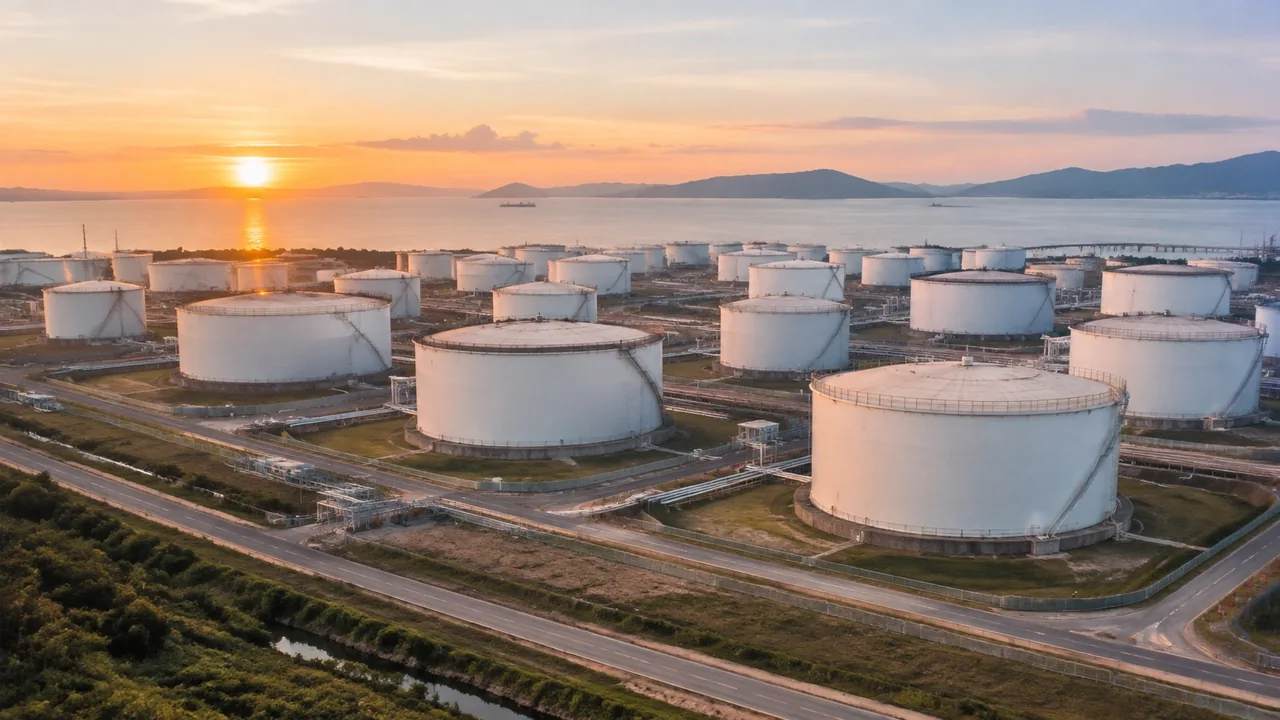
1 What the layer panel holds
1.1 Terrain, buildings and vegetation
Terrain is the ground surface, and on a tank farm it is the layer that carries most of the argument: the fall across a compound, a drainage channel cut along a boundary, a yard that sits a metre above the road. Buildings are the sheds, control room, gatehouse, workshop and offices, with footprints from map data and heights estimated from the same imagery. Vegetation is trees and scrub, including the belts outside the fence. Ground carries most of the questions in a tank farm review, because a farm is a site before it is an installation. Each layer can be previewed, edited and managed on its own.
1.2 Nothing that holds product
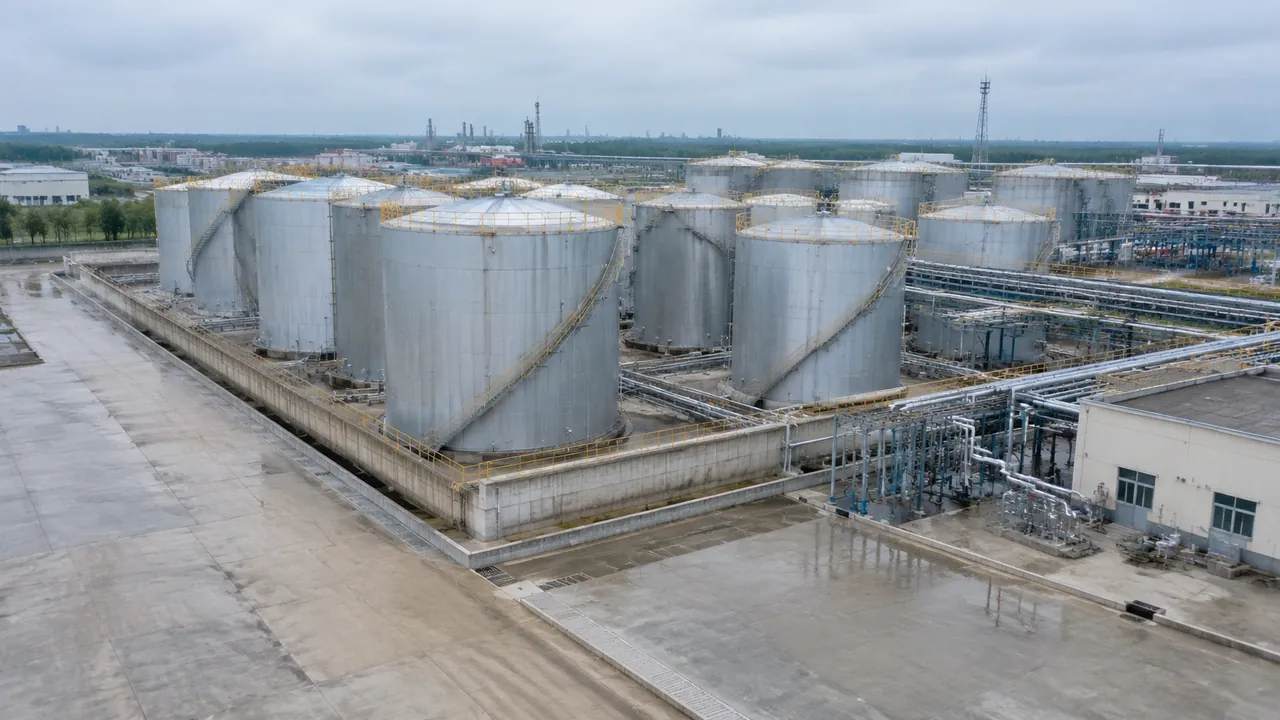
No layer holds tank shells, roofs, stairs, nozzles, pipe racks or loading arms. Those are equipment, and the platform does not generate them. Bund walls are a similar case: they may read as a change in the ground shape, but no layer offers a containment wall you can select and measure. Say that in the opening minute of the review. A group that spends ten minutes looking for a tank layer is a group that is not discussing the site, and the site is what the file is for.
2 Preparing the layer set
2.1 Correcting buildings before the session
Every review has one building that everyone in the room knows has changed: a demolished workshop, a new gatehouse, a warehouse extension since the imagery date. Fix those before the meeting rather than during it. Move, rotate, resize or retype the mass, then look at it from the entrance road to see whether the change reads correctly at eye level. A correction made in private takes two minutes; the same correction made in front of eight people takes twenty and invites an argument about method.
2.2 Setting the starting state
Start with terrain and buildings visible, vegetation hidden. That state shows the working site: the access road, the compound edges, the relationship between a shed and a tank position that is not yet on screen. Vegetation comes back when the question turns to neighbours, screening or the view from a public road. Save the two states as named views so the switch takes a click rather than a minute of fiddling. Named views also keep two reviewers from seeing two different scenes and arguing about which one is real.
3 Running the review by question
3.1 The access and working-site question
With vegetation off, walk the route from the public road to the compound. The gatehouse, the weighbridge building and the nearest shed come into view in the order a driver meets them, and that order is often the finding: a blind corner, a yard too tight for a turning vehicle, a hut sitting where a road needs to widen. These are observations about arrangement, made from a view rather than from a drawing. They are also the sort of thing that operations staff spot in seconds and engineers miss for a week.
3.2 The neighbour and screening question
Switch vegetation on and the same site reads differently. Belts of trees become visible, the fence line softens, and the roofs beyond it appear at the height a nearby resident would see them from an upstairs window. That is the view a planning discussion needs, and it is worth building deliberately: drop the camera to upper floor height on the far side of the boundary rather than orbiting above the tanks. The layer switch does most of the work here, and the camera does the rest.
4 Where the tanks enter
4.1 Blocks as stand-ins
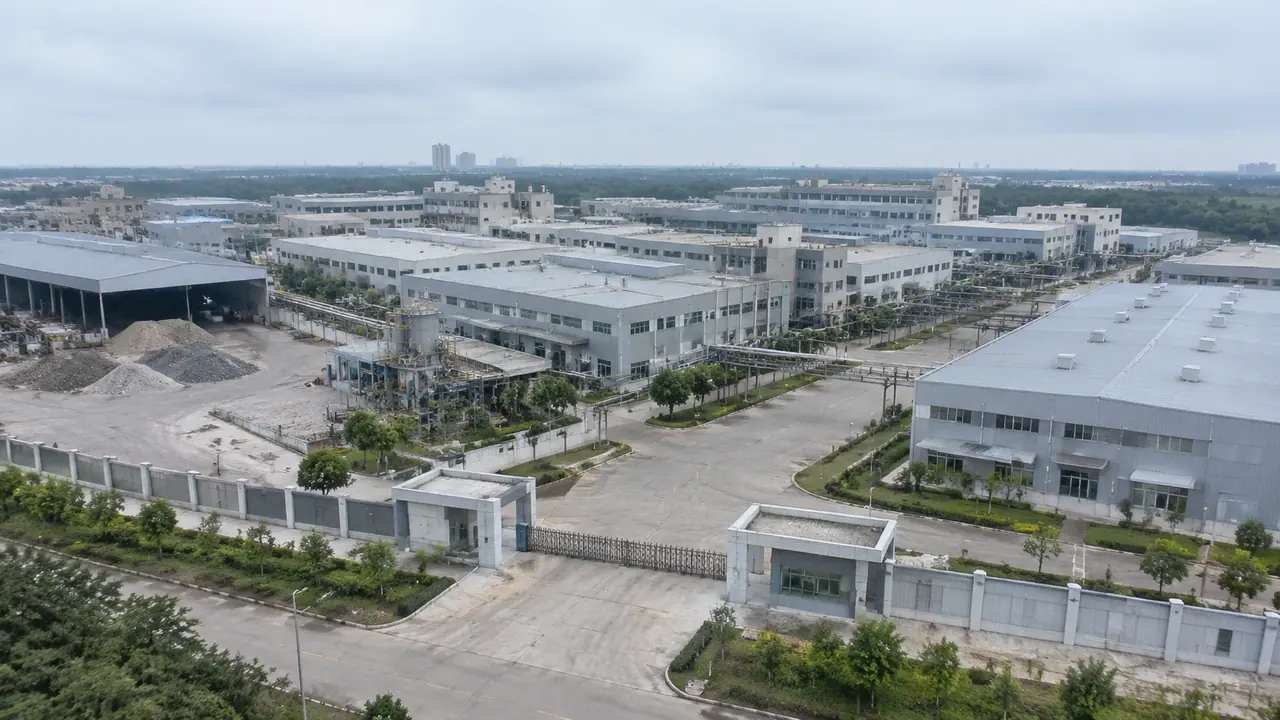
Reviews that need tanks on screen use simple cylinders or blocks placed in the downstream tool, labelled as placeholders. That is enough to discuss spacing between groups, the sweep of a road, or how a new tank would sit against a neighbour's roofline. The blocks carry the proposal; the scene carries the ground. Keeping those two roles apart is what stops a placeholder from being quoted later as a design. Name the block file after the scheme it represents, not after the software that drew it.
4.2 Telling the room what a block is
Before the blocks go on screen, say what they are: simplified volumes, no roof detail, no pipework, no approval behind them. Without that sentence, a viewer reads a clean cylinder as a settled design and starts asking about nozzles. A block that arrives with a name and a note is easier to question than one that simply appears. With it, the same viewer asks better questions, about access, about spacing, about what happens to the drainage channel when a new group goes in. One sentence changes the quality of the next forty minutes, and it costs nothing.
5 Recording what was reviewed
5.1 One screenshot per layer state
Capture each state as it is discussed, and name the file with the layer state and the imagery date. Three screenshots usually cover a tank farm session: ground with buildings, the same view with vegetation, and the neighbour view from the boundary. A screenshot is cheap and travels further than a scene file, because it opens in an email and needs no software. It also gives the next review a baseline, which is the part most teams wish they had kept. Store the three images in one folder with the scene file, so the set stays together.
5.2 A layer log and a decision list
Two short documents do the job. The log records which layers were shown in each view and which buildings were corrected. The decision list records what the room agreed and what was left open, with an owner for each open item. Keep both to one page and attach them to the export rather than to a chat thread. A review that produces images and nothing else produces a pleasant meeting and no record, and the same discussion returns in three months with fewer people who remember it.
Open the GenAnywhere app and review a tank farm in layers
6 Boundaries and handover
6.1 Questions the layers cannot settle
No layer state answers containment volume, fire separation, spacing rules, drainage capacity or product compatibility. Those need the applicable standard, the design data and a reviewer who signs the answer. The American Petroleum Institute publishes standards and guidance for aboveground storage tanks that belong with those questions. A layer view can help a group see where a constraint sits on the ground. It cannot say whether the constraint is met, and the review should not imply otherwise, even politely. Put that sentence on the slide itself, so it travels when the slide is forwarded to somebody who was not in the room.
6.2 What leaves the platform
Export with every layer visible, plus the edits. The file carries terrain, vegetation and building masses; it does not carry tanks, pipe racks or any operating data, and no later export will add them. The licence is permanent and commercial, with limits on reselling raw files and on training models, and the authorization statement sets out the terms. Read it once before a client asks, so the answer comes out as a sentence rather than as a promise to check. When the file goes to a client, quote the two limits that matter most: no resale of raw files, no training use.
6.3 The note that closes the loop
Name the site, the imagery date, the layers used in each view, the buildings corrected and the block file that stands in for the tanks. Add the questions still open and who owns them. Send it with the file and keep a copy with the log. That note is what a colleague opens in six months when the question returns, and its quality decides whether the second review starts from the earlier one or from nothing.
7 FAQ
FAQ-1 Is there a layer for tanks?
No. The layers are terrain, buildings and vegetation. Tanks, pipe racks, bunds as objects and loading equipment are outside the generated set, and they arrive from a design model or an asset library in the downstream tool. Hiding vegetation gives the closest thing to a bare industrial view, which is often what someone asking for a tank layer actually wants to see.
FAQ-2 Which view should the review start in?
Ground and buildings, vegetation off. That state shows the working site and keeps the discussion on access and arrangement. Introduce vegetation when the question moves to neighbours or screening, and return to the bare state if the conversation drifts back to traffic. Two named views are enough for most sessions, and having them ready makes the switches feel deliberate rather than like someone hunting through a panel.
FAQ-3 Can the layers show bunds or drainage?
Only as ground shape. A bund may appear as a low ridge in the terrain and a channel as a cut, which is useful for orientation. No layer gives you a wall to select, a capacity to read or a fall to calculate. Take those to the drainage design and the civil drawings. Use the terrain layer to agree where the feature sits, then move the number question to the people who hold the data.
FAQ-4 What should the handover contain?
The exported site with all layers visible, the three screenshots, the layer log, the decision list and the named block file used for the tanks. Add a note with the imagery date and the buildings you corrected. Anyone opening that set can rebuild the review without asking a question, which is the test worth applying before the files are sent on.
See how a tank farm scene moves into a GLB workflow
Content and technical notes
This article was prepared by the GenAnywhere team with AI-assisted drafting and human review.
Product features, formats, and availability change as the platform evolves; refer to the official GenAnywhere website for current details.
For technical questions or corrections, contact support@genanywhere.com.
Last reviewed: 2026-11-13.