
Settling pond handoff: where GenAnywhere sends the GLB
The pond leaves as part of the site surface, and each receiving tool reads that surface in its own way.
The GLB leaves GenAnywhere as a site scene and lands in a 3D, BIM, GIS or game engine workflow, with the settling pond carried inside it as mapped water. There is no separate pond file, no basin layer with parameters, and no destination chosen by the platform. Where the file goes, and what happens to the pond once it arrives, is a decision the receiving project makes.
1 What the export holds
1.1 One scene, one file
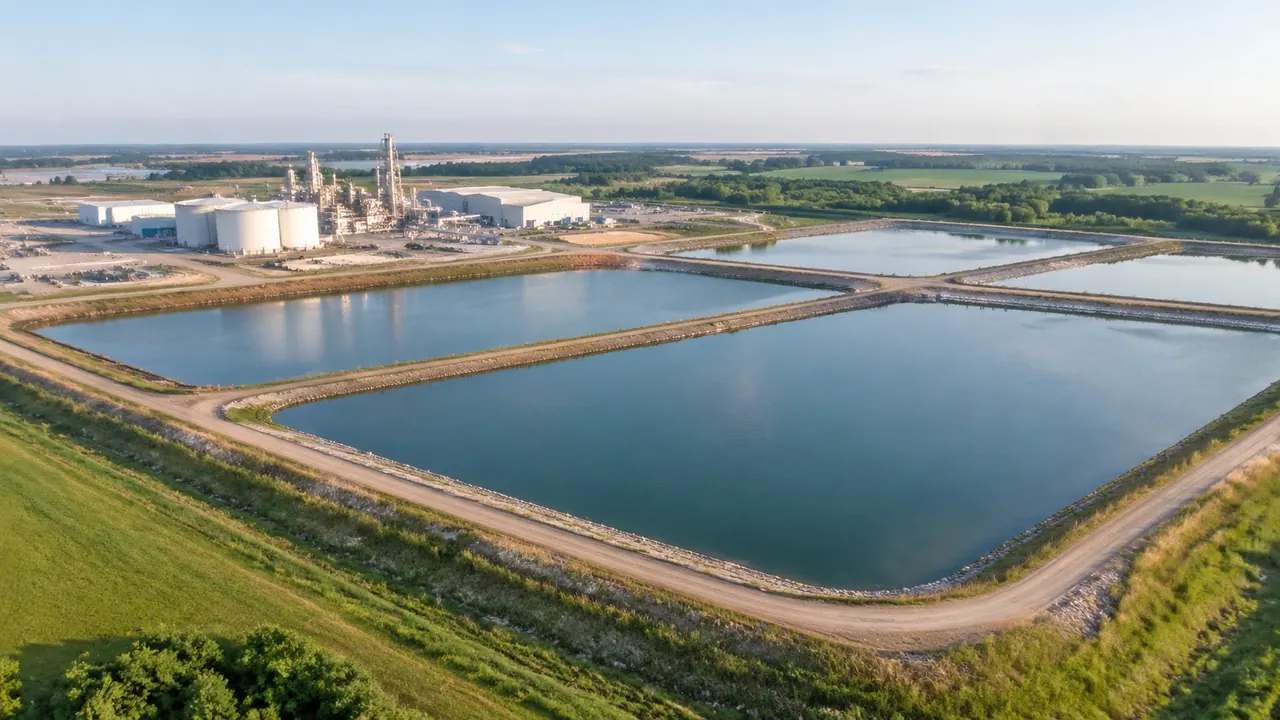
The export is a single scene: terrain, water, buildings, vegetation and the building edits made before preview. Water bodies inside the extent travel as part of that scene, so a pond is a surface among other surfaces rather than an object with a name of its own. That structure is worth knowing before the handoff, because a receiver who expects a pond object will spend the meeting looking for one. There is nothing hidden to find, and saying so at the start saves an hour of search.
1.2 A pond with no payload of its own
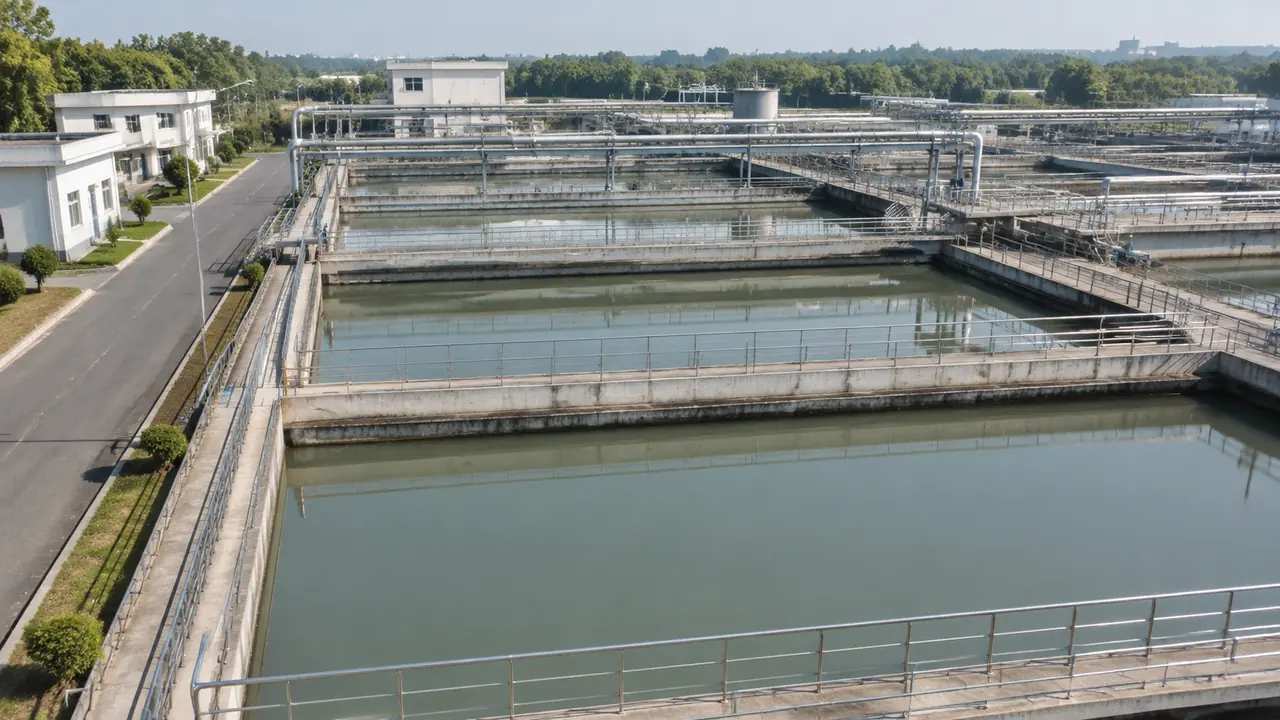
Nothing travels with the pond except its shape and its place. There are no levels, no inlet and outlet, no wall section, no volume and no process note attached to the water. A receiving team gets an outline in the right location and nothing more, which is a thin description of a basin by any standard. Say that in the handover, and the receiver can plan the basin work instead of assuming part of it has been done. The outline still earns its place, since it shows where the basin sits and how much room it takes.
2 Where the file actually lands
2.1 3D, BIM and GIS workflows
Three families of tools receive a GLB, and each reads it differently. A 3D package treats the file as geometry with materials, a BIM tool wants scale, origin and a relationship to a project base point, and a GIS environment cares about placement on the earth and about what the surface represents. None of them will care that the pond came from imagery, which is both the strength and the risk of a delivery format. The glTF specification is published by Khronos, and reading it is a better use of an afternoon than guessing at import behaviour.
2.2 Game engines and visual review
Engines are the fourth destination, and they are the most forgiving about provenance and the least forgiving about materials. A pond arrives as a flat surface and stays flat unless someone builds the shading, the reflections and the edge treatment. That is fine for a walkthrough or a public consultation build, where the question is what the site looks like from a footpath. It is not fine if the engine scene is later quoted as a survey of the basin. Name the visual build as a visual build in the file description.
3 Preparing the file for the trip
3.1 Extent, origin and scale
Decide the extent before exporting, because a pond at the edge of a frame is hard to judge and easy to crop badly in the receiving tool. Keep the origin where the receiving team expects it, or record where it sits relative to their base point. A file that arrives at the wrong scale is a common and expensive misunderstanding, and the fix is usually a note rather than a new export. Check the file in the target application before anyone builds on it, and check it with the person who will do the building.
3.2 Naming and versions
Name the file for the site, the date and the purpose, and keep one master copy. Ponds get revised, imagery gets refreshed, and two files called site_final will be mixed up within a month. A short suffix costs nothing and settles which version a drawing was made against. Where a project already has a naming convention, follow it, even if it is clumsy, because consistency beats elegance in a folder that four teams share. Add the imagery date to the name when the scene is likely to be refreshed.
4 What the receiving team does with the pond
4.1 Reference or replacement
The opening decision downstream is whether the mapped pond stays visible once a designed basin exists. Keeping both is useful for a while, since the difference between existing and proposed is the argument itself. Keeping both forever is not, because a later reader cannot tell which shape the scheme intends. Agree the rule, write it down, and retire the losing shape when the design is fixed. A reviewer who has to ask which outline is current will stop trusting the file.
4.2 Levels and basin design in place
The designed basin is built in the receiving tool or in a design package that feeds it: walls, slopes, inlets, outlets, access and the levels that make the whole thing work. Those are design decisions with consequences that the exported scene cannot represent. Placing the design against the scene is where the two meet. It is worth doing early, while the site context is still being questioned rather than after the basin has been signed, because a design that lands badly on the ground is easier to change before approval.
5 The note that travels with it
5.1 Five lines, no more
Write the source of the scene, the imagery date, the building edits, the purpose of the file and the assets still to be added. Five lines, kept with the file rather than in a chat thread. They answer nearly every question a new reader has, and they stop a generated pond from being described as a surveyed one. A note that long is not bureaucracy; it is the difference between a file that gets used with care and one that gets quoted out of context.
5.2 Open it before you send it
Test the export in the receiving application before the handoff, even when the file looks right in preview. Orientation, scale and material behaviour all change between applications, and a pond that sits correctly in one tool may arrive rotated in another. Ten minutes of checking saves a meeting. If the receiver is in another organisation, ask them to open it while you are still available to answer questions about what the file contains, and what it does not.
6 Keeping the handoff clean
6.1 One owner for the master
Name the person who holds the master file and the person who receives it. Shared folders with several copies are how a review ends up comparing a pond against a site that changed three weeks ago. The export comes with a perpetual commercial licence for the work it supports, and the authorization statement sets out what that licence allows, including the limits on reselling the file or using it to train models. Read it before a file leaves the organisation.
6.2 When to re-export
Re-export when the site changes in a way the review depends on: a building removed, a boundary redrawn, a pond that has been taken out of service. Re-export also when the imagery behind the scene is replaced, since the pond outline may shift with it. Set that trigger at the handoff, not after the debate that follows. A file that nobody knows how to refresh quietly becomes the record of a site nobody has checked.
6.3 Call the pond what it is
Label the water in the file as mapped, existing or proposed, and use the same word everywhere: caption, note, drawing title. Most confusion about ponds in site models comes from vocabulary rather than from geometry. Two teams can look at the same shape and mean two different things by it. A shared label removes that risk without changing a single vertex, and it is the cheapest quality improvement available at handoff.
Open the GenAnywhere app and frame a pond site for export
7 FAQ
FAQ-1 Is the pond a separate object in the GLB?
No. Water inside the exported extent travels as part of the scene surface, and a pond is a shape within it, with no named node and no parameters attached. If the receiving workflow needs the pond isolated, that separation is done in the receiving tool, usually by selecting the surface and splitting it along the bank. Plan that step into the receiving schedule rather than assuming it happens on export, because it takes minutes there and cannot be done here.
FAQ-2 Which application should receive the file?
Whichever one the team that owns the next decision already uses. A BIM team will want it in a BIM tool, a planning team may want it in a GIS viewer, and a consultation build may want it in an engine. The platform does not choose, and the format is not native to any of them. Pick the destination by the decision, then test the import there before the file is circulated to anyone who will judge it.
FAQ-3 Can the file be sent outside the project?
The export carries a perpetual commercial licence for the work it supports, and the terms are set out in the authorization statement. It is not a transfer of ownership of the underlying data, and the file is not for resale or for training models. For anything beyond the project it was made for, read the terms and ask before sending. A short email at the start avoids a long conversation with a legal team later.
FAQ-4 What if the GLB opens at the wrong scale?
Check the unit setting in the receiving application before changing anything in the file. A scene that arrives ten times too large is usually a units mismatch rather than a bad export. If the scale is right and the placement is not, record the offset you applied so the next person does not apply it twice. Note both in the handover, since a re-export will need the same treatment again.
See how a generated site moves into a GLB workflow
Content and technical notes
This article was prepared by the GenAnywhere team with AI-assisted drafting and human review.
Product features, formats, and availability change as the platform evolves; refer to the official GenAnywhere website for current details.
For technical questions or corrections, contact support@genanywhere.com.
Last reviewed: 2026-11-13.