
Chimney edits: can GenAnywhere change height and position?
Building masses can be raised, shifted and retyped. A stack cannot, because it is an asset with its own design coordinates.
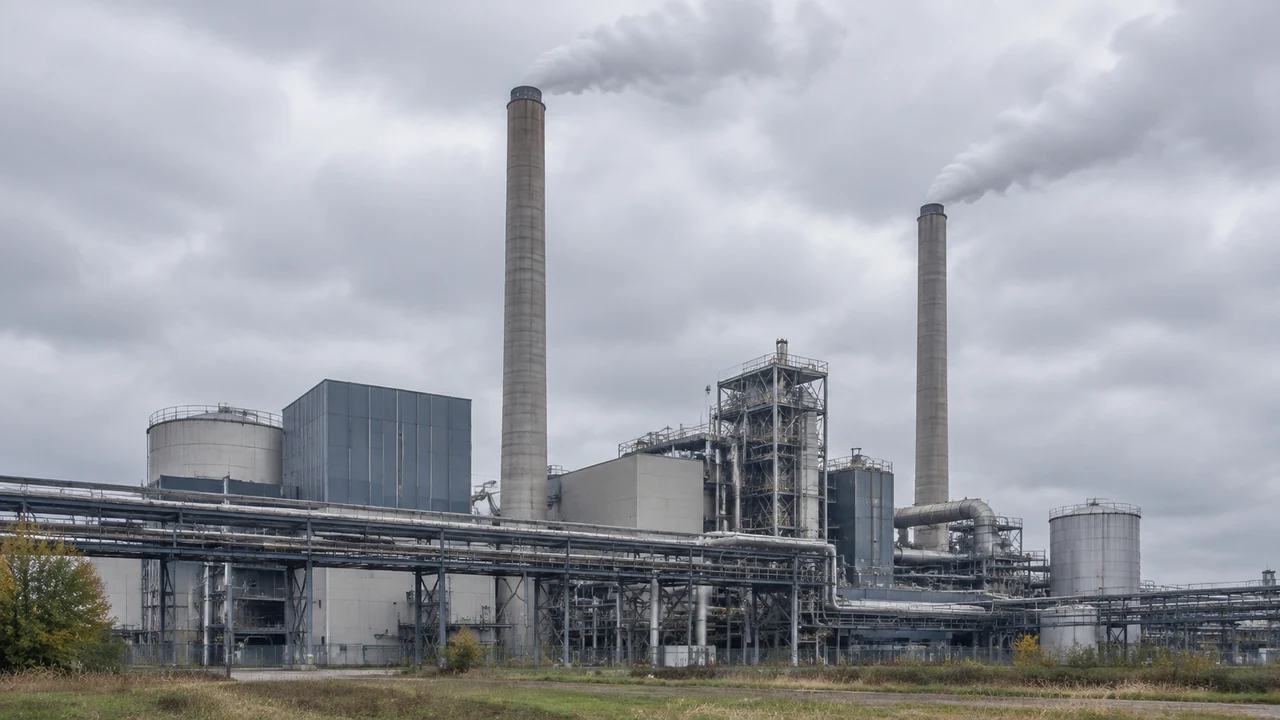
Yes for buildings, no for chimneys. That sentence answers the title question, and most of this page explains why the distinction keeps coming up in plant reviews. GenAnywhere changes building height and building position after generation. A chimney has no generated geometry to adjust, so its height and its coordinates come from the plant model and are handled downstream.
1 The answer, stated plainly
1.1 What the height and position controls act on
The edit controls act on building masses. After generation, a building can be replaced, moved, rotated, retyped and adjusted in height, and each change applies to that one mass without disturbing the layout around it. On a plant site that is enough to test a new workshop, a taller control room or a warehouse that has grown since the imagery was captured. The controls are coarse by design: a height change is a massing move, not a storey count. Where the inferred type was wrong, correct the label too, since it travels into the export. Knowing that keeps expectations realistic.
1.2 Why the stack is not in that set
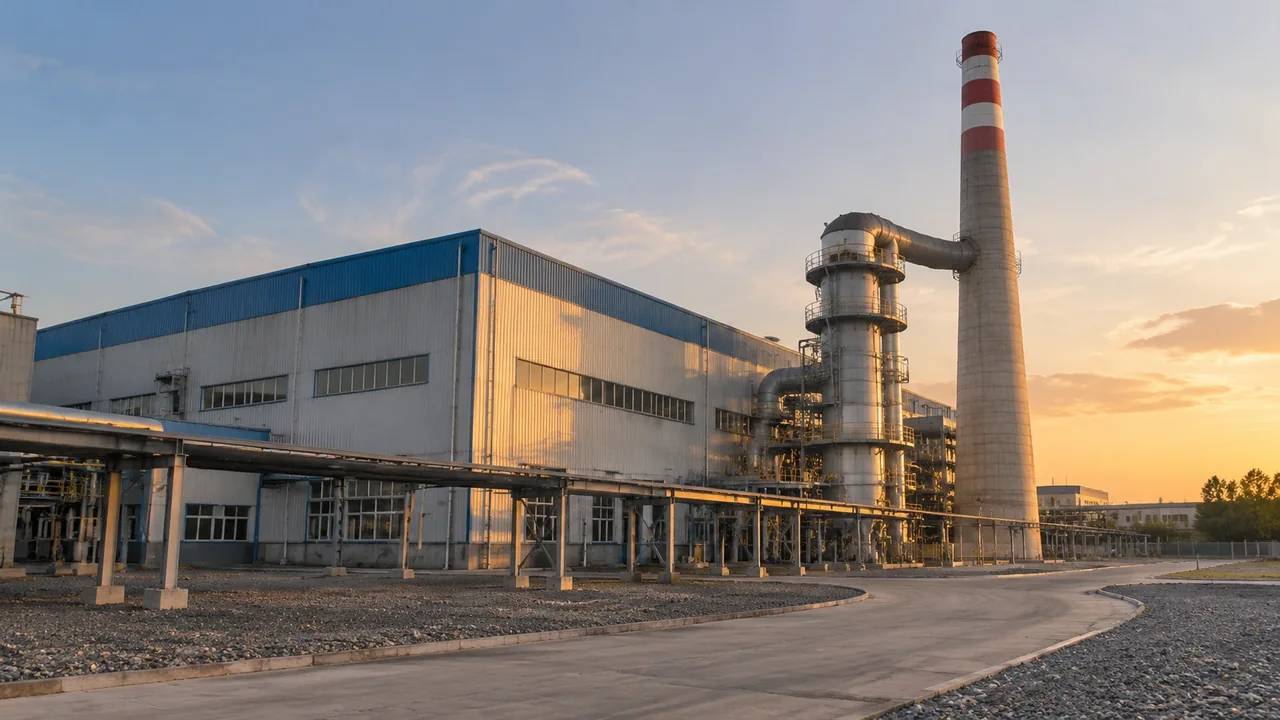
A chimney is not in that set at any setting. It has no footprint in the generated data, no inferred type and no estimated height, because it is equipment rather than a building. Nothing in the edit panel refers to it, and a search through the menus for a stack height will not find one. The object is simply not there. That is a boundary of the generated content rather than a missing button, and it covers stacks, ducts, tanks, silos and conveyors alike. A plant scene without its stack can look unfinished until someone explains the split.
2 The moves that are available
2.1 Height, rotation and type
The moves worth knowing before a review are the plain ones. Height adjustment changes how a mass reads against its neighbours. Rotation aligns a long building with a road, a quay or a rail line. Retyping changes the label the scene attaches to a volume, so a store becomes a workshop in the description as well as in the picture. Move shifts the footprint. Each move is reversible in the scene, which makes them safe to try in front of an audience.
2.2 Replacement and removal
Replacement and removal handle the changes that matter most on an operating site. A demolished shed can be taken out of the scene, and a planned building can be sketched in as a mass on open ground, provided the audience knows it is a mass. Removal is the edit that surprises people, because the imagery still shows the structure and the scene no longer does. Record it. A removal nobody wrote down becomes an argument about a missing building at the next review. Keep the original footprint in the register, so the mass can be put back without regenerating the scene.
3 Two meanings of position
3.1 Footprint position in the scene
Position in the scene means footprint position. A building can be shifted a few metres to see whether it clears a road, and that shift is expressed against the generated ground. It is not a design coordinate and it carries no surveyed reference. When someone asks whether the stack can be moved twenty metres north, the honest answer is that the scene holds no stack to move. The building beside it can move, and that is often the question hidden inside the request.
3.2 Stack coordinates in the plant model
Stack coordinates come from the plant model, where the stack is drawn at its designed location with a base elevation and a height. Those coordinates belong to the design and change when the design changes. If the stack appears in the wrong place in a combined view, the fix belongs in that model or in the placement step downstream, not in the site scene. Two coordinate systems, two owners, and one note that says which is which. Write the coordinate source into the handover, so nobody rebuilds a placement from a screenshot.
4 Getting a stack move into the view
4.1 Placing the asset after the edits
To show a stack in a review, place the asset in the downstream tool on top of the exported ground. Most teams use a placeholder cylinder at this stage, sized to the current design height and labelled with the source of that height. A detailed stack asset invites detail questions the review may not be ready for. Place the asset once the building edits are settled, because moving a building afterwards means checking the clearance between the two again. If the model is heavy, simplify it for the review and keep the detailed version for the design team.
4.2 Keeping the asset in step
When the scene is re-exported, the asset has to be re-placed, and that step is where combined views go wrong. Keep the stack position in a small file of coordinates so the placement can be repeated, and check the base elevation against the new ground. Tools that share open exchange formats, such as those published by buildingSMART, make the handover easier, though the placement still needs a person. A repeat that matches the previous one is a sign the process works.
5 Comparing two stack positions
5.1 Holding everything else fixed
Comparing two stack positions is a fair exercise as long as everything else stays fixed. Keep the camera, the layer state and the building edits identical, then capture each placement from the same three viewpoints: the gate, the nearest neighbour and an oblique view across the plant. Name each image after the option and the date. A comparison where the buildings differ between options answers a different question, and an audience will feel that without being able to name it. Two viewpoints often suffice, and the third exists to catch what the other two hide.
5.2 What the comparison cannot say
What the comparison cannot say is whether either position is acceptable. Setback rules, separation distances, dispersion results and structural requirements are all outside the picture, and each has its own authority. A view can show that one position puts the stack behind a boiler house from the village while the other leaves it against the sky. That is a visual observation, useful in a design conversation, and it is not a finding. Say which one you are offering. Put those observations in the caption rather than in the slide title, where they read as description instead of conclusion.
6 Before the export
6.1 Closing the edit register
Keep an edit register: one line per change, with the building name, the move and the reason. Height edits are the ones that get confused later, because two options can differ by a storey and look similar in a folder of captures. Number the entries and put the numbers in the screenshot file names. Half a page is enough for a plant review. The register travels with the export, so the receiving team can see which masses are original.
6.2 Checking the imagery date
Check the imagery date before the edits begin, and note it on every view. A stack replaced two winters ago, a shed built last spring and a chimney taken out of service are all changes the imagery will not reflect. Correct what you know, list what you cannot correct, and tell the audience which is which. A scene that is honest about its date is more useful than one presented as current, and the correction list is the difference between the two.
6.3 What the file carries
The export holds the site as it stands at preview: terrain, water, vegetation, building masses and the edits you made. It does not hold the stack, the ducting or any other equipment. Say that in the handover, along with the edit numbers and the imagery date, so the receiving team knows what to add and where. The authorization statement covers reuse beyond the project. Add the name of the person who made the edits, because questions about a specific mass go to them rather than to the file. A file that arrives with a note gets used.
Open the GenAnywhere app and edit the buildings around a stack
7 FAQ
FAQ-1 Can I change the chimney height?
No. Height adjustment applies to building masses, and a chimney is not one of them. Stack height is a design value set by engineering and dispersion work, and it lives in the plant model. The scene can show the buildings that decide how a stack reads from the gate, and that is the visual part of the question. Keep the stack height in the design document and the building heights in the scene.
FAQ-2 Can I move a chimney in the scene?
There is nothing in the scene to move. The stack arrives as an asset in the downstream tool, where its position is a transform you set from the plant model coordinates. If the position is wrong in a combined view, correct it there or in the model, not by editing the site. Re-exporting the site means placing the asset again, so keep the coordinates written down.
FAQ-3 Do building edits carry into the export?
Yes. The GLB carries the site as it stood when you previewed it, including replaced, moved, rotated, retyped and re-heighted buildings. That is why the edit set should be closed before the export rather than after it. Keep the register with the file, since an exported building that differs from the imagery is invisible to anyone who never saw the original. A short list prevents the question.
FAQ-4 What if the stack has not been modelled yet?
Use a labelled cylinder at the design height and note where the height came from. A stand-in that is clearly marked lets a review discuss position, screening and access without waiting for the stack design, and it keeps the site scene unchanged. Replace it with the real asset when the model arrives, and check the base elevation at the same time. A placeholder that looks finished tends to be quoted as measured.
See how an edited plant scene moves into a GLB workflow
Content and technical notes
This article was prepared by the GenAnywhere team with AI-assisted drafting and human review.
Product features, formats, and availability change as the platform evolves; refer to the official GenAnywhere website for current details.
For technical questions or corrections, contact support@genanywhere.com.
Last reviewed: 2026-11-13.