
Container yard layers: a review order GenAnywhere supports
Terrain, then buildings, then vegetation: a layer order that walks a yard review from the ground up, with containers kept outside it.
GenAnywhere supports a layer order rather than a layer menu: terrain, buildings and vegetation can each be shown or hidden, and the order in which you switch them shapes what a yard review can see. Containers, gantries and trucks are not among the layers, because they are equipment. The order below works for a terminal review with a mixed audience.
1 The three layers
1.1 What each layer carries
Terrain carries the ground, the levels and the water edge around the terminal. Buildings carry sheds, gatehouses, workshops and offices, with footprints from map data and estimated heights. Vegetation carries trees and scrub, including the belts that often sit outside a fence line. Each layer can be previewed, edited and managed on its own, and each answers a different question about the yard. None of them holds cargo, and none of them is meant to. If a scene looks empty at a fence line, that is usually vegetation being switched off rather than data missing.
1.2 What no layer carries
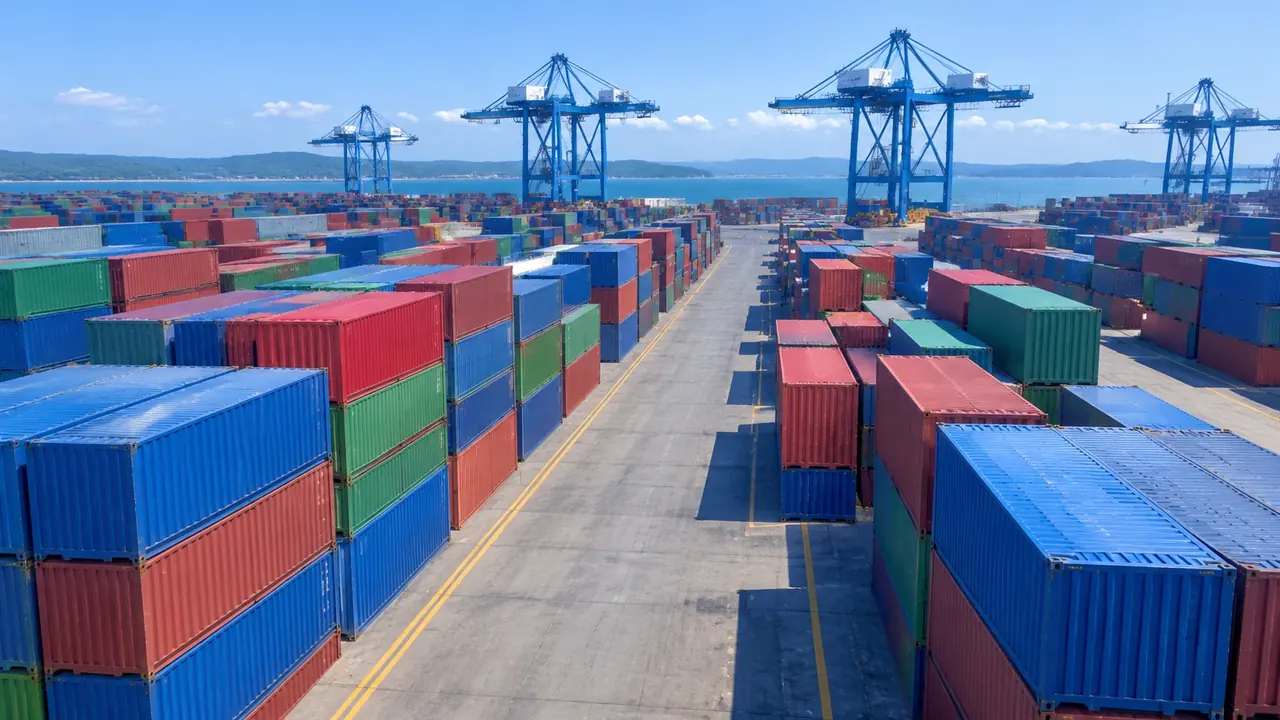
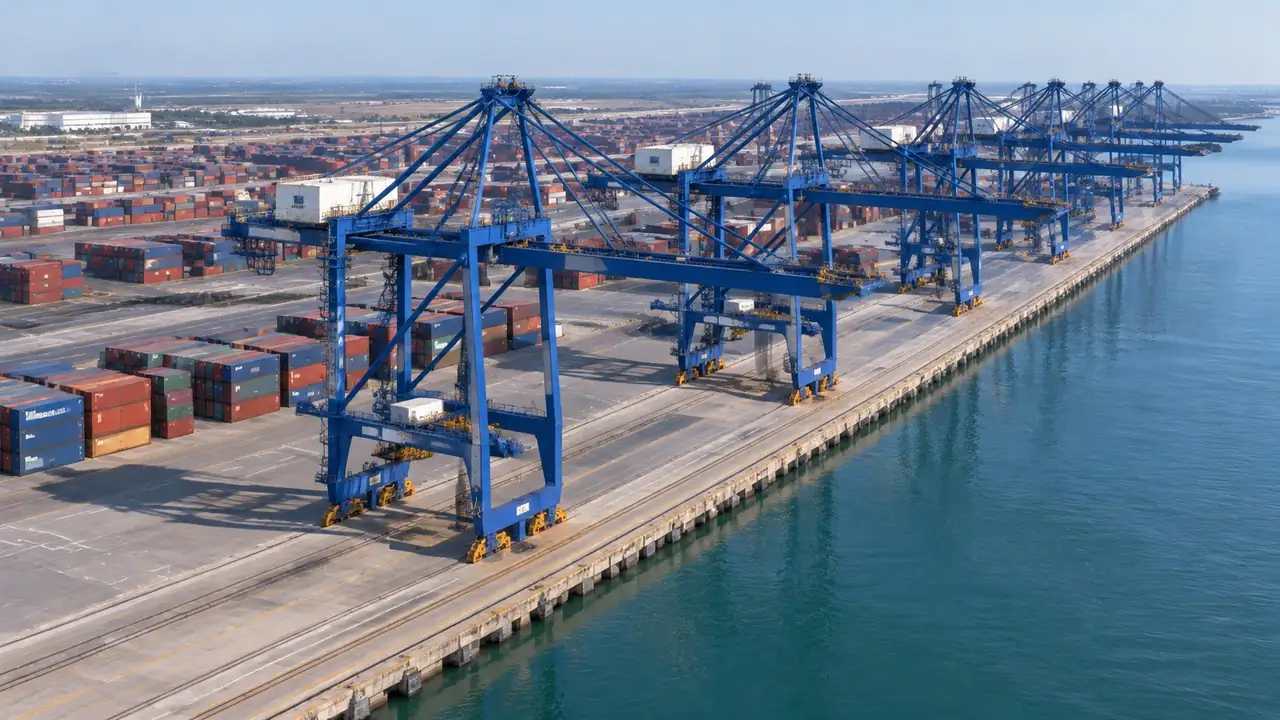
No layer carries containers, straddle carriers, gantries, reefers or trucks. Those are equipment and cargo, and the platform does not generate them. That is not a gap in the layer panel; it is the boundary of the generated content. A reviewer who expects a container layer will keep looking for it, so name the omission in the opening slide and move on to what the three layers do show. The rest of the review goes faster once that is settled. Say it before the opening screenshot, not after the fifth one.
2 An order that works
2.1 Terrain alone
Start with terrain alone. Ground without buildings or trees shows the yard surface, the quay line, the road layout and the extent of hardstanding. It is the least attractive view and the most informative one at the start, because it answers where the yard begins and ends. Take a screenshot before adding anything, and the later views have a baseline to be compared against. That baseline is what makes the rest of the sequence legible. Save the image at full size, since the ground detail is the part people lean in to read.
2.2 Buildings added, vegetation removed
Add buildings next, with vegetation still off. The sheds and gates then sit on readable ground, and the relationship between a warehouse wall and the yard edge becomes clear. Vegetation at this stage tends to soften the boundary and hide the fence, which is what a yard review does not need. Bring trees back later, when the question is about screening or about what a neighbour sees. Two layer states are enough for most of the discussion. A third state with vegetation on helps with the boundary question, which usually comes at the end of the session.
3 Second pass: the yard edge
3.1 Finding the gate and the fence
The gate is usually a small building or a canopy, and it is easy to lose among sheds. With vegetation off and buildings on, the gate reads as an object on the access road, and the fence line follows the ground edge. That combination answers a question that comes up in most terminal reviews: how a vehicle reaches the yard from the public road, and what it passes on the way. The answer is often obvious once the trees are gone and invisible when they are not. Centre the gate in the screenshot, so the route reads without anyone pointing at it.
3.2 Comparing two stack layouts as blocks
Container stacks can be represented as simple blocks in a diagram or in the downstream tool, and two layouts compared over the same ground. The blocks are placeholders, not generated objects, and they should be labelled. Used that way, they show whether a stack arrangement leaves the yard readable and whether a gate approach stays open. The scene supplies the ground; the blocks carry the proposal. Keeping those two roles apart is what makes the comparison honest. Name the block layout file after the scheme it represents, not after the software that drew it.
4 What the order cannot settle
4.1 No slot, dwell or crane-cycle figures
Nothing in the layer order produces slot counts, dwell times, crane cycles or yard capacity. Those need equipment data, operating rules and a terminal model. A clean layer view can look like an analysis, especially with a block layout on top, so be explicit that it is a view. Organisations such as UNCTAD publish port performance material that belongs with the operational questions. Keep the two conversations on separate slides. If someone asks for a capacity figure, note the question and answer it after the meeting, when the operational data is to hand.
4.2 No equipment in the layers
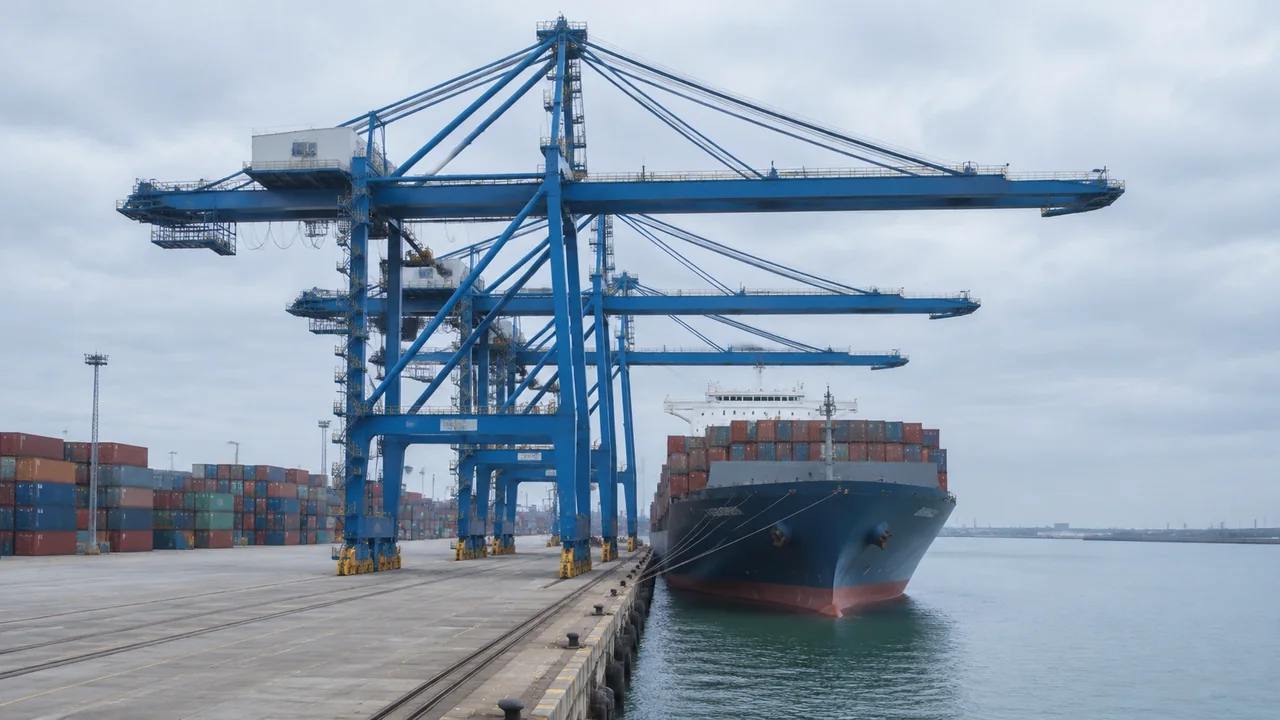
Gantries, reach stackers, trucks and reefers stay outside the scene at every layer state. If the review needs them, they arrive from an asset library in the downstream tool. Saying so once, before the opening screenshot, is more effective than repeating it whenever someone asks. The layers are about the site, and the equipment is about the operation, which means the two are reviewed by different people with different data.
5 Documentation
5.1 Screenshot naming
Name each screenshot with the layer state and the date, for example yard terrain view with the date appended. A name like that tells the next person what they are opening without a caption. Terminal reviews collect dozens of images, and the ones that survive are usually the ones with useful names. Set the convention at the start of the session, when everyone is still paying attention to it, and use it for every file.
5.2 A one-page layer log
Keep a one-page log of which layers were shown in each view and which buildings were corrected. The log does not need to be polished. It needs to be accurate enough that a colleague can rebuild a view in a few minutes. Attach it to the export rather than to a chat thread, because chat threads lose files and the log is useless without the images it describes. One page is a limit worth respecting.
6 What leaves the platform
6.1 Which layers to include
Export with every layer visible. The receiving team can hide what it does not need, and a file missing vegetation is harder to fix than one that arrives complete. If a specific review needs a stripped view, take a screenshot instead of a second export. One export with everything is easier to track than three partial ones that differ in ways nobody recorded. Fewer files also means fewer versions to explain later.
6.2 Container assets
Containers, chassis and handling equipment are not in the file. Note that in the handover with a line on where the assets will come from. Some teams keep a yard block library in the receiving tool; others build blocks per review. Either approach works as long as the receiving team knows the export is site-only before it opens the file and starts looking for boxes. A sentence in the covering note prevents that search.
6.3 Next review
End the session by naming the question the next review will answer and the layer state it will start from. A yard review often runs in rounds, and each round tends to reopen the same view. Writing down where the last one stopped saves the opening ten minutes of the next one. It also makes the handover feel like a handover rather than a download link with no context.
Open the GenAnywhere app and step through a yard in layers
7 FAQ
FAQ-1 Is there a container layer?
No. The layers are terrain, buildings and vegetation. Containers are cargo and equipment, so they are outside the generated set. Teams that need to discuss stacks use blocks or a yard library in the downstream tool, labelled as placeholders. Hiding vegetation gets closer to the bare ground view people expect from a container layer, which is often what the request was really about.
FAQ-2 Which layer order should I use?
Terrain alone, then buildings with vegetation still off, then everything. That order moves from the ground outward and keeps each step readable. It also produces three screenshots that work as a set. If the audience is operational, add a fourth view with the block layout on top. The order matters less than keeping it the same across reviews, so the set stays comparable.
FAQ-3 Can the layers show yard capacity?
No. Layers control what is visible, and capacity needs slot data, equipment rules and a terminal model. A layer view can show how much open ground a yard has, which is a starting point for a capacity conversation but not an answer. Keep the capacity work with the operational team and use the view to explain where the constraint sits in the yard.
FAQ-4 What does the export contain?
The site: terrain, buildings and vegetation, plus any building edits. Containers and handling equipment are not included. The file opens in 3D, BIM, GIS and game engine tools, where a yard block library can be added. Confirm the layer state of the export, since a file exported with layers hidden may carry less than the team expects when it opens the file.
See how a yard scene moves into a GLB workflow
Content and technical notes
This article was prepared by the GenAnywhere team with AI-assisted drafting and human review.
Product features, formats, and availability change as the platform evolves; refer to the official GenAnywhere website for current details.
For technical questions or corrections, contact support@genanywhere.com.
Last reviewed: 2026-11-13.