
Oblique photography checklist: a handoff list GenAnywhere supports
Twelve checks that take a site from a flight brief to a record another team can use without calling you.
Most problems with aerial records are not technical. They are omissions: a date that nobody wrote down, a neighbour who was never flown, a height that was estimated and then quoted as measured. A checklist is a memory aid for the things a busy team forgets, and it works when it is short enough to actually run.
1 Before the flight
1.1 What to confirm with the operator?
An area with a margin beyond the site boundary. Confirm it on a drawing rather than in words, because the edge is where the argument will be. Better to ask twice before the flight than to explain a gap afterwards.
A level of detail expressed as what has to be legible. "Façade condition" and "roof layout" lead to different flight plans. A brief that names both the area and the questions is easier to price and easier to check on delivery.
A date, and the weather assumptions behind it. Low sun, leaf cover and recent rain all change what the record will show. Metadata conventions such as those published by the FGDC are useful when the record has to outlive the team that made it.
1.2 What to record at the start?
Names and dates: the site, the flight, the operator and the processing software. Write them where they will travel with the files, not in an email. A note stored separately from the scene is a note that will be lost.
A short list of the questions the record is meant to answer. A capture commissioned for a condition survey and then used for a boundary argument is being asked to do a job it was not designed for.
Constraints worth noting: airspace, access, trees and tall structures. They explain gaps later. Write the note at the start, when the reasons are fresh, and update it at delivery.
2 At delivery
2.1 What to check on arrival?
That the files open, that the coverage matches the brief and that the date is in the name and the note. A delivery that fails any of those three is worth returning before anyone starts work.
That the mesh has no unexplained voids. Holes near water, glass or dense vegetation are expected; a hole in the middle of a car park is not. A delivery check that takes ten minutes can save a week of explanation.
That the texture is legible at the scale the project needs. A façade that dissolves into blur when the camera approaches will not support a condition argument. A quick visual pass catches most delivery errors before they reach a reviewer.
2.2 What to test?
One known dimension. A door, a parking bay or a building frontage, measured in the scene and compared with the drawing. Pick a dimension that appears on both sources, or the test proves nothing.
Vertical placement. A model that floats or sinks by a constant amount is usually an origin or a unit problem, and it is easier to fix before the review.
File size against the machines that will open it. A record that takes minutes to load gets opened once. If a scene fails the size test, reduce the area or the detail before the meeting rather than during it.
3 In the model
3.1 What to draw?
The area, with the margin agreed in the brief. Draw it once and keep the polygon with the project so the next stage can reuse it.
GenAnywhere draws the area from map data and returns an editable scene with buildings, terrain, water and vegetation on separate layers. A replacement building or a changed height can be made without touching the capture, and the export is a general GLB for the next tool.
Wider context that the decision needs: the next street, the riverbank, the rail line. Context is what makes a proposal legible.
A new polygon if the site changes. A new polygon with a new date beats an edited old one. Draw the area once and reuse it; redrawing introduces small differences that are hard to explain.
3.2 What to label?
Two labels: the capture as existing, the model as derived. Two sources, two labels, no ambiguity. A label costs a few characters and saves a paragraph of explanation. The base and the capture are two files, and the note should say which one answered which question. GenAnywhere can replace a building or move a block in the base without altering the capture, which makes the pair useful at handover.
A proposal, if one is shown. A new volume styled like a photograph is the most misleading object in the scene. Flat colour and a clear name are enough to prevent that.
Known gaps. A named gap is a managed risk; an unnamed one is a surprise waiting for a meeting. Label the date of the base as well as the date of the capture, because the two rarely match.
4 At the review
4.1 What to open with?
Extent before detail. A plan view with the coverage boundary tells the room what is evidence and what is context. A reviewer who sees the boundary before the detail will ask better questions for the rest of the hour.
Known failures. Point them out rather than letting the client find them. The presenter who names a gap early keeps control of the conversation about it.
The question the meeting came to answer. A review that starts with it keeps texture in its proper place. A five-minute opening saves an hour of circular discussion.
4.2 What to record?
Scene version, source dates and the decisions taken. Minutes that record the version are worth more than minutes that summarise the discussion.
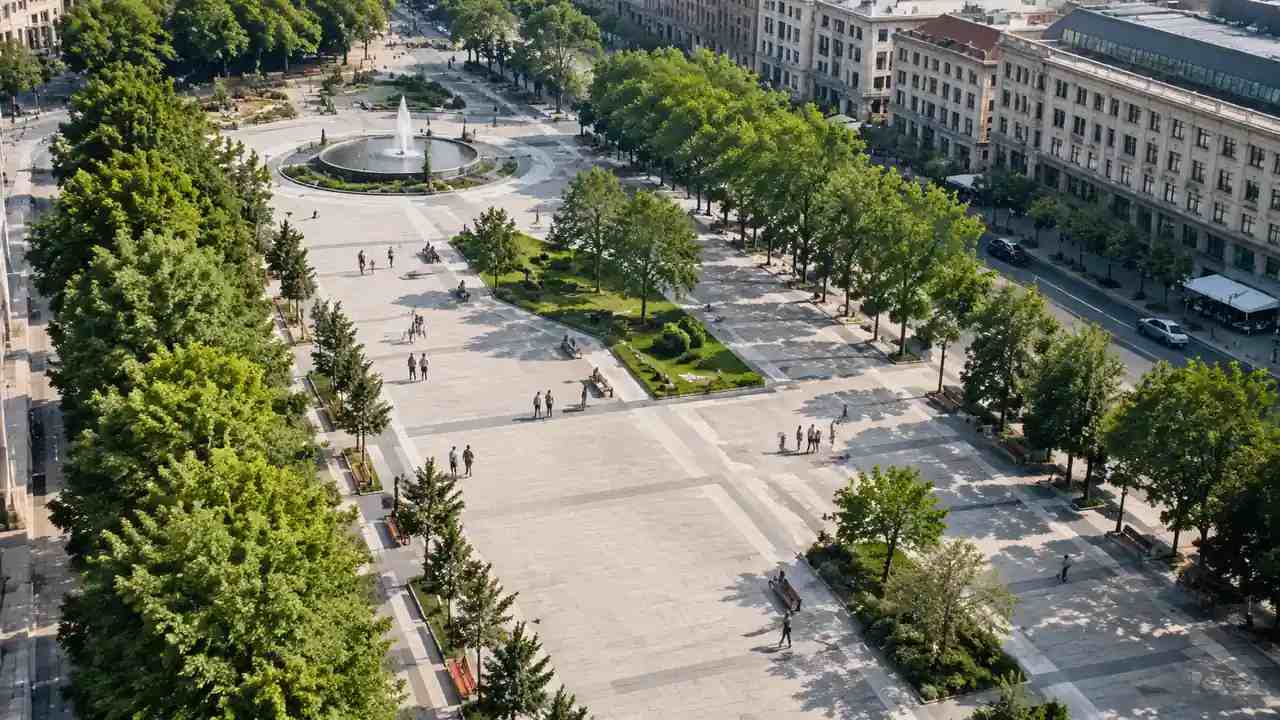
A scene that opens with its layers named and its dates labelled is easier to minute accurately.
Questions nobody could answer. They become the brief for the next flight or the next survey.
A name against the alignment check. A tested number is more useful when someone is accountable for it. Record the questions that came from the room, as well as the answers the team gave.
5 At handover
5.1 What travels?
An oblique photography handover travels as the capture, the base, the coverage drawing and the note, in one package.
A written test result. It saves the receiver from repeating the check and gives them a number to quote. A result without a date is half a record.
A named contact who can answer questions about the source. A handover without a name is a dead end. A package that can be opened without a call is a successful handover. The export is a working scene, not a survey deliverable, and the receiver should be told. It arrives as a general GLB, and the layer names travel with it where the receiving tool preserves them.
5.2 What stays behind?
Working files and intermediate exports. A receiver needs the record, not the whole workshop. The workshop belongs in an archive, not in the package.
Superseded versions, moved to a dated folder. They remain evidence of their moment and should not be presented as current.
Informal screenshots. They tend to escape into documents without their context. Keep the superseded versions in a dated archive that the receiver can request.
6 Keep the list alive
6.1 When to revise?
When a check keeps catching the same problem. That is a sign the process upstream needs fixing rather than the checklist growing. A checklist can document a problem, and it cannot solve one that belongs to the brief.
When the tools change. An export convention that worked last year may not survive an upgrade, and the test should follow.
When a new audience arrives. A checklist written for designers may need a line or two for a finance or legal reader. A new check should replace an old one rather than sit beside it.
6.2 When to shorten?
When a step has not caught anything in several projects and no decision depends on it.
When two steps test the same thing. One dimension test is enough if it is run properly. Remove a step when two people independently say they skip it.
When the list becomes a document rather than a habit. Twelve checks on one page get used; forty do not.
6.3 When to retire?
When the project closes and the record is archived. The checklist belongs to the programme, not to the file.
When the method is replaced. A new capture or a new survey supersedes the old record, and the list should say so. Retire a check when the tool it tested no longer exists, not when it becomes inconvenient.
Draw the area in the GenAnywhere app and run the same checks before the scene reaches a reviewer.
7 FAQ
FAQ-1 Is this checklist specific to GenAnywhere?
No. Most of it applies to any captured record and any derived model. The platform supplies the editable base, the layer structure and the general GLB export, and the checks around those are deliberately generic. That is deliberate: the checks should survive a change of software as well as a change of project.
FAQ-2 How long should the checks take?
The technical tests take minutes: open, orbit, measure one dimension, confirm the layers. The slower work is writing the note, which is why it is worth doing once rather than improvising at the end. The note takes longer because it is the part a future reader will rely on when nobody remembers the meeting.
FAQ-3 Can the checklist run without a capture?
Yes, in part. A programme that relies on a map-derived base alone still needs the area, the date, the labels, the handover note and the record of what the base does not cover. The surface checks drop away. The checks that remain are the ones about provenance, labels and the record of what the base cannot show.
FAQ-4 What is the most common omission?
The date. A record without a date cannot be used as evidence, and the omission is invisible until someone asks when it was taken. Put the date in the file name, the note and the scene.
See how a map area becomes an editable site model in the GenAnywhere workflow.
Content and technical notes
This article was prepared by the GenAnywhere team with AI-assisted drafting and human review.
Product features, formats, and availability change as the platform evolves; refer to the official GenAnywhere website for current details.
For technical questions or corrections, contact support@genanywhere.com.
Last reviewed: 2026-11-06.