
Data center interconnection: how site teams review with GenAnywhere
A site-review method for parcels that depend on a grid connection they do not control
A data center site can fail long before the building design starts. The parcel may be zoned, priced, and flat, and still lose a year to a grid connection that arrives late or at a lower capacity than planned. Site teams that treat interconnection as a separate track tend to redo their layout when the utility answers. The review is easier when the site work and the grid conversation run on the same facts.

1 What interconnection review actually asks of a site
The interconnection question is about capacity and timing at a specific point on the network. The site question is about how much land, water, and access a project needs to use that capacity. Both questions have to be answered before a land option, and neither one belongs to the other.
1.1 Distance to the substation is a starting fact
Distance to the nearest substation is useful and incomplete. What matters is the available capacity at that substation and the cost of the connection, and both change as other projects enter the queue. Record the distance, the voltage, and the utility's stated process for the area. Then note the date of the information. A figure from two years ago may describe a network that has since filled. Site teams should keep the utility's written response beside the site plan, not in a separate folder.
1.2 Fiber routes and water sources belong on the same sheet
Power gets the attention, but fiber and water decide whether a site can serve the workload. Map the fiber routes that reach the parcel and the water or wastewater infrastructure that can support cooling. Put them on the same sheet as the power route, because the three corridors compete for the same rights of way. A route that crosses a rail line or a river costs more and takes longer. Seeing the three together prevents a late discovery that the water line and the fiber duct want the same trench.
2 Reading a parcel for capacity constraints
A parcel has features that no negotiation can change: its shape, its neighbors, and its drainage. Those features set the outer bound of what a site review can promise. Everything inside that bound is a design choice.
2.1 The queue position is not a site feature
An interconnection queue position belongs to a project, not to a parcel. If a site changes hands, the queue position may not follow, and the new owner may start over. Keep the queue status in a project file with a date and a contact name. Site teams should not present a queue position as an attribute of the land. When a broker does, ask for the utility's documentation. The distinction matters because it changes what a buyer is actually acquiring.
2.2 What the site itself can and cannot change
A site team can change access, grading, buffers, and building placement. It cannot change the distance to a substation, the capacity of a feeder, or the route of a transmission line. Write both lists at the start of the review. The list of what cannot change prevents wasted design work, and the list of what can change gives the team something to optimize. Reviews that mix the two spend meetings arguing about decisions that belong to the utility.
3 Comparing two parcels before a land option
Most data center decisions come down to a comparison between two or three parcels. The comparison works when the assumptions are identical and the context is visible.
3.1 Same assumptions, different context
Use one load profile, one cooling approach, and one setback standard for every parcel. Then let the sites differ in shape, access, and surroundings. This is where GenAnywhere helps. Select an area on the map and it builds an editable 3D site model with buildings, terrain, and vegetation. Placing two parcels in the same viewing context exposes differences in visibility, access, and buffer depth that a plan drawing flattens.
3.2 Test the buffer and the access road
Buffers are where data center reviews get contentious. A buffer that looks generous in plan may be a narrow strip between the building and a neighbor's deck. Test the buffer at eye level from the nearest house and from the access road. Then test the truck route: a long vehicle needs a turning radius that a simple driveway does not provide. Both tests take minutes in a model and weeks in a redesign.
4 Community and land-use questions that arrive early
Neighbors ask about noise, views, water, and traffic before they ask about the grid. A site review that answers those questions in its opening meeting buys time for the interconnection work.
4.1 Noise, views, and the nearest neighbor
Cooling equipment and generators produce sound that carries. Map the nearest homes and the distance to the equipment yard, then walk the property line. Note where a fence or a berm would interrupt a sightline and where sound would travel over it. A simple section drawing from the equipment to the nearest bedroom window is more persuasive than a decibel promise, because it shows the geometry that the promise depends on.
4.2 Water and stormwater in one view
Data centers use water for cooling, and sites change how stormwater moves. Put the water demand, the supply route, and the drainage pattern on one drawing. On flat land, a small grade change can redirect runoff toward a neighbor, and that problem surfaces quickly in a public meeting. The review should show where water comes from and where it goes before the site plan is fixed.
5 A 3D site model for the early review
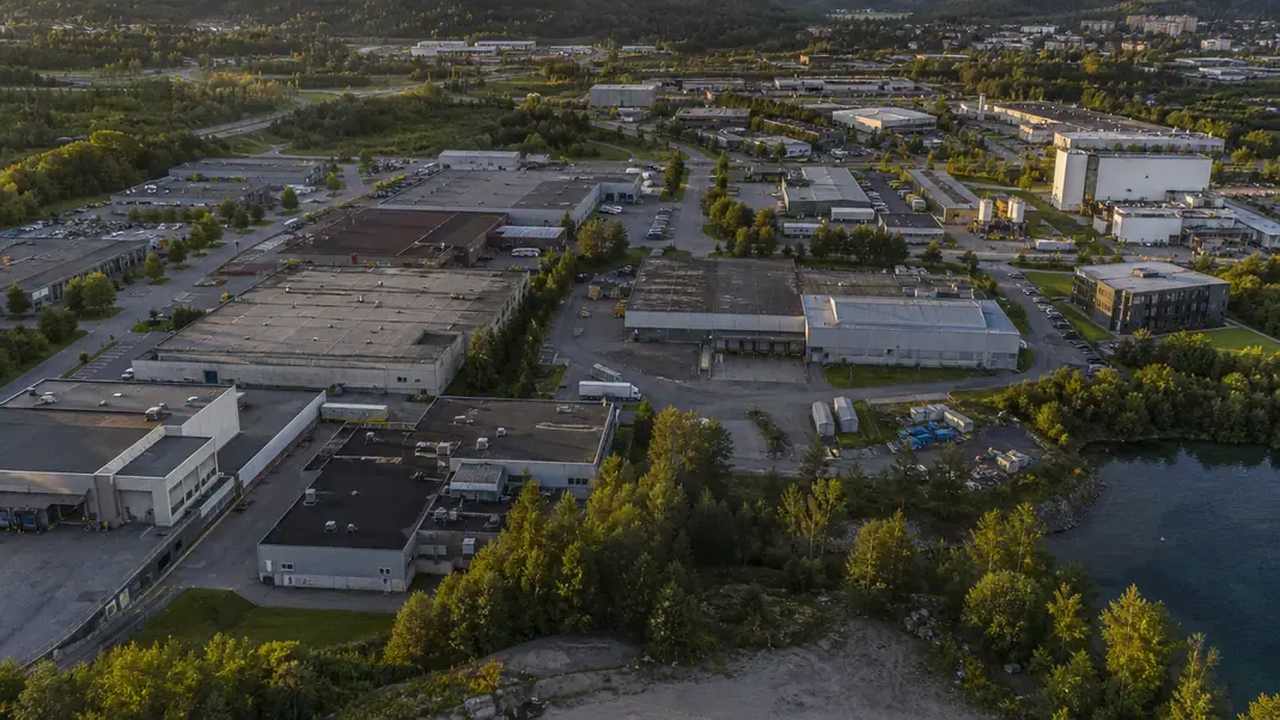
A site model is useful in the early review because it makes context visible. It is not a substitute for engineering, and the review should say so at the start.
5.1 What GenAnywhere produces
GenAnywhere generates a site from map and satellite data. It recognizes building footprints, estimates heights, and infers building types, and it reads surrounding vegetation. Buildings, terrain, water, and vegetation are separate layers for preview and editing. A building can be replaced, moved, or rotated, and its height and type adjusted. The scene exports as a GLB file for downstream 3D, BIM, GIS, or game engine work, under a perpetual commercial license with restrictions on resale and AI training.
5.2 Limits to state plainly
The model does not know grid capacity, queue position, or utility plans. It does not measure noise or model cooling loads. Heights and footprints are estimates, and terrain is generalized. Those limits belong in the packet, not in a footnote. When a reviewer understands what the model shows, the conversation stays on the site questions and leaves the engineering to the engineers.
6 A checklist that fits on one page
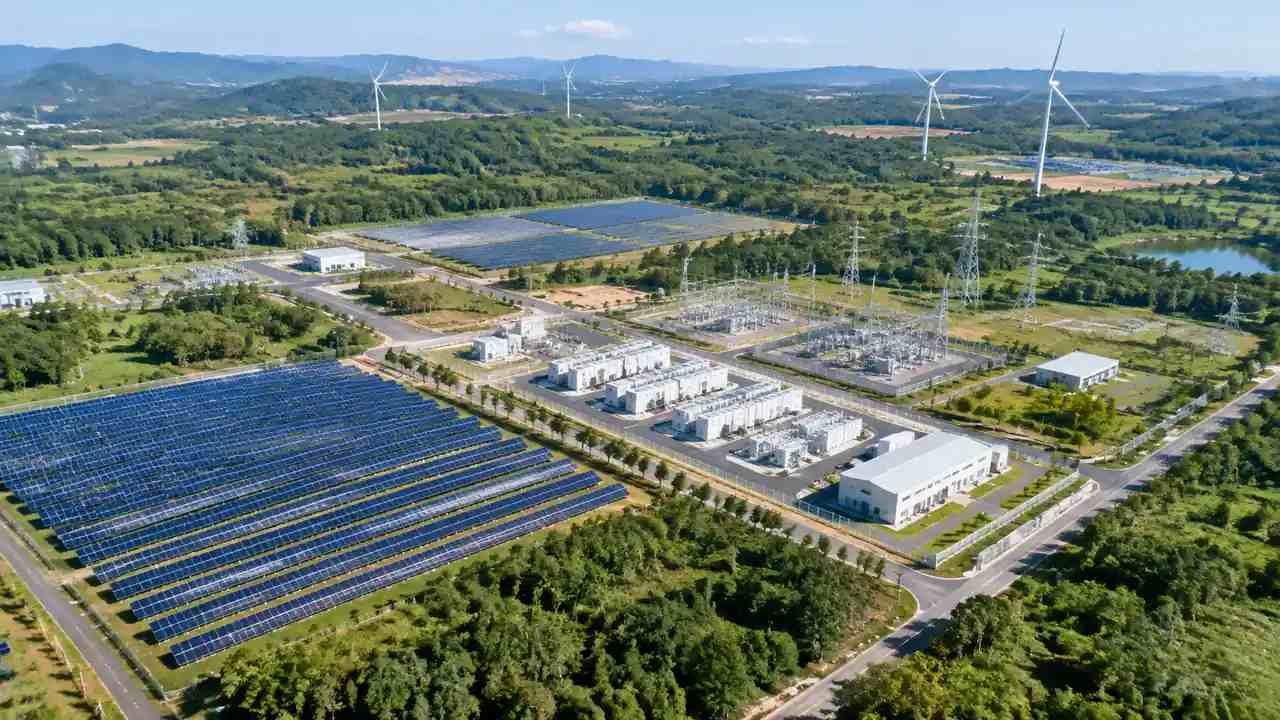
A one-page checklist keeps a data center review honest. It forces the team to separate what it knows from what it is waiting to learn.
6.1 Site facts
List area, zoning, access, distance to the substation, fiber routes, water supply, and floodplain status. Add the date and source for each line. A checklist without dates becomes a set of assumptions that nobody can audit. The dates are what make the page useful six months later when the option is still open.
6.2 Open items with owners
Name each open item and the person who will close it. Utility capacity, water rights, and traffic counts usually sit with different owners. When the list is short, the team can meet weekly and clear it. When it is long and unowned, the schedule slips quietly.
6.3 What to hand to the engineer
Hand over the site constraints, the load assumption, and the open items. Do not hand over a building design. The engineer needs the boundary conditions, and the design belongs to the team that will stamp it. A clean handoff keeps the review on schedule and keeps responsibility where it belongs.
To compare two parcels in context, open the GenAnywhere app and select each area. The workflow overview shows how the scene is built and exported.
7 FAQ
FAQ-1 Does GenAnywhere check grid capacity or queue position?
No. GenAnywhere builds and edits a site model from map and satellite data. Grid capacity and interconnection queue status come from the utility and from published queue data, such as the tracking work by Lawrence Berkeley National Laboratory. Keep those records in the project file and cite them in the review. The model contributes site context, and the utility contributes the capacity facts.
FAQ-2 What should a site team verify before taking a land option?
Verify zoning, access rights, distance to the substation, water availability, and floodplain status. Ask the utility for written capacity information and the date it was produced. Check the fiber routes that reach the parcel. Walk the property line and photograph the nearest neighbors. Each item is inexpensive to check and expensive to discover late. A short verification list before an option is cheaper than a redesign after one.
FAQ-3 How does a 3D site model help a data center review?
It shows the parcel in context: the neighbors, the terrain, the access road, and the buffer. That context makes differences between parcels visible before design begins. It also lets a team test a building placement or a buffer width in minutes. The model does not replace engineering studies, and it should not be presented as one. Its value is in framing the questions the studies will answer.
FAQ-4 Which site constraints matter most near a substation?
Access, drainage, and buffer depth matter most in the early review. Access determines whether equipment can be delivered and whether a truck can turn. Drainage determines where stormwater goes and who notices. Buffer depth determines how the project meets its neighbors. Distance to the substation matters, but it is a fixed fact rather than a design variable. Focus the review on the constraints the team can still influence.
Content and technical notes
This article was prepared by the GenAnywhere team with AI-assisted drafting and human review.
Product features, formats, and availability change as the platform evolves; refer to the official GenAnywhere website for current details.
For technical questions or corrections, contact support@genanywhere.com.
Last reviewed: 2026-11-17.