
Terminal expansion delivery: a site-planning method with GenAnywhere
How to test a terminal expansion while the airport keeps operating
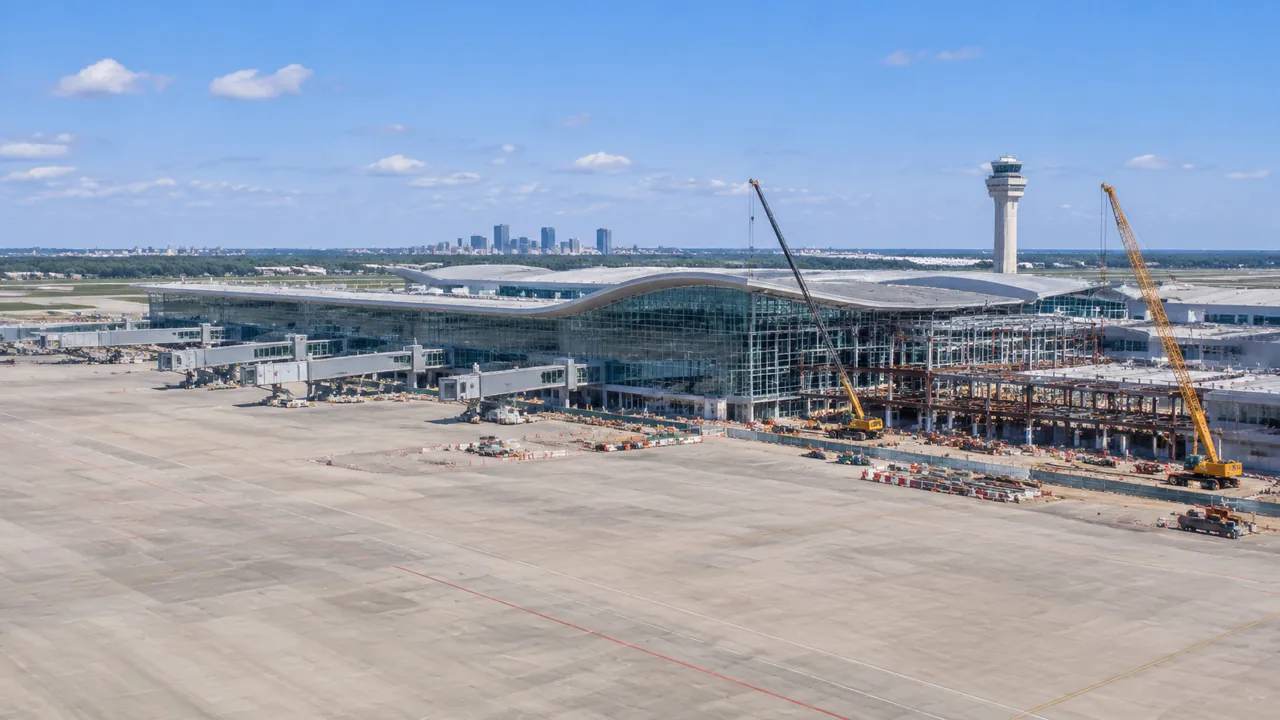
A terminal expansion delivery plan has to answer two questions at once: where the new building goes, and how the airport keeps working while it is built. The answers depend on the apron, the passenger routes, and the construction access. A shared site scene lets the design team and the operator test those pieces together before the program is fixed.
1 Start with the operating constraint
An operating terminal is a set of flows that cannot stop. Passengers move from curb to gate, bags move from counter to aircraft, and staff move between the terminal and the apron. The expansion plan has to protect those flows while it adds capacity.
1.1 Map the passenger route that must stay open
Trace the route from the entrance to the security checkpoint and on to the gates. Note the points where the route is narrow, where it crosses a service corridor, and where it depends on a single escalator or lift. Those points are the fragile parts of the terminal. A construction hoarding that closes one of them can disrupt the whole building, even when the work is far away.
1.2 Mark the airside boundary
Draw the line between the landside and the airside, including the security boundary and the apron edge. The expansion will change that line, and every change affects the way people and vehicles pass through. Mark the gates, the stands, and the service roads that sit close to the boundary. A clear map of the current condition makes the future options easier to explain.
2 Test the expansion footprint
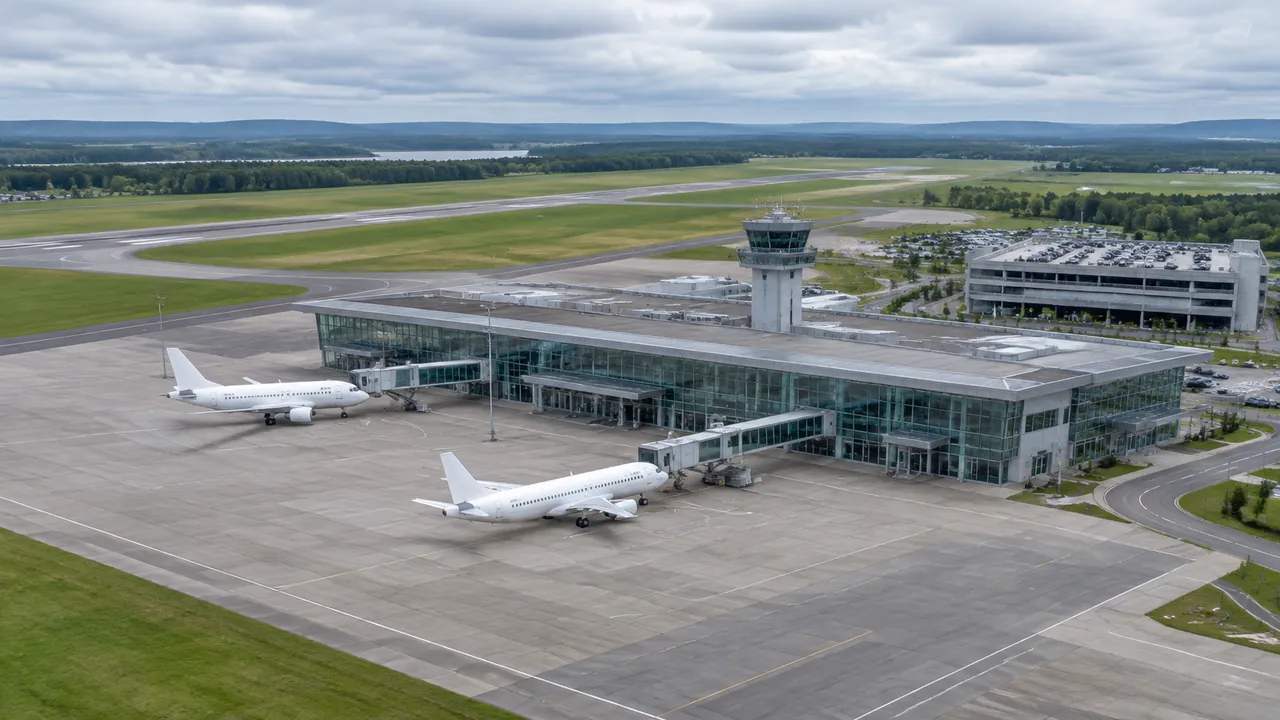
Terminal expansions usually take one of a few forms: a new pier, a satellite connected by a tunnel, or an extension of the existing building. Each form has a different effect on the apron and on the passenger walking distance. Test them on the same scene before the architecture goes too far.
2.1 Compare pier and satellite options
Draw a pier option and a satellite option in GenAnywhere and compare the gate count, the walking distance, and the apron space each one uses. A pier keeps passengers in one building but can create long walks. A satellite may shorten the walk to some gates but adds a tunnel or a train. The trade-offs are easier to see when both options sit on the same ground.
2.2 Check the apron and gate geometry
A new building changes the aircraft stands around it. Check the wing clearance, the pushback path, and the service road access for each stand. A stand that looks fine on plan may be unusable if the tail cannot clear the new facade. The model can show the aircraft envelope and the building together, which is a faster way to find conflicts than a set of separate drawings.
GenAnywhere can build the base scene from satellite and map data. Select the terminal and the apron, and the platform generates an editable model with buildings, terrain, and the surrounding land. The team can remove or replace a building and adjust its height to test a massing idea. The model is a planning aid, not an airside design tool, and the stand geometry still needs confirmation from the airport and the aircraft operators.
3 Keep landside traffic moving
The landside road system is often the earliest system to fail during an expansion. Departures and arrivals compete for the curb, taxis and buses queue, and construction vehicles need a way in. The plan has to separate those flows without pushing the queue onto the public road.
3.1 Separate departures and arrivals
Draw the departures curb and the arrivals curb on the scene and check the distance between them. A shared curb can work at a small airport, but it creates conflicts as the terminal grows. Test a one-way loop or a split-level arrangement and look at the walking distance for passengers. The option that looks efficient on plan may be confusing on the ground, so check the signs and the crossings as well.
3.2 Plan the construction route
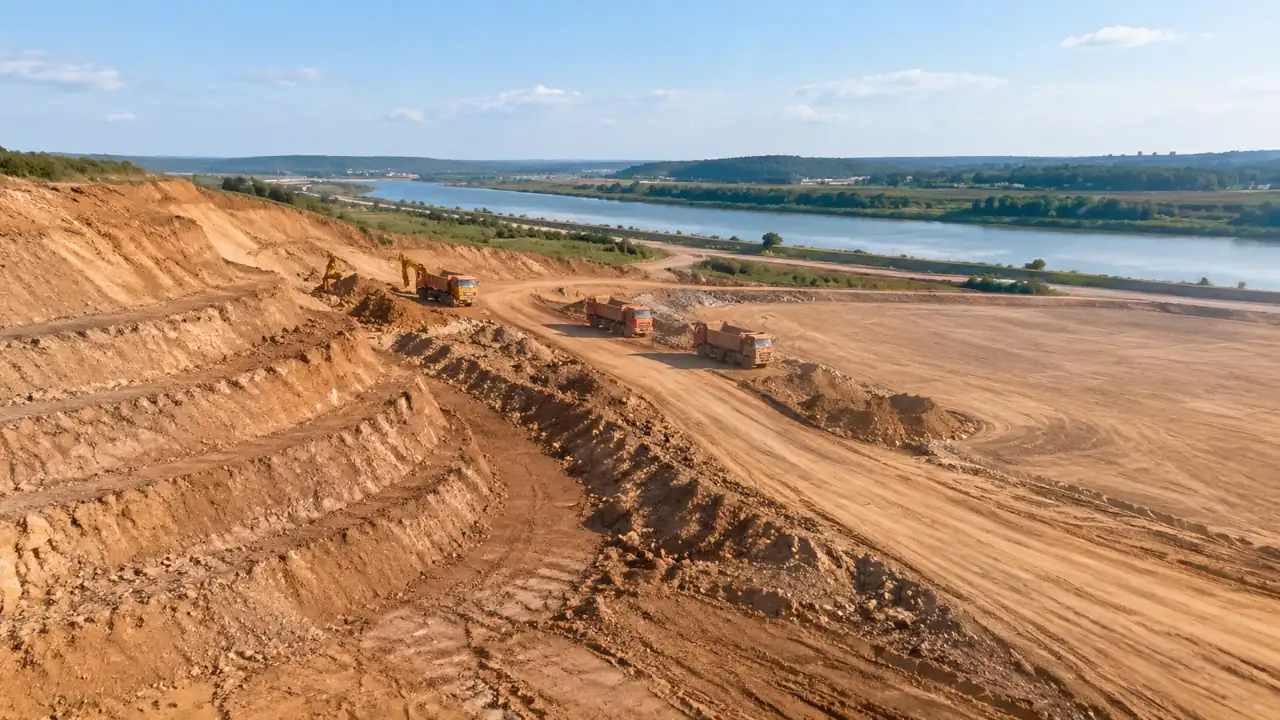
Construction vehicles need a route that does not cross the passenger curbs. Find a service gate and a route to the work area, then check the turning space and the clearance under any bridges. If the route crosses a taxiway or a service road, the plan needs a controlled crossing and a schedule. A construction route that works at night may fail during the day, so test both.
4 Stage the work around the flight schedule
An expansion is usually built in phases, and each phase has to open before the next one closes something else. The flight schedule sets the windows, and the terminal has to keep serving passengers through every one of them.
4.1 Phase by gate group
Group the gates into phases so that a closed area is balanced by new capacity elsewhere. A phase that closes more gates than it opens will force airlines to move, which is expensive and unpopular. Test the gate count in each phase and show the result on the scene. The operator can then see where the pressure will fall and plan the airline moves in advance.
4.2 Protect the temporary walkways
When a corridor closes, passengers need a temporary route. Test the width, the length, and the number of turns in the GenAnywhere scene. A temporary walk that is too long or too narrow will create complaints and missed flights. Check the route for accessible travel and for the signage points where people will hesitate. The temporary condition may last for years, so it deserves the same attention as the final design.
5 Bring the operators into the model
The airport operator, the airlines, and the ground handlers know how the terminal works on a busy morning. Their knowledge is not in the drawings, and a plan that ignores it will fail at the gate. A shared scene gives those groups a way to point at the same problem.
5.1 Use one scene for the review
Load the current terminal and the proposed phases into one scene and use it in the workshops. Let the operator walk the passenger route and the service route in the model. The comments that come back are often about a turn, a door, or a queue that the design team did not see. Those comments are more useful than a general objection, because they point to a specific fix.
5.2 Record the assumptions that affect operations
Write down the assumptions about gate usage, staffing, and service access that the plan depends on. Keep them with the scene so the operator can check them. If an assumption changes, the team can see which parts of the plan are affected. That record also helps the next review, because the questions tend to repeat.
6 Deliver the package
The delivery package has to carry the plan from the review into design. It should show the options, the tests, and the decisions, without pretending to answer questions that belong to the operator or the regulator.
6.1 Set the tests for each option
Agree on the tests before the options are compared: gate capacity, passenger walking distance, apron conflicts, construction access, and the effect on the landside curb. Apply the tests in the same order and show the result for each option. A consistent scorecard keeps the discussion on the plan rather than on the rendering. It also gives the operator a record of why a phase was chosen.
6.2 Export for the design team
Preview the scene, then export a GLB for the architects, the structural engineers, and the airport systems team. The file can open in Revit, Rhino, SketchUp, Blender, ArcGIS Pro, GISBox, Unity, Unreal Engine, or Wings Engine. Check the scale against a known gate or building dimension in the receiving tool. The GenAnywhere app is where the scene is built, and the workflow page shows how the export fits into those tools. For aviation planning references, the International Civil Aviation Organization publishes the standards that airports work within.
6.3 Close with the decisions that remain
End the package with the decisions the review did not make: the gate mix, the construction windows, the temporary routes, and the airline moves. Assign each one to the group that owns it and set a date for the answer. A plan that leaves those items open is not incomplete; it is honest about where the authority sits. The scene supports the conversation, and the operator makes the call.
7 FAQ
FAQ-1 Where should a terminal expansion study begin?
Begin with the passenger and bag routes that cannot stop, then map the airside boundary and the gates near it. Those two pieces show where the expansion can go without breaking the operation. Add the landside curbs and the service roads, because construction traffic will use them. With that base, the team can compare a pier, a satellite, and an extension on the same ground. Starting with the building shape usually produces a plan that fights the terminal.
FAQ-2 How do you phase an expansion without closing gates?
Group the gates so each phase opens capacity before it closes any. Test the gate count in every phase and show the result to the operator and the airlines. Move airline schedules in advance and keep a temporary route for passengers. If a phase cannot avoid a net loss, shorten it and add capacity elsewhere. The key is to make the trade-off visible before the construction contract is signed.
FAQ-3 Can the model check aircraft clearance?
The model can show a building and an aircraft envelope together, which helps the team spot obvious conflicts. It cannot replace the airport's own airside design and clearance review. Those checks use the actual aircraft mix, the taxilane geometry, and the local rules. Use the scene to compare options and to brief the operator, then hand the chosen option to the airside designer for the formal check.
FAQ-4 What should the delivery package contain?
Contain the base scene, the options, the phase plan, the tests used to compare them, and the open decisions with owners. Add the assumptions about gates, staffing, and service access. Keep the images at the same scale so the options can be compared. The package should be short enough to review in one session and detailed enough for the design team to start work. A long report with no clear decision is not a delivery package.
Content and technical notes
This article was prepared by the GenAnywhere team with AI-assisted drafting and human review.
Product features, formats, and availability change as the platform evolves; refer to the official GenAnywhere website for current details.
For technical questions or corrections, contact support@genanywhere.com.
Last reviewed: 2026-11-18.