
Settling pond reviews: how GenAnywhere sets the base scene
The base scene is the existing site, agreed and checked before the meeting, so the review can spend its time on the proposal instead of the background.
A settling pond review works better when the base scene is settled in advance: the generated site, the imagery date, the building edits and the layer state all fixed and written down. That base represents the site as it is. The pond design, the embankment proposal and the operating changes are added by the design team, and they sit on the base rather than replacing it. Get that order right and the meeting has somewhere to start.
1 Preparing the base
1.1 What the base has to show
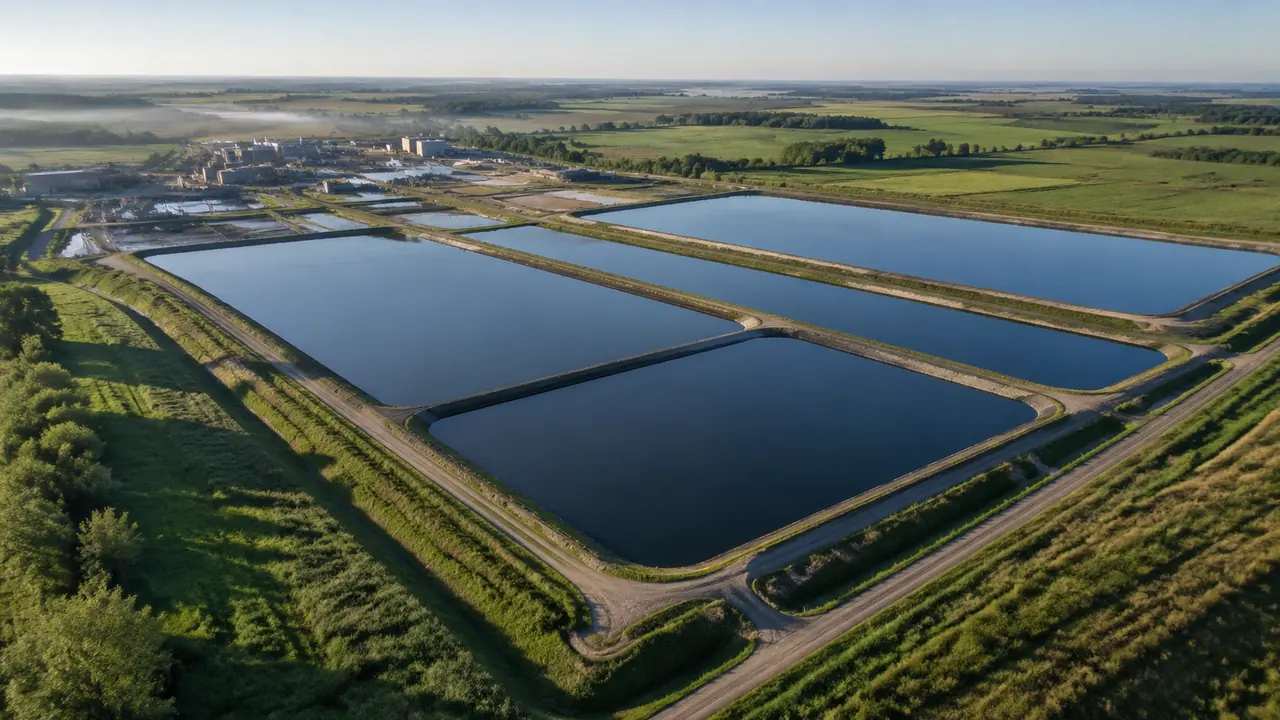
The base has to show the site as it exists: the basins, the plant buildings, the ground between them and enough surrounding land to explain the setting. That usually means a wider extent than a design review would choose on its own, because a pond is judged partly by what it sits next to. Water, terrain, vegetation and buildings all belong in the base. Anything that is proposed rather than existing does not. A missed basin is a fact error, not a design opinion. If the base shows a pond that has been decommissioned, that is a fix rather than a discussion point for the design team.
1.2 What the base must not claim
The base is not a survey, not a condition report and not a compliance statement. It shows a plausible site assembled from map and satellite data, with heights estimated and vegetation read as coverage. Nobody should be able to leave the review believing the base measures the site. Say what it is at the start, put the imagery date on the screen, and the rest of the session stays on the design question. That sentence is easier to say at the opening than to defend at the end.
2 The order of the review
2.1 Start wide, then narrow
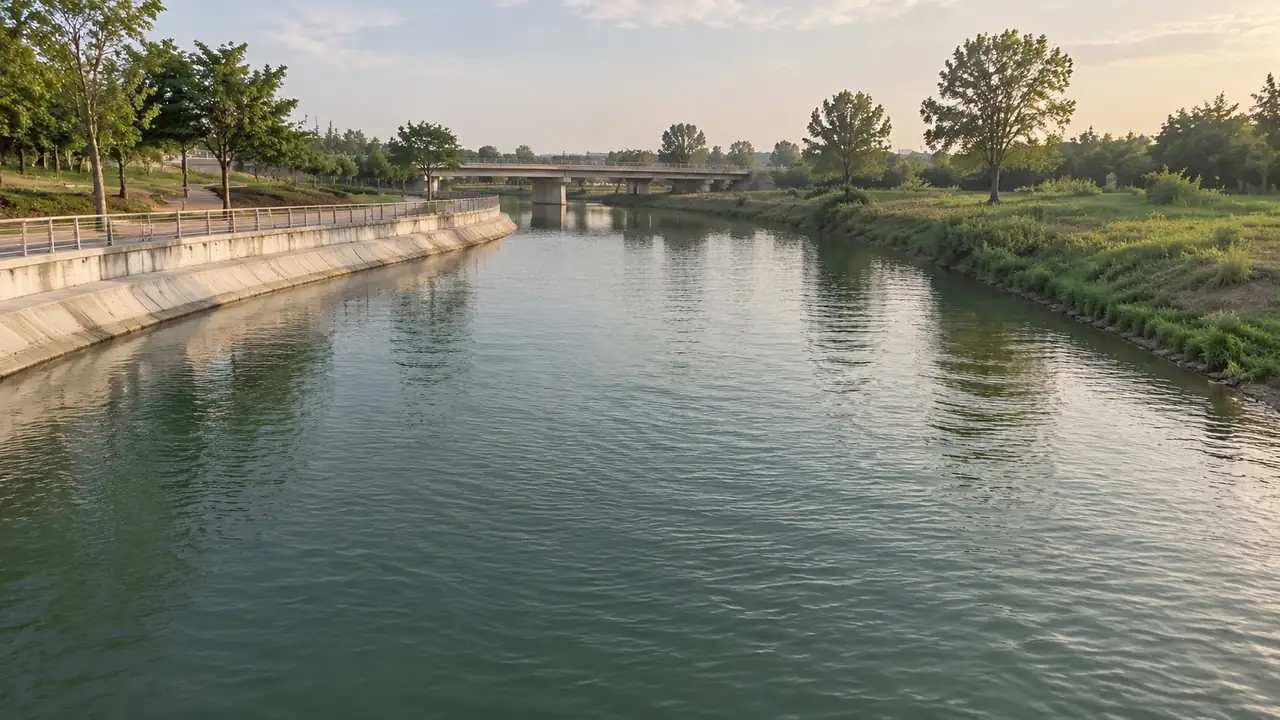
Open with the wide view: the site, the receiving water, the neighbours and the access. That view answers where the pond sits in its landscape, which is the question most audiences bring to the room. Then narrow to the basin and the plant, where the design detail lives. Going the other way, from detail to setting, leaves people wondering where they are. Two minutes on the wide view saves ten on orientation later. Save the camera position so the next session opens in the same place.
2.2 Then the basin and the plant
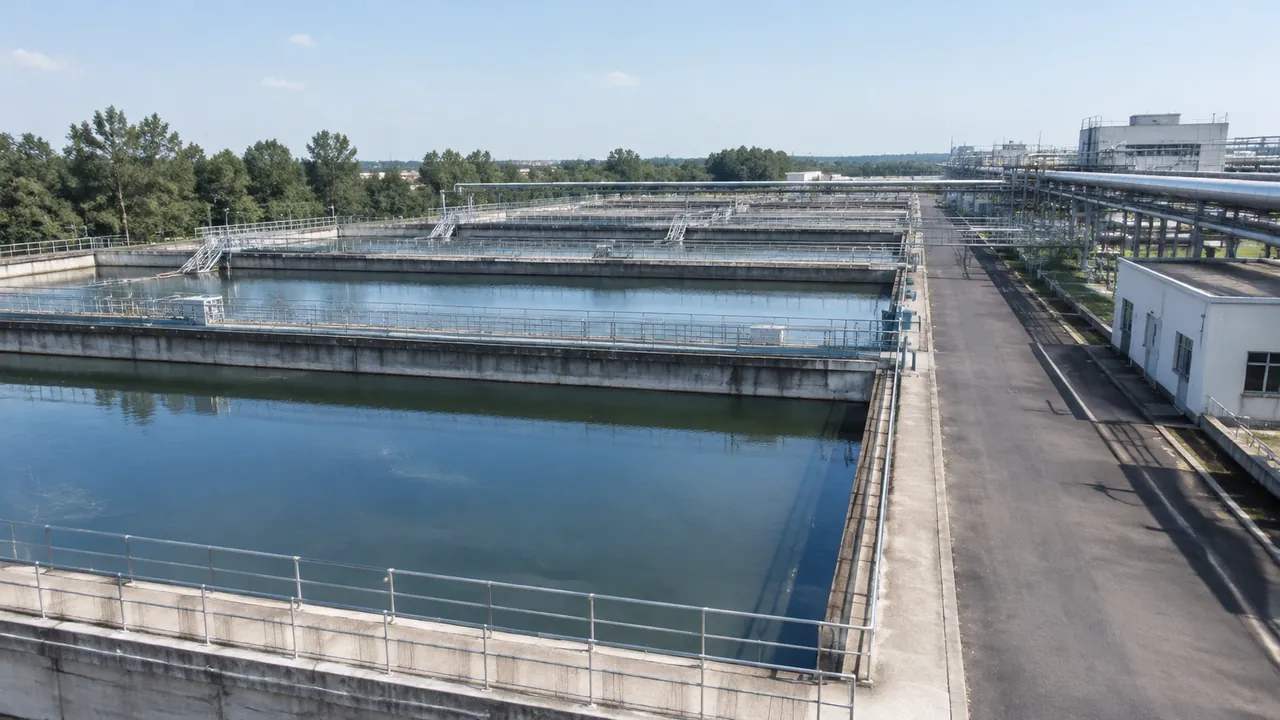
The basin view is where the design discussion usually happens: the water surface, the bank, the buildings and the ground between the ponds and the process area. Move the camera slowly and stop at the features that carry a decision. If the design model is loaded on the base, say when it appears, so nobody confuses a proposed embankment with an existing one. The scene is the stage; the design is the play. If two ponds are being compared, show the same angle for each.
3 Running the session
3.1 Who speaks and when
A pond review usually has an engineer, an operator and someone from the environment side, and each will want a different view. Give each of them the view that matches their question rather than letting the camera drift. The operator knows the water; the engineer knows the design; the environment specialist knows the consent conditions. The base scene keeps all three in the same place while they disagree, which is most of its value. Whoever chairs the session should name the question before handing over. A short round of names at the opening saves the chair from guessing who owns which objection.
3.2 When the audience disputes the scene
Someone will say the scene is wrong: a building missing, a bank too steep, a pond that is not there. Sometimes they are right, and the fix belongs in the base before the next session. Sometimes they are describing the design rather than the site, and that belongs in the design model. Sorting the comment into one of those two buckets, out loud, is the most useful habit a chair can bring to this kind of review. Write each comment down as it is sorted, because the list becomes the fix list.
4 Keeping the base stable
4.1 Separate base from proposal
Keep the existing site and the proposal in separate files, or in clearly labelled layers within one file. The separation does two things: it lets the base be reused for a second option, and it stops a viewer from reading a proposed bank as existing ground. Handover practice described by buildingSMART treats this distinction as basic information management, and the same logic applies to a generated scene. Label the existing layer in words the audience uses, not in software terms.
4.2 Versioning the base
A base scene changes when the imagery changes or when an edit is corrected, and each version needs a date. Name files by site, extent and date, and keep the version that was reviewed. If a second review uses a different base, say so at the start, because half the disagreements in a follow-up meeting come from comparing two different backgrounds. Version control on a scene is simple: a date in the name and one line in the note. A date is enough; a folder of versions is not.
5 After the review
5.1 Recording what was decided
Write down the decisions, the questions left open and the fixes needed in the base. A list of three items beats a paragraph of recollection. If the session changed the base, note what changed and when. If the session changed the design, that belongs with the design team. Keeping the two records apart means the next review starts from a known state instead of a memory. Send the list to everyone who attended, including the people who said little. Two days later nobody remembers the detail, but everyone can read a list.
5.2 Export for the follow-up
Export a GLB of the base for the people who need it between meetings, and send it with the extent, the date and the list of edits. The platform overview explains what the file contains for anyone who was not in the room. The export is a copy of the base at a moment, so label it with that moment. A file that arrives without a date invites a comparison it cannot support. Name it with the site and the review date so it can be found again.
Open the GenAnywhere app and set up a pond site for review
6 Before the session
6.1 Check the base against the map
Spend ten minutes comparing the base with a map you trust. Check the pond count, the plant buildings, the road into the site and the receiving water. A missing basin is embarrassing in a review and quick to fix beforehand. Do this with the person who knows the site, not alone, because local knowledge catches what imagery misses. If the map and the base disagree, record which one the review will trust.
6.2 Prepare the missing list
List what the base does not include: embankment profiles, liners, outfalls, pipework, monitoring points and any design geometry. Say where each will appear in the session. That list is also the answer to the question that always comes, which is why the pond design looks unfinished. It is unfinished, and it lives somewhere else. An honest list prevents the scene from being blamed for a missing design.
6.3 Agree the questions
Write the two or three questions the review has to answer, and put them on the screen before the wide view. A review with questions behaves differently from a review with a scene. The scene is there to answer them, and if a question cannot be answered by any view, that is worth knowing before the meeting rather than after it. Sometimes the answer is that the review does not need a scene at all.
7 FAQ
FAQ-1 How is this different from generating a site?
Generation is the step that produces the scene; the base is the version of that scene agreed for a review. Same geometry, different discipline. The base has a checked extent, a known imagery date and a written list of edits. Generating takes minutes; agreeing a base takes a short conversation with the people who know the site. That conversation is the part worth scheduling.
FAQ-2 Should the base include the design?
No. The base is the existing condition. Load the pond design as a separate file or a labelled layer so the audience can see which parts are proposed. That separation lets one base serve two options and keeps the review honest about what exists. If the design has to be in the same file, label it loudly. A clear label is cheaper than a wrong assumption.
FAQ-3 Can we compare two pond options?
Yes, and a shared base makes the comparison fair. Build the base once, export it, and place each option on a copy. Keep the camera height and the extent identical between the two views, or the comparison becomes an argument about framing. Show both options from the same angle before discussing either. A shared base is the fairest way to run that comparison.
FAQ-4 What if the imagery is out of date?
Say so, and say what has changed. The base still works as context, but any conclusion that depends on the missing change needs another source. If the change is large, such as a new basin, the design model is the better place to show it. An outdated base presented as current costs more trust than a caveat. A caveat costs a sentence; a wrong conclusion costs the meeting.
See how a generated pond site moves into a GLB workflow
Content and technical notes
This article was prepared by the GenAnywhere team with AI-assisted drafting and human review.
Product features, formats, and availability change as the platform evolves; refer to the official GenAnywhere website for current details.
For technical questions or corrections, contact support@genanywhere.com.
Last reviewed: 2026-11-13.