
BIM modeling massing options: a GenAnywhere review for teams
How to compare schemes in a shared site scene before anyone commits to a model.
BIM modeling massing options is a comparison exercise, and it works when every option is judged against the same site. GenAnywhere generates that site from map data, keeps the buildings editable and exports the result as a GLB. This review sets out how to frame the comparison, what the scene can show, and what to record before one option becomes the model.

1 Set the comparison
1.1 Which decision leads?
Write the decision in one sentence before drawing anything. A massing review might be about street enclosure, about floor area, or about how a block sits against a neighbour. Each question points at a different set of options.
A question with two parts tends to produce a scene that answers neither. Split it, compare the options against the harder part, and accept that a second round may be needed. Two focused rounds usually cost less than one confused one.
The sentence also decides when the review ends. Without it, every option can be improved forever, and the team mistakes activity for progress.
1.2 Who sets the criteria?
The client, the design lead and the person who will model the scheme each care about something different. Agree the criteria before scoring, and name an owner for each line. A criterion owned by nobody tends to be discovered late, usually in a meeting where it cannot be fixed.
Keep the criteria written down beside the question. A list that changes after the answers is a way of reaching a conclusion that was already chosen, and the written pair is what makes the review repeatable.
Exchange frameworks such as the buildingSMART standards describe how project information is shared between parties, and a comparison benefits from the same discipline. Agree what will be compared before the images appear.
2 Build the options
2.1 How many options?
Three is a workable number: the current scheme, one variation and one challenger. More options add cost and tend to reward whichever one has the most detail rather than the clearest argument. The challenger matters because it tests the assumption everyone shares.
Include a do-nothing or a smaller version where it is credible. A comparison without a baseline is really a preference, and the baseline often reveals that the site can absorb less than the team assumed.
2.2 What changes between them?
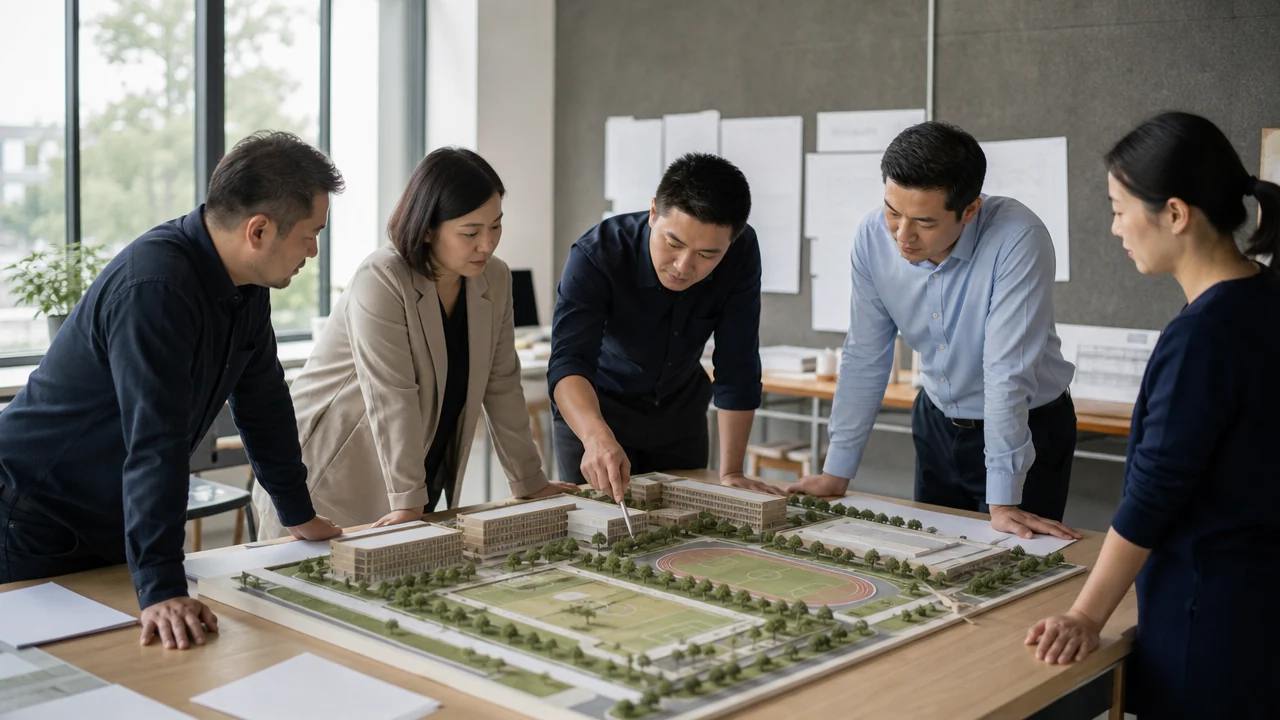
Change one dimension at a time where possible: height, footprint, orientation or access. A review where everything moves at once produces two scenes and no knowledge, because nobody can say which change produced the difference.
The scene makes single changes easy to test. A block can be raised, rotated or replaced, and the surrounding context stays still. That contrast is what turns a set of images into a comparison.
Name each option in the same way across the files. Option A in the scene and option A in the meeting notes should be the same scheme, and a consistent label prevents a late confusion about which version was shown.
3 Test them in context
3.1 What does the scene show?
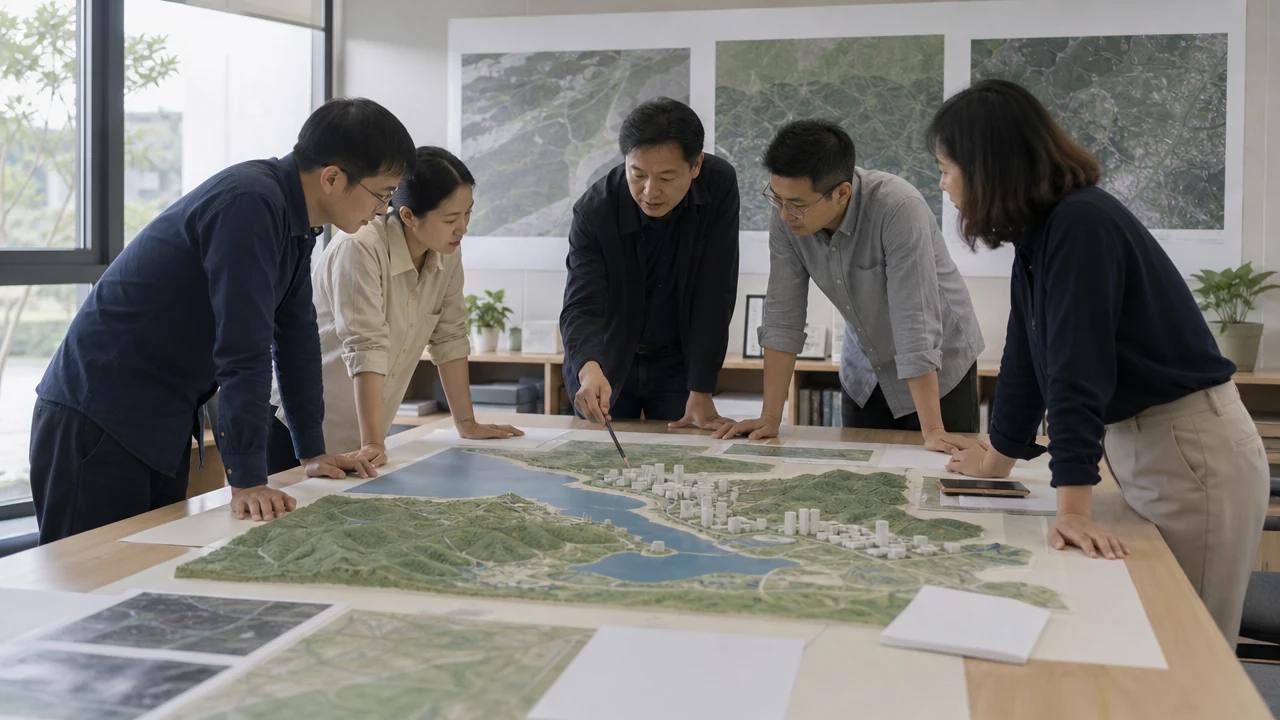
The scene shows how an option meets the street, the neighbours and the ground. It shows whether a taller block reads as a landmark or as an intrusion, and whether a lower scheme leaves the street too open. Those judgements are visual and immediate.
It also shows the parts of a site that a plan hides. A slope, a narrow access or a blank neighbouring wall becomes obvious in three dimensions, and the option can respond before the model commits to it.
A third view helps: the approach a visitor would use. An option that works from above can fail at the entrance, and the entrance is where most people form their opinion.
Take a still from each of the three views for the record. The stills are what people remember, and they keep the discussion tied to a specific view rather than a general impression.
3.2 What does it hide?
The scene hides structure, services and the cost of construction. An option that looks elegant in a scene can be impossible to build at the budget, and the scene cannot tell you which one that is. Bring the engineer in before the options narrow.
It also hides the quality of the space between buildings. A courtyard that reads as generous from above can be dark and wind-swept at ground level, and a ground view or a visit will say so.
Say so before the option is chosen, not after. A caveat raised at the right moment shapes the scheme, while the same caveat after the freeze reads as an objection.
4 Compare the effort
4.1 What does a change cost?
A change in the scene is an edit: move, rotate, replace or resize. A change in an authored model is a modelling task whose cost depends on how the model was built. Comparing options in a scene keeps the revision cheap while the options are still moving.
The cost lands at different moments. A scene is quick to start and quick to change, while a model is slow to start and slower to revise. Early comparison belongs in the instrument with the cheapest revision.
That does not make the model optional. It means the model should be built once the comparison has narrowed, rather than used as the place where the comparison happens.
4.2 What does the export carry?
The export carries geometry and materials as a GLB, not authored elements. That is enough to bring the chosen option into a design or BIM workflow as a reference, and it is not enough to continue as a building model. Plan the handover accordingly.
Check the scale and the origin on import, and record the settings. A reference that arrives at the wrong size is worse than no reference, because the error can survive several meetings before anyone measures it.
5 Choose and record
5.1 How do you decide?
Choose the option that survives the criteria with the fewest unresolved questions. A scheme with one clear weakness is easier to develop than one with three unclear strengths, and the review should say which weakness remains.
Write the reasoning in a paragraph. A decision with a reason survives a change of staff; a decision without one gets reopened at the next meeting, usually by someone who was not there.
5.2 What do you record?
Record the question, the criteria, the options and the reason for the choice. One line per rejected option is enough to show that the comparison was real. Add the date, the source of the scene and the person who checked the export.
Keep the record short enough to read. A two-page note gets opened at the next review, while a report gets filed and forgotten, and the review then starts again from memory.
Run the comparison on a live area in the GenAnywhere app and keep the record beside the chosen scene.
6 Move into the model
6.1 When does the option freeze?
Freeze when the criteria are met and the remaining questions are about detail rather than arrangement. A frozen option can still change, and every change after the freeze should be a decision rather than a drift.
6.2 When do you revisit?
Revisit when the brief changes, when the site changes or when a new constraint arrives from a survey or an engineer. Put a date on the review so the revisit is expected rather than triggered by a surprise.
Compare the workflow on a site you know in GenAnywhere before the next round begins.
6.3 When does the scene retire?
The scene retires when the chosen option has moved into authored work and the site context is no longer changing. Archive it with the note, so a later question about the comparison can still be answered.
7 FAQ
FAQ-1 Is this a design review?
No. It is a comparison of arrangements, judged against agreed criteria. Design quality, construction cost and engineering performance sit outside it. The review narrows the field so those disciplines can examine fewer options in more depth. The scene supplies evidence, not a verdict, and the criteria decide which evidence counts.
FAQ-2 How many options should we compare?
Three or four is enough for most sites. Include the current scheme, one variation and one challenger that tests a shared assumption. More options increase the effort and tend to favour the most detailed submission rather than the clearest argument. Cut any option the team would not build, and keep the set small enough to review in one sitting.
FAQ-3 Can several options share one scene?
Yes, if each option is kept in its own group and named clearly. Toggling between groups is faster than opening separate files, and it keeps the context identical. Record which group was shown and when, because a shared scene can become confusing. One option per file is safer for external reviews.
FAQ-4 Does the scene choose a winner?
No. It shows the consequences of each arrangement, and the team applies the criteria. A scene can make a weak option look attractive, which is why the criteria are written before the images are made. The decision stays with the people accountable for it, and the scene stays evidence. A short note of the reasoning is what the next team will read.
Content and technical notes
This article was prepared by the GenAnywhere team with AI-assisted drafting and human review.
Product features, formats, and availability change as the platform evolves; refer to the official GenAnywhere website for current details.
For technical questions or corrections, contact support@genanywhere.com.
Last reviewed: 2026-11-06.