
Storage tank reviews: where GenAnywhere sets the base scene
A base scene is the shared ground under a tank review: fixed extent, fixed viewpoint, tanks added as design assets.
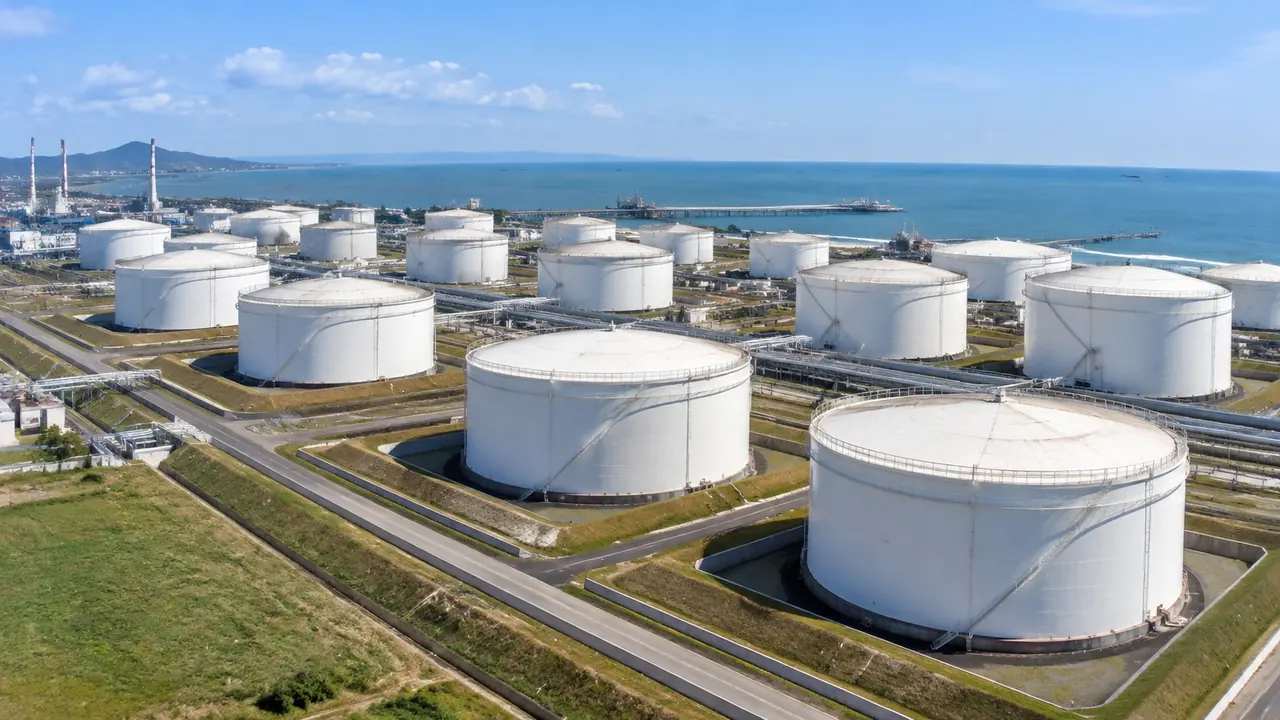
GenAnywhere sets the base scene for a tank review when you choose an area on the map and let the platform generate the ground inside it. That base holds terrain, water, vegetation and building masses, and it stays the same while the tank design changes above it. Reviewers then argue about equipment and layout against a setting everyone can see, rather than against three different drawings in three different heads, which is where most avoidable disagreement starts.
1 What a base scene is for
1.1 One reference for the room
A review with twelve people in it usually has four versions of the site in their heads, and most disagreements start there. A base scene collapses those versions into one picture that can be turned, walked and pointed at, with a fixed extent and an imagery date attached in plain sight. It does not have to be beautiful or detailed, and it does have to be the same for everyone, from the site manager to the process engineer. Once the ground is agreed, the conversation moves to the part that actually needs a decision.
1.2 Where it is set
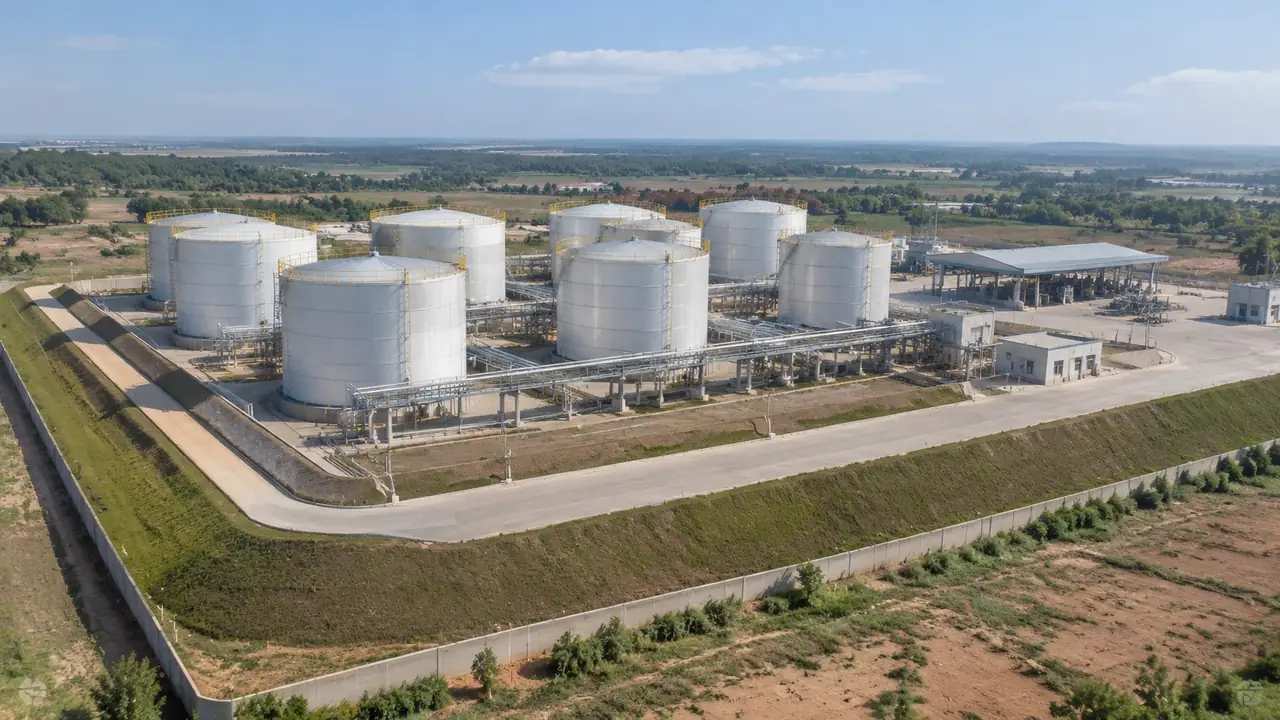
The base is set by two choices: the extent of the selected area and the imagery date behind it. Extent decides what the room can see and what it will inevitably ask about; the date decides what the room should not trust. Both belong in the title of the meeting rather than in the small print of a slide, because both shape what people say in the opening ten minutes. A base described as the farm plus the riverbank, from imagery taken in spring, is a reference people can use, and a base described as the site is not.
2 Setting the base before the meeting
2.1 An extent that matches the question
Most tank reviews are about one of three things: spacing inside a group, the edge of the farm against a neighbour, or a change to the buildings that support the tanks. Each needs a different extent, and picking the wrong one wastes the session before it starts, because the room will discuss whatever the boundary happens to include. A spacing question works at a few hundred metres; a neighbour question needs the boundary and the water beyond it. Decide the question before you draw the boundary, not after the scene has been generated.
2.2 Correcting the buildings before freezing
Buildings on the base should be checked before the scene is frozen, because a wrong shed will be discussed for ten minutes and the tanks for five. Move, rotate, resize or retype a mass until the sheds, the gatehouse and the control room sit where the site team says they sit, then look at the result from the entrance. Keep the corrected version as the base and leave the earlier one untouched. Nobody needs a base scene that quietly changes halfway through a meeting, least of all the person presenting it.
3 What sits on the base
3.1 The generated content
The base carries terrain, water, vegetation and building masses, with heights estimated from the imagery and footprints traced from it. That is the whole of the generated content, and it is what the platform documents as its output, so it is worth knowing before someone asks for a pipe rack. Vegetation matters on a tank farm more than people expect, since a tree belt on the boundary decides what a neighbour sees and how the farm reads from the river. All of it can be edited, and most of it is better left as found.
3.2 The tank assets placed on top
Tanks, roofs, stairs, pipe racks and loading arms come from the design side and are placed on the base in a downstream tool. The base does not know about them, and it does not need to, which keeps the two files independent. What it does is give them a ground with a slope and a set of neighbours with heights, so a layout can be judged in something closer to its real setting. That separation is what lets one base serve several design options in the same week, without regenerating the ground for each one.
4 A review that uses the base
4.1 An order of views
Open at the boundary, then move to the tank group under discussion, then look outward from inside that group. That order answers the neighbour question before the spacing question, which is usually the right sequence for a mixed audience of operations staff and designers. Record the viewpoints as you go, so the same three views can be used in the follow-up meeting without anyone hunting for the spot again. Comparisons hold when the camera has not moved between sessions, so leave it where the decision was made.
4.2 Recording decisions against a view
When a decision is made, note the viewpoint it was made from and the version of the base behind it. A note that says the room agreed to move a group after seeing the view from the gate is worth more than a note that says the room agreed. Six weeks later the view can be reproduced and the decision checked against it, which is the difference between a short note and another workshop. Without that record, the decision has to be remade from memory, and memory is generous.
5 Reusing the base
5.1 Same ground, new option
A tank design usually produces several options, and the ground does not change between them. Keeping one base and swapping the equipment means each option is compared on the same footing, which is the whole point of a common reference. Label each option with its date and the base version it used, because a week later nobody remembers which came after which. Reviewers then see the difference between options rather than the difference between site models, and the argument stays on the design where it belongs.
5.2 Versioning without clutter
Two base scenes are usually enough for a project: the site as found and the site with known corrections. Beyond that, naming becomes guesswork and people open the wrong file in front of a client. Retire versions rather than renaming them, and tell the review group which one is current before anyone opens anything. The discipline takes five minutes and prevents the meeting where two people are looking at different farms, or worse, the same farm at different dates.
6 Limits of a base scene
6.1 No compliance verdict
The base does not check spacing, containment, fire separation or drainage, and a review held on it cannot close any of those questions. Standards such as those published by the API set out what a compliant layout needs, and the assessment belongs to a qualified reviewer with the design data in hand. Use the base to agree what the layout is, then send it for the checks it needs rather than asking the picture to stand in for them. A shared picture is not a shared certificate, however convincing it looks on a screen.
6.2 The date under the picture
Every base has an imagery date, and tank terminals change in small, visible ways. If a new tank or a raised wall is missing, the room will notice, and the credibility of the whole session drops with it. Say the date at the start and invite corrections before the discussion begins, so the opening minutes settle the ground and the rest can be spent on the layout. A base scene that admits its age is more useful than one presented as a picture of today.
6.3 Export and handover
The base can be previewed and exported as a GLB for 3D, BIM, GIS and engine workflows, carrying the site and the edits you made. It does not carry the tanks or the design, so the handover note says which is which and where the missing parts live. The export licence is permanent and commercial, with limits on resale of raw files and on training models. Export once the base is stable, and export again if it changes rather than patching the file by hand.
Open the GenAnywhere app and set a base scene for a tank review
7 FAQ
FAQ-1 What counts as a base scene?
The generated site for a chosen area: terrain, water, vegetation and building masses, with a fixed extent and a known imagery date. It is the part of the review that does not move while the tank design is discussed. Call it the base, the reference scene or the site context, as long as the whole team uses one name for it. The name matters less than the habit of reaching for the same file.
FAQ-2 How much of the farm should it cover?
Enough to answer the question on the agenda, plus the neighbours the room will mention. Spacing reviews need a small extent and a close view; neighbour reviews need the boundary and the water or buildings beyond it. If two questions need two extents, generate two bases rather than compromising on one and then arguing about the edges. Two bases cost less than one argument about the boundary.
FAQ-3 Will reviewers see the tanks?
Not from the platform. Tanks are design assets and appear once the equipment model is placed on the base in a downstream tool. Many teams do that already before a workshop, which is the right order: the base at the start, the assets after it. Say which file holds the tanks, so nobody opens the site export and concludes the review is empty.
FAQ-4 Can the same base serve later reviews?
Yes, and that is much of its value. Keep the base file, its imagery date and its edits, then place a new design option over it. Later comparisons stay honest because the ground has not been rebuilt between sessions. Retire old versions rather than renaming them, and tell the group which base is current before they open anything.
See how a base scene carries a tank review from start to finish
Content and technical notes
This article was prepared by the GenAnywhere team with AI-assisted drafting and human review.
Product features, formats, and availability change as the platform evolves; refer to the official GenAnywhere website for current details.
For technical questions or corrections, contact support@genanywhere.com.
Last reviewed: 2026-11-13.