
BIM modeling coordination: what site context to check with GenAnywhere
Coordination meetings argue about position, and a shared site scene settles more of that than a stack of drawings.
BIM modeling coordination needs a common picture of the site before it can compare anything. GenAnywhere generates that picture from map and satellite data, with buildings, ground, water and planting in separate layers, and exports it as a GLB. This article sets out what the scene contributes to coordination, what it cannot do, and the checks that keep it aligned with the model.

1 What coordination needs
1.1 Why a shared picture?
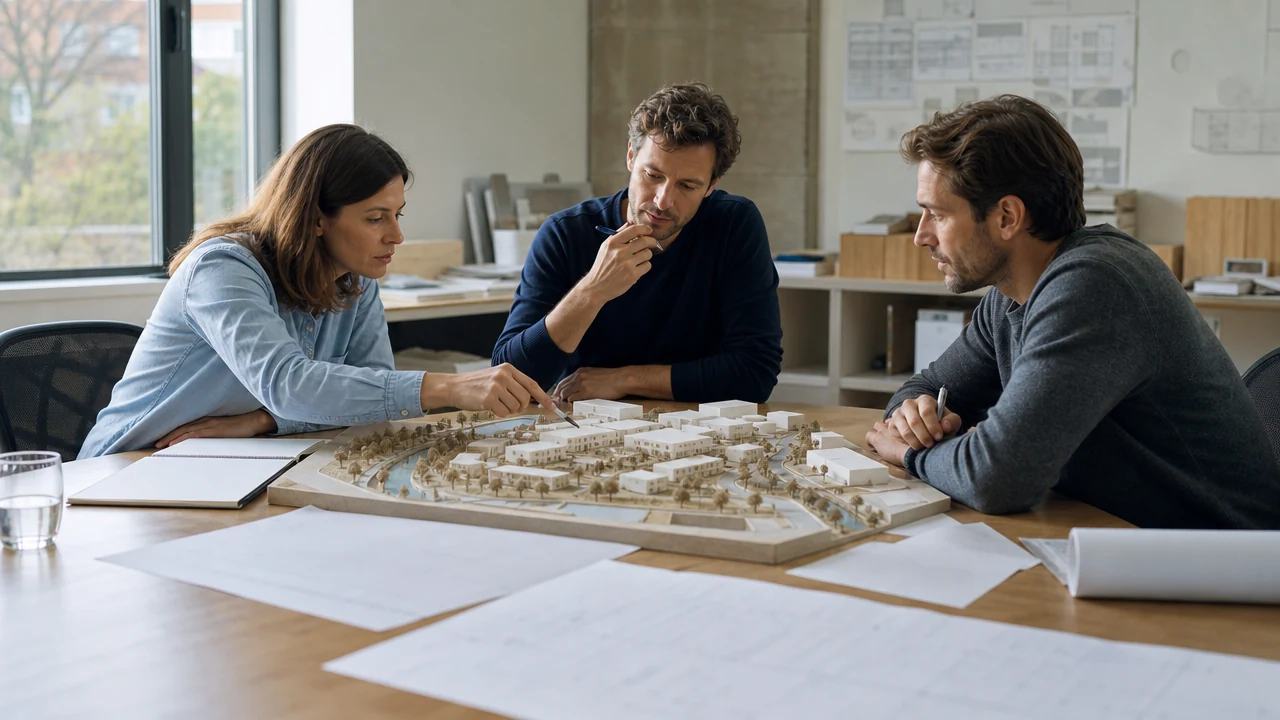
Coordination works when every party refers to the same place. A structure engineer, a services engineer and an architect can each hold a correct model and still disagree about where the building sits. A site scene removes that disagreement before it starts.
The scene also gives the meeting a scale. A plant room that sounds small in a report looks different when the block around it is visible, and the conversation becomes about the building rather than about the description.
Exchange frameworks such as the buildingSMART standards describe how information is shared between parties and why a common reference matters. A scene is a simple version of that idea, and it works for the same reason.
1.2 What does context add?
Context adds the things the building model leaves out: the street, the neighbours, the slope and the access. Those are the conditions that produce most coordination questions, and none of them belongs inside the building model.
It also adds a check on the brief. A proposal that looks reasonable in isolation can look wrong beside the actual neighbour, and the scene shows that earlier than a rendered image made for presentation.
The scene keeps the argument spatial. Once the room is looking at the same corner, the discussion tends to move from preference to evidence, which is the shift a coordination meeting needs.
2 What to check in the scene
2.1 Are position and neighbours right?
Check the building's position against the street and the neighbouring blocks. A shift of a metre is hard to see in plan and obvious in a scene, especially at the entrance where the relationship matters most.
Check the neighbours that the design responds to. A tall block, a blank wall or a row of windows can drive the scheme, and each should be present in the scene before the meeting that discusses them.
2.2 Are ground and access right?
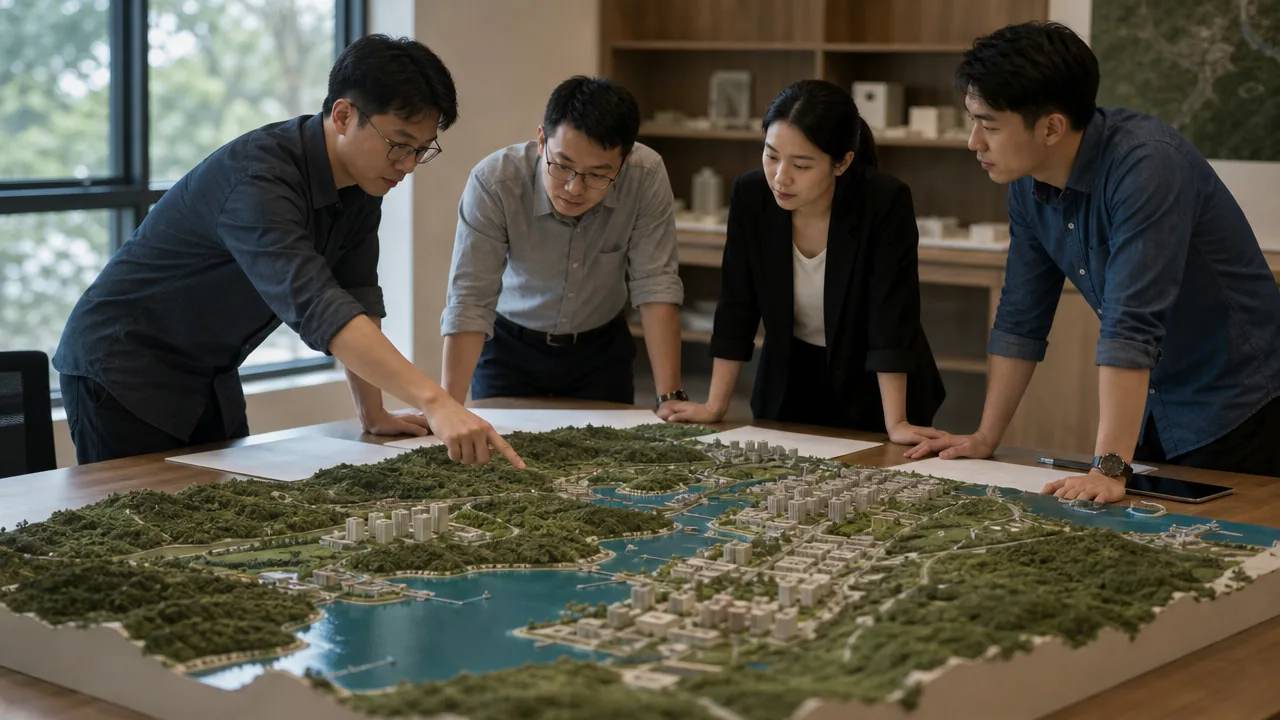
Check the ground levels and the access points. A slope that the model assumes flat will cause a coordination problem later, and a service entrance that looks available in the scene may be blocked in reality. The scene helps ask the question.
Access is worth a walk in the viewer. A turning circle, a loading bay or a fire route reads differently once the buildings have depth, and the scene is cheap enough to check several times.
Check the ground where it meets a building. A slope that runs into a wall produces a step, and the step is often the thing that changes a layout. Catching it in the scene is cheaper than catching it on site.
3 What not to expect
3.1 Does it detect clashes?
No. The scene is context, not a coordination engine. It does not compare services against structure or report an intersection. Clash work belongs in the tools that hold the authored models, and the scene supports the conversation around it.
What the scene does is show whether the buildings fit the site. That is a different question from whether the pipes fit the ceiling, and confusing the two leads to a false sense of coverage.
State the scope in the meeting. A sentence at the start, saying this scene is context and not a coordination model, keeps the subsequent questions honest and saves a later correction.
3.2 Does it carry measured facts?
No. Heights are estimated and boundaries follow a map source. A measured level or a legal line needs a survey or a title. The scene can flag where a measured fact is needed, and it cannot supply one.
Say this in the meeting rather than after it. A number quoted from the scene is hard to retract, and a short statement at the start prevents the quote from entering the minutes.
4 Using it in meetings
4.1 Which view do you open with?
Open with the view that matches the question. A site-wide oblique explains position, a ground view explains the entrance, and a plan explains the boundary. Starting with the wrong view costs five minutes and a round of confusion.
Keep the context muted and the proposal clear. A colour difference does more than a legend, and it lets the room follow the discussion without a narrator.
Check the projection before the room fills. A scene that reads on a monitor can lose contrast on a projector, and a five-minute test saves a meeting that spends its opening ten minutes adjusting a screen.
4.2 What do you toggle?
Toggle the proposal, not the context. The context is the stable part of the conversation, and removing it makes the proposal harder to judge. If a layer must go, remove the planting before the buildings.
Record what was shown. A meeting that refers to a view nobody wrote down is hard to reconstruct, and the record takes one line in the note.
5 The record
5.1 What goes in the note?
The note records the source, the date, the area, the anchor and the checker. It also states what the scene is for. Coordination depends on shared assumptions, and the note is where those assumptions live.
Add the import settings and the version. A scene that changes without a version number turns a coordination record into a guess, and the version is the cheapest control available.
Name the person who checked the scene. Coordination depends on trust, and a named check is easier to trust than an unsigned file that appeared in a shared folder.
5.2 Why does the anchor matter?
The anchor is the position that both the scene and the model use. Without one, the two files drift and every meeting begins with an alignment argument. With one, the argument moves to the design, which is the point of the meeting.
Agree the anchor with the parties who hold the models. A corner, a road centreline or a surveyed point works as long as everyone uses the same one, and a drawing of the point is better than a coordinate alone.
6 When coordination moves on
6.1 When does the model take over?
The model takes over when the questions become about elements and systems. At that point the scene becomes a reference for position and context, and the coordination work happens in the tools that hold the authored content.
That transition is worth naming in the meeting. A team that knows which instrument is in charge stops asking the scene to settle questions it cannot, and the meeting gets shorter.
6.2 When do you refresh?
Refresh when the design changes massing, when the site changes or when a new party joins. A stale scene is worse than no scene in a coordination meeting, because it looks authoritative while describing an earlier scheme.
Build the context scene in the GenAnywhere app when a coordination round begins, and give every party the same file.
6.3 When do you stop?
Stop when the remaining questions are internal to the building. A scene that stays in the meeting after its questions are settled becomes decoration, and decoration invites opinions that the project does not need.
Follow the context-to-model sequence in GenAnywhere before the next coordination round.
7 FAQ
FAQ-1 Does it detect clashes?
No. Clash detection compares authored elements, and the scene does not contain them. The scene shows the building against its site, and that is a different check. Teams still run clash work in their coordination tools. Keep the two activities separate and say which one the meeting is doing before it starts.
FAQ-2 Is this a coordination platform?
No. It is a browser scene with an export. It does not host models, manage issues or track versions between parties. It supplies a shared picture that a coordination meeting can use, and the coordination platform remains the system of record. The scene is an input, not a replacement, and the note should say so.
FAQ-3 Can several teams use the same scene?
Yes, if they receive the same file and the same anchor. The note should say which version is current, and each party should confirm the import. A shared scene is a shared assumption, and the assumption needs a date. A version number in the file name helps, and a date helps more.
FAQ-4 What about underground services?
They are not in the scene. Services come from the asset owners, surveys and the models that hold them. The scene can show where a service question is likely to matter, which helps scope the search before anyone lifts a cover. The scene never substitutes for a service record, and it should never be read as one.
Content and technical notes
This article was prepared by the GenAnywhere team with AI-assisted drafting and human review.
Product features, formats, and availability change as the platform evolves; refer to the official GenAnywhere website for current details.
For technical questions or corrections, contact support@genanywhere.com.
Last reviewed: 2026-11-06.