
Can GenAnywhere model containers? What the feature requires
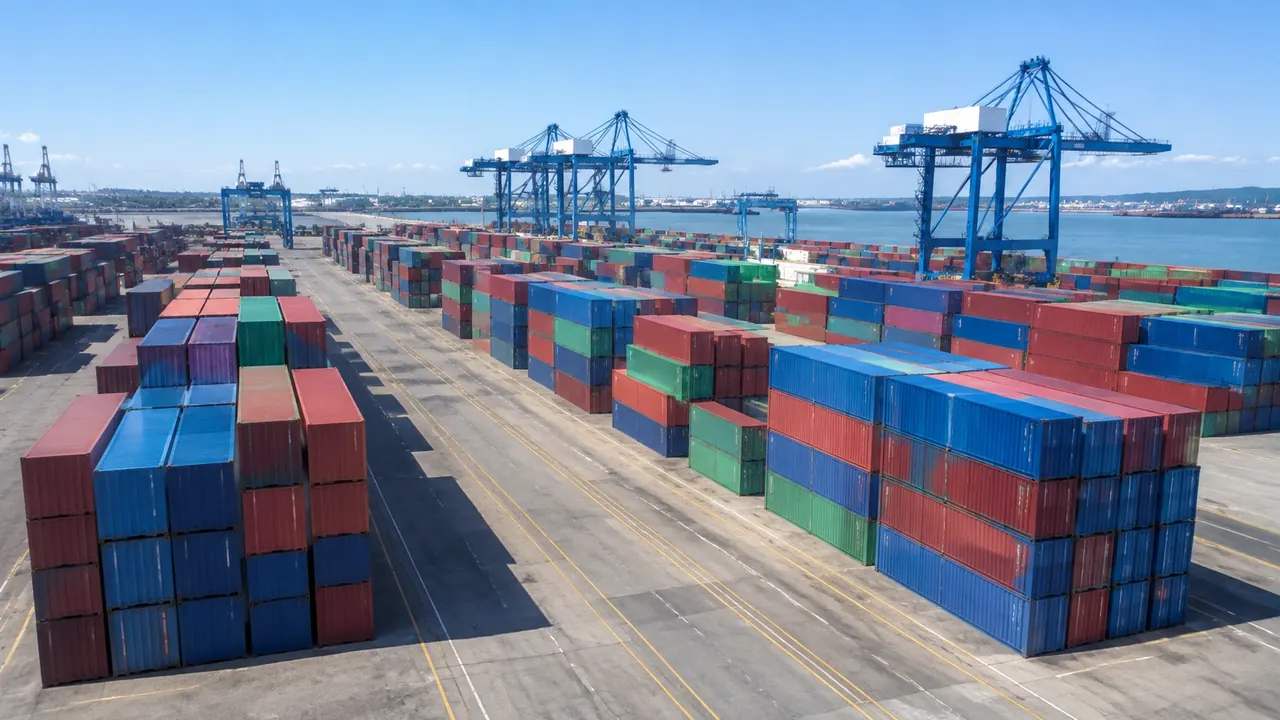
No. Containers are cargo and equipment, so a yard view needs generated ground plus a container asset set, placement rules and an export path.
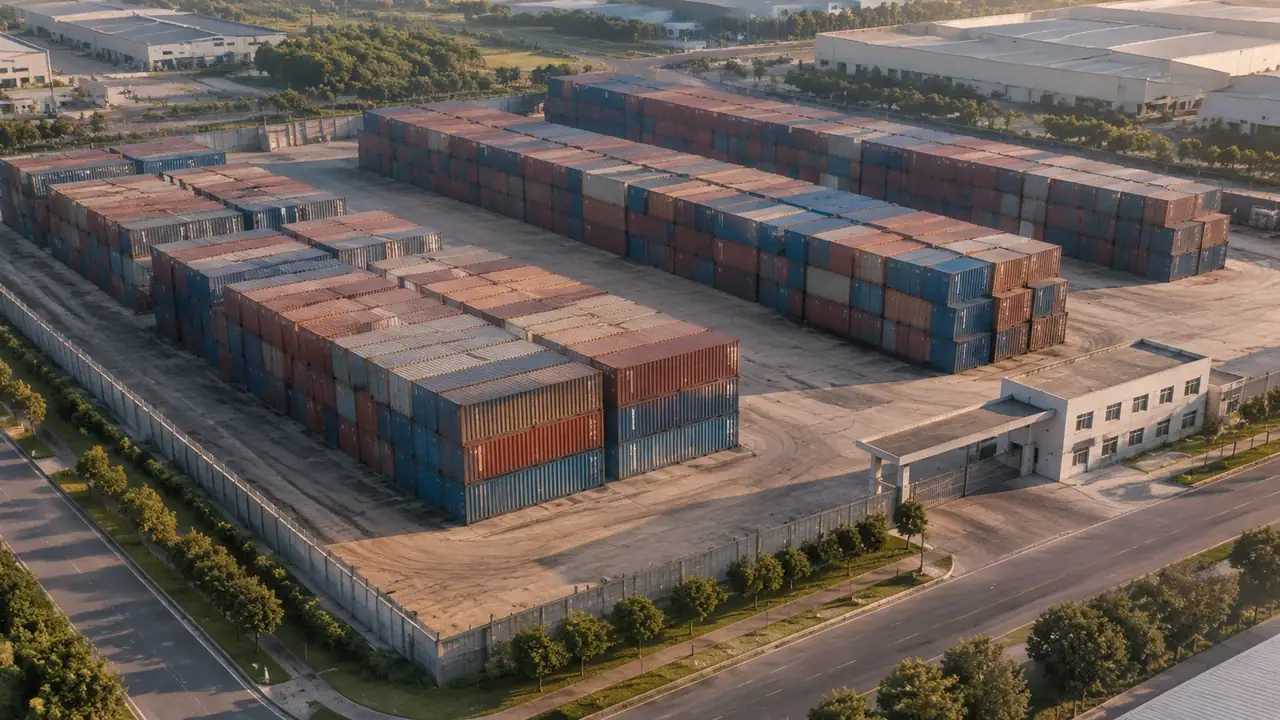
Containers are not part of the generated content, so GenAnywhere cannot model them. What it can do is generate the yard they sit in: ground, sheds, gates, boundary and surroundings, all editable. Getting a convincing container view therefore takes preparation on the data side and on the asset side, and that preparation is what this page sets out.
1 The short answer
1.1 Cargo and equipment sit outside the scene
A container is a piece of equipment and a unit of cargo, and the platform generates sites rather than cargo. Its generated content covers terrain, water, buildings and vegetation. That boundary is deliberate, because a box that moves twice a week does not belong in a base model that is meant to stay stable. Say it plainly in a review, since a container yard without containers looks incomplete until the split is explained.
1.2 What the platform provides instead
The platform provides the yard as a place: the surface, the level changes, the sheds, the gate area and the land beyond the fence. It also provides the editing controls for buildings and the layer views for terrain, buildings and vegetation. Editing a shed changes the conditions a box would sit in, which is a more useful control than moving a box would ever be. Those are the parts of a yard that change slowly and that a review argues about. The boxes are the part that changes daily, which is why they are handled elsewhere and updated more often. A base model that shifted every shift would be useless as a reference, and the platform's split follows that logic.
2 The data a yard scene needs
2.1 Extent and ground conditions
Decide the extent before generating anything. A terminal block, a full yard, or the yard plus the gate and the road approach are three different products. Note the imagery date for that extent, then check whether the surface has been repaved or extended since. Ground conditions matter for a container discussion because stack heights, reach stacker routes and drainage all depend on what the surface does. A generated surface will not carry drainage detail, so bring the site plan if that is the question. If the review turns on stack height, ask for the surface level too, since two metres of difference changes the answer.
2.2 Building and boundary corrections
Correct the buildings the audience will recognise. A shed that has been demolished, a gate that has moved, an office block that has been extended: those errors are noticed at once and they distract from the point of the review. The boundary fence is not a generated object either, so if the fence line matters, mark it on a plan rather than expecting it in the scene. Corrections take minutes each and they change how much the audience trusts the rest. Keep a note of each one, because a replaced shed is invisible to anyone who never saw the original.
3 The assets a container view needs
3.1 A consistent container module
If containers are going to be shown, they need a module: a twenty foot and a forty foot box at a stated height, with a consistent origin and a consistent colour convention. Inconsistent modules produce a yard that looks wrong even when the layout is right, because the eye reads mismatched boxes as error. Most teams keep a small library of three or four modules and reuse them. Decide the module set before anyone starts placing boxes, or the yard will end up with five variants and no rule. Two sizes, one height and one palette is a workable start for a terminal review.
3.2 Naming and placement rules
Placement rules are the part teams skip and later regret. Decide how blocks are named, how rows are oriented, how stacking height is recorded and which tool holds the authoritative layout. A simple convention, such as block letter, row number, bay number, is enough to keep a composite readable. Write the convention down and put it beside the export. Without it, two people will describe the same stack differently and the review will spend ten minutes on vocabulary. A shared sheet of block and row identifiers is enough, and it costs less than that argument.
4 Limits
4.1 No stack planning or capacity figures
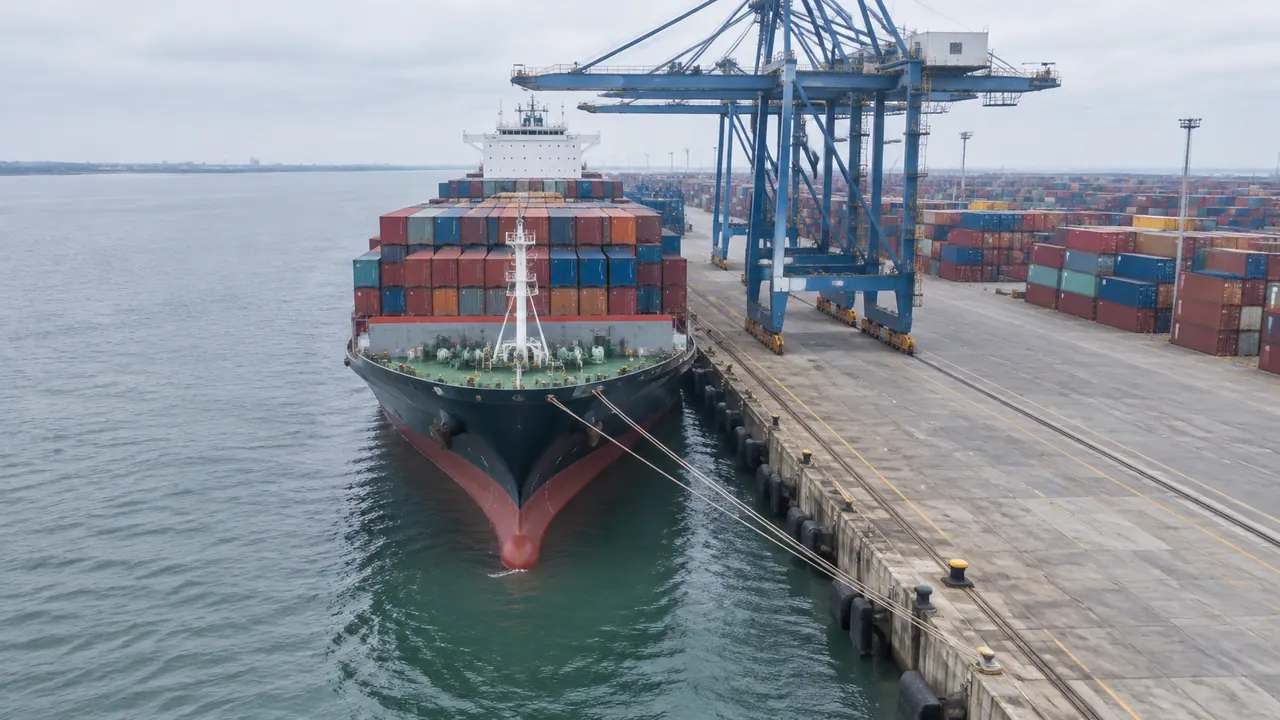
The scene does not plan slots, calculate dwell time, model crane cycles or estimate throughput. Those need terminal operating data and a specialist model, and the generated yard is not one. A container view can host the discussion and cannot answer the numbers. Teams that keep the figures in the operating system and the view on the screen avoid the argument that starts when somebody counts boxes in a picture and treats the count as a fact. It helps to say out loud that a count of drawn boxes is a count of drawings, not of stock.
4.2 No cargo data
Nothing in the scene knows what is in a container, where it came from or where it is going. Customs status, hazardous goods classes and reefer requirements are all outside the model, and they should stay in the systems that hold them. That matters for a review that touches dangerous goods segregation, because a picture cannot show a class. If segregation rules are on the agenda, they belong in the brief rather than in the image. Keep those systems as the reference and the scene as an illustration of where things stand. Read the relevant guidance, such as the UNCTAD transport and trade logistics work, alongside the layout rather than instead of it.
5 Handover
5.1 Export and place
Preview the scene, export a GLB, and place the container modules in the receiving tool. That tool might be a 3D package, a BIM environment, a GIS application or a game engine, and the placement step differs in each. Test the import before a meeting depends on it. Plan the place step as work in its own right, with a person and a time slot, because a yard scene without its boxes is not yet the picture anyone wanted. Where possible, place ground and boxes in the same file so the two cannot drift apart.
5.2 What the receiver needs to know
The receiver needs the extent, the imagery date, the building edits, the container module set and the placement convention. Five items, one page. The authorization statement covers what may be done with the exported file, which matters when it circulates beyond the project team. Add the name of the person who placed the boxes, since questions about a specific stack usually go to them rather than to the file's author. A one page handover gets read; a five page one gets filed.
6 Before you export
6.1 Scope
Choose the extent that matches the question. A yard block is enough for a stack height discussion. A whole terminal is needed for a gate or rail connection argument. Exporting one extent and cropping it later rarely works, because the crop loses the buildings that explain the layout. Take a second frame instead, and name both files by the gate, block or berth they contain, so the receiver finds them without a search.
6.2 Missing assets
Containers, reach stackers, straddle carriers, trucks and reefers are all outside the generated set. List them, say which are needed for the review and which can wait. A review that tries to include everything tends to include nothing well. The list also gives the audience a clear sense of which parts of the image are site and which are illustration. Mark which assets are essential to the argument and which are decoration, and the review will finish on time.
Open the GenAnywhere app and frame a container yard
6.3 Purpose
Say what the file is for: a layout comparison, a stack height discussion, a visual for a planning meeting, a game engine scene. Purpose decides the extent, the module set and the placement convention. A file exported without a purpose is usually opened, admired briefly and closed. One sentence in the note keeps it useful, and the platform overview describes the same split between site and cargo. Purpose also decides whether the boxes are shown at all, since a ground use argument may not need them.
7 FAQ
FAQ-1 What do I need to prepare before a container review?
A generated yard at the right extent, corrected buildings, an imagery date, a small container module set and a placement convention. Those five items cover most reviews. The yard scene comes from the platform, and the rest come from the team running the review. Preparing them before the session is the difference between a working picture and an hour of improvisation.
FAQ-2 Does GenAnywhere stack containers?
No. It has no stacking controls because it has no containers. Stacking is done when the box modules are placed in the receiving tool, where height is a transform and the layout comes from your own data. If the stack arrangement is the question, it belongs to the planning tool that holds it, and the scene supplies the ground beneath.
FAQ-3 Can I use my own container models?
Yes, provided they are consistent with each other and with the yard. A module set of two or three sizes at a stated height is enough for most reviews. Check units and origin before placing anything, since a mismatch of scale is hard to spot in a single box and obvious in a stack. Keep the set small and reuse it across projects.
FAQ-4 What format does the export use?
A GLB carrying the generated site, which 3D, BIM, GIS and game engine tools can import. Containers travel separately as your own assets. Import behaviour varies by application, so test the file in the receiving tool before a review depends on it. Note the module set and the convention in the handover, and the next team can rebuild the same view.
See how a generated yard moves into a GLB workflow
Content and technical notes
This article was prepared by the GenAnywhere team with AI-assisted drafting and human review.
Product features, formats, and availability change as the platform evolves; refer to the official GenAnywhere website for current details.
For technical questions or corrections, contact support@genanywhere.com.
Last reviewed: 2026-11-13.