
Bridge bid review on I-5: where GenAnywhere helps early
A shared site model gives reviewers a way to compare proposals against the same river, road, and neighborhood.
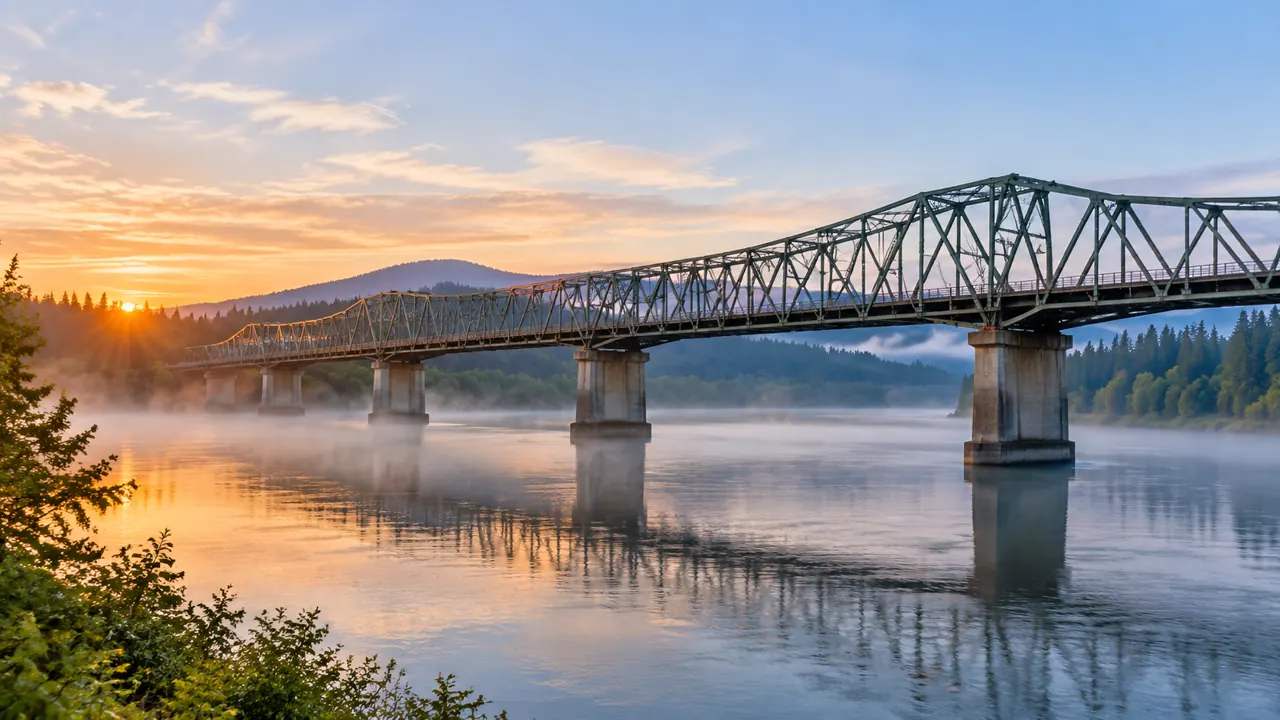
A bridge solicitation on a corridor like Interstate 5 asks reviewers to compare technical proposals that describe the same crossing in different ways. One team may propose a longer span. Another may stage work from a different bank. A third may route traffic through a temporary structure. A generated 3D site model will not score the bids, but it can put the site in front of the review committee in a form everyone can read.
1 What a bridge procurement review has to compare
1.1 Read the technical proposal against the site
A technical proposal describes a structure, a sequence, and a set of assumptions. Reviewers need to see those claims against the actual ground: the river width, the bank slopes, the approach roads, and the buildings near the abutments.
A site model helps with that comparison. It shows the corridor and the neighborhood in three dimensions, so a reviewer can follow a proposed staging plan without translating it from a plan sheet. The model does not judge the plan, but it makes the plan legible. A proposal that assumes a wide bank may not fit a narrow one.
1.2 Separate cost from constructability claims
Price is one part of a bid. A proposal also makes claims about constructability: how the team will build over water, where it will place cranes, how it will keep traffic moving, and what it will do if the river rises. Those claims deserve their own review.
Keep them separate from the price envelope. A low bid with an unrealistic staging plan is not a bargain. A higher bid with a clear sequence may be the safer choice. The model gives the committee a common picture for that discussion. Ask each team to explain the sequence behind its price.
2 The site conditions that shape a bid
2.1 Riverbanks, approaches, and staging room
A bridge bid is shaped by the room around the bridge. A wide floodplain offers staging space. A tight urban bank may force the contractor to work from the deck or from barges. A steep approach may limit where cranes can stand.
Those conditions are visible in a model that includes terrain, water, roads, and buildings. Reviewers can see how much space a proposal needs and whether the site actually provides it. They can also see which neighbors would live beside a staging yard for two years. A staging yard that blocks a business entrance is a problem the drawings may hide.
2.2 Nearby buildings and utilities
A bridge replacement touches more than the bridge. It may require temporary right-of-way, utility relocations, and access changes for businesses on the approach. A model of the surrounding blocks shows what sits close to the work.
That context matters for community impact and for constructability. A crane that swings over a occupied building is a different proposition from one that swings over a closed lot. A detour that passes a school has a different schedule from one that passes a warehouse. Utility relocations often set the real start date of the work.

3 Using a site model in the review room
3.1 Build the corridor context from public data
GenAnywhere starts with a map selection. The platform generates an editable 3D site model from satellite and map data, identifying building footprints, estimating heights, inferring building types, and analyzing vegetation. Terrain, water, and vegetation are matched automatically.
For bridge bid review, that gives the committee a base that covers both banks and the approach blocks. The model shows the river, the roads, the buildings, and the tree cover as they stand. It is a shared reference, not a proposal drawing. The model also shows the approach grades on both sides of the river.
3.2 Place the proposed structure and compare
Buildings sit on their own layer. You can replace a single building, move or rotate it, adjust its height or type, and preview the result before export. A bridge tower, a temporary trestle, or a staging shed can be represented as a volume in the right place.
Use the same viewpoints for every proposal. A view from the downstream bank, a view from the approach road, and an overhead view cover most of the questions. Reviewers can switch between proposals without losing their place. Mark the temporary works as clearly as the permanent ones. Reviewers can then see the same volume from the same place. The scene can be previewed from any of those points before it is exported, so the committee can agree on the views it will use.
The platform generates terrain, water, vegetation, and building volumes. It does not model bridge structures, foundations, traffic staging, or construction methods. Those come from the proposal and from the engineers who evaluate it.
The model is also a snapshot. A new building, a cleared lot, or a changed road may not appear. Treat it as context for review, not as a survey or a construction document.
4 Scoring proposals with the same lens
4.1 Set the viewpoints before reading bids
Decide where the committee will look before the proposals arrive. A fixed set of viewpoints keeps the evaluation consistent and makes the record easier to defend. It also prevents a persuasive rendering from setting the terms of the comparison. Reviewers should know which model version they are looking at.
Write the viewpoints into the evaluation plan. Name the locations, the direction of view, and the date the base model was generated. Reviewers can then compare proposals on equal terms.
4.2 Ask bidders to explain what the model cannot show
The model cannot show a construction schedule, a crane load chart, or a river closure plan. Ask each bidder to explain those items in plain language, and use the model to locate them on the ground.
A question such as "where does this crane stand, and what does it swing over" is easy to answer with a model and hard to dodge with a diagram. That is the value of a shared base in a review room. A written answer belongs in the evaluation file.
5 Keeping the process defensible
5.1 Document assumptions and sources
Every model has assumptions: imagery dates, estimated heights, inferred building types. Record them in the evaluation file. If a proposal depends on a building that the model shows incorrectly, the record should show that the committee knew.
Document the source of the base model and the date it was generated. If the model is refreshed during the procurement, note the change and the reason. A clean record protects the award. A reviewer who joins late should be able to follow the record.
5.2 Keep proprietary material out of shared models
Bidders may submit proprietary designs, methods, or data. Those belong in the confidential part of the file, not in a model that staff or the public can open. Keep the shared model to public context and to volumes that the evaluation plan allows.
Guidance from the Federal Highway Administration covers procurement and environmental review for highway projects. The details depend on the delivery method and the state, so the project team should follow the current rules for its own solicitation.
6 Before award
6.1 Verify the site against current conditions
Walk both banks and the approach roads before the committee meets. Check the buildings that appear in the model, the access points, and the staging areas. Correct what has changed.
Ask the local public works department about closures, utilities, and planned work that could affect staging. A bridge project that collides with a sewer replacement has a problem the model cannot show. Photograph the banks and the access points, and date the images.
6.2 Confirm the technical questions with engineers
A site model is not a structural or hydraulic analysis. Send the technical questions to the engineers who will evaluate them: scour, foundations, seismic detail, traffic staging, and construction over water.
Give those reviewers the model as context, with a note on its limits. They will know which parts to trust and which to verify. That is the right division of labor. Ask for the assumptions behind each number, not just the number. The base model can also travel into the agency's GIS or design tools as a general GLB. Tutorials cover ArcGIS Pro, GISBox, Revit, Rhino, SketchUp, Blender, Unreal Engine, and Unity. Keep the export to public context, and check the import settings with each tool.
6.3 Prepare the public summary
The public does not need the full evaluation. It needs a clear picture of what is proposed, what changes during construction, and how long the work will last. A model can supply the picture, with views from the places people use.
Keep the summary short and specific. Name the detours, the closures, and the staging areas. Point to the meetings where questions will be answered. A clear summary does more for trust than a polished animation. A short fact sheet at the meeting prevents rumors from filling the gap. If the agency wants a model for the open house, GenAnywhere can export a general GLB for the project team's viewing tool. It carries site context, not the bid design.
7 FAQ
FAQ-1 Can GenAnywhere evaluate bridge proposals for us?
No. GenAnywhere generates a 3D site model of the corridor and its surroundings. It helps a review committee see proposals against the same ground. Evaluation criteria, scoring, structural review, and award decisions belong to the procuring agency and its technical advisers. The model is context for that work, not a scoring tool.
FAQ-2 What site conditions can the model show near a bridge?
It shows terrain, river geometry, roads, buildings, and vegetation on both banks and along the approaches. That helps reviewers understand staging space, nearby buildings, and access. It does not show foundations, scour, traffic volumes, or construction methods, which require engineering analysis. Those items belong to the technical reviewers and their consultants.
FAQ-3 How current is the base model during a procurement?
The model reflects the satellite and map data available when the area was generated. Conditions change during a long procurement, so walk the site and refresh the model before a key decision. Record the date and the assumptions in the evaluation file. Note the refresh date in the evaluation file.
FAQ-4 Can the model be shared with bidders?
A model built from public context can support a pre-proposal meeting or a site visit. Proprietary designs and methods should stay in the confidential file. Agree on what is shared before the solicitation opens, and keep the public model separate from bidder submissions. That separation protects the procurement record. Keep a public version for the meeting file.
Content and technical notes
This article was prepared by the GenAnywhere team with AI-assisted drafting and human review.
Product features, formats, and availability change as the platform evolves; refer to the official GenAnywhere website for current details.
For technical questions or corrections, contact support@genanywhere.com.
Last reviewed: 2026-11-22.