
Rail bridge handover: what should a GenAnywhere corridor check cover?
How to give the receiving team a shared view of the whole corridor, not one bridge.
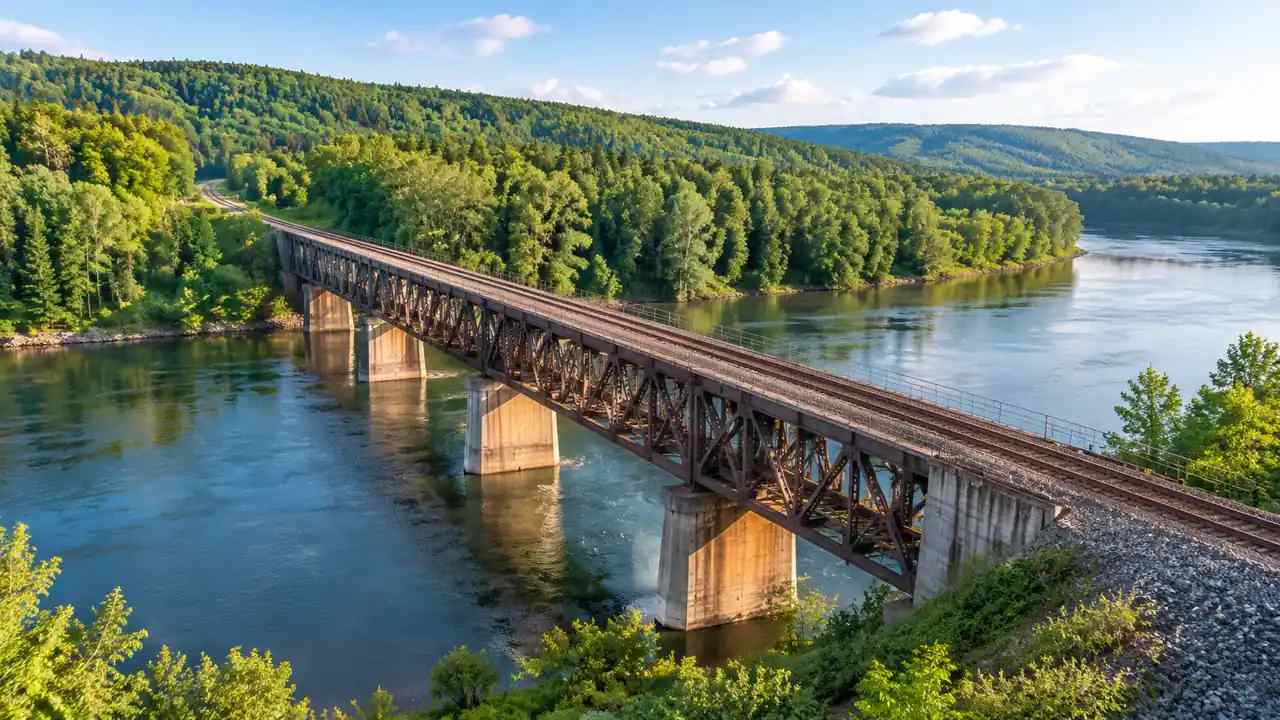
A rail bridge handover is broader than the span itself. The receiving team inherits the approaches, the drainage paths, the access roads, and every interface with the surrounding network. A 3D site model helps the corridor check stay organized, because each item can be seen in the same frame as the structure. GenAnywhere supports that early view from map data, before the asset record is complete.
1 What a handover actually transfers
A handover transfers responsibility. Files alone do not transfer much. The operator needs to know what was built, where it sits, and what remains open. The designer needs to know what was accepted and what was deferred. A corridor check should make those two accounts agree before signatures close the file.
1.1 List the assets inside the corridor
Walk the alignment from end to end and list what belongs to the project: track, ballast, retaining walls, catenary, signals, culverts, fences, and access gates. Mark the items that sit just outside the fence but still affect operation. The list becomes the spine of the handover, and the model becomes its spatial index. Photograph each asset from the same side of the track so the images can be compared later. A simple naming rule saves hours during the review. If an item is missing from the list, the operator inherits an unknown rather than an asset.
1.2 Mark the interfaces at each end
The junction with the existing line is often the hardest part of the handover. It carries signaling, power, drainage, and operational rules from two owners. Photograph and model the tie-in points before the final walk. Name who is responsible for each side of the interface.
Write the station labels on the checklist and use the same labels in the file names. Reviewers should be able to move between the field note, the image, and the model without guessing. Consistency is the whole point of a corridor view.
2 Building a corridor view
A corridor view is a sequence, not a single hero shot. It should show the alignment in the same orientation at each station so reviewers can follow the line. That consistency turns a set of images into a way of thinking about the asset.
2.1 Set one frame along the alignment
Choose a station interval and keep the camera height and direction constant. Overlay the boundary, the access points, and the nearest buildings. If the model jumps between orientations, reviewers lose the thread. Federal Railroad Administration guidance on project delivery is a useful reference for organizing the record around the asset rather than the drawing set.
2.2 Compare field notes with the design record
Take the model into the field and mark where the built condition differs from the drawing. Those differences are the real handover agenda. Assign a status to each one: accepted, pending, or disputed. A model that carries the field notes is far more useful than a clean scene that ignores them.

3 What the model contributes to the corridor
The model is a coordination surface for people who do not share software. It gives the operator, the designer, and the local authority a common picture of the corridor and its edges. GenAnywhere can build that picture from a map-selected area and keep the surrounding context in the same scene.
3.1 Generate terrain and surrounding buildings
Select the corridor and a band on each side, then generate the scene. GenAnywhere identifies nearby building footprints, estimates heights, and reads vegetation, while terrain and water arrive as separate layers. The rail asset can be traced against the ground and the neighboring development. Keep the surrounding buildings as context, not as part of the asset. They help the operator understand encroachment and future risk. They should not be exported as if the project had built them.
3.2 Review access and staging areas
Handover reviews often forget how maintenance vehicles reach the bridge. Plot the access roads, the turning areas, and the gate locations on the model. Check whether a parked train or a delivery truck would block an emergency route. Note any place where vegetation or a new fence narrows the approach.
Record the date, the weather, and the person who made the observation. A wet-weather photo can explain a drainage issue better than a dry one. The note should let a later reviewer revisit the same spot under similar conditions.
4 Checks that need eyes on site
Some conditions cannot be judged from a model. Water, vegetation, and buried services need a field visit and a specialist. The model helps a team plan that visit and record what it finds, but it does not replace the inspection.
4.1 Walk the drainage and vegetation edges
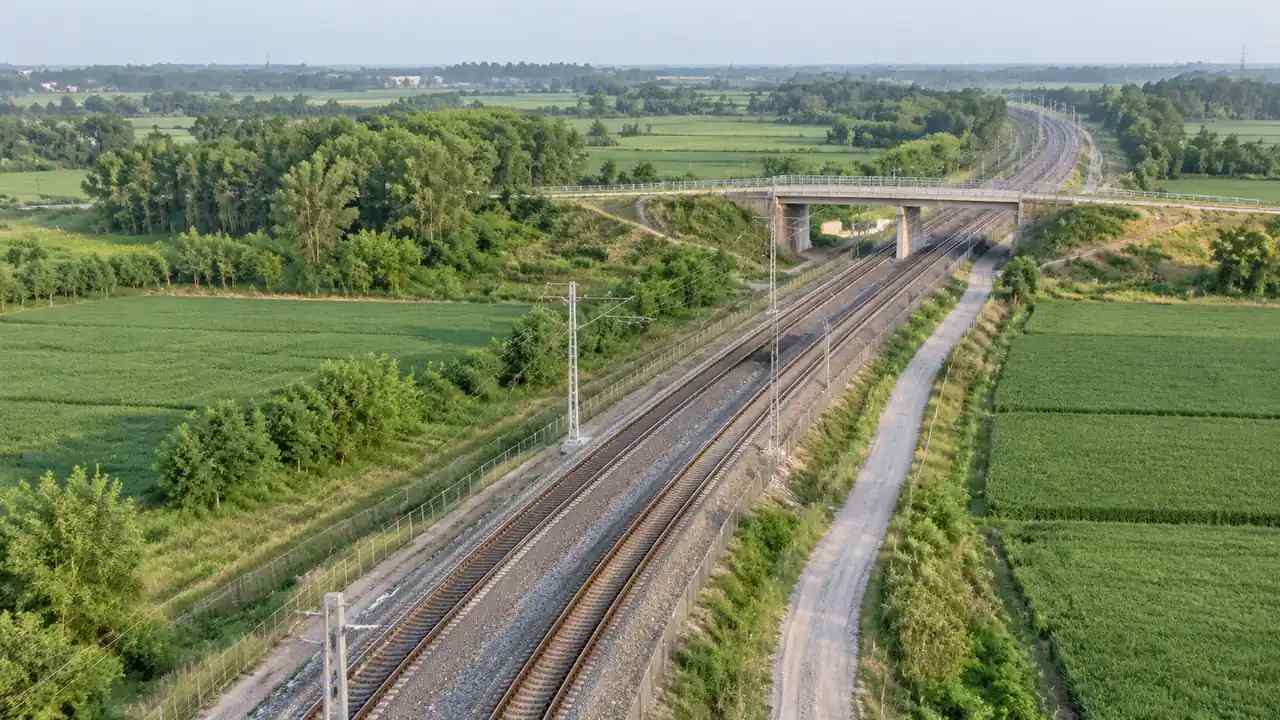
Follow the water paths along the embankment and under the bridge. Look for blocked culverts, eroded shoulders, and trees that lean toward the track. Photograph each location and pin it to the corridor view. A visual record helps the operator plan maintenance and gives the designer a clear list of open items.
4.2 Verify utilities before sign-off
Buried cables, water mains, and fiber routes may cross the corridor without appearing in the bridge drawings. Ask each utility owner for a current record and compare it with the field evidence. Do not sign off on a corridor until the crossings are listed and attributed. This is a documentation task, not a modeling one, and it belongs on the same checklist.
5 Packing the handover record
The handover record should be usable by someone who was not in the room. That means clear names, consistent views, and a short account of what remains open. A pile of unlabeled files is not a record, even when it is complete.
5.1 Export a scene the operator can open
Name the layers, remove test geometry, and keep one view that matches the corridor sequence. GenAnywhere can export the scene as GLB for common 3D, BIM, GIS, and game-engine workflows. The operator can then open the corridor in its own tools and add asset data. Test the export on a machine that is not yours. A file that opens in the authoring tool may fail in the operator's viewer. Ask the receiving team to open the scene and report any missing layers before the handover meeting.
5.2 Attach a decision log
Record each decision with a date, an owner, and a reason. Include the items that were deferred as well as the ones that were closed. The log should point to the model view where each item is visible. Review the workflow before the final meeting so the team agrees on how the record will be assembled.
6 Making the corridor check repeatable
The corridor outlives the handover. The same check will recur at inspections, renewals, and future upgrades. A repeatable method saves the next team from rebuilding the context. GenAnywhere can hold that context as an editable scene that each team can revisit. Start a corridor scene when the asset list is ready.
6.1 Schedule reviews at fixed stations
Set review points along the alignment and visit each one with the same checklist. Fixed stations make comparisons possible across inspections. They also give the operator a simple way to brief new staff. The model and the checklist should share the same station labels.
6.2 Keep one source of truth
Decide which file is authoritative and freeze the others as references. If two teams edit separate copies, the record diverges within weeks. Put the authoritative version in a location the operator controls, and note who may change it. Write the version rule down and share it with both teams. A simple convention, such as a date and a station range, prevents confusion. The rule matters more than the software.
6.3 Avoid overclaiming the model
The model shows context and geometry. It does not certify the structure, prove clearance, or replace a formal inspection. State that in the handover note. A team that explains the limits protects both the operator and the designer.
The model's value comes from shared understanding, not from overstated authority. A short limitations note beside the asset list keeps that boundary visible when the corridor changes hands again. It also gives the next reviewer a fair starting point.
7 FAQ
FAQ-1 Is a site model part of the handover package?
It can be, as a context layer rather than a contractual record. The formal asset data, inspection reports, and as-built drawings remain the governing documents. A model helps the receiving team locate those documents in space. Include it when the operator's systems can accept the format, and label its status clearly.
FAQ-2 How wide should the corridor view be?
Wide enough to include the access roads, the drainage paths, and the nearest buildings that affect operation. A view that stops at the fence hides the constraints that cause daily problems. Include a band on each side and adjust it where the terrain or a junction demands more. Record the boundary in the model notes.
FAQ-3 Can the model confirm clearances?
No. Clearance confirmation belongs to the engineering record and a site inspection. The model can show the apparent relationship between the structure and its surroundings, but it is not a measurement instrument. Use it to find places that need checking, then verify those places with the proper tools and specialists.
FAQ-4 What should the receiving team do on day one?
Open the scene, read the decision log, and walk the corridor with the checklist. Compare the model against the field and mark disagreements. Assign an owner to each open item, and note the date of the next check, so the handover stays active after the meeting. Keep the note short, and give it to the operator on the day the file is transferred.
Content and technical notes
This article was prepared by the GenAnywhere team with AI-assisted drafting and human review.
Product features, formats, and availability change as the platform evolves; refer to the official GenAnywhere website for current details.
For technical questions or corrections, contact support@genanywhere.com.
Last reviewed: 2026-11-19.