
Site model review: how teams use GenAnywhere in public consultation
A shared scene helps a room talk about the same place, provided nobody mistakes it for a decision.
Site model review in a consultation setting is less about the model and more about what a room can see together. A generated scene shows the site, the neighbours and a proposal at the same scale, which is often what a plan drawing fails to do. GenAnywhere supplies that scene from map data and exports it for the tools a team already uses, and this article covers how to run the session honestly.
1 What consultation needs
1.1 Why a shared picture?
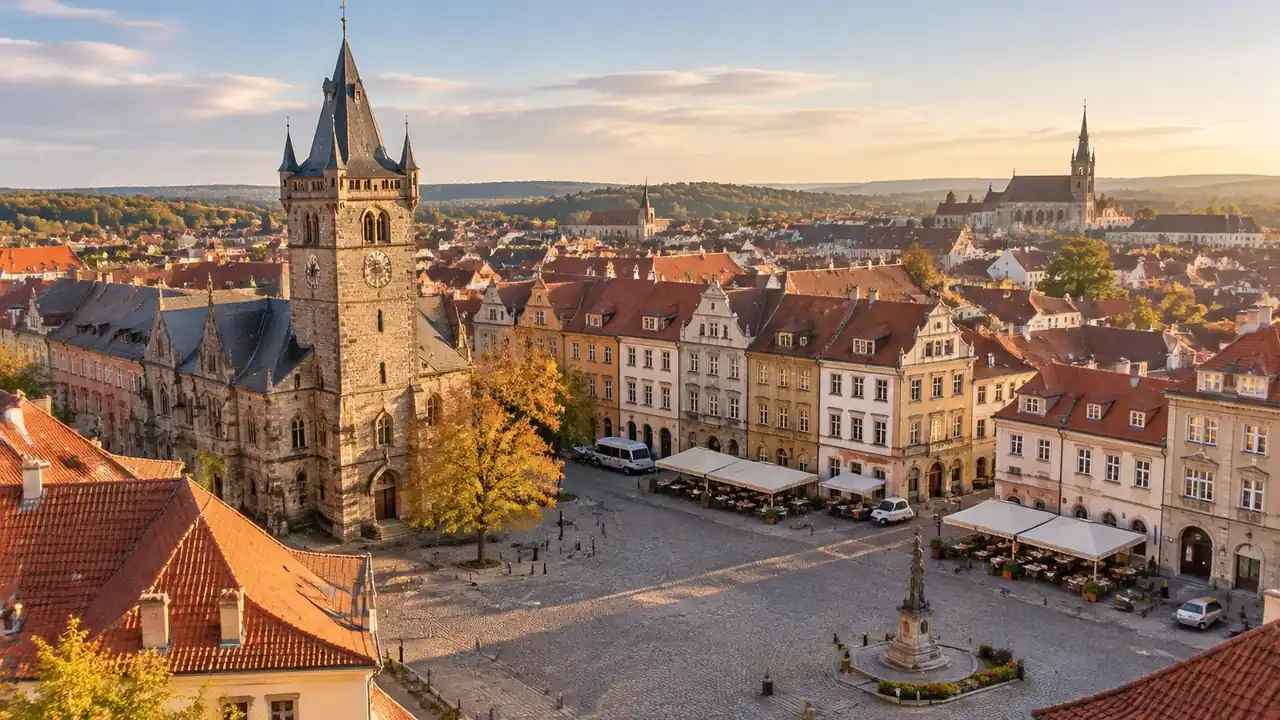
A consultation argues about a place, and most of the disagreement comes from people picturing different places. One resident imagines the corner shop, another imagines the junction, and the plan on the wall shows neither. A scene puts everyone in the same geography.
The scene also settles questions of scale. A five-storey building beside a two-storey terrace is a different proposal from a five-storey building beside a tower, and the difference is immediate in three dimensions.
That immediacy is why the scene needs care. A persuasive image can carry a weak proposal, and a plain image can fail a good one. The model should inform the conversation rather than win it.
1.2 What do residents ask?
Residents ask about height, overlooking, traffic, noise and access, usually in that order. They ask what will be visible from their window and what will happen to the street they use. A scene can answer part of that and should be honest about the rest.
It cannot answer traffic or noise without a study, and it cannot answer overlooking without a measured relationship. It can show the geometry that those studies will examine, which helps the conversation stay specific.
It can also show what will not change. A view of an unchanged street is as useful as a view of a new block, and residents often want to know what stays as much as what arrives.
2 Preparing the scene
2.1 How do you separate existing and proposed?
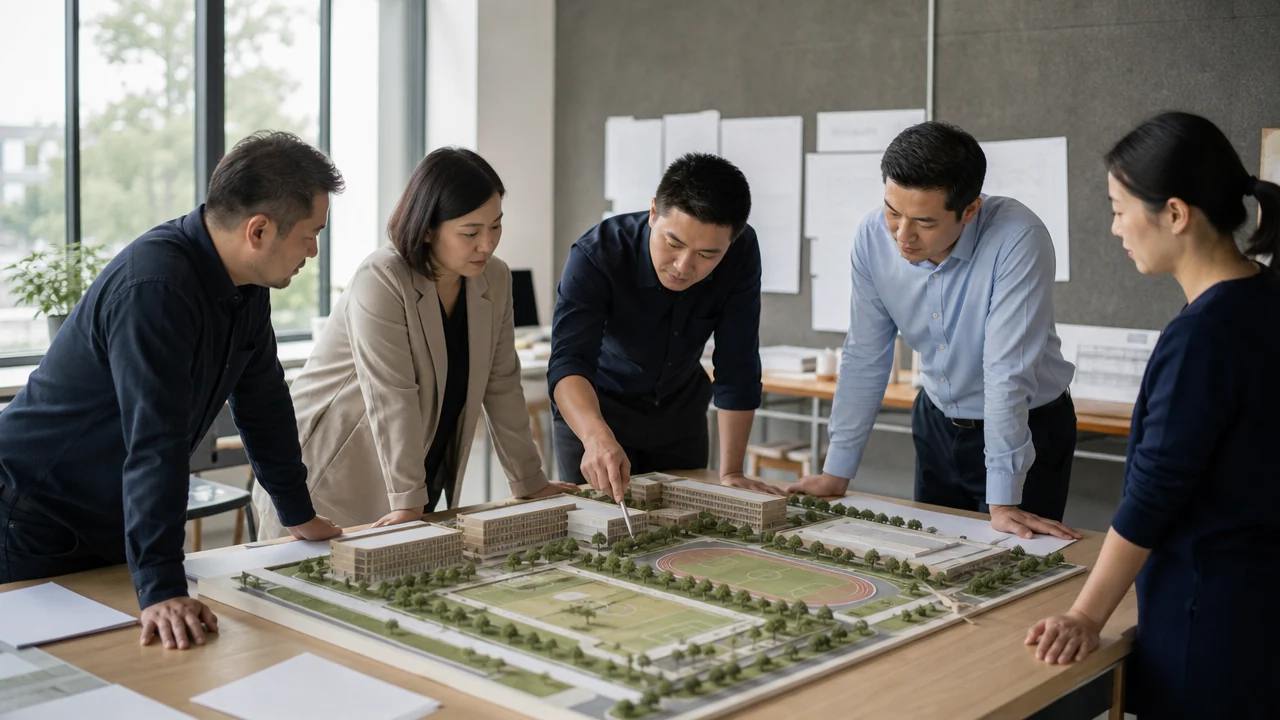
Build the existing context, then add the proposal as a distinct set of objects. Keep the two distinguishable in the view and in the file names. A scene where the proposal blends into the context invites confusion about what is already there.
Colour helps more than labels. A muted context and a clearly different proposal read at a glance, even from the back of a room. Test the contrast on a projector before the session, because a screen that looks fine at a desk can wash out on a wall.
2.2 What should be simplified?
Remove what does not help the question. Interior detail, roof plant and small street furniture add weight without adding understanding. A cleaner scene runs better and reads faster, which matters when a session has an hour.
Keep what people recognise. A church spire, a bridge or a landmark tree does more for orientation than a hundred accurate windows, and those features are worth checking against the source.
Check that the landmark is in the right place. A misplaced spire undermines trust in everything around it, and the correction takes less time than the question it prevents.
3 Showing it honestly
3.1 How do you label the stage?
Label the image with its stage: early massing, options review or consultation draft. A label is a small thing that prevents a large misunderstanding, because a rendered view tends to look more settled than it is.
Industry bodies such as the Royal Town Planning Institute publish guidance on engagement practice, and the common thread is clarity about what the public is being shown. A scene is a tool for that clarity, not a substitute for it.
3.2 What should you not imply?
Do not imply approval, consent or a fixed design. The scene is a representation built from map data, and nothing about it decides an application. Say that at the start rather than in a footnote, because the room will remember the opening sentence.
Do not imply that the scene is finished, either. A consultation draft is a draft, and a viewer who expects a final scheme will read every later change as a retreat. Naming the stage protects the process and the team.
Do not imply measurement either. A resident may ask how tall a building will be, and the honest answer is that the scene shows an arrangement while the dimensions come from the design. Offer to follow up with the figure rather than guessing.
The same rule applies to images shared afterward. A still that circulates without a caption will be read as a promise, and a caption with the stage and the date keeps it in context.
4 Running the session
4.1 Which view do you start from?
Start from the view the resident knows: the street, the corner, the approach they use. An eye-level view from the pavement does more for trust than a bird's-eye image, because it matches the experience people have of the place.
Then move to the wider view. The aerial angle explains the relationship between blocks, and the ground view explains what it will feel like. Two views, in that order, cover most of the questions.
4.2 How do you record comments?
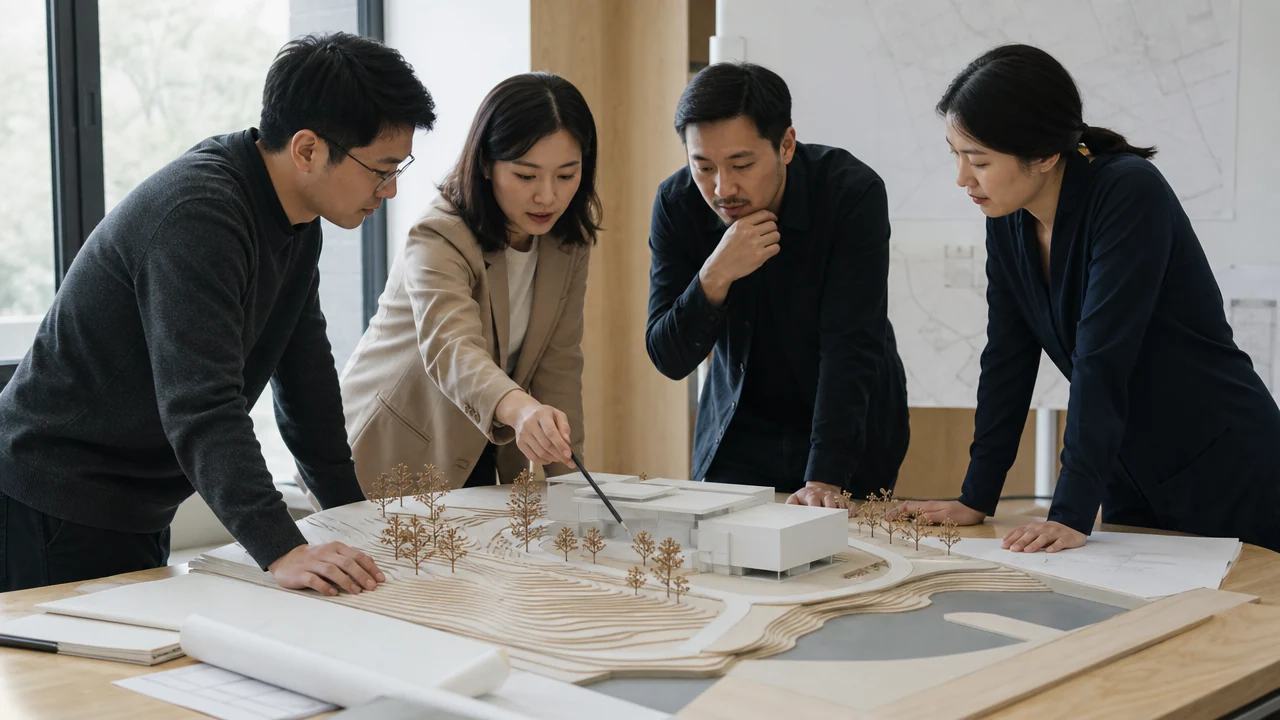
Record comments against locations in the scene. A note pinned to the junction is easier to act on than a comment in a transcript, and it shows the respondent that the point landed somewhere specific.
Keep a simple log: the location, the comment, the response and the owner. The log is the part of the session that survives, and it is what the team will use when the design changes.
Group the comments by place rather than by speaker. Five comments about the same corner are one issue for the design team, and the grouping saves a meeting.
5 After the session
5.1 What changes?
Some comments will change the scene and some will change the design. A missing building or a wrong boundary is a scene correction, and a concern about height is a design question. Separating the two keeps the model from carrying blame for a decision it did not make.
Prepare the site for a session in the GenAnywhere app when a comment reveals that the context was incomplete.
5.2 What stays on record?
Keep the version shown, the date and the comments received. A record of what the public saw is useful when the design moves and someone asks what changed. It also protects the team from a recollection that drifts.
Store the scene with its note and the comment log. Three items, one folder, and the session can be reconstructed months later.
6 Where the scene stops
6.1 Is it evidence of approval?
No. A generated scene is a communication tool, and it carries no legal weight in an application. The decision belongs to the process and the people appointed to make it. A team that says this clearly loses nothing and avoids a serious misunderstanding.
6.2 When does another format fit better?
Another format fits when the question needs measured drawings, a photomontage or a technical assessment. A scene can sit beside those documents and should not replace them. Choose the format that answers the question the room is actually asking.
6.3 When should the scene be refreshed?
Refresh when the design changes or when the context does. A consultation that shows last month's massing undermines the conversation, and the fix is a new export rather than a verbal correction. Put the version date on the image.
Prepare a consultation scene with the GenAnywhere workflow.
7 FAQ
FAQ-1 Is this a statutory consultation?
No. The scene supports a conversation; it does not create or replace a statutory process. Any formal consultation follows the rules that apply to the project and the jurisdiction. The model can make that process easier to follow, and it has no standing of its own. Check the local requirements before describing a session as consultation.
FAQ-2 Can residents explore the scene themselves?
They can, where the team provides a viewer or a shared screen. A scene that can be turned is often more convincing than a set of stills, because people test their own questions. Plan for a facilitator, since an unguided scene can raise issues nobody is ready to answer. A short guide with three suggested views helps.
FAQ-3 Does it replace drawings?
No. Drawings carry dimensions, notes and the conventions a consenting process expects. The scene carries spatial understanding. Used together, the drawing answers what and the scene answers where, and the combination is stronger than either alone. Keep the drawing as the reference when a figure is challenged, and say so before the session starts.
FAQ-4 What about accessibility?
Offer more than one way in: stills for a printed board, a captioned video for online viewing and a live screen for the room. A scene that depends on a mouse excludes people, and a plain image with a clear label reaches further. Ask the venue what it can display before the session.
Content and technical notes
This article was prepared by the GenAnywhere team with AI-assisted drafting and human review.
Product features, formats, and availability change as the platform evolves; refer to the official GenAnywhere website for current details.
For technical questions or corrections, contact support@genanywhere.com.
Last reviewed: 2026-11-06.