
VR game environment design: where GenAnywhere fits a blockout
Real site context for the early massing pass, and the work it leaves with the art team.
A map-derived site model fits VR environment design at the blockout stage, when a team needs real building masses, street widths and terrain before hero assets exist. It supplies a context base drawn from mapped data instead of a set of guesses assembled from photographs. Everything a player touches, hears or collides with still gets authored in the engine.
1 Read the site before choosing a method
1.1 What does a VR blockout have to prove?
A blockout answers questions that are cheap to change early and costly later: how wide the street feels at eye height, whether a doorway reads as passable, how long the walk between two landmarks takes. On a flat screen a viewer forgives a wrong proportion. In a headset the body notices within a few steps, and the art team hears about it at the next playtest.
Treat the blockout as an argument about space. Each mass you place should support a decision about cover, circulation or composition, and anything that supports none of those can wait for the detail pass.
A blockout does not need to answer questions about materials, lighting or audio, and it should not try. Those passes depend on a layout that has already settled, and adding them early hides the spatial problems the blockout was meant to expose.
1.2 When is a map-derived base the right starting point?
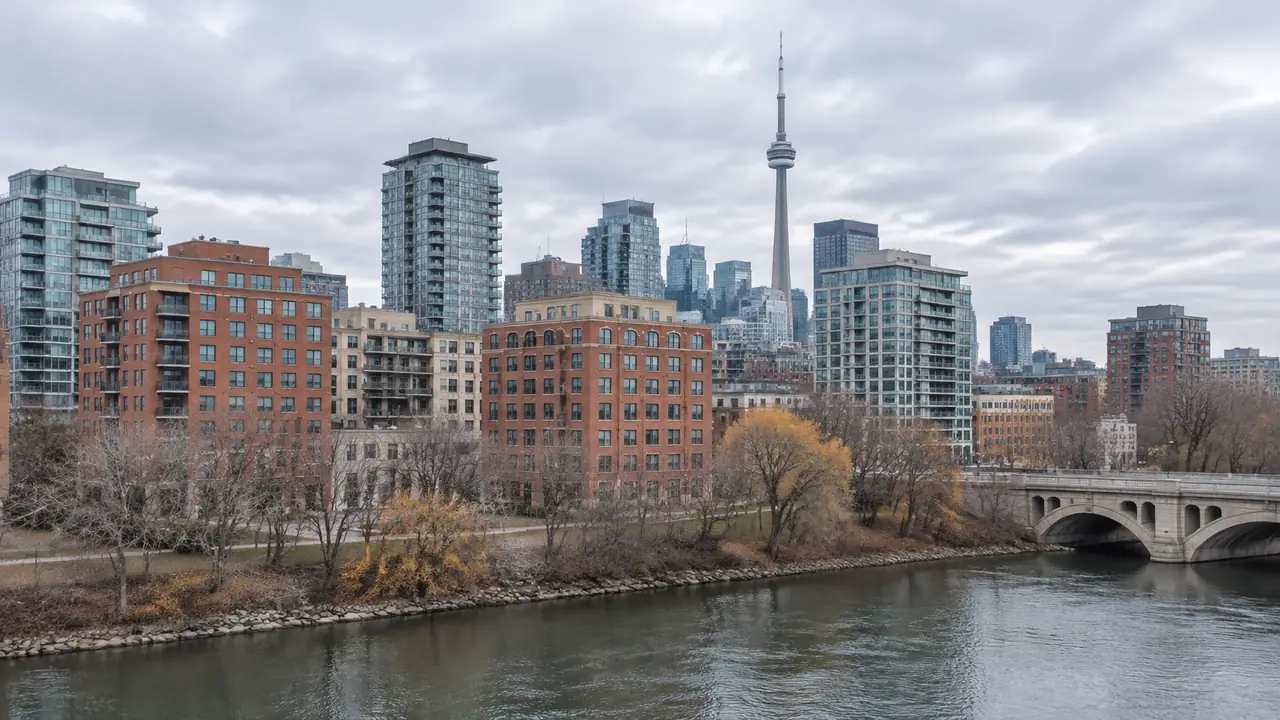
Real locations with recognizable geometry reward a mapped base: a city street, a campus, a harbour edge, a suburban intersection. The team skips the hours it would spend stacking context buildings by hand, and the result carries the small irregularities that make a place read as real. Fictional and heavily stylized settings gain less, because art direction overrides the source geometry early.
Choose the method after you know what the level has to communicate. A blockout of an invented station wants a kit of parts, while a blockout of a real riverside district wants a site that already exists.
2 Turn a real location into usable context
2.1 Which parts of a site survive into the blockout?
GenAnywhere generates an editable 3D site model from satellite and map data for an area selected on the map. It identifies building footprints, estimates heights, infers building types and reads the surrounding vegetation, then matches terrain to the ground. Buildings, terrain and vegetation sit in separate layers for preview, editing and management, and a single building can be replaced, moved, rotated or retyped. This is AI 3D generation used as a starting point for spatial context, so expect geometry and little else, with no gameplay, collision or art direction in the file.
Layer separation matters more than the preview image. A designer wants to isolate context buildings from the space players can enter, and an artist wants terrain in its own group before cutting a ramp. Check that the separation survives import, then merge or split as the engine work needs.
2.2 What has to be rebuilt once the context arrives?
Almost everything the player interacts with. Doors, windows and interiors come from the art team, along with props, signage, modular kits and the materials that carry the mood. Collision, navigation, lighting, audio zones and interaction volumes are engine work that no site model supplies.
Budget the rebuild before the blockout starts. A context base saves the massing week, and it will not shorten the hero asset list by a single item.
Worth saying out loud in the kickoff: the site model covers the outside of a place. Stairs, lifts, basements and service corridors are design work, and a level that depends on them needs drawings or a site visit before the blockout can be trusted.
3 Set scale and eye height before art passes
3.1 Why does eye height expose errors that a viewport hides?
Headset tracking puts the camera at human height, so a mismatch in a building's dimensions turns into a bodily impression. A ceiling that sits a little low makes a room feel oppressive, and a door frame that clears the player's shoulders by a few centimetres reads as tight. Artists working in a perspective viewport adjust to those errors without noticing.
Test with a capsule or a simple avatar at standing height and walk the main route. Discomfort in a blockout is information, and it is cheaper to act on before the texture pass.
Height also sets the sound of a space in the designer's head. A low ceiling encourages a different pace and a different kind of encounter than an open square, and the blockout is the point where that argument can still change without a rebuild.
3.2 How do you confirm scale after import?
Check the unit setting in the engine before anything else. Unity works in metres by default, Unreal works in centimetres, and a file that arrives at the wrong unit looks plausible until someone stands inside it. Compare two or three dimensions against a drawing or a familiar object such as a parked car, then walk the route a player will take.
Tracking space is worth a quick look when a scene appears offset. The OpenXR overview from the Khronos Group describes how a runtime relates tracking space to the scene, which explains most odd placements during a headset test.
Record the checks in the blockout notes. A scale pass that lives in someone's memory disappears with the next sprint, and the next artist will repeat it from scratch.
Start a site blockout in the GenAnywhere app and compare the masses against a street you already know.
4 Divide the site into blockout zones
4.1 Which zones deserve detail early?
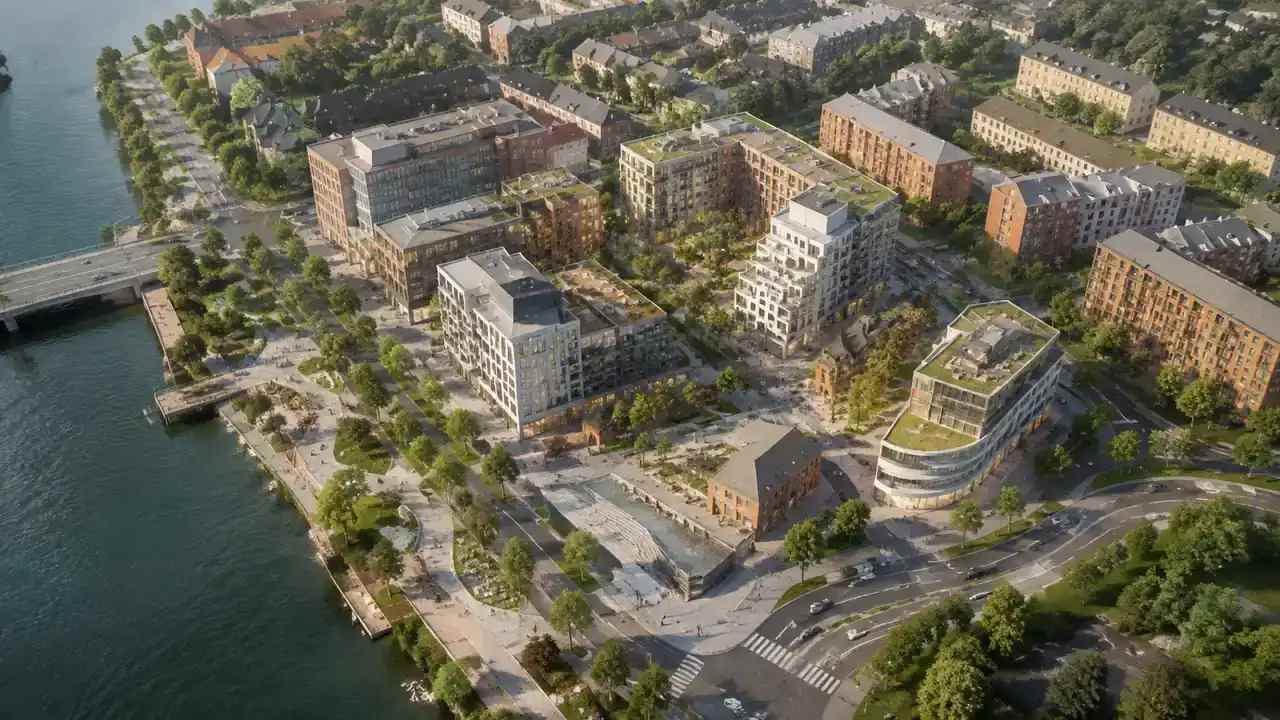
Rank zones by how much play happens there and how much the player's body learns from them. A lobby, a stairwell and a rooftop edge usually earn early attention because they set expectations for the rest of the building. Background blocks across the street can stay coarse until the layout settles.
Sort the same zones by cost as well. A zone that will be rebuilt from scratch in the art pass deserves less blockout detail than one whose proportions will survive into the final scene.
Write the ranking down. A short list of playable, supporting and background zones keeps the modelling budget and the review time pointed at the same places.
4.2 How do you mark placeholder geometry?
Name objects so a stranger can read the file: context, playable, blocked, to replace. Use one material or colour per group and keep a list of what each placeholder stands for. When a producer opens the scene six weeks later, the naming does the explaining.
Placeholders also need a rough sense of proportion in the other direction. A blocked doorway should be blocked at chest height, not with a thin plane, so the playtest reports the obstruction the level will actually contain.
5 Plan the handoff to environment art
5.1 What should the export carry?
The platform previews the scene and exports a general GLB for 3D, BIM, GIS and game engine workflows, and studios commonly bring it into Unity, Unreal or Blender for the blockout. Take the geometry you need and leave the rest, since unused context blocks add clutter and slow the import review.
Confirm that the receiving tool opens the file before the art team plans around it. Import behaviour differs between applications, and a five-minute test on a real site beats a format specification.
5.2 How do you keep the blockout and the final scene in step?
Link the source scene and the engine scene with a short changelog. Note which buildings were replaced, which were removed and which heights were edited, so a later update lands on the right objects. Two people editing the same blockout without a record end up with two versions of the street.
Keep the changelog in the same place as the blockout, so nobody has to guess which file is current. A date and two lines per change are enough for the art team to follow the reasoning months later.
6 Keep the blockout honest through production
6.1 Who signs off on the reading of the site?
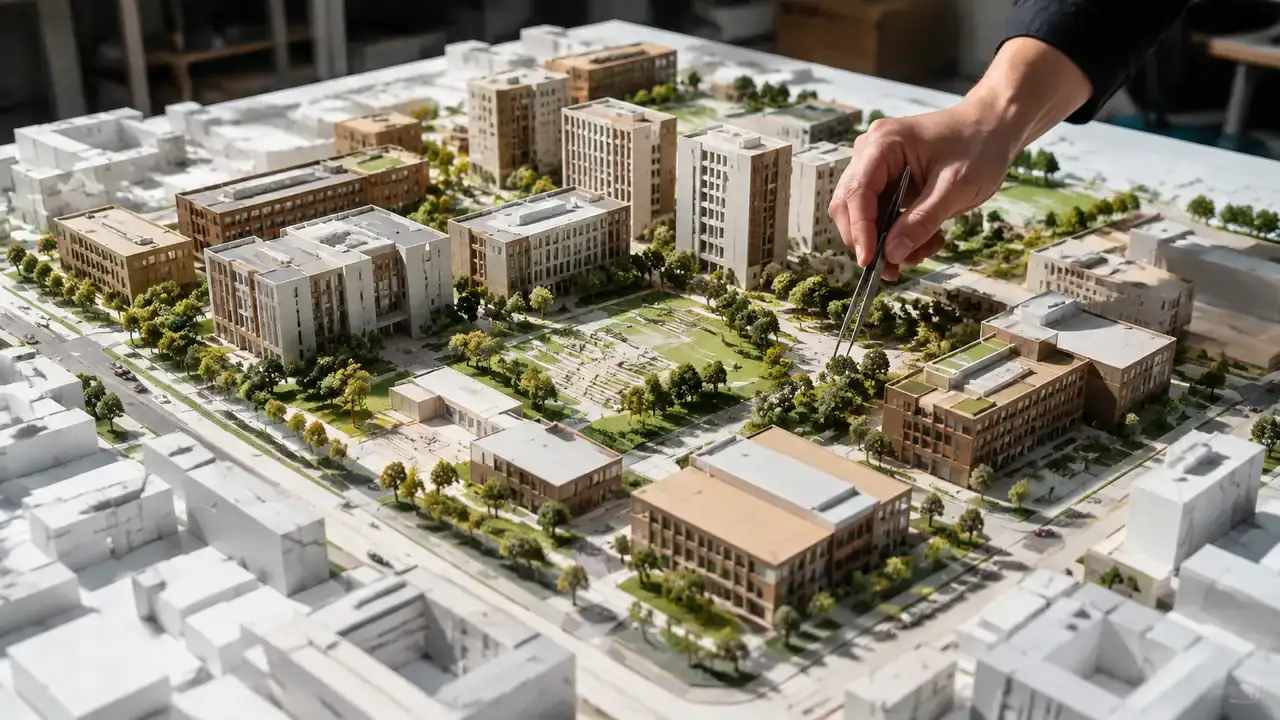
A level designer or environment lead should own the interpretation, with the art director confirming that the context supports the intended look. One name on the blockout prevents the drift that happens when nobody owns the base geometry.
That owner also decides what counts as a site error and what counts as a design choice. Without the distinction, the team spends review time arguing about a facade that nobody will see instead of the route every player will walk.
6.2 What changes when the location data updates?
Generated scenes reflect the imagery the platform held when the area was processed, so a new tower or a demolished block may be missing. Re-run the area when the level depends on a recent change, then compare the new scene with the old blockout before replacing anything. Treat the update as a review event rather than a silent swap.
6.3 When does the generated base stop being useful?
Once design moves into interaction, performance and art, the site model has done its work. It cannot tell you how a space plays, and it does not carry the collision, lighting or audio a VR scene needs. Keep it as a reference layer and let the engine scene become the source of truth.
7 Questions environment teams ask about site bases
FAQ-1 Can a generated site model go straight into a VR project?
It goes in as geometry and needs work before it plays. Import the GLB, confirm units and scale, separate context from playable space, then add collision and lighting yourself. Nothing in the file knows about comfort, interaction or performance. Teams that treat the import as a blockout input avoid most of the rework, and they keep the original scene for reference.
FAQ-2 What happens when the real street changes?
Regenerate the area and compare the two scenes. Mapped imagery dates from capture, so a new storefront, a removed tree or a rebuilt corner may not appear in the scene you blocked out months ago. Check footprints and heights, note what moved, and decide whether the change touches gameplay before you rebuild anything.
FAQ-3 Do we need a drone flight or a site visit?
For initial site context the platform states that no drone survey is required. That does not remove the value of a site visit when the level depends on details a map cannot show, such as a service entrance. Confirm what matters for play, then treat the generated scene as the outline you refine.
FAQ-4 Who owns the exported scene?
Exports carry a permanent commercial licence for use in projects. The licence does not allow resale of the source files or use of the data for AI training, and it does not transfer ownership of the underlying imagery. Third-party data rights can add conditions, so have a legal contact read them before release.
See how a site moves from map selection to export on the GenAnywhere workflow page.
Content and technical notes
This article was prepared by the GenAnywhere team with AI-assisted drafting and human review.
Product features, formats, and availability change as the platform evolves; refer to the official GenAnywhere website for current details.
For technical questions or corrections, contact support@genanywhere.com.
Last reviewed: 2026-11-06.