
BIM modeling workflow: a pre-model checklist GenAnywhere supports
A pre-model checklist keeps a generated scene useful. It covers the question, the audience, source date, coverage gaps, layer names, edits, export scale and the views shown in review. Twelve checks, run before the authoring team starts. A short list that gets used beats a long one that does not.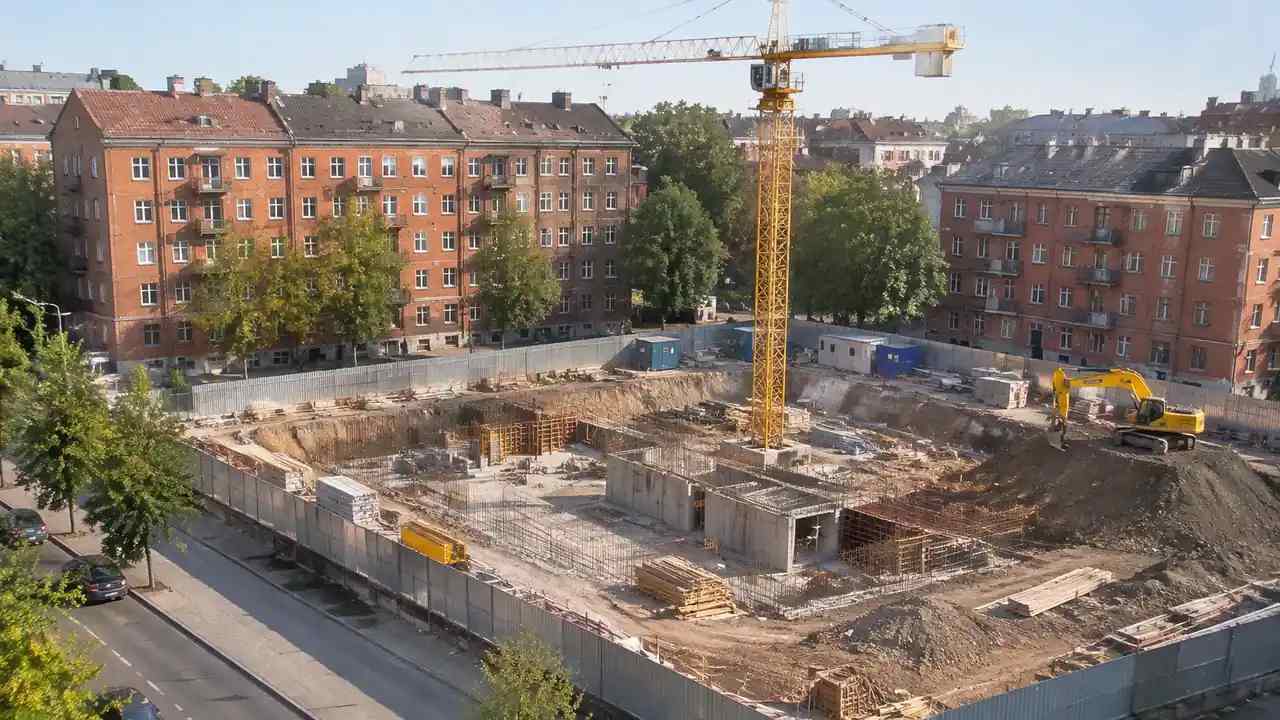
BIM modeling from imagery: where GenAnywhere fits the handoff
Satellite and map imagery can seed a model, with heights estimated and buildings inferred. The article covers area selection, what imagery cannot see, and the handoff into BIM as a reference. Drone captures stay a separate source with a separate note. Keep the two sources apart in the project record.
BIM modeling scope: what teams should settle early, GenAnywhere
Scope decides what the scene is for, how large an area it covers and which layers it carries. The article covers the boundary, the deliverable, the named checker and the owner who keeps it current. Three lines in the note prevent most drift. Write the scope before any work starts.
BIM modeling infrastructure: how teams use GenAnywhere on corridors
A corridor is a site with length, and its questions come from the edges. The article covers segmenting the area, reading ground and crossings, and keeping the alignment in engineering tools. The scene supplies context, not a route design. Segment boundaries belong in the note, not in someone else's memory.
BIM modeling coordination: what site context to check with GenAnywhere
Coordination needs one shared picture of the site. The article covers what context adds, the views that settle position, what the scene cannot do and the anchor that keeps files aligned. Clash work and services stay in the coordination tools. A shared picture is the point of the whole meeting.
BIM modeling for renovation: where GenAnywhere helps teams start
Renovation starts with an existing building that is often poorly documented. A generated scene puts it in context and supports early options, while condition, structure and measured detail come from a survey. The article explains the sequence and the records. The scene starts the conversation and the survey answers it.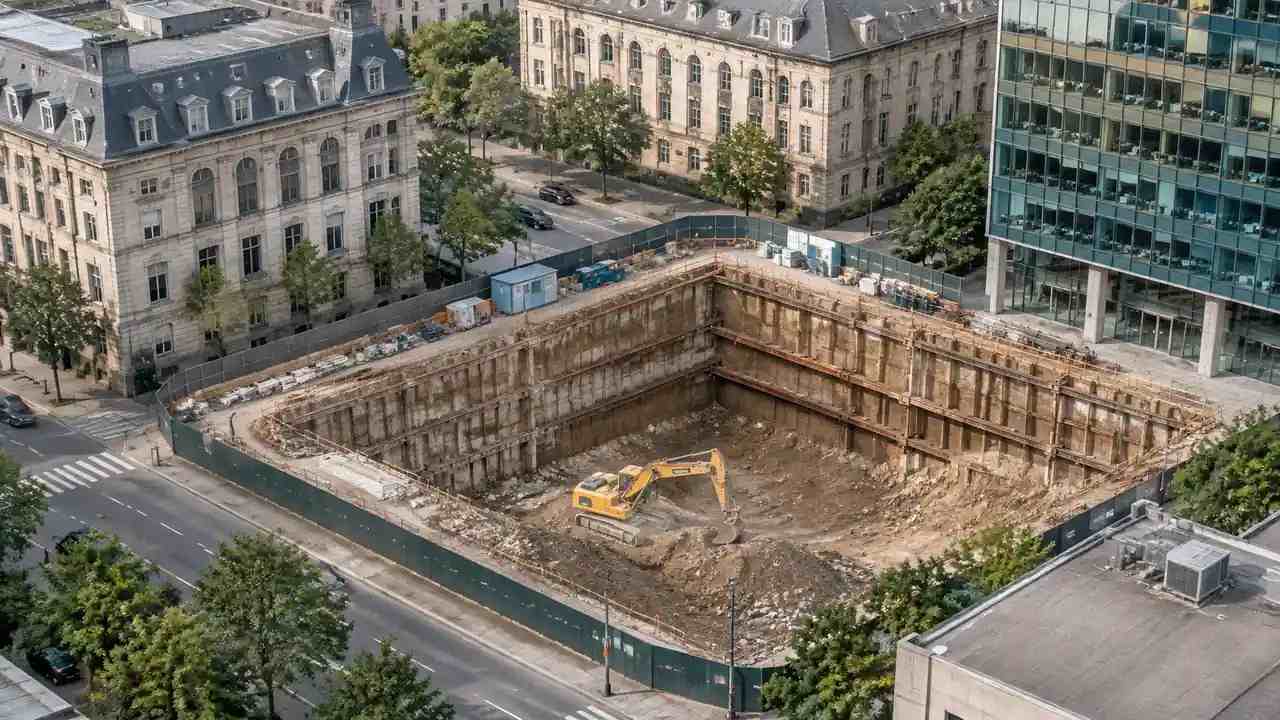
BIM modeling handoffs: what to check before Revit, GenAnywhere
A handoff to Revit starts with a general GLB carrying geometry and materials, not native elements. The article covers preview checks, scale and origin, object structure, the note and the import settings that keep a linked reference aligned. Write the settings down so the next import is easier to repeat.
BIM modeling massing options: a GenAnywhere review for teams
Massing options are easier to compare in one shared site. The review sets a decision, names criteria, builds three options and tests single changes. GenAnywhere supplies the editable context, and the article records how the choice moves into an authored model. A written record is what survives the next review.
BIM modeling existing conditions: what to check in GenAnywhere
A map-based scene records footprints, estimated heights, ground, water and planting. Condition, levels, boundaries and services are not included. The article explains what to check, what to record, and where a survey or a legal record takes over from the scene. Name the gaps before the modeller begins the work.