Ponds and pipelines: how GenAnywhere layers both
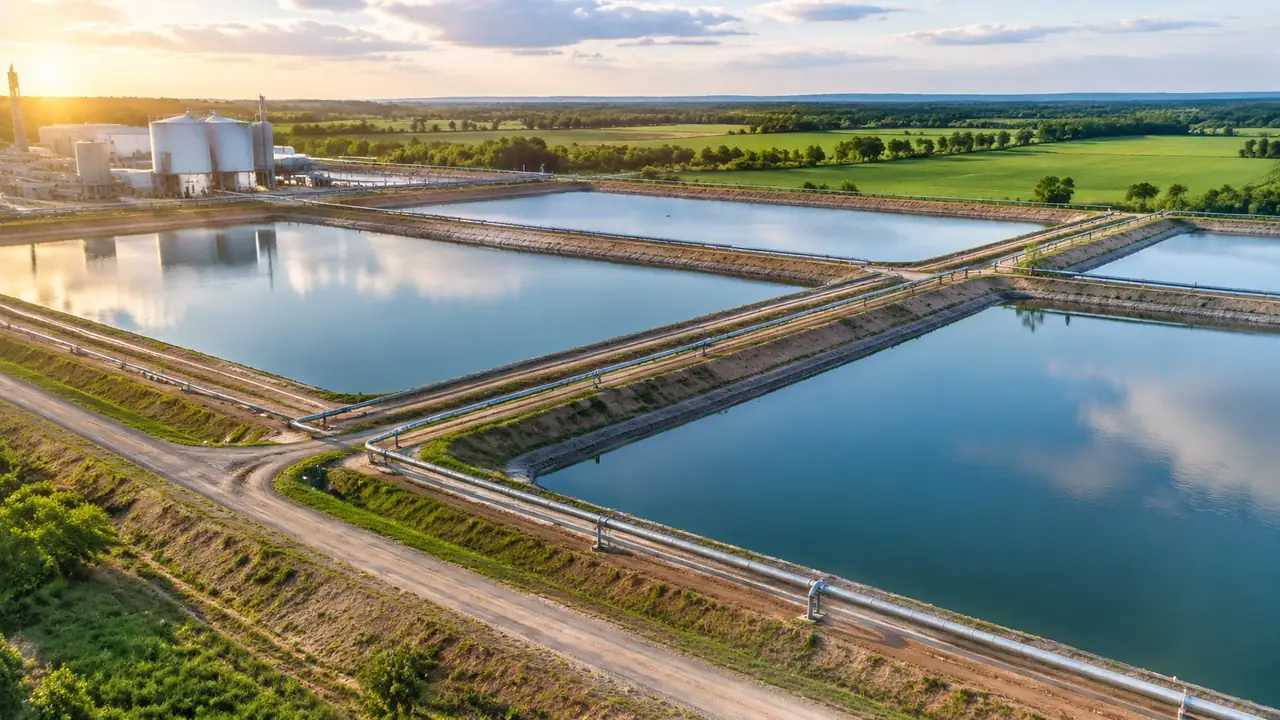
Water sits inside the terrain layer, so a pond arrives with the generated ground rather than as its own toggle. Pipelines are not layers at all; they are design geometry laid over the exported ground. Agree the siting question before the alignment question, and hand over a short asset list.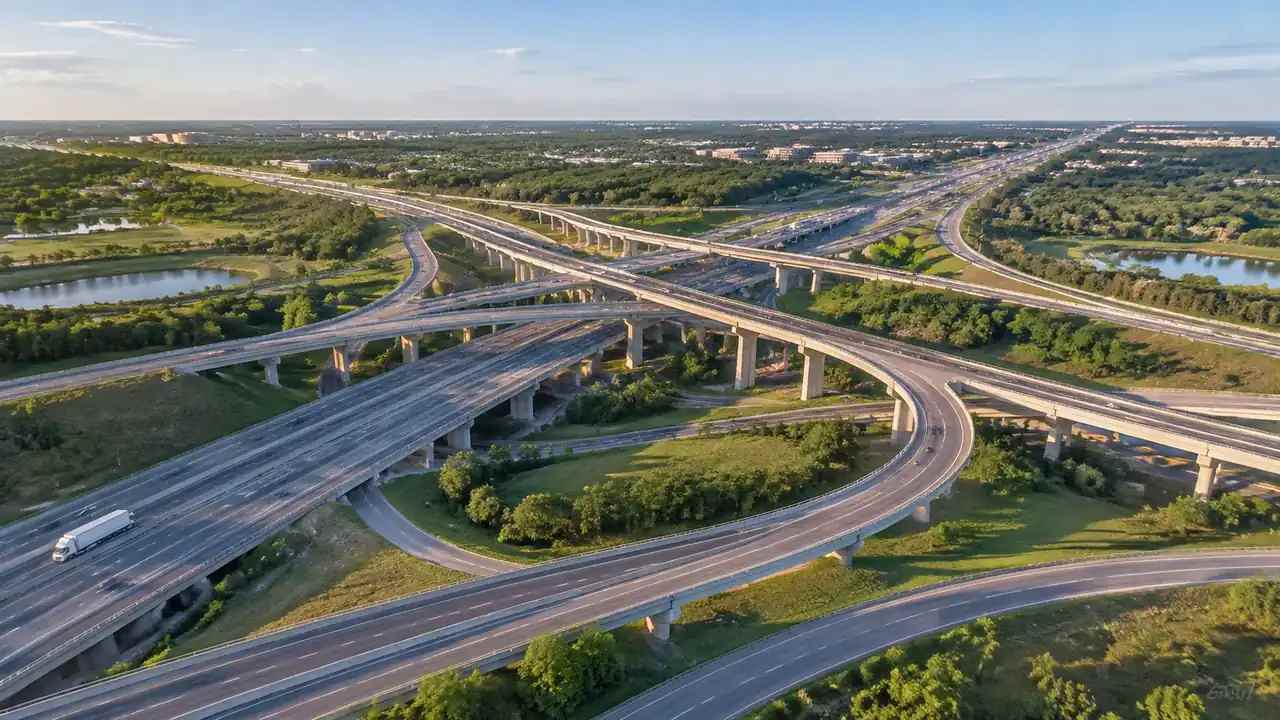
Overpass form: what GenAnywhere generates on a site
The site scene brings the ground, water, vegetation and neighbouring buildings, while the deck, piers and parapets come from your own design model. A block mass answers proportion and position questions well. Clearance, structural capacity, sight distance and traffic work stay with engineers, so walk the landfalls before the span.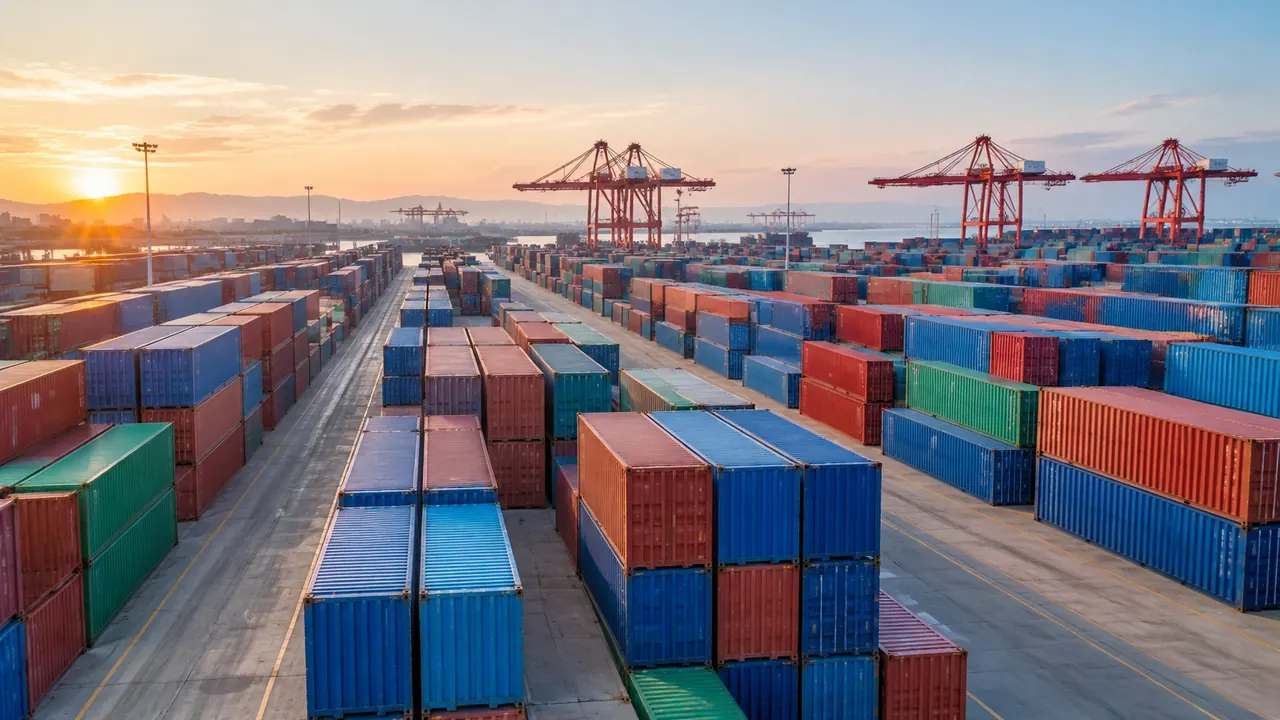
Container model generation: how GenAnywhere builds a yard
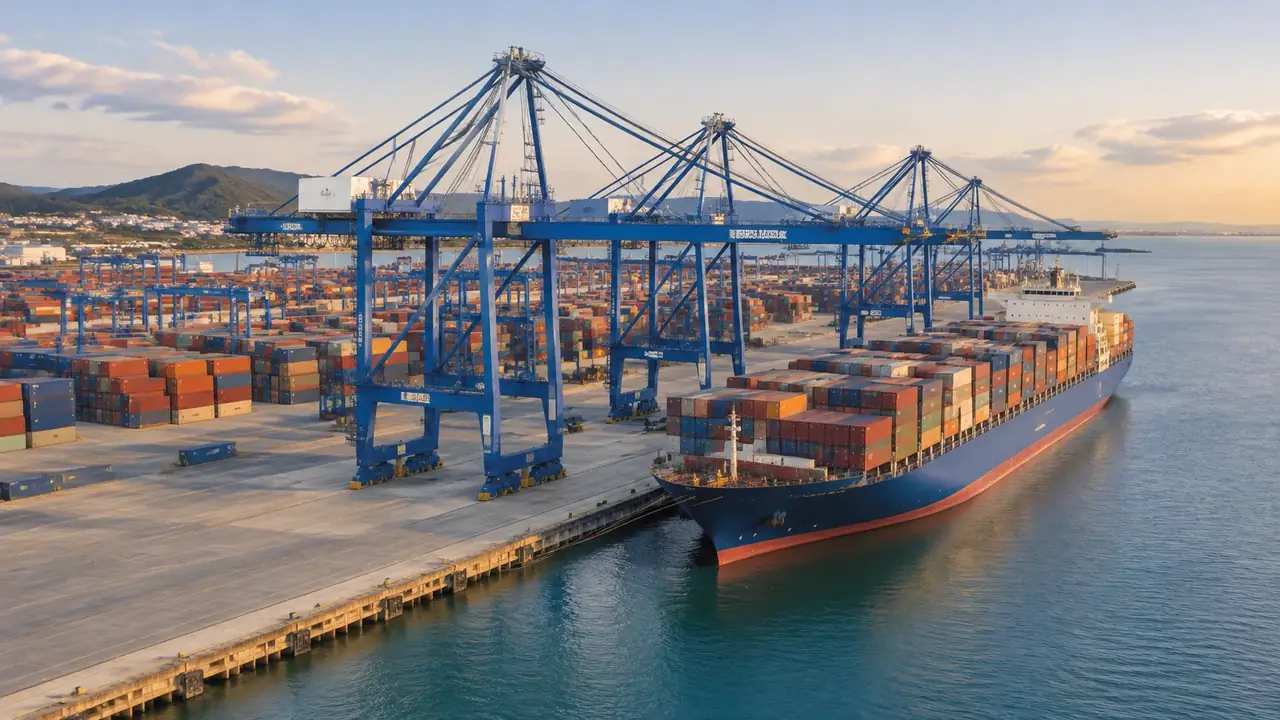
A container yard is built in three stages: generate and correct the ground, agree a block plan with the operator's row and aisle numbers, then place box modules downstream. Containers, gantries and reach stackers are not generated at all. Name versions by stage and record which part each owner holds.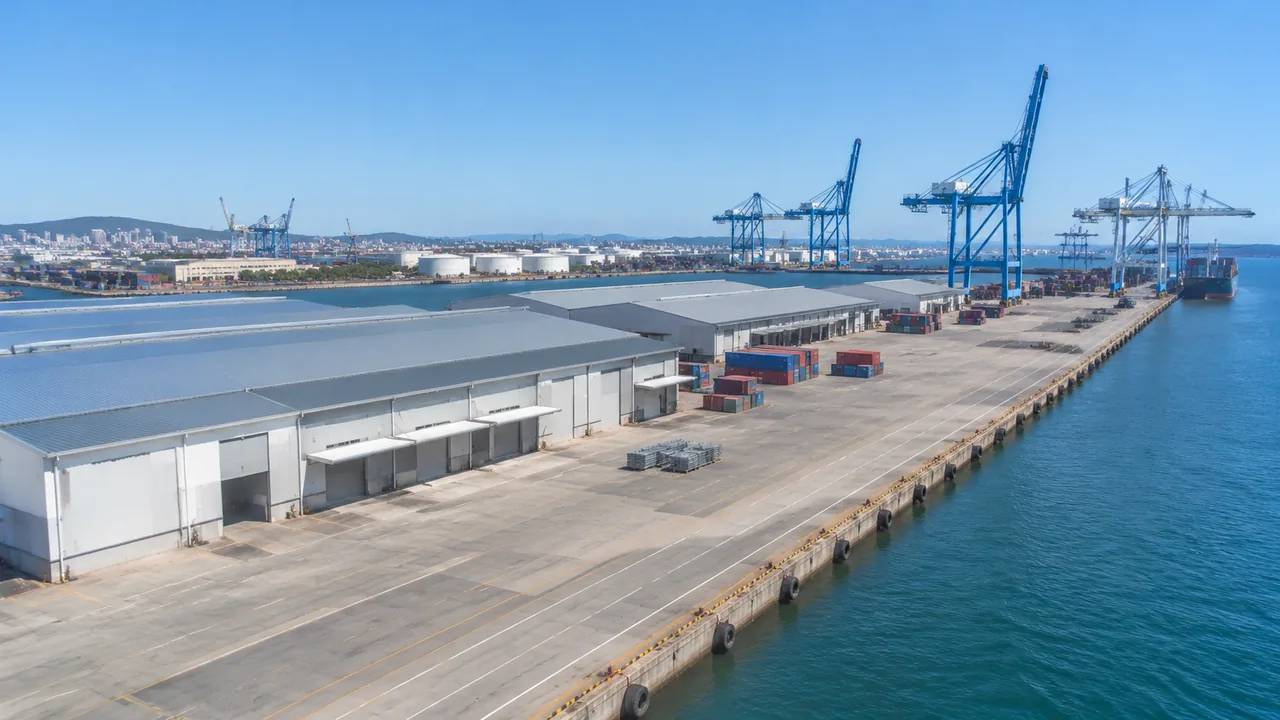
Can GenAnywhere model terminals? What the limits are
Terminal buildings and ground are generated; cranes, linkspans, coaches, trains and air bridges are not. Flows, queues and capacity need operational studies the scene cannot supply. Build an asset list by terminal type, caption every image with what it omits, and keep existing and proposed states in separate named files.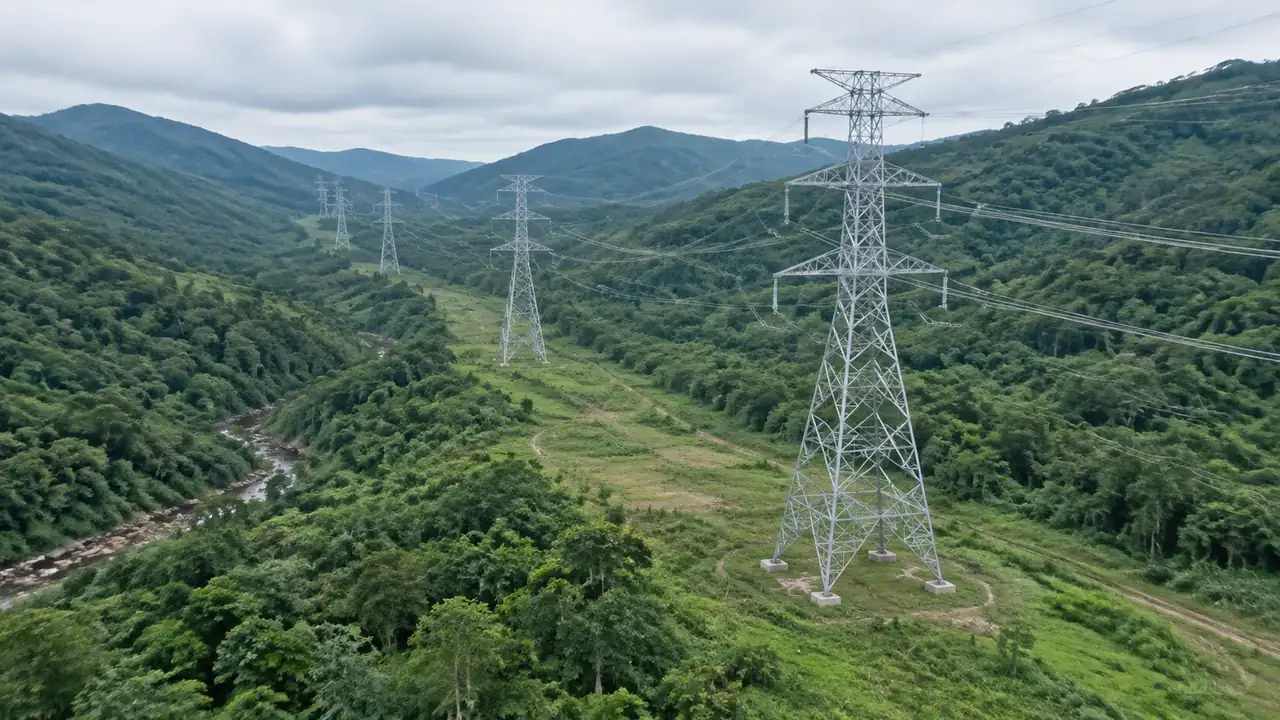
Transmission tower generation: how GenAnywhere starts a line
The platform generates the corridor a line would cross: terrain, water, vegetation and buildings in the way. Transmission towers, conductors and foundations are design assets from the line designer. Record segment names and extents, test the export in the receiving tool, and note the imagery date in the short handover.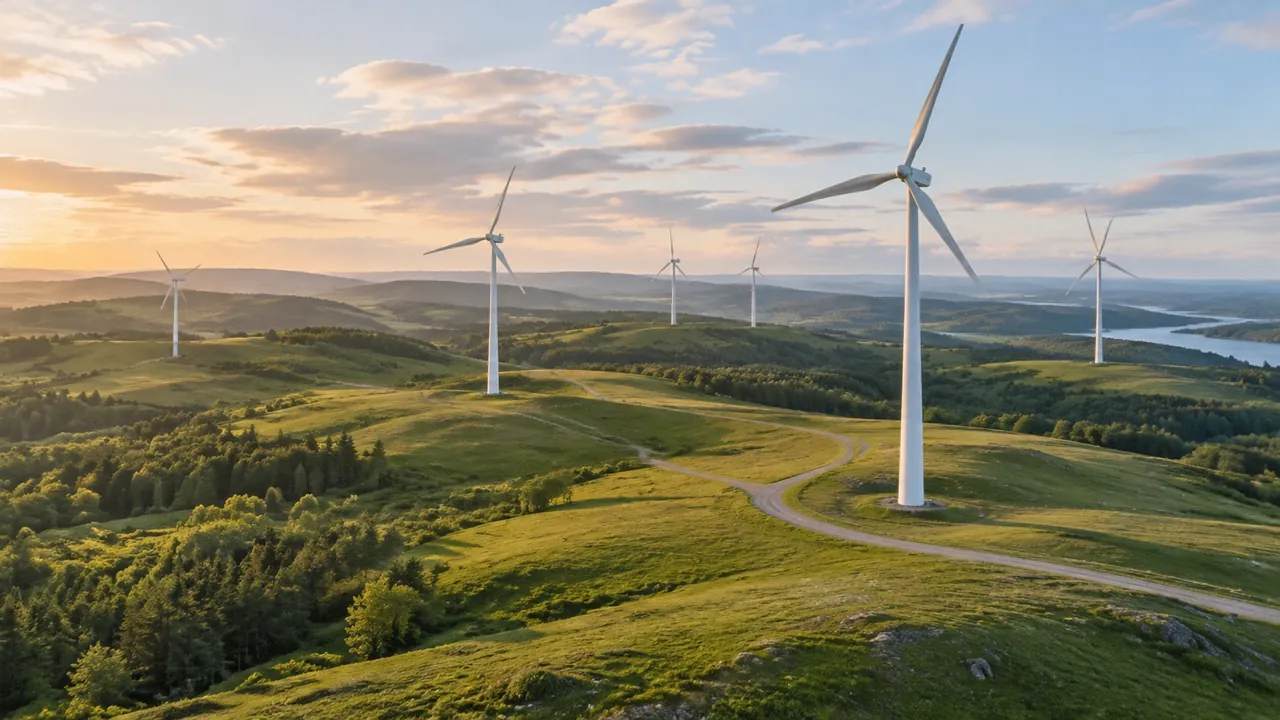
Wind turbine export: does GenAnywhere support GLB?
A previewed scene exports as GLB, a format read by 3D, BIM, GIS and game engine tools, and the file carries the site with edits made before export. Turbines are not included, since machine geometry comes from a vendor or library. Test the import, then re-export when the site changes.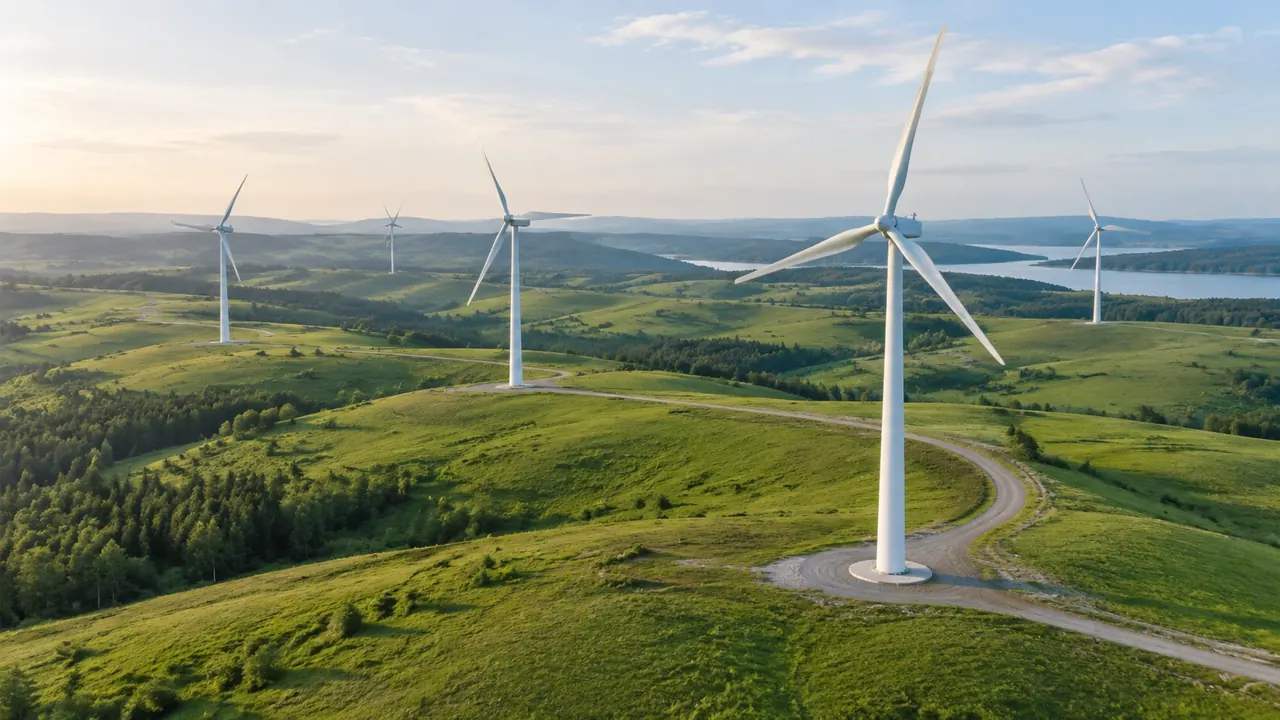
Wind farm scale: what GenAnywhere covers in one view
A wind farm is a spread rather than a plot, so one scene covers distance well and individual positions hardly at all. Generate two or three extents along the ridge instead of straining one view. Turbines, foundations and cabling are design assets, and wind, yield and shadow studies stay elsewhere.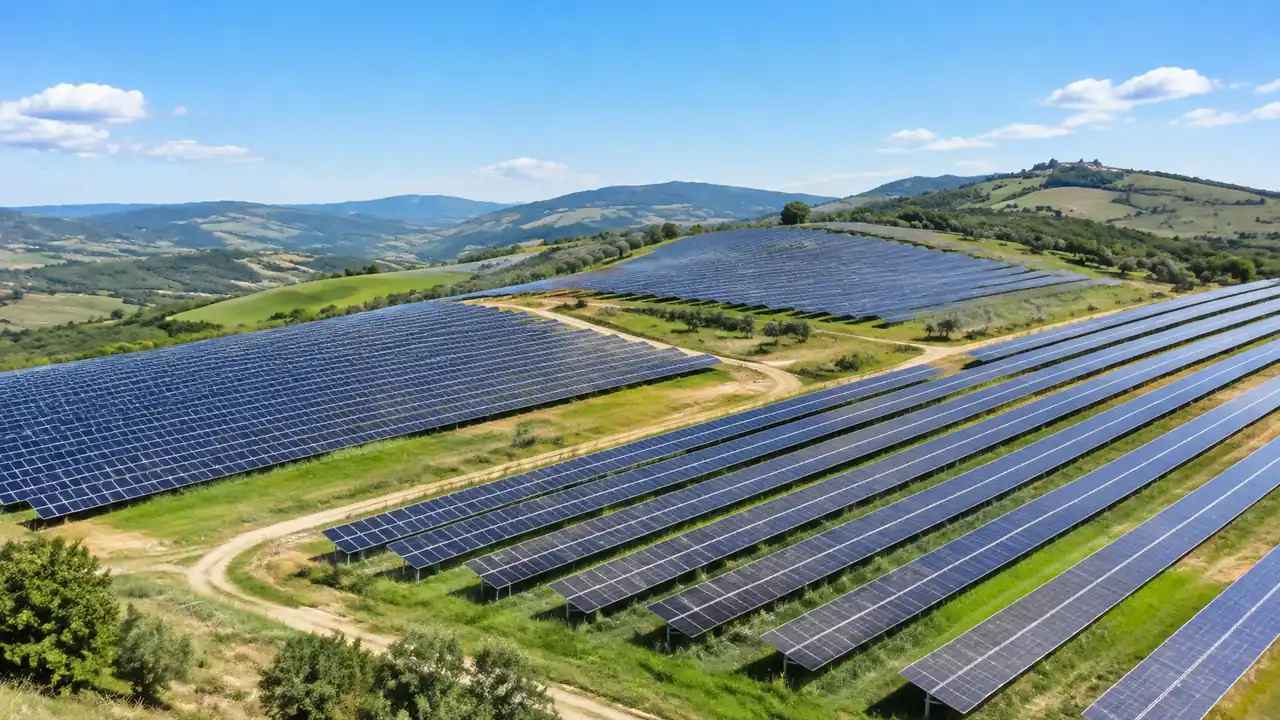
Solar farm scale: what GenAnywhere covers in one view
A solar farm fits comfortably in one scene when the frame follows the field boundary, not the acreage. The generated ground, ditches and hedgerows show where an array would sit. Panel rows, mounting and inverter stations come from the layout designer, and yield or shading studies stay with specialist tools.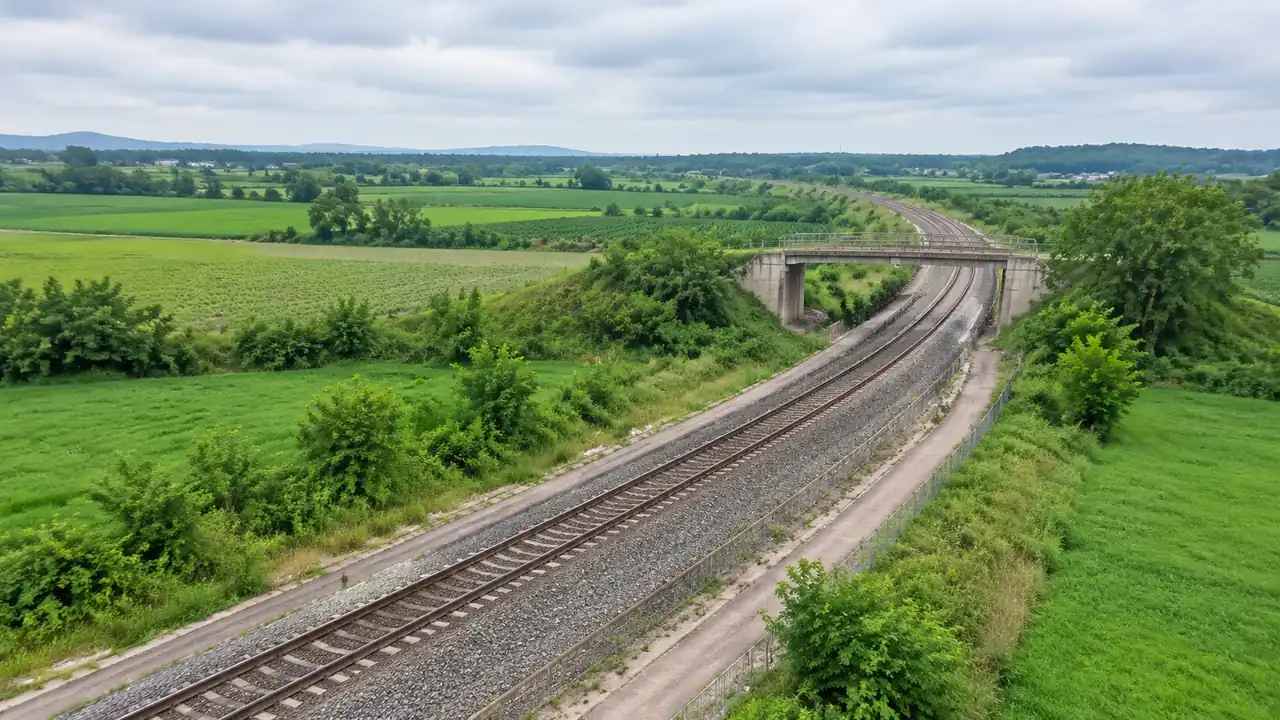
Railway track layers: how GenAnywhere shows them
There is no track layer, because permanent way is not generated, though buildings, terrain and vegetation switch on and off separately, so a rail review can read the landform, the built edge and lineside growth. The alignment overlay sits above them. Caption every image with its layer state and viewpoint.