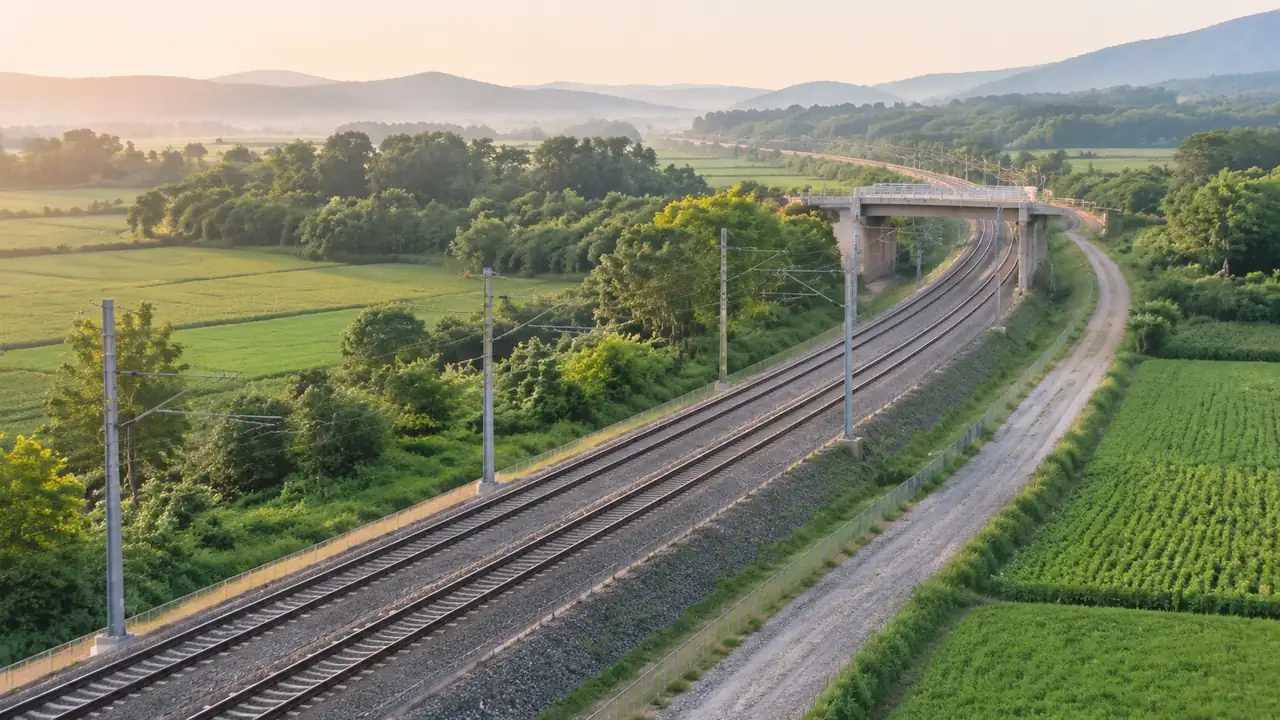
Can GenAnywhere model railway tracks? What it needs
The scene supplies the corridor: ground, water, vegetation, buildings and lineside context. Track does not come from it, since rails, ballast and catenary are design assets from an alignment model. Export a GLB, import the alignment in the same environment, and check one accepted level reference before presenting any image.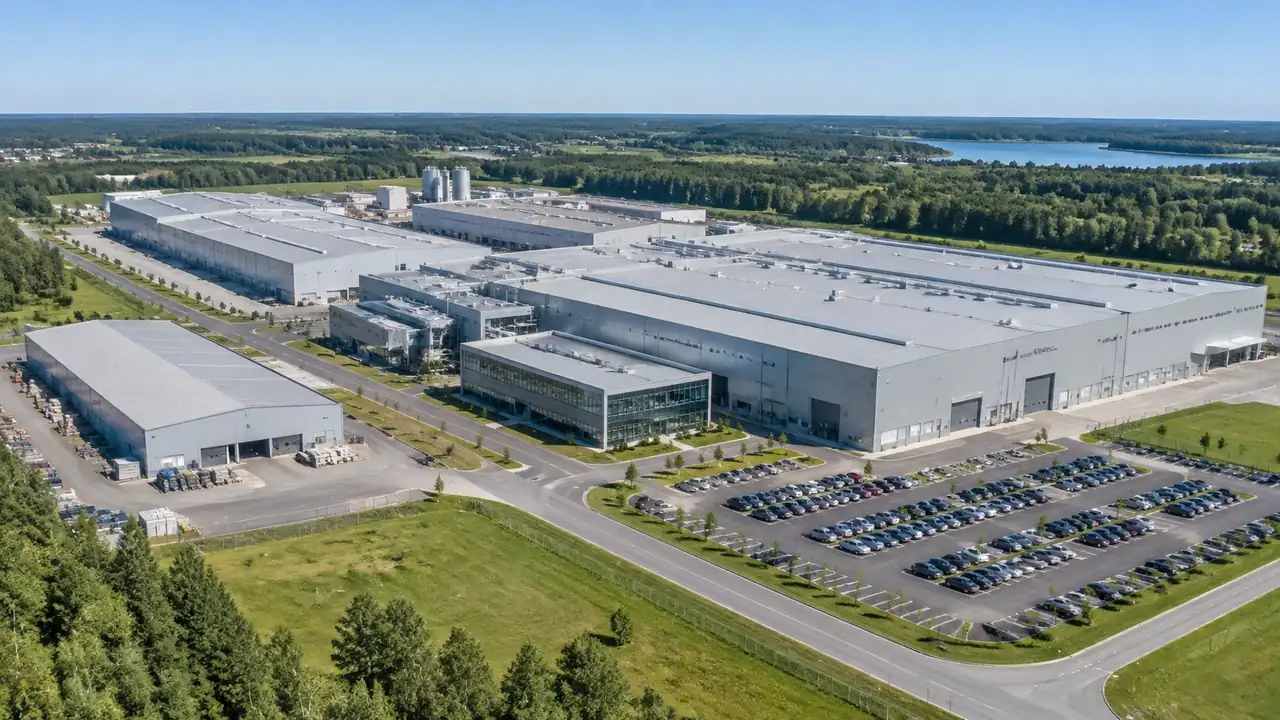
Factory reviews: how GenAnywhere sets the base scene
The generated scene supplies the ground, the existing sheds, the vegetation and the site edge, so design options sit against a fixed reference instead of a blank sheet. Correct what the map data got wrong before screenshots circulate. Conveyors, tanks and machinery stay outside, coming from your library after export.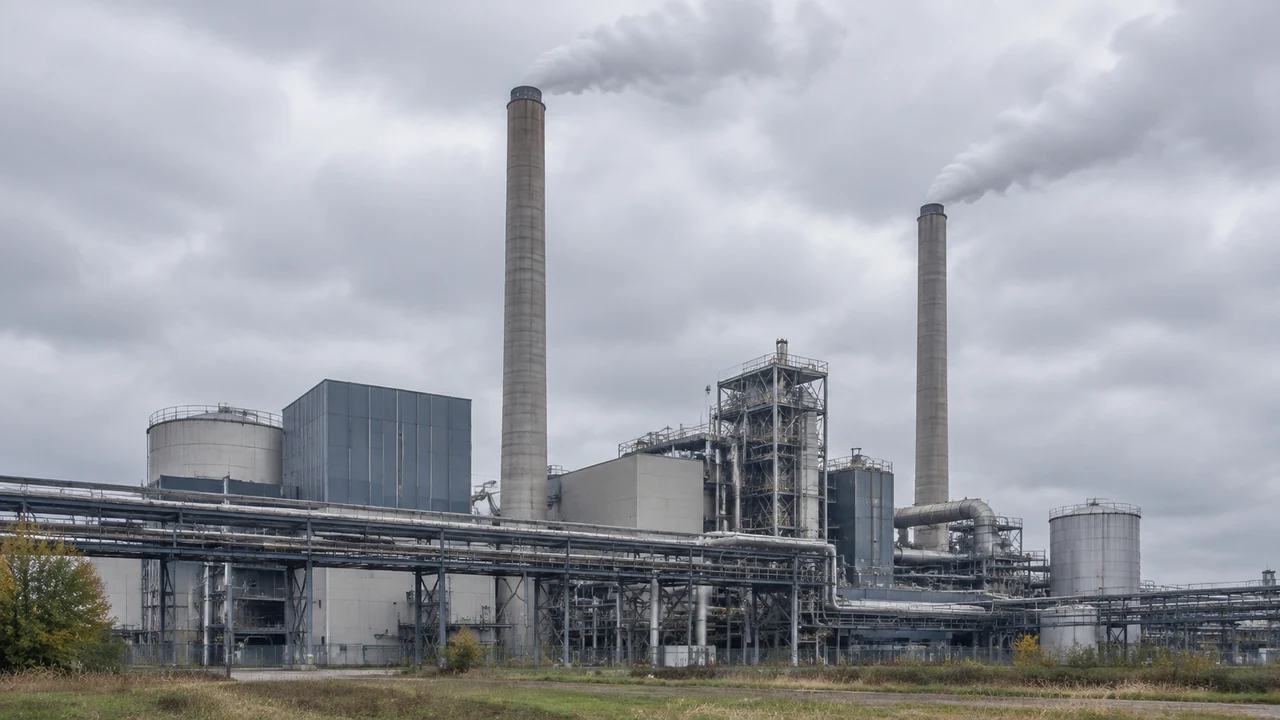
Chimney edits: can GenAnywhere change height and position?
Building edits cover height, position, rotation, type, replacement and removal, all acting on generated masses, enough to test a new workshop. A stack has no generated geometry, so its height and coordinates sit in the plant model. Place the asset downstream, record the edit register, and note the imagery date.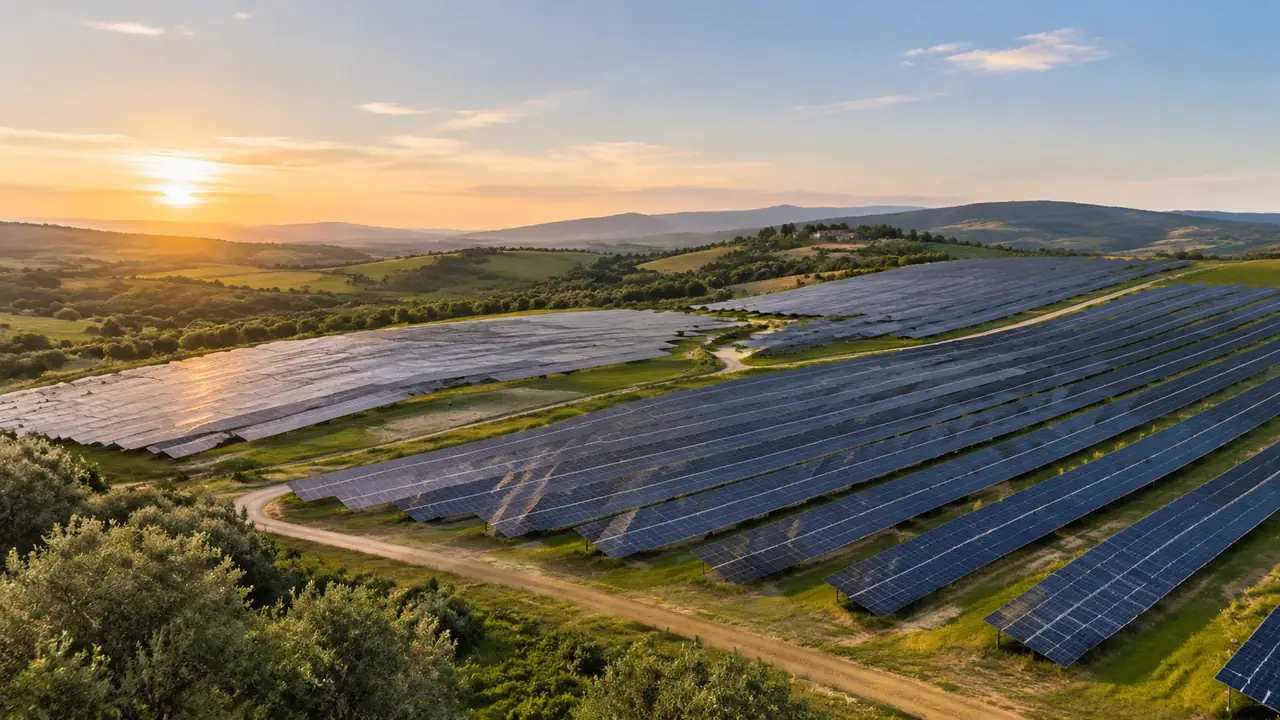
Solar siting reviews: how GenAnywhere sets the scene
GenAnywhere sets the shared picture a solar siting review needs: the land, its slopes, hedgerows, access and neighbouring buildings, with the array added later by the design team in its own tool. Frame an extent per audience, show the bare ground and neighbour views, then export once siting is agreed.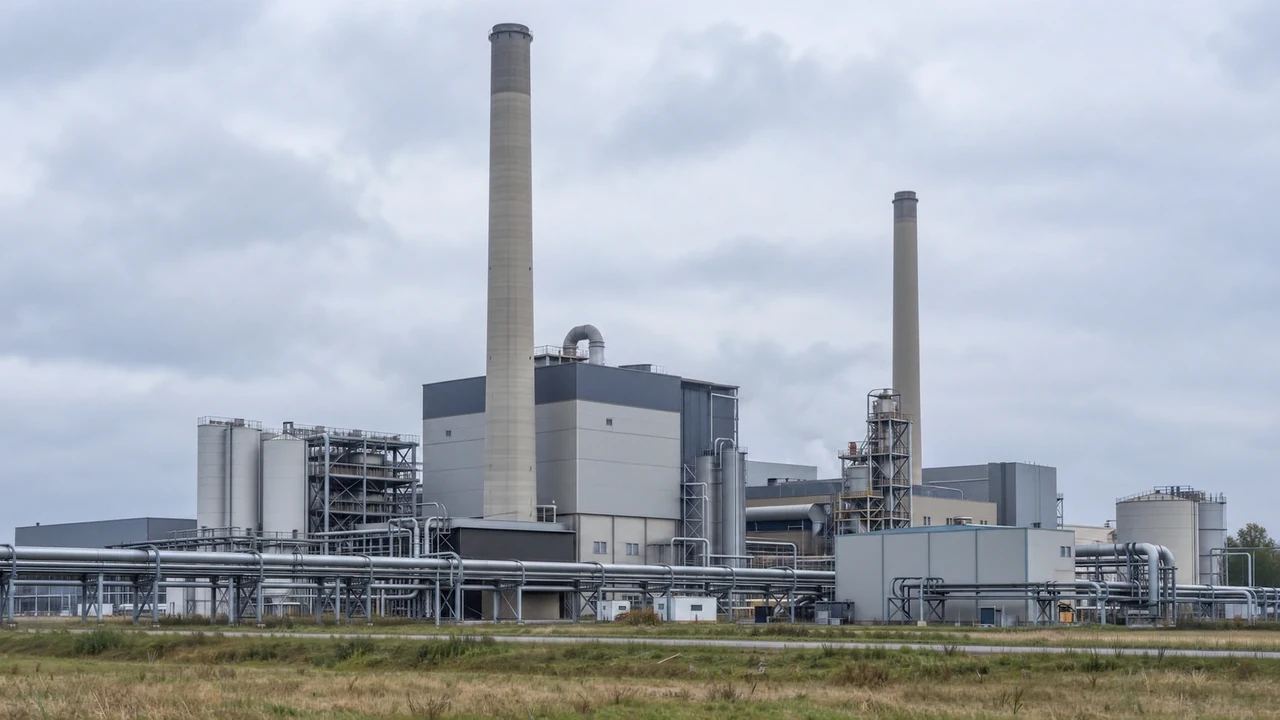
Can GenAnywhere model chimneys? What the limits are
GenAnywhere cannot model a chimney, so stack geometry, design height, plume behaviour and structural checks sit outside it. What the scene does answer is position and ground: where a stack would read against neighbouring houses and the fence line, and what space the base offers for staging, laydown and access.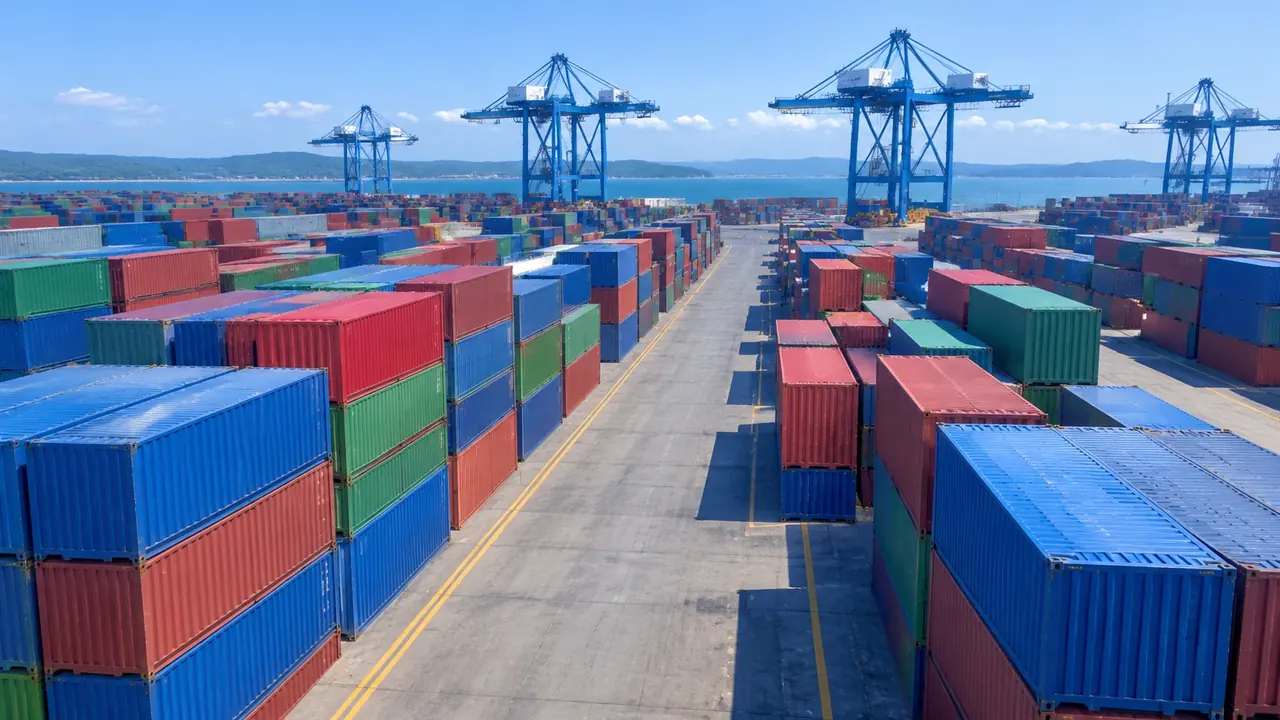
Container yard layers: a review order GenAnywhere supports
Review a container yard by layer order: terrain alone, then buildings with vegetation off, then vegetation back for the boundary and screening question. Containers, gantries and trucks are equipment and never appear, so export with every layer on and note that the receiving team adds the boxes and handling plant.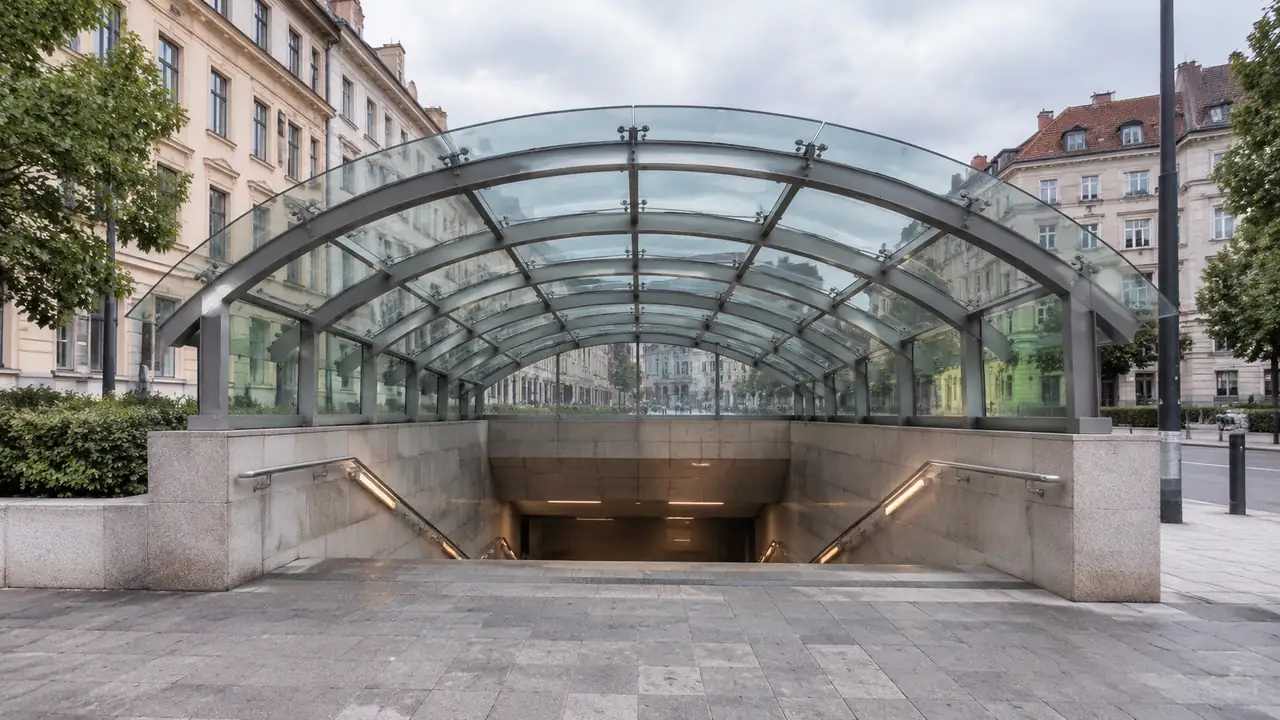
Metro station scale: what GenAnywhere covers in one view
One scene covers a metro station and its walking catchment of a few hundred metres, with streets, blocks and vegetation generated around it. Underground platforms, tunnels, concourse levels and ridership figures sit outside, so split a whole line into station-sized exports and keep extent and camera height consistent across them.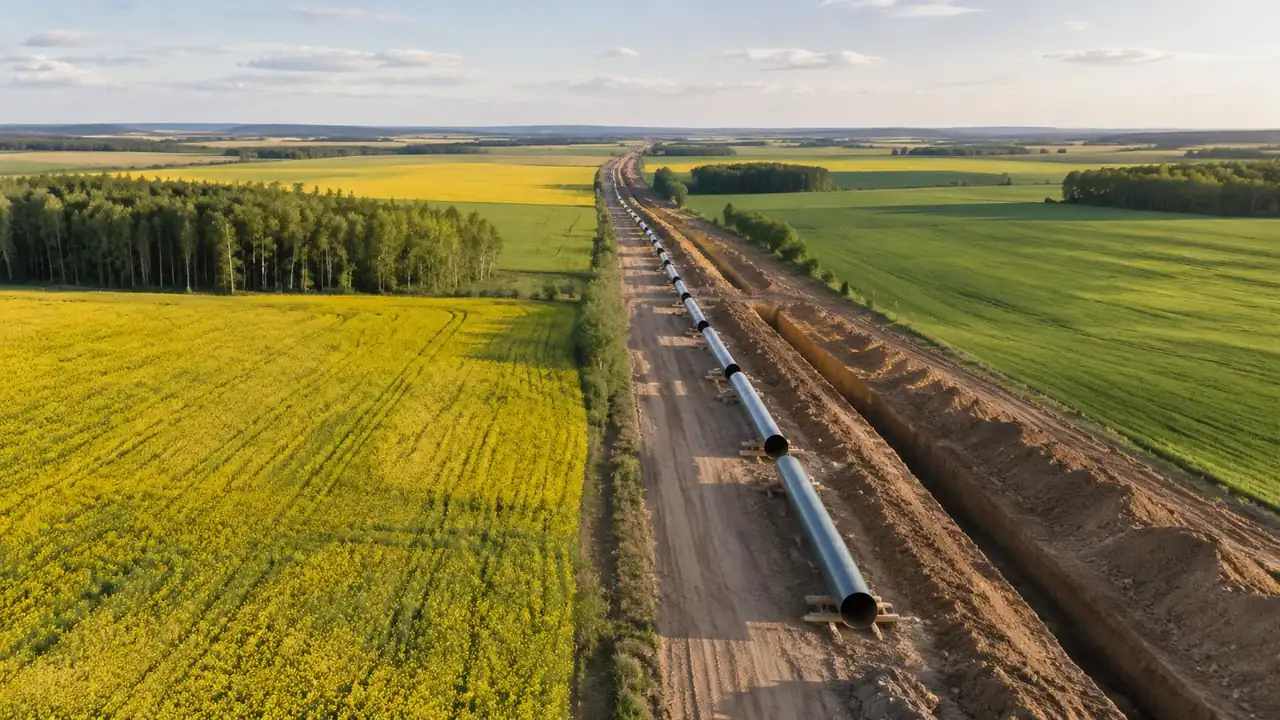
Can GenAnywhere adjust pipeline route and position?
GenAnywhere cannot move a pipeline route; the scene supplies the corridor, including terrain, water crossings, nearby buildings and vegetation, and the alignment is drawn in a design tool. Export the corridor, compare two options over the same ground, and list plainly the assets the file lacks for the next team.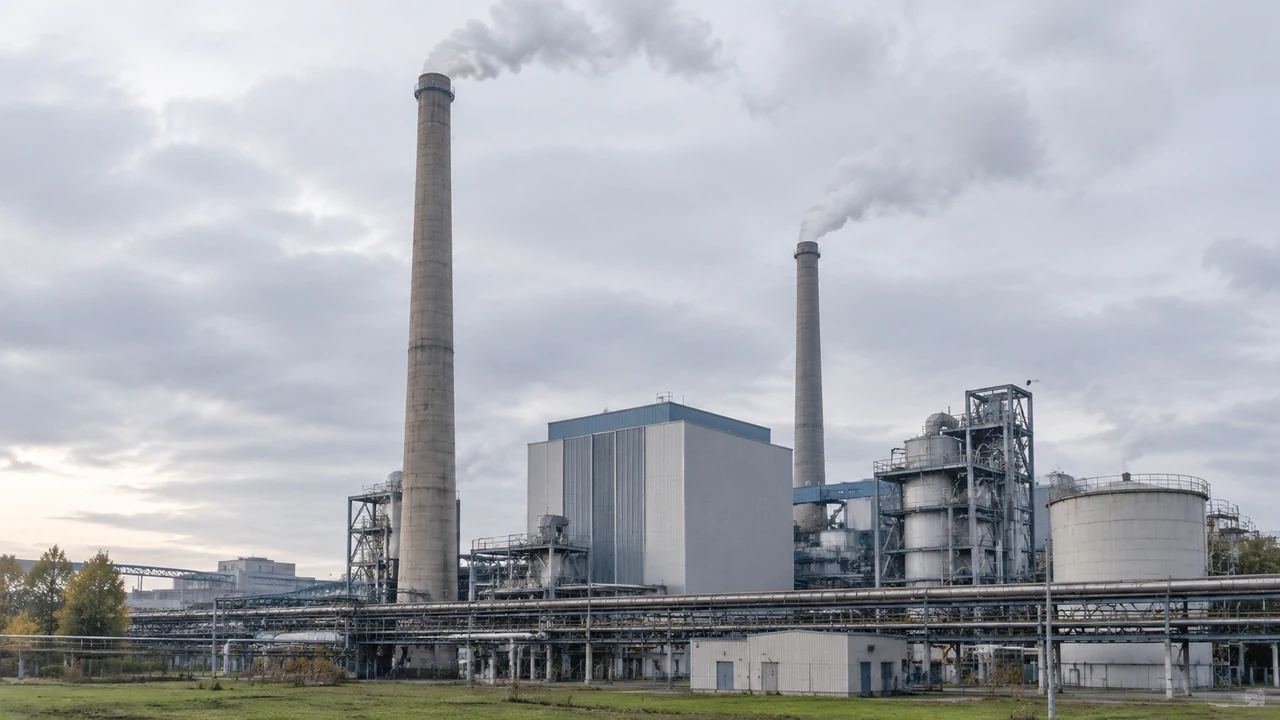
Chimney upgrades: where GenAnywhere sets the base scene
For a stack retrofit, GenAnywhere supplies the base scene: ground, internal access, hardstanding, boundary and the buildings around the stack, with the imagery date attached. The stack, ducting and structural or emissions work all stay outside, so export the site and let the design team add its own geometry there.