Tower scene export: what GenAnywhere sends as GLB
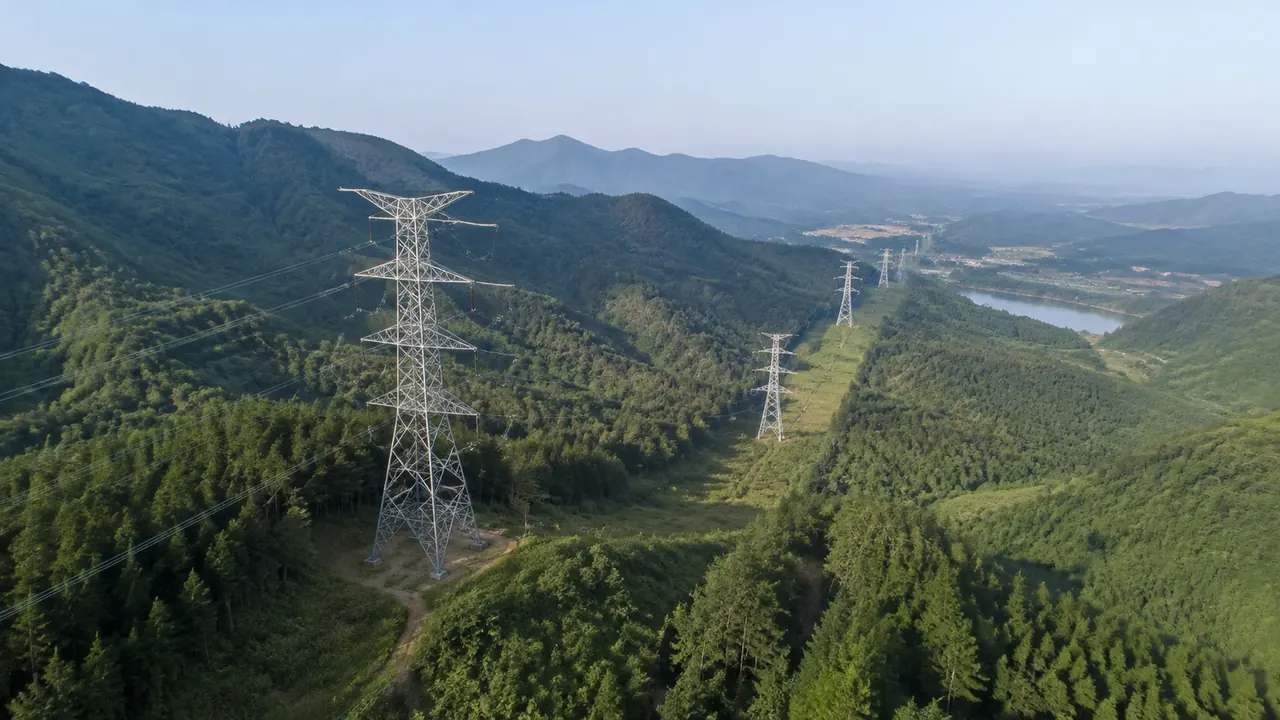
A tower scene export is a GLB of the ground beneath a transmission line: terrain, water, vegetation and nearby building masses. Lattice towers, conductors, insulators and foundations stay in the line model. Clearance and sag checks belong to the design tool, and vegetation is coverage rather than measured tree heights.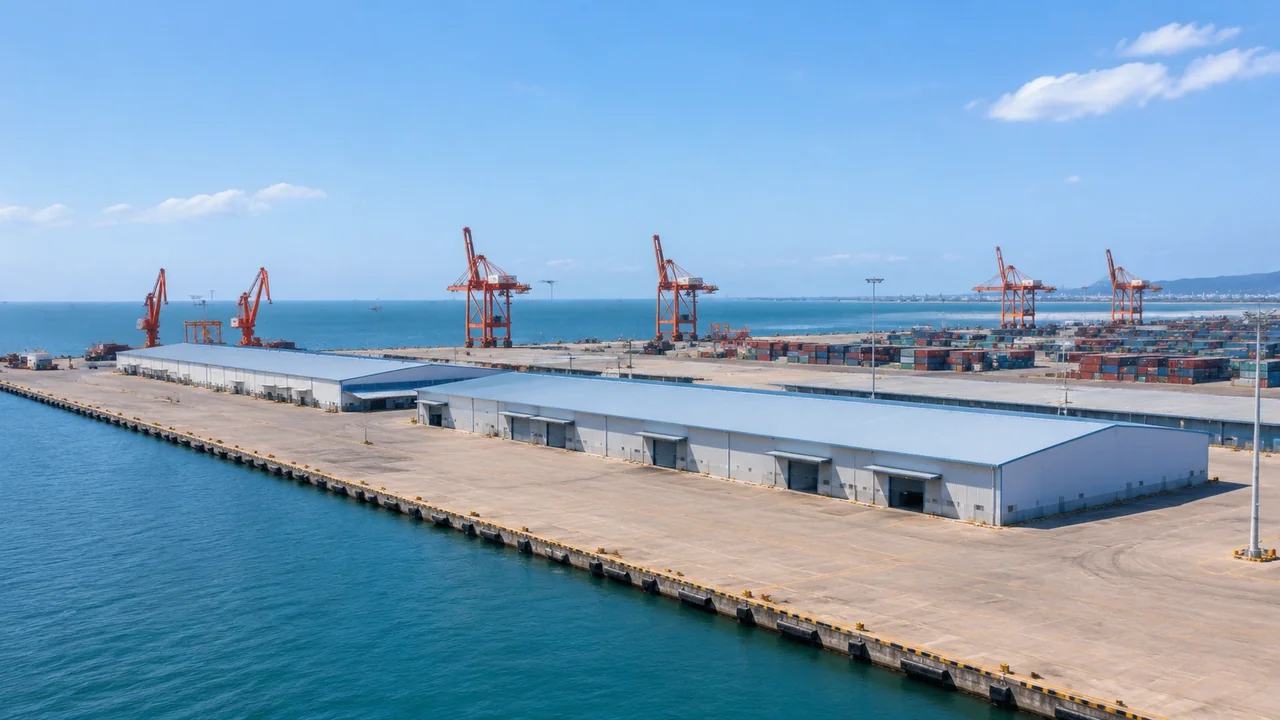
Terminal scale: what GenAnywhere covers in one view
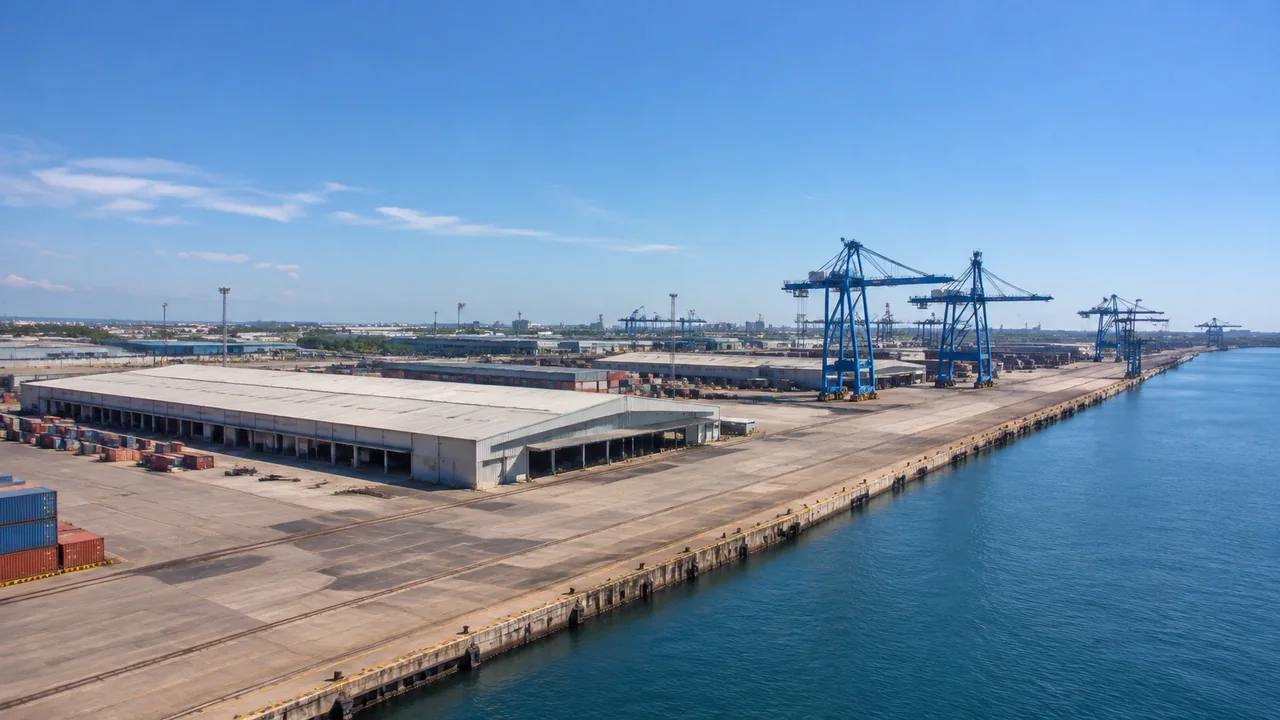
One GenAnywhere view holds the site under a terminal: terrain, berth water, vegetation and building masses inside the fence. Gantry cranes, container stacks, trucks and rail are equipment and rolling stock, added downstream. The quay line follows imagery rather than a scheme, so confirm the scale and origin after import.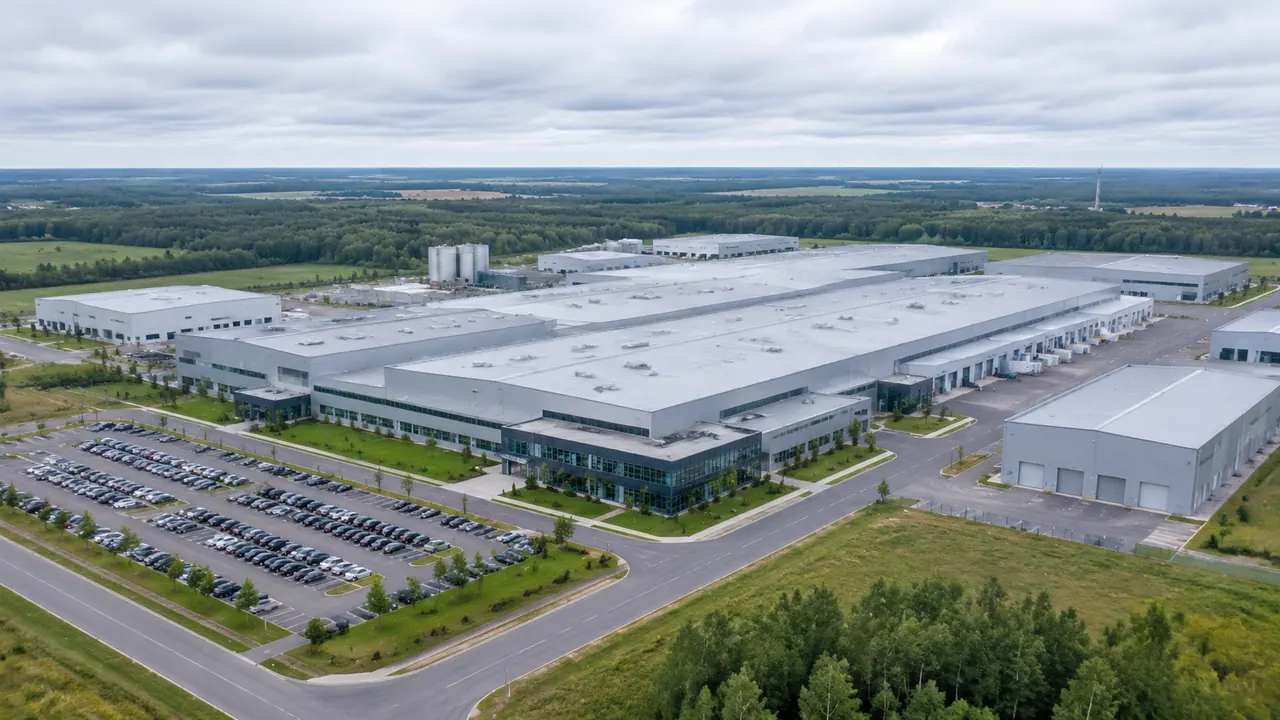
Factory models: what GenAnywhere includes in the build
A factory build contains the site: terrain, water, every mapped building plus vegetation, with heights estimated and types inferred. Process equipment, tanks, pipe racks, cranes and rail are not included, and nothing carries engineering data. Import the GLB as site context, keep the plant model as the source of record.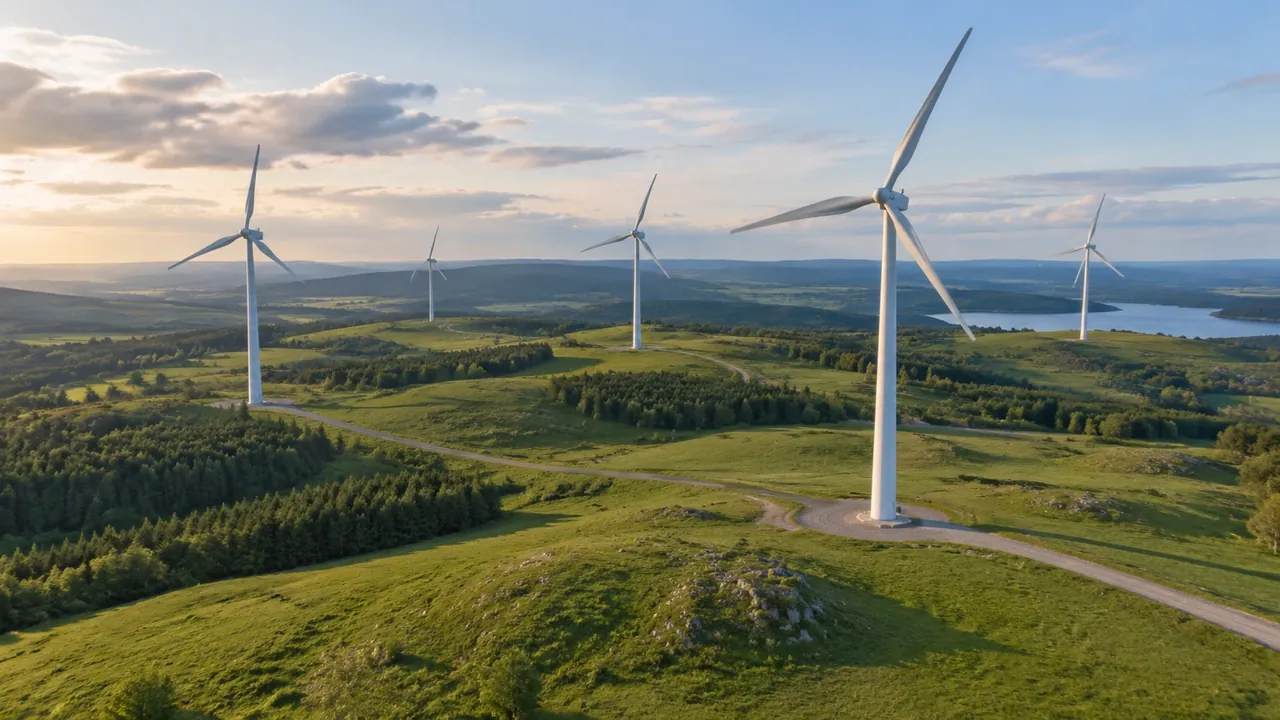
Can GenAnywhere model wind turbines? What it needs
GenAnywhere does not generate wind turbines; towers, nacelles, blades and foundations come from a manufacturer or an asset library. The scene supplies the landform, neighbours and a consistent frame for comparing turbine layouts. Yield, wake, noise and shadow studies sit with specialist tools elsewhere, and access tracks are not generated.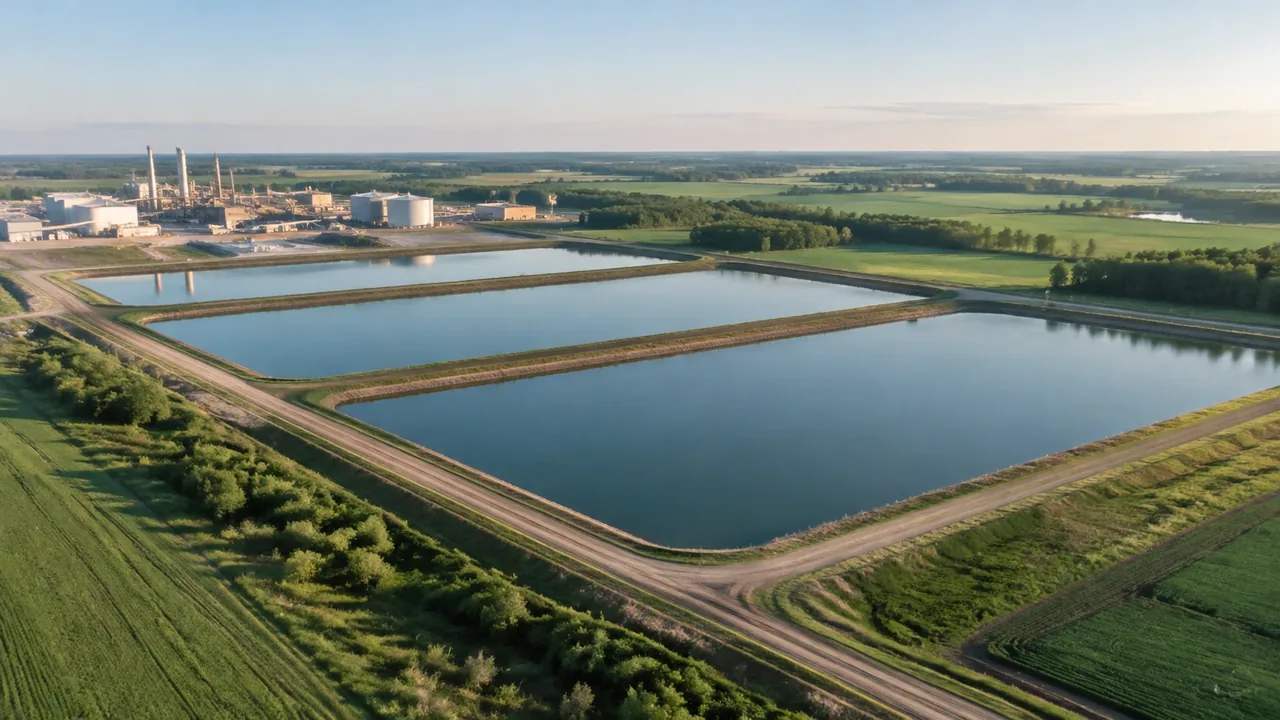
Settling pond models: what GenAnywhere includes in the build
GenAnywhere includes a settling pond as a water surface set into generated terrain, with the surrounding bunds, vegetation and buildings. Depth, volume, lining, inlets and water quality are not modelled. Note the imagery date and the level at capture, then send capacity questions to the engineer along with the drawings.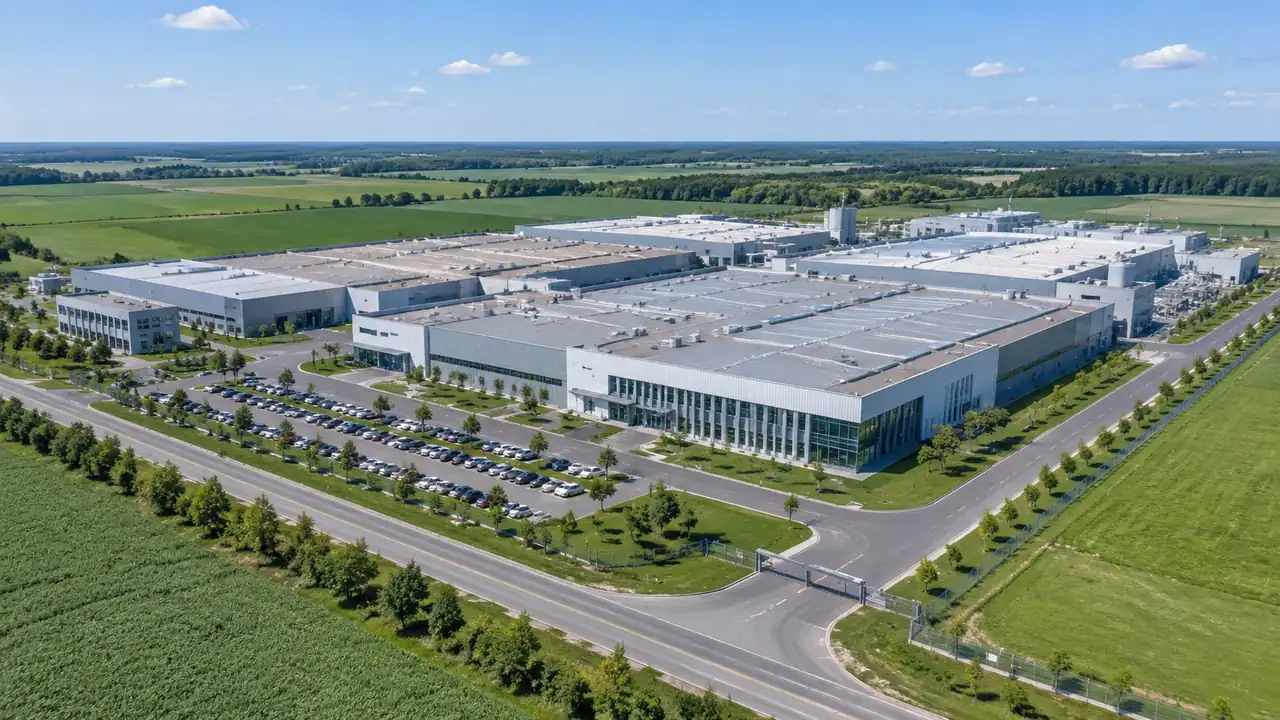
Factory model export: where the GenAnywhere GLB goes
A factory scene exports as GLB and opens in game engines, BIM tools, GIS and visualisation apps, so choose the destination before framing. The file holds site geometry without BIM elements, levels or properties. Test scale, axis and position on import, and keep a single stable scene for repeat exports.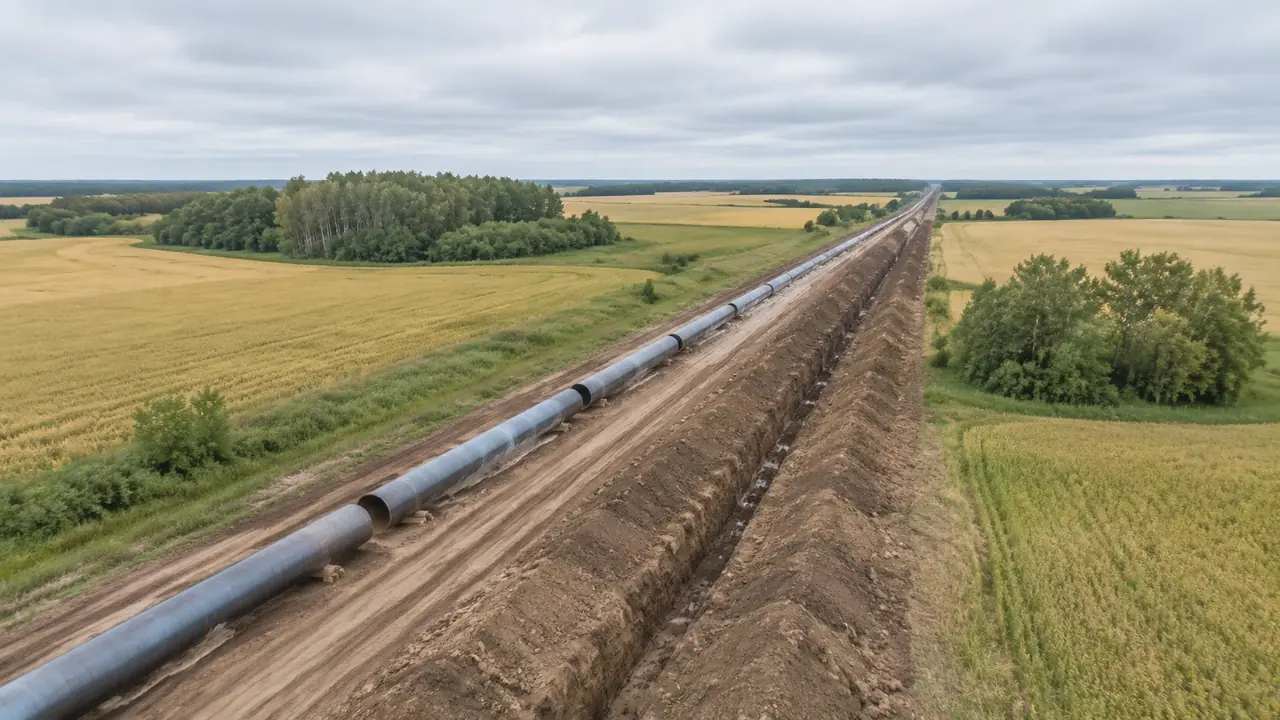
Pipeline export: does GenAnywhere support GLB?
Yes, a GenAnywhere scene exports as GLB, including terrain, water, vegetation and buildings along a corridor you framed. The pipeline itself is not in the file; route geometry, valves and crossings come from the design model. Check its position at both ends after import, since offsets are easy to miss.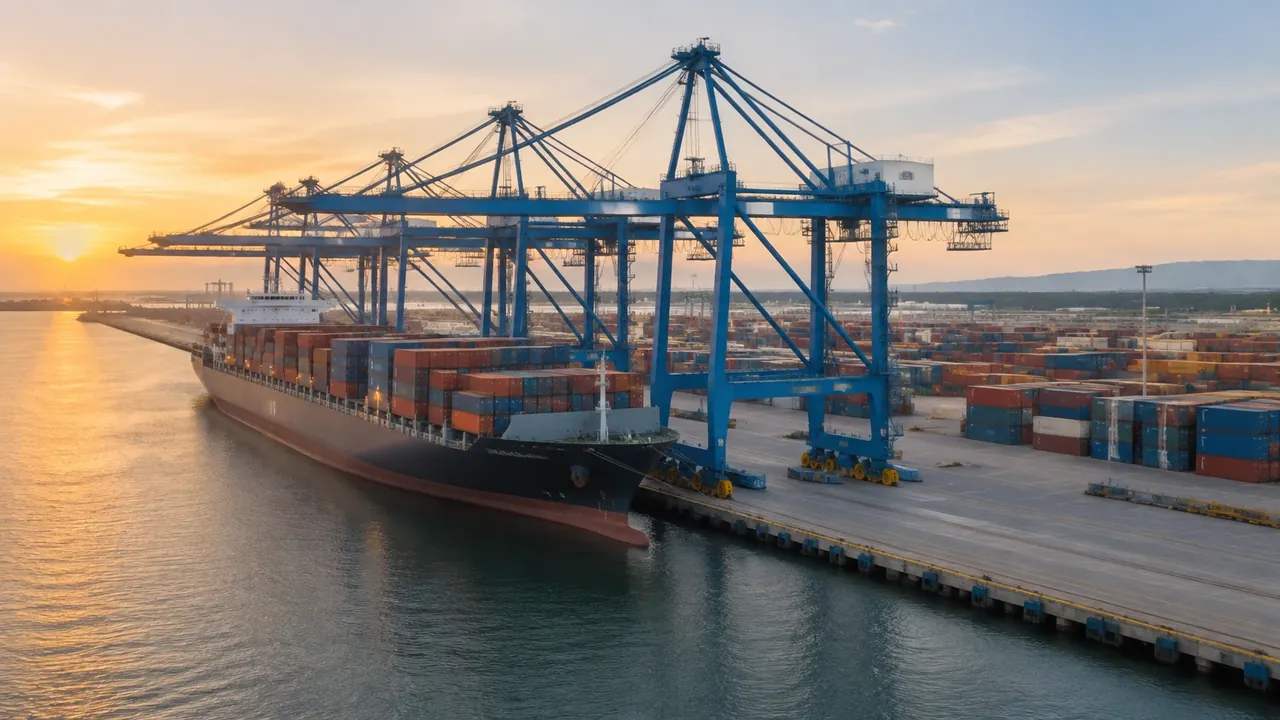
Crane export: where the GenAnywhere GLB goes next
A crane scene exports as GLB of the site: terrain, water, vegetation and building masses with your edits, never the crane itself. Add it in Blender, a game engine, a BIM authoring tool or GIS. Confirm units, scale and origin on import, then scale the machine rather than the site.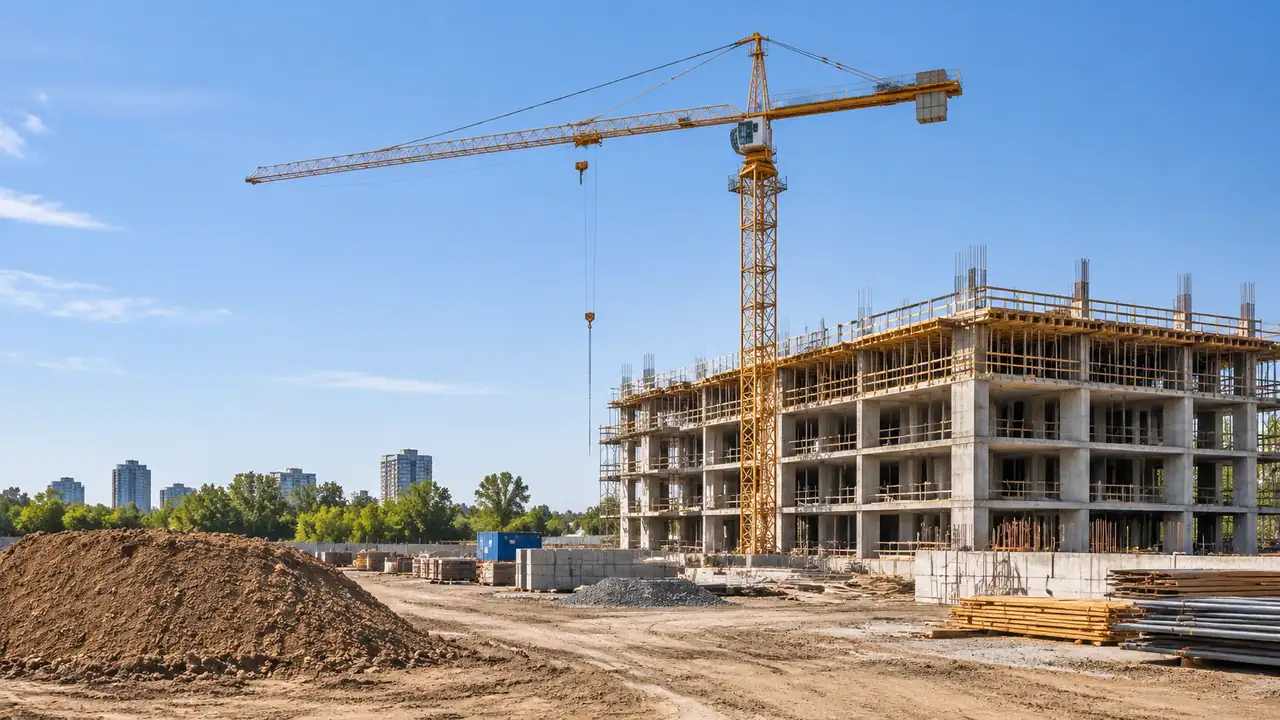
Can GenAnywhere model construction cranes? What it needs
GenAnywhere does not model construction cranes, which are equipment and often temporary equipment. The scene gives the ground, the levels around the base, existing buildings and the water in the way. Lifting, bearing and clearance checks stay with the lift plan, so export the site and add the crane downstream.