Factory scenes: how GenAnywhere builds from a map
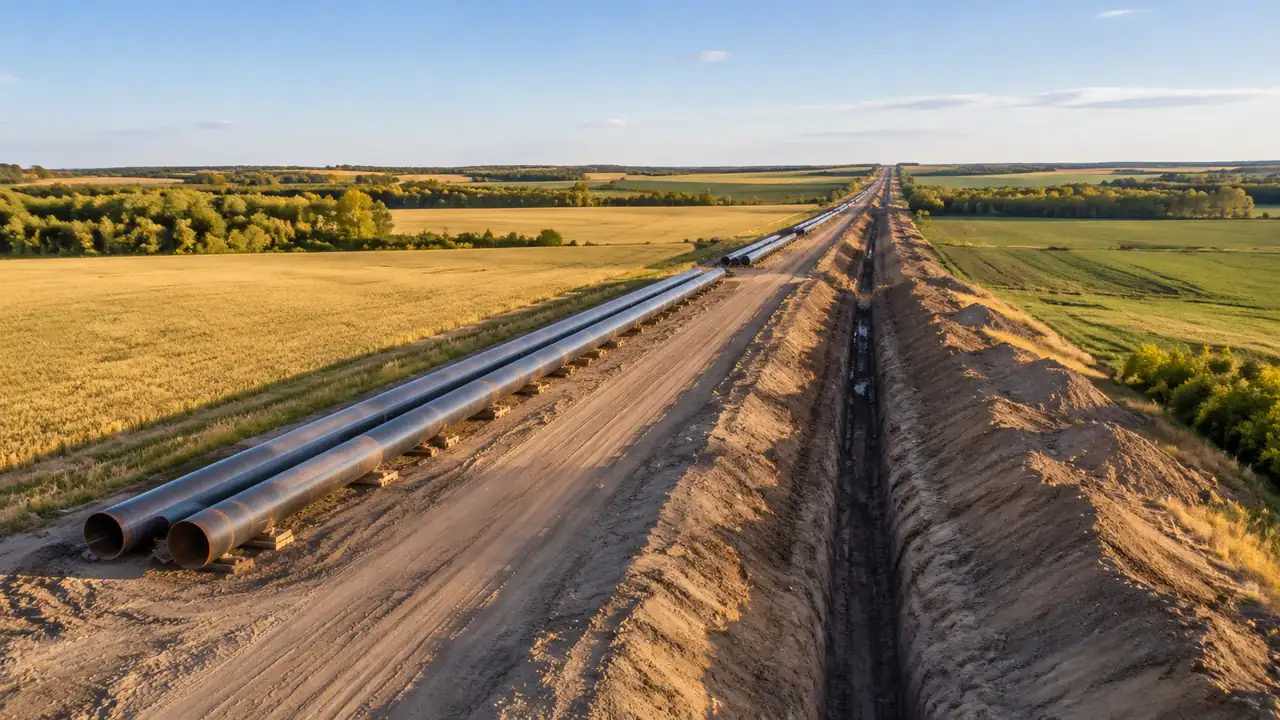
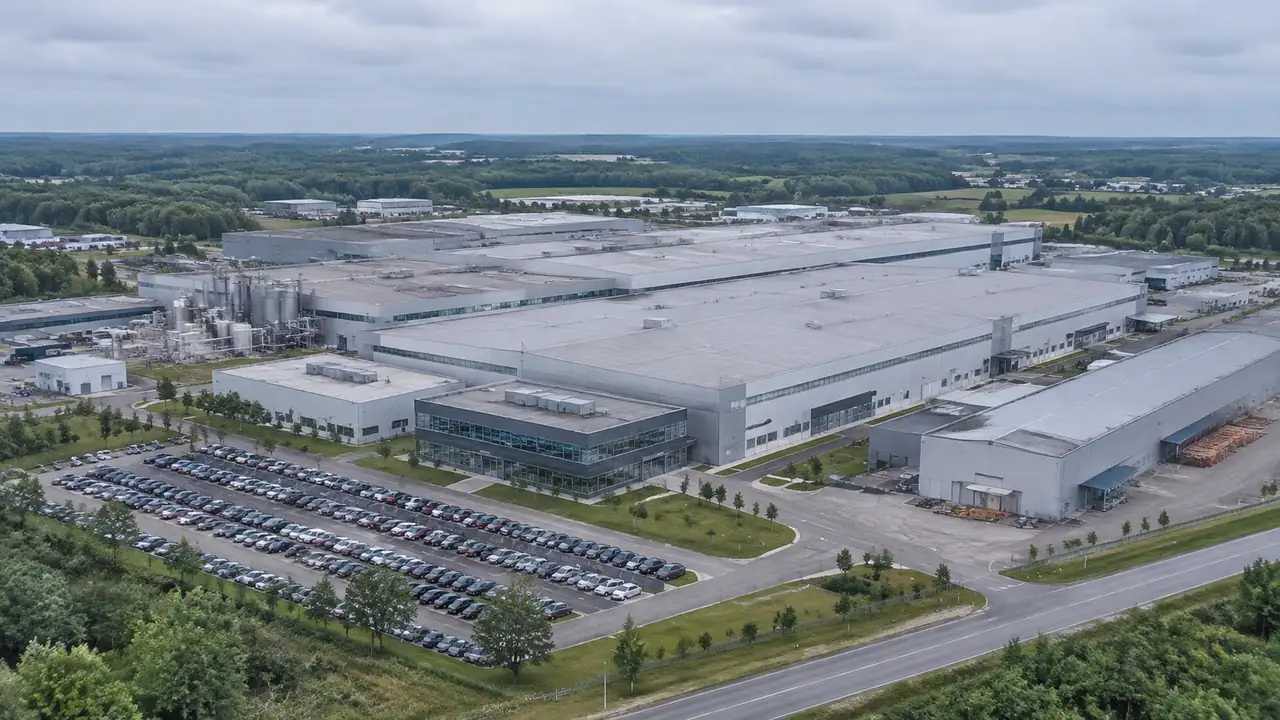
A factory scene starts with an area drawn on the map, so terrain, water, vegetation and building masses arrive together. Budget the correction pass rather than generation, since inferred types and estimated heights need checking against drawings. Equipment, internal roads and rail are not generated; add them downstream after export.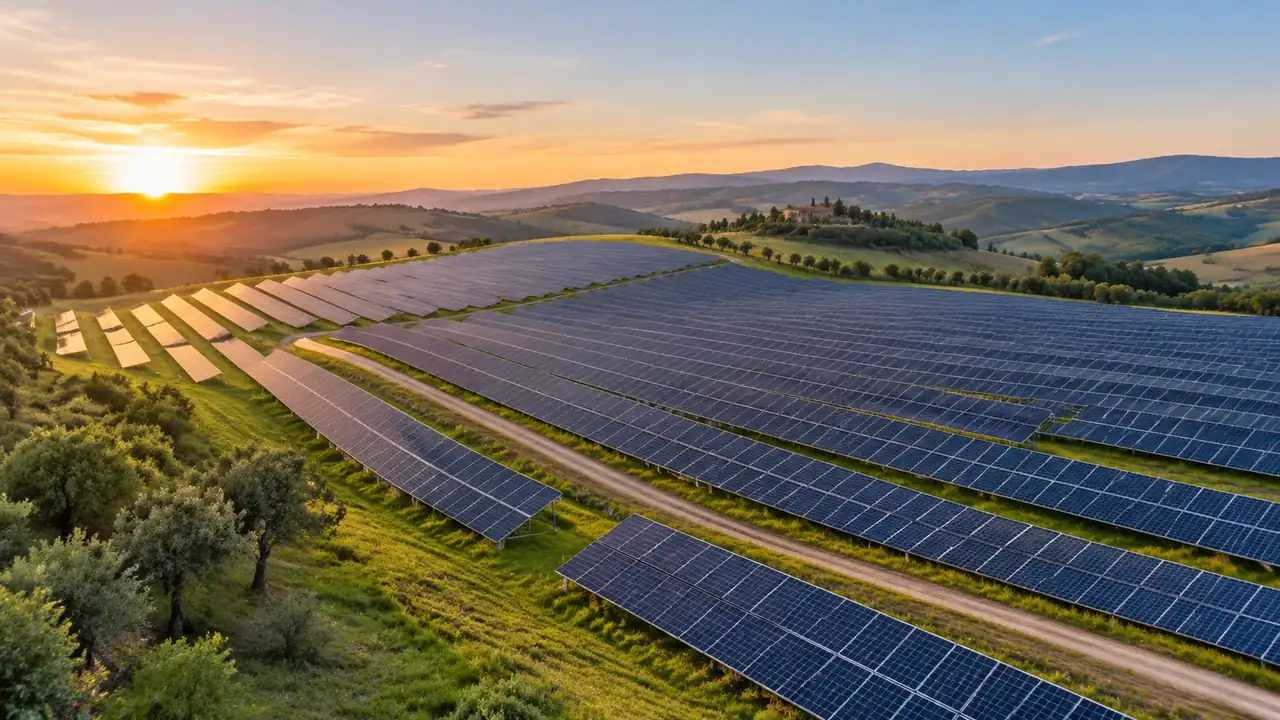
Can GenAnywhere model solar panels? What it needs
GenAnywhere does not model solar panels; it generates the site they occupy: terrain, water, vegetation and building masses. Modules, racks, trackers and inverters are equipment assets from a design model or library, added downstream. Use the scene for massing and setting, then export a GLB and check the imagery date.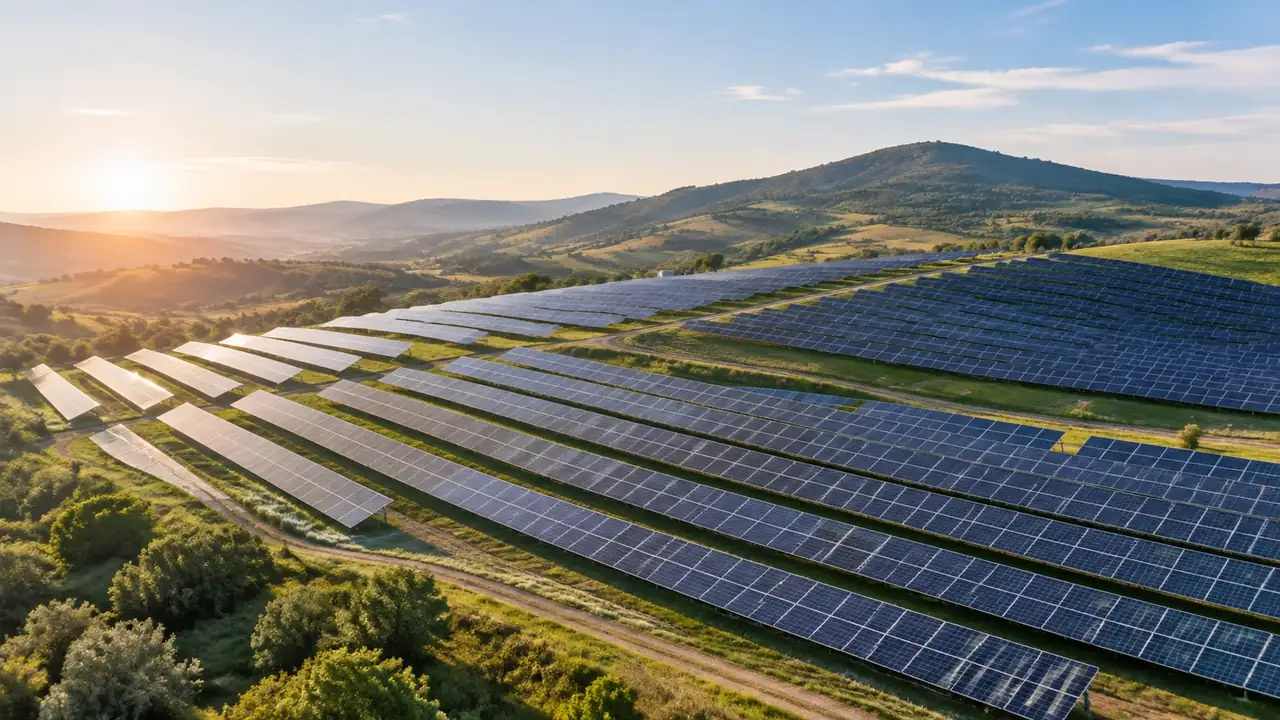
Solar farm layers: how GenAnywhere shows the arrays
A solar plant appears in GenAnywhere through three layers, and none of them is the array. Terrain, vegetation and buildings come from map data; tables, trackers and inverters are design assets placed over that site. Hide layers to read the ground, then export a GLB and note the states used.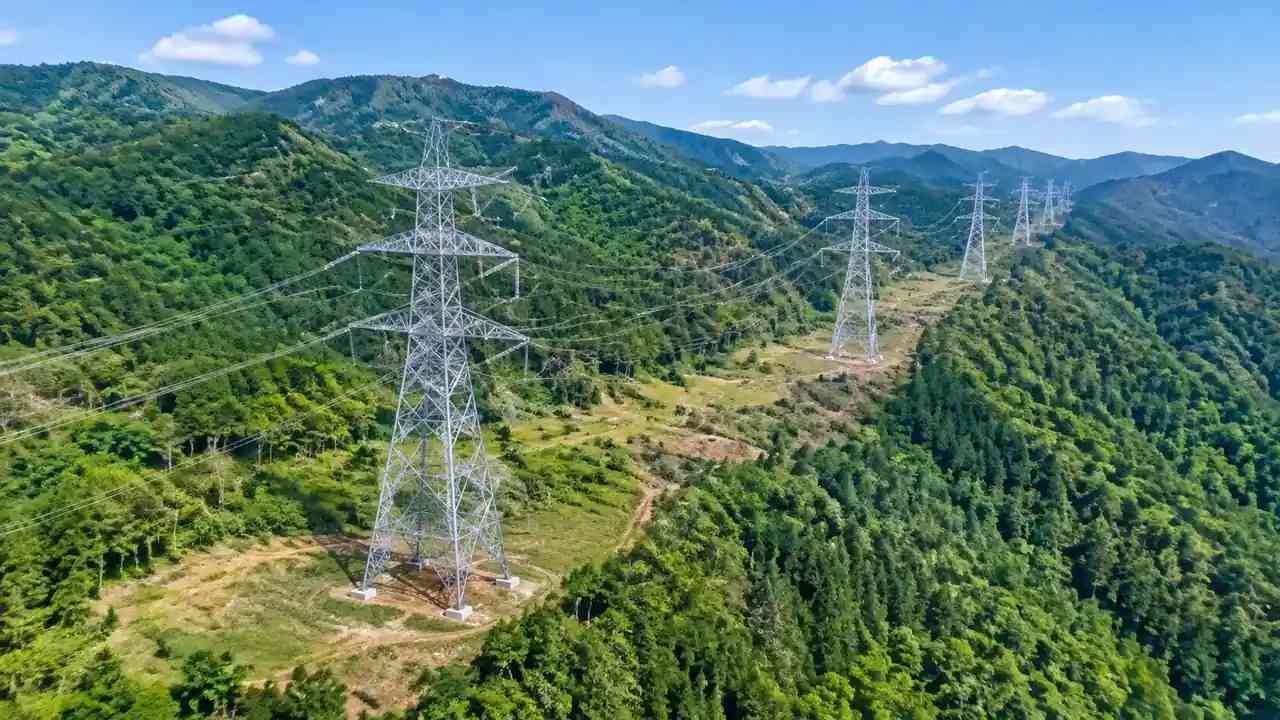
Transmission tower layers: how GenAnywhere shows them
GenAnywhere has no tower layer. The panel carries terrain, buildings and vegetation generated from map data, while towers, conductors and foundations are design assets placed over that ground. Use the layers to show where clearing falls, take widths from the line design, then export a GLB and note the exclusions.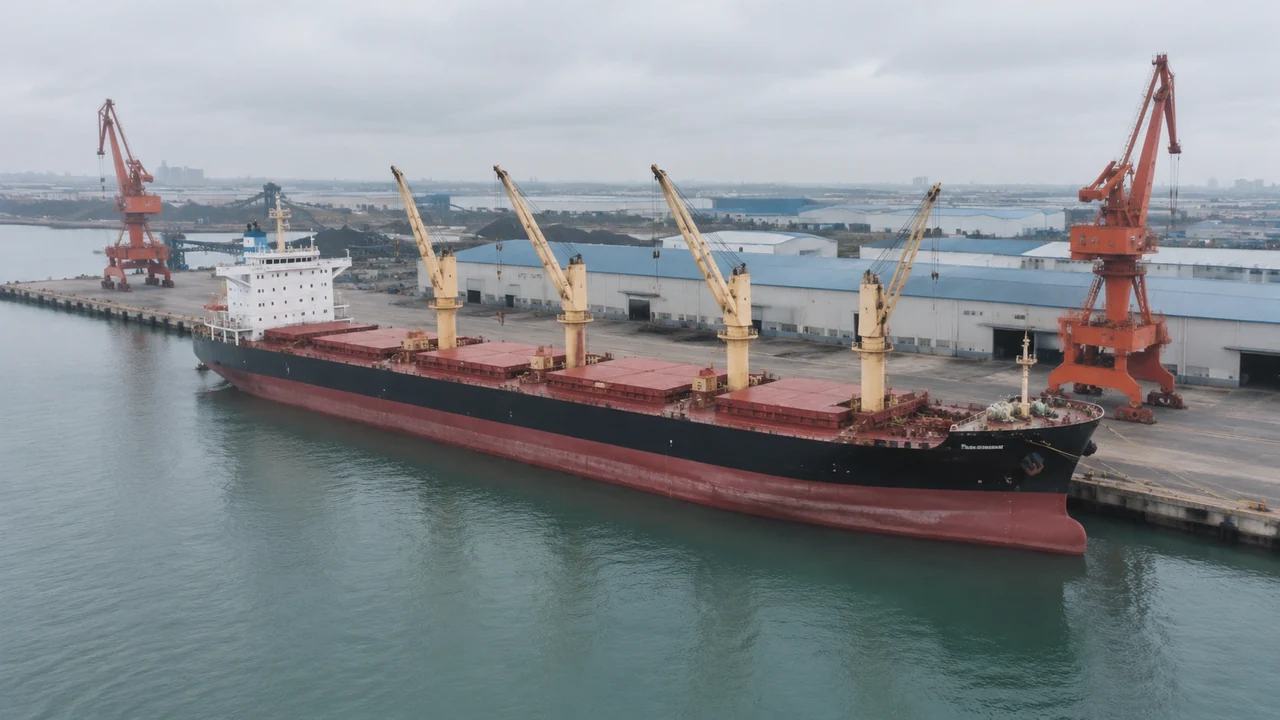
Vessel models: which project types fit GenAnywhere
Ship projects fit GenAnywhere when the question is about land: berth, quay edge, yard or access road. Hulls, superstructures and cargo gear arrive as placed assets from a library or designer file. Where manoeuvring, mooring or channel design carries the decision, start from marine data and brief the marine team.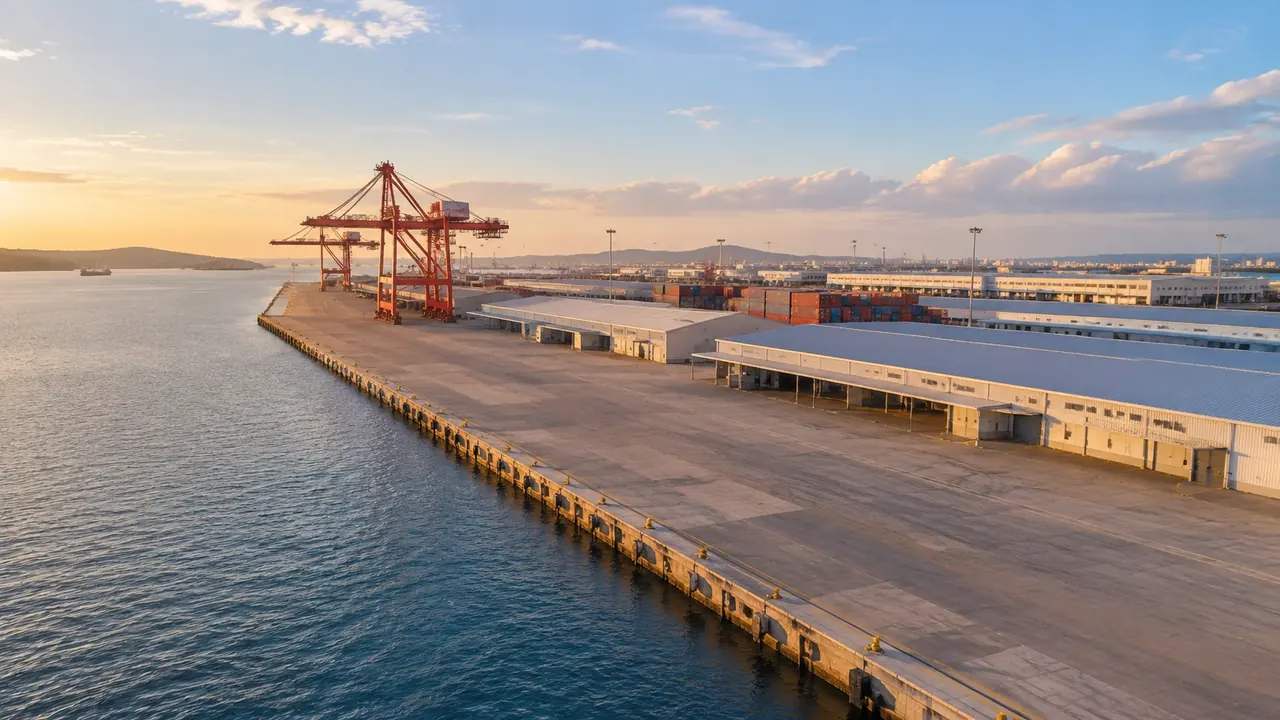
Terminal edits: what GenAnywhere lets teams change
GenAnywhere supports five moves on a terminal building: replace, move, rotate, retype and adjust height, plus layer control over terrain, buildings and vegetation. Roads, equipment and interiors are fixed, so propose those as overlays. Keep a numbered change register, close the edit set, and export once the set is agreed.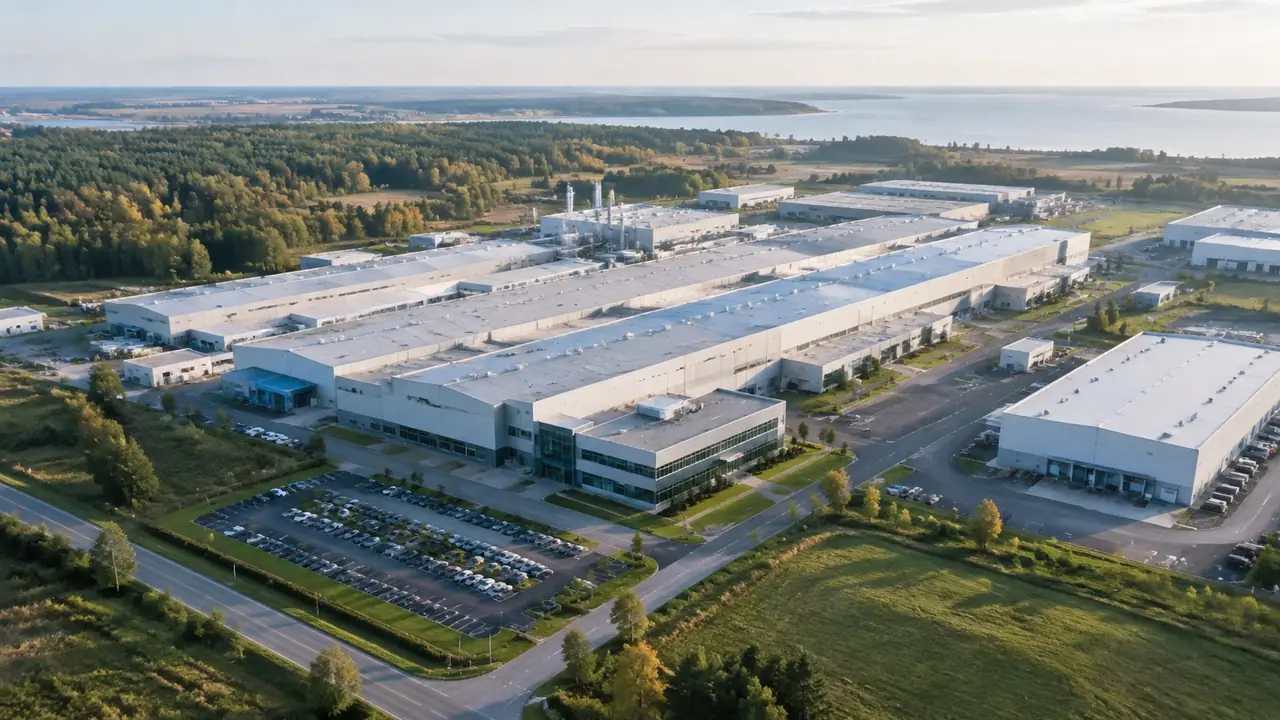
Factory scenes: how GenAnywhere starts from a map
A factory scene can start from a rectangle on the map, with sheds, yard, access roads and neighbours generated as editable masses. Chimneys, silos, tanks and pipe racks are not generated. Correct the heights the audience will point at, then hand over the GLB with a written list of omissions.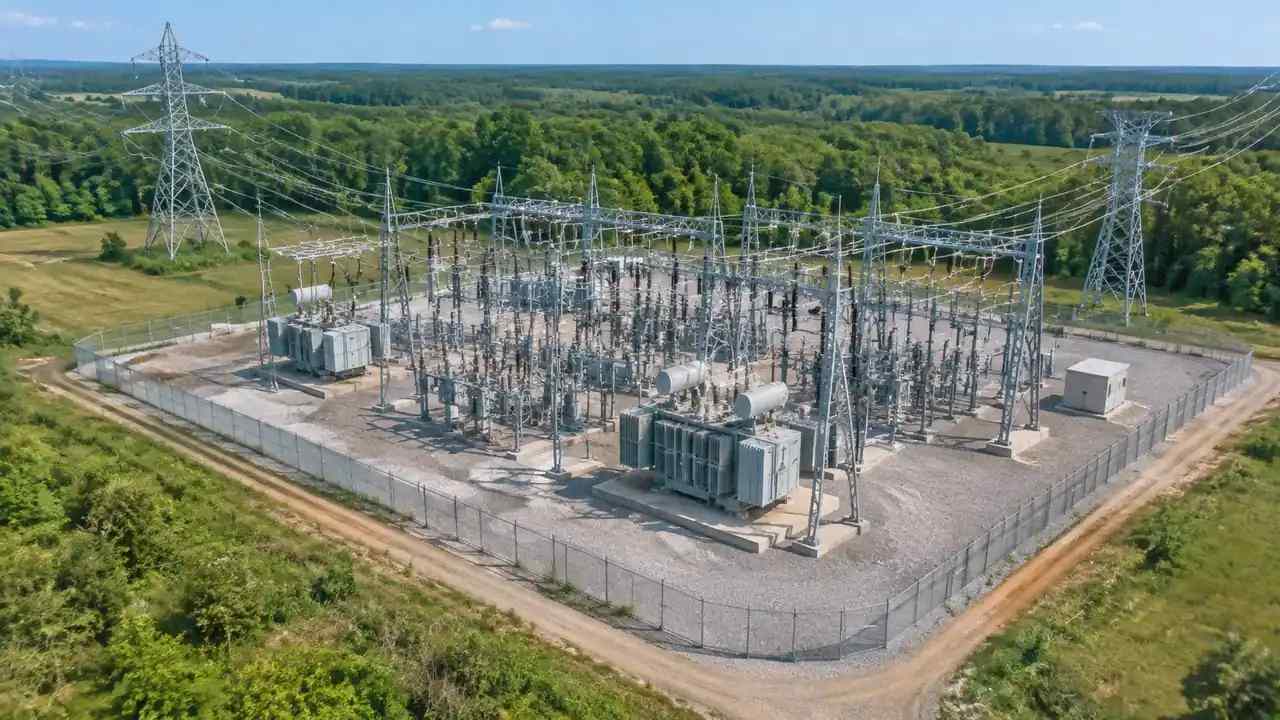
Power grid generation: how GenAnywhere builds a route
GenAnywhere generates the terrain, land cover and water a grid connection crosses, while the route, towers and conductors come from engineering design. The corridor scene supports early alignment and siting conversations. It will not route a line or check sag and clearance, so keep those studies in their own tools.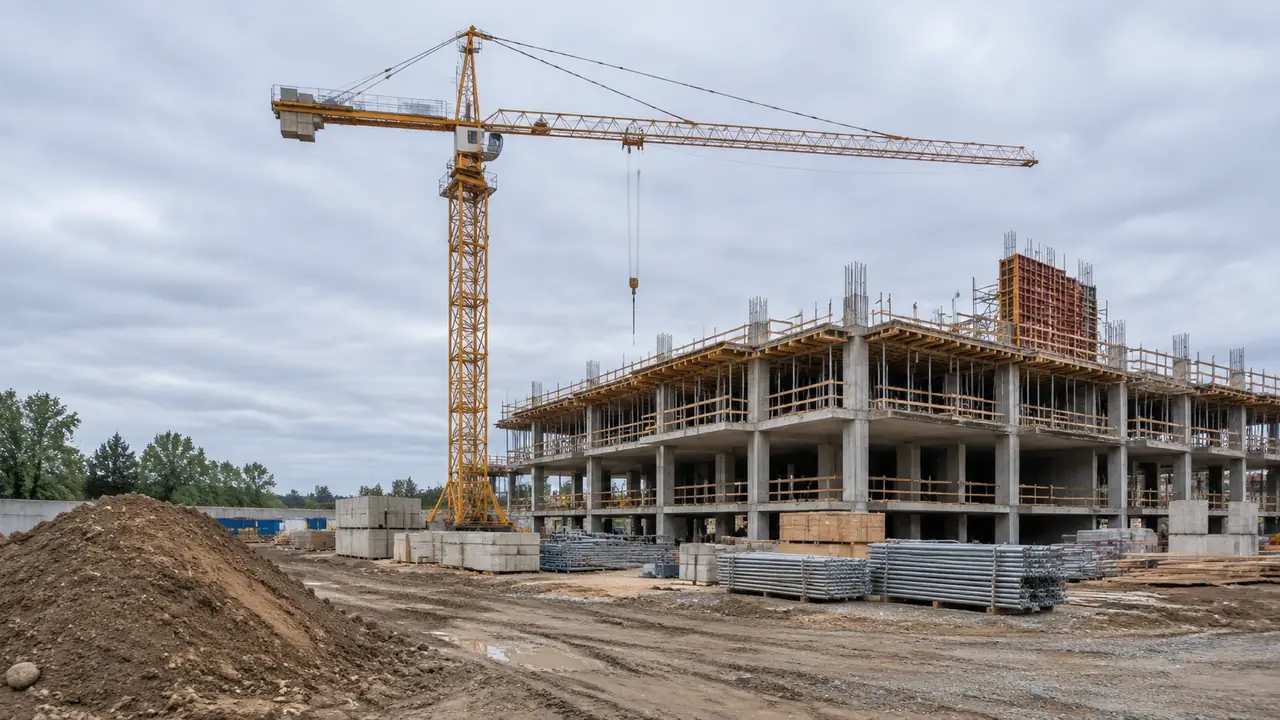
Construction crane scenes: how GenAnywhere builds a site
Framing an area on the map gives a construction scene with ground, existing buildings and neighbours, and the tower crane arrives later as an asset in the receiving tool. Buildings can be removed or replaced to show phasing. The scene cannot produce a lift plan, so keep that work separate.