Chimneys and plants: how GenAnywhere layers both
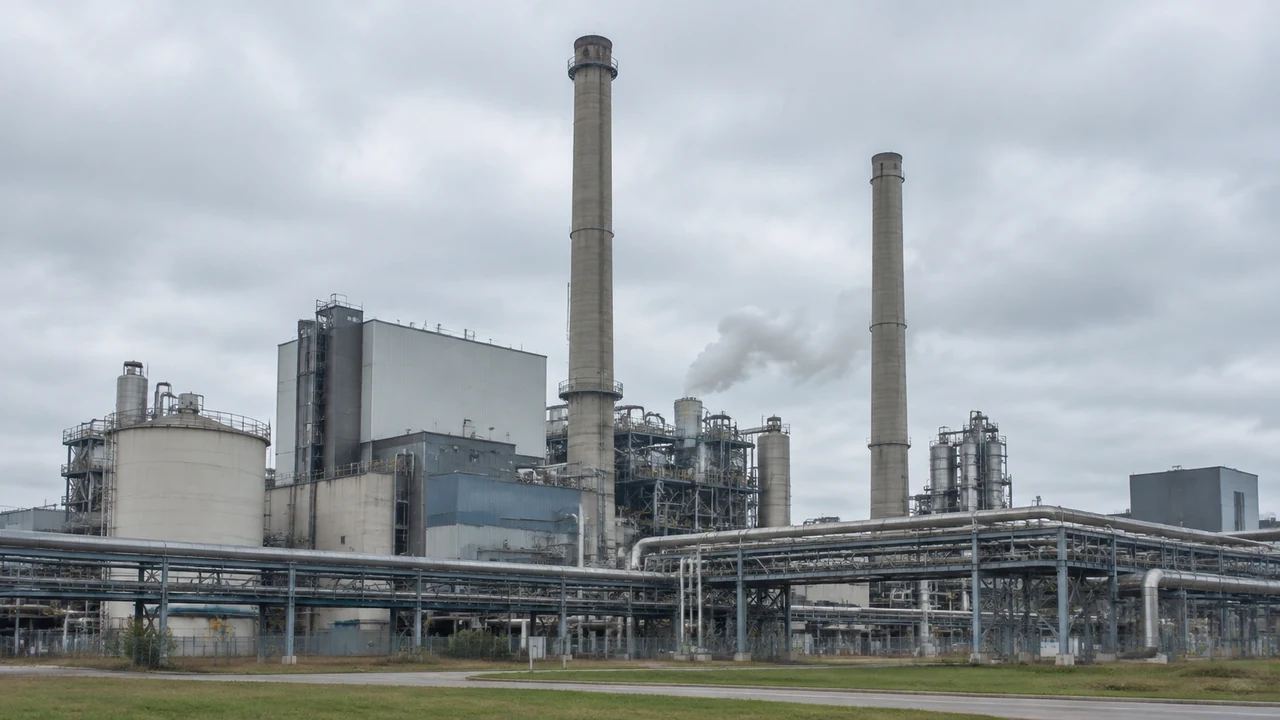
GenAnywhere layers buildings, terrain and vegetation, and a chimney is not a fourth layer; it is a plant asset placed in a downstream tool. Run the review in three passes, everything on, then vegetation off, then vegetation back, and caption every screenshot with its full layer state before the handover.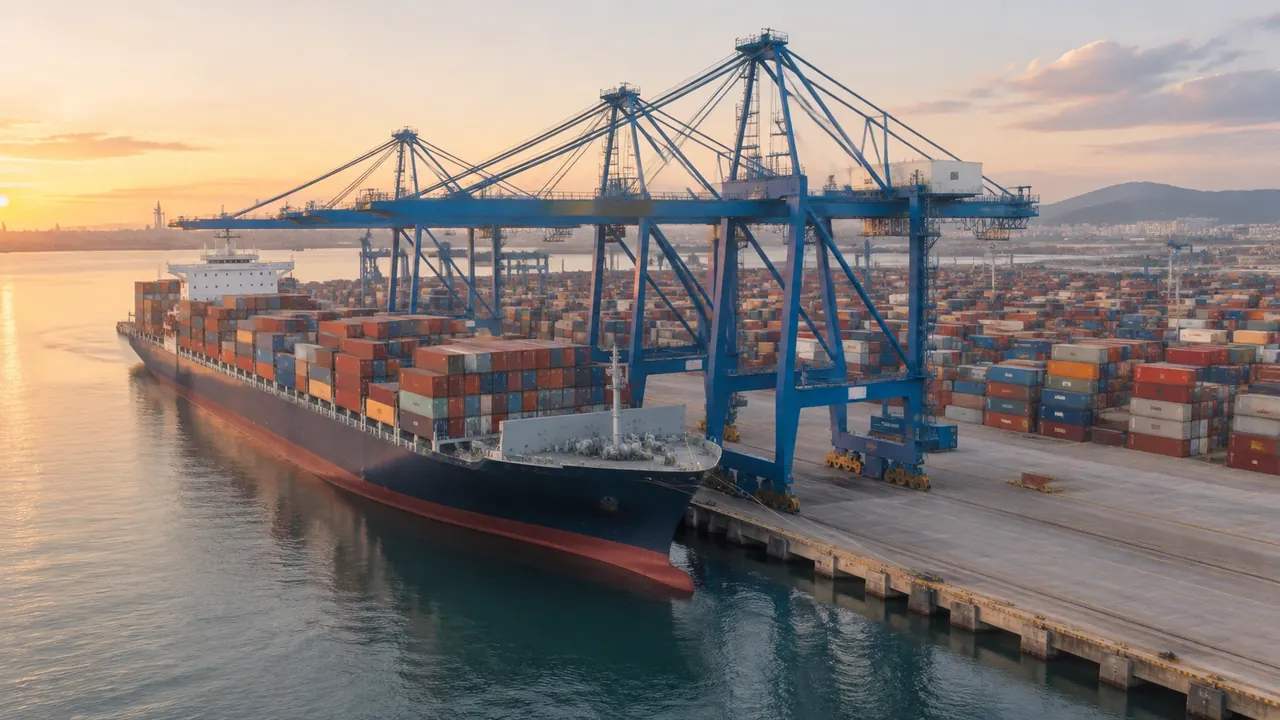
Crane edits: what GenAnywhere lets teams adjust
GenAnywhere edits buildings and layers, not cranes. You can replace, move, rotate, resize or retype the sheds and access around a crane bay and toggle terrain, buildings and vegetation as layers, but the crane itself comes from a design model, so export the site early and place the machine downstream.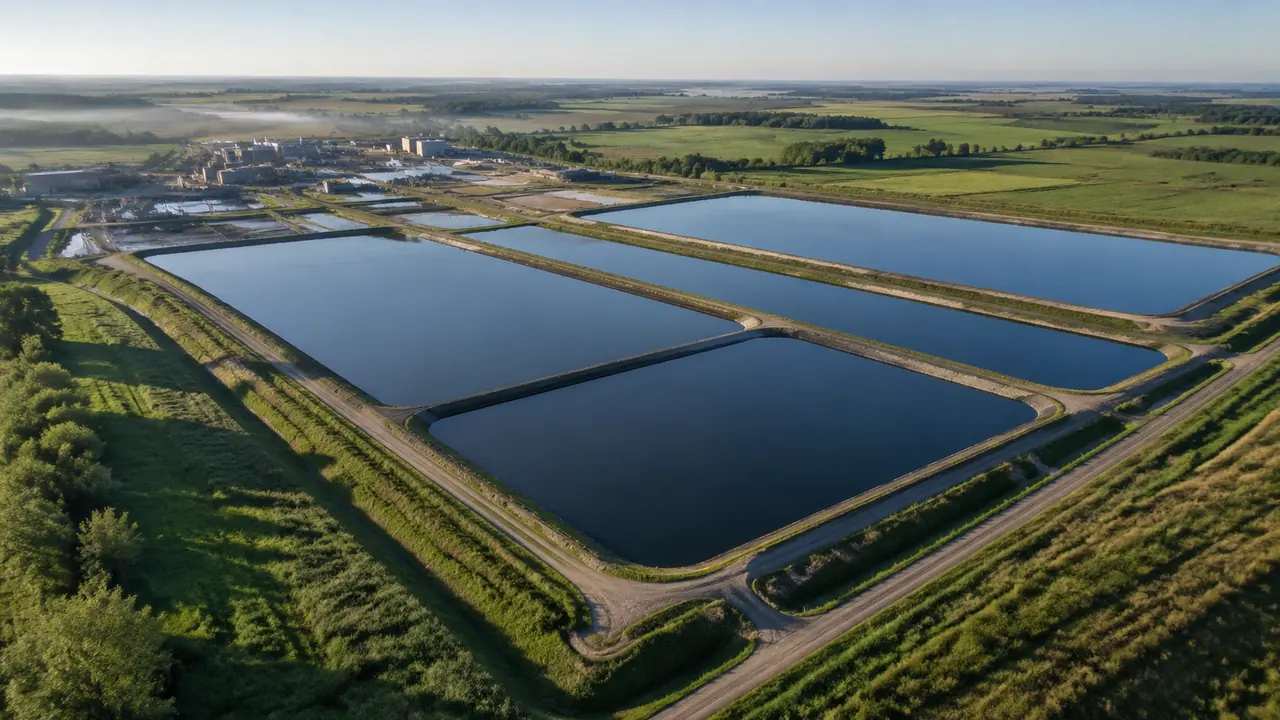
Settling pond reviews: how GenAnywhere sets the base scene
Settle the base scene before the meeting: the generated site, the imagery date, building edits and layer state all fixed and written down. Open wide, narrow to the basins and the plant, keep each proposal layer separate, and export one dated GLB for anyone who needs the base between sessions.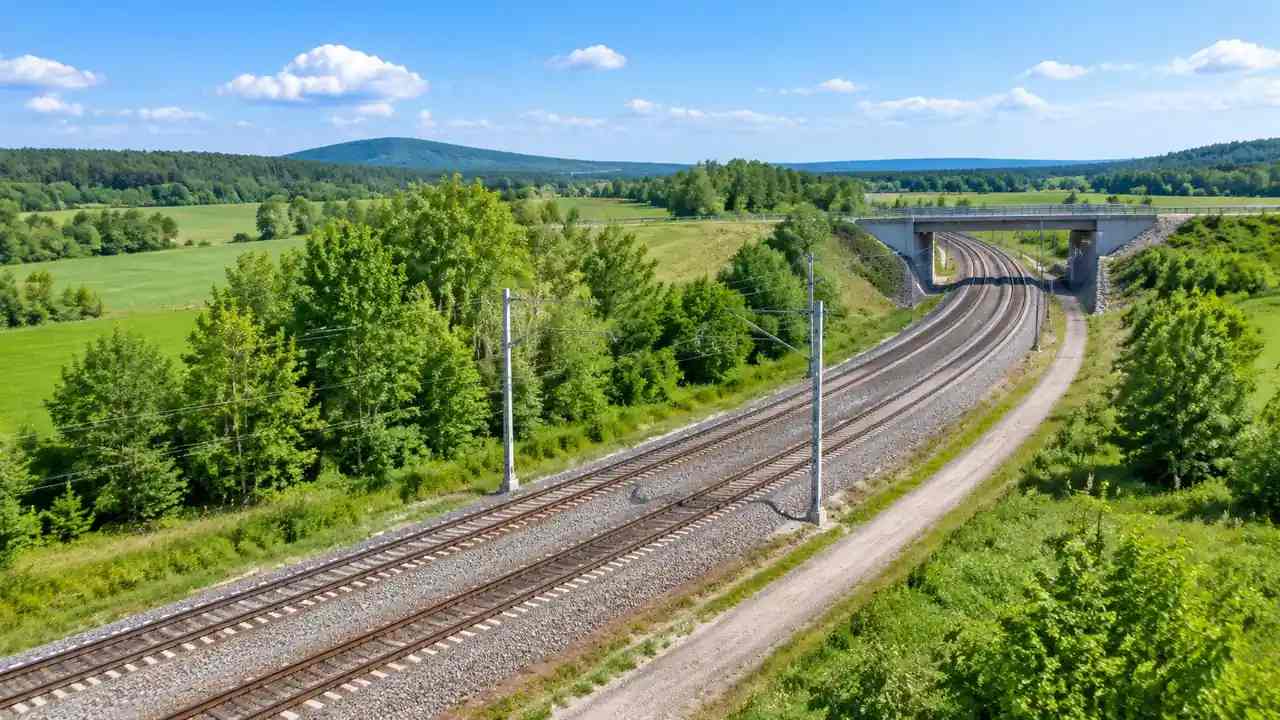
Railway corridor scenes: how GenAnywhere starts a site
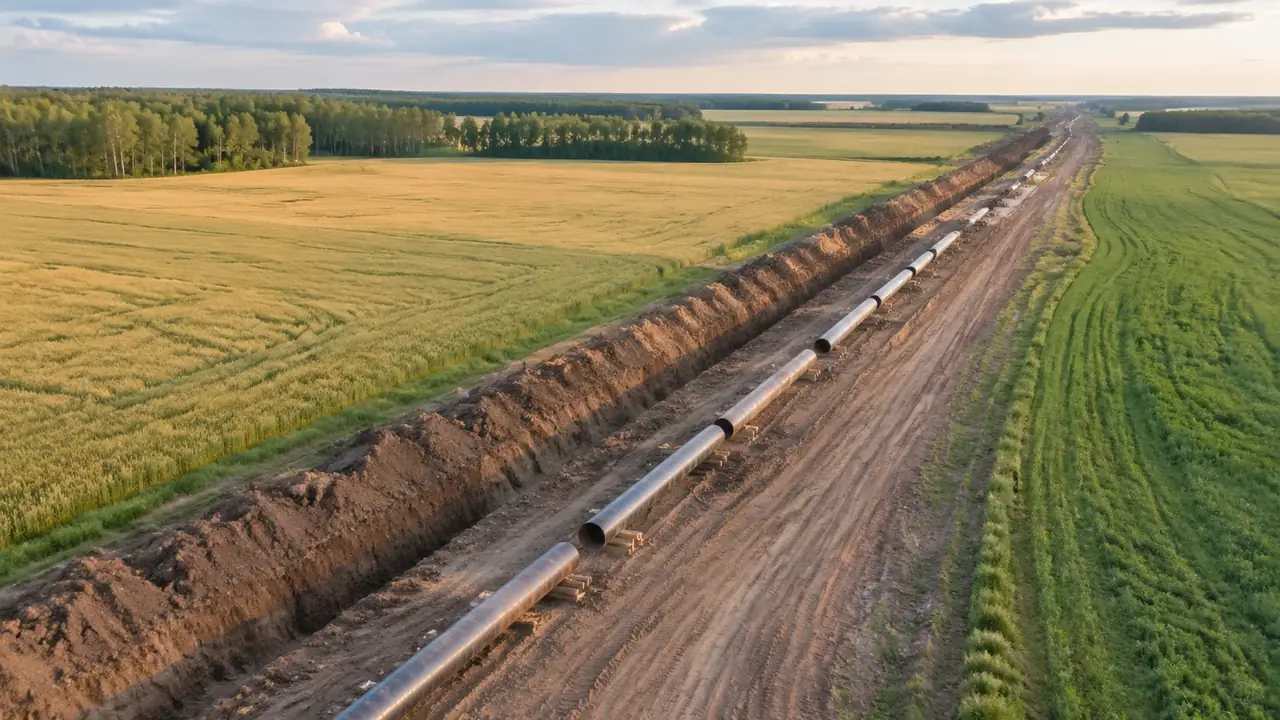
Draw the stretch of line that matters and GenAnywhere generates terrain, vegetation and building masses along it; track, signalling and overhead line equipment come from the railway design model. Split long routes into decision stretches, preview along the whole line, then export one GLB noting the corridor width in metres.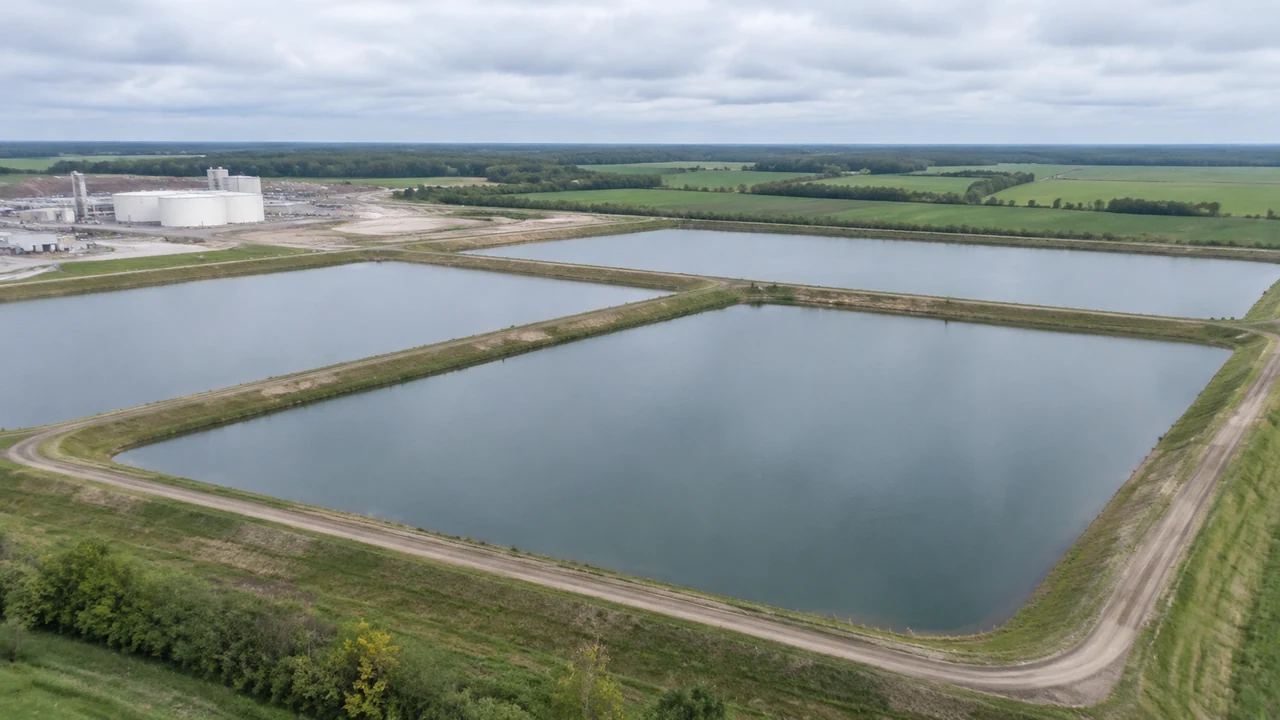
Settling pond generation: how GenAnywhere builds a site
GenAnywhere generates the pond site, not the pond design: terrain, water, vegetation and building masses come from map data, while storage volume, liners, embankments and outlet works stay with the design model. Frame a margin around the basins and the plant, check the imagery date, then export the full scene.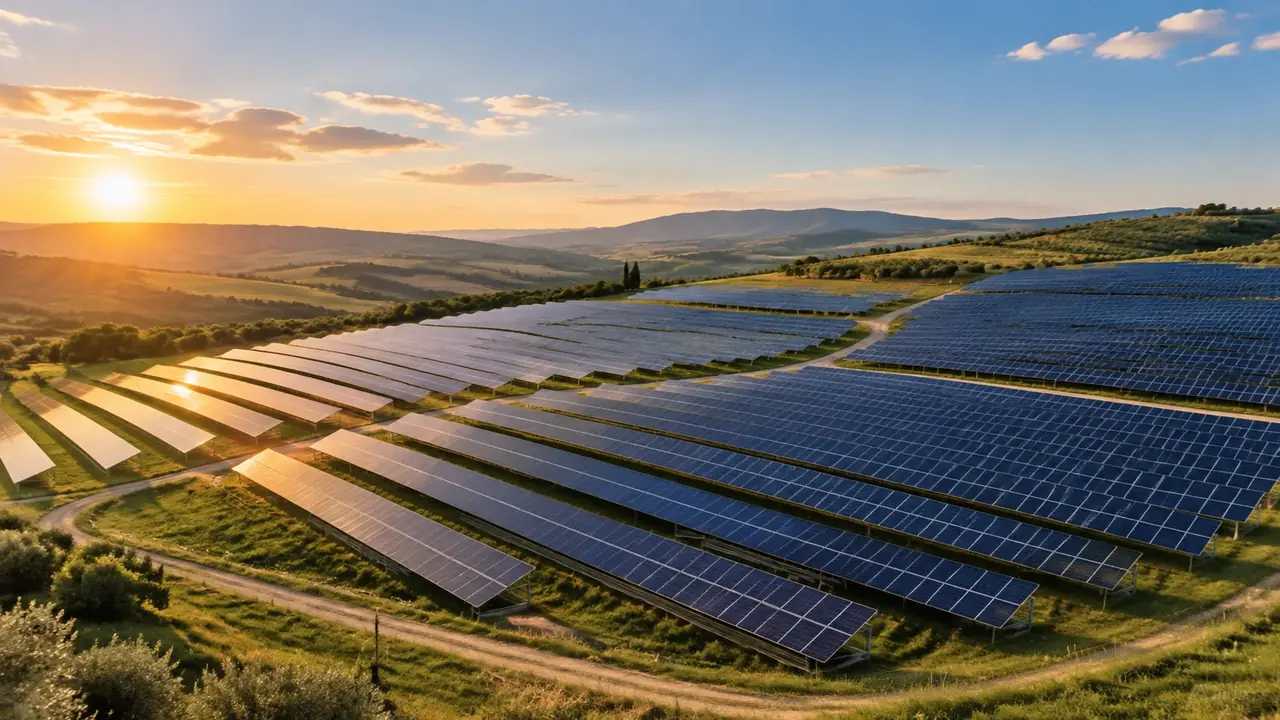
Solar panel export: does GenAnywhere support GLB?
Yes, a solar site exports as GLB with terrain, water, vegetation and building masses, but panel tables, inverters and cabling come from the photovoltaic design model. Check slope, aspect and orientation in preview before the session, hand the ground to the design team, and note plainly what the file omits.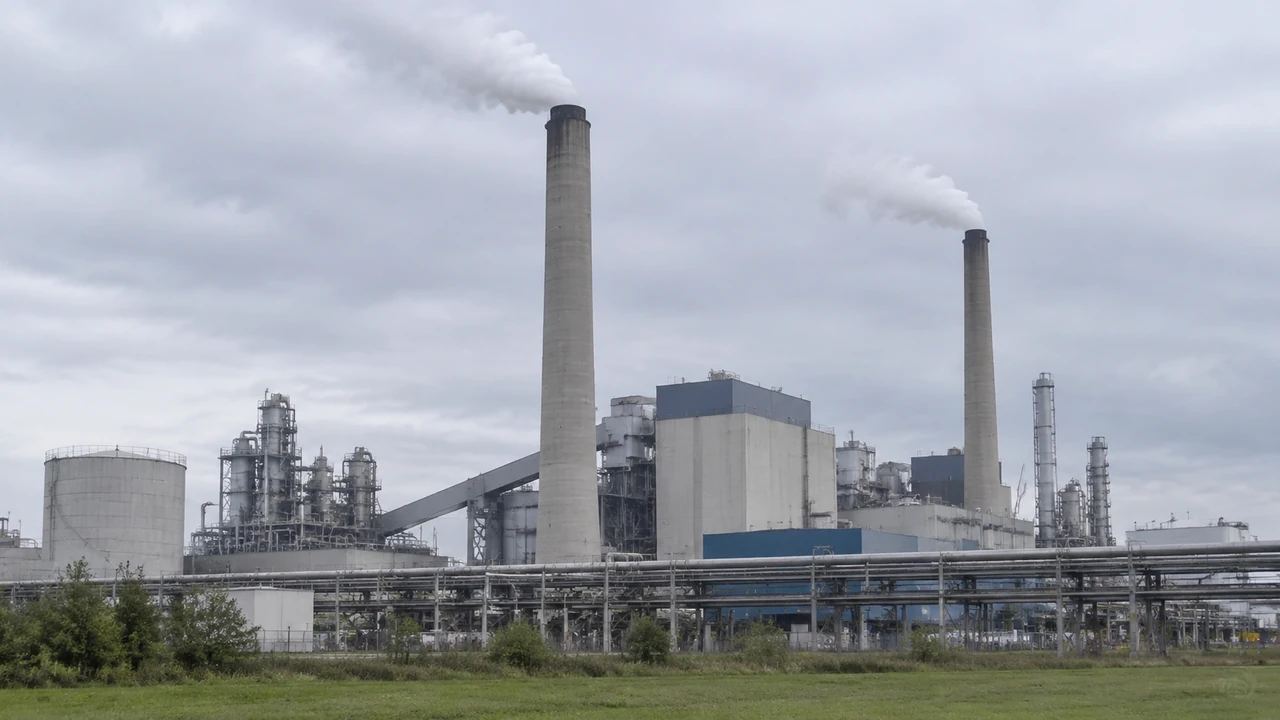
Chimney generation: how GenAnywhere builds a plant site
GenAnywhere builds the plant site, not the chimney: the area you draw generates terrain, water, vegetation and building masses, and the stack arrives from the plant model. Edit the surrounding buildings, preview at eye level, then export a GLB for the plant team, noting the imagery date and site extent.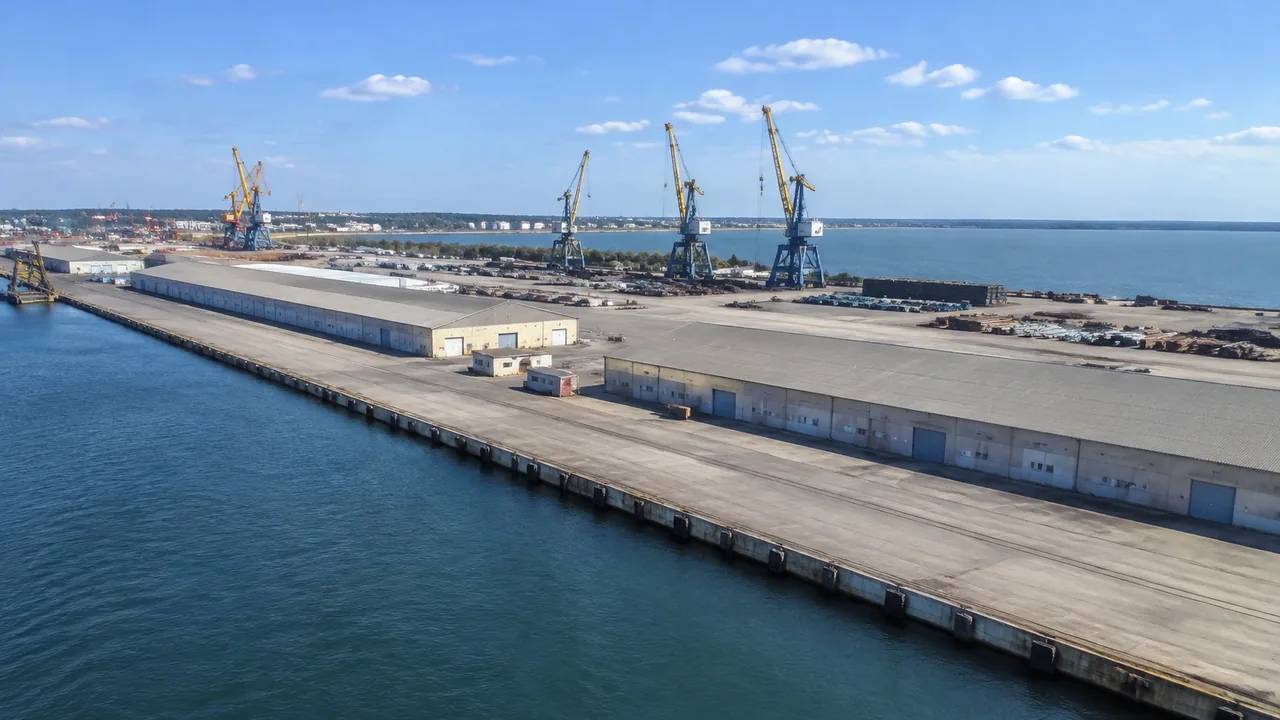
Terminal export: does GenAnywhere support GLB?
Yes, GenAnywhere exports a generated terminal site as GLB, carrying terrain, water, vegetation and building masses; cranes, stacks, trucks and rail stay in the design model. Test the import early in the receiving application, check scale against the berth length, and attach a short note listing what the file omits.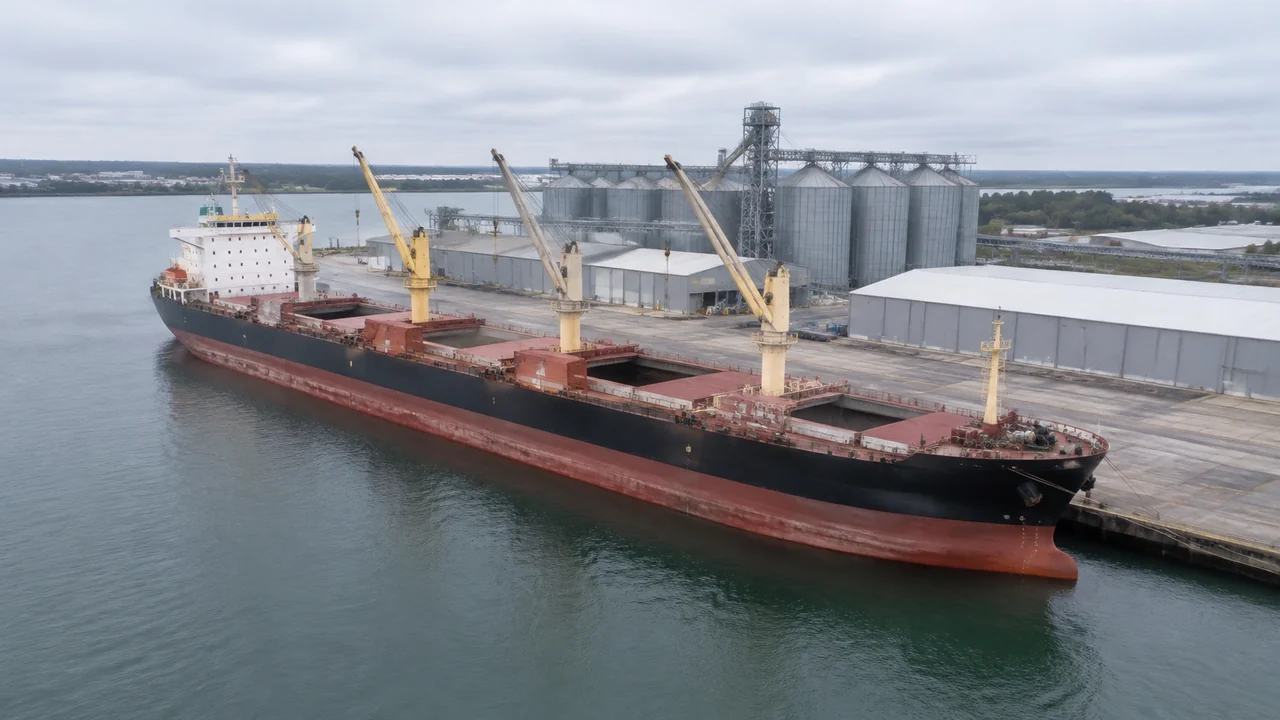
Vessel export: where GenAnywhere sends a GLB next
A vessel export carries the water, quay line, sheds and shoreline, while the hull comes from a ship design model placed on that site downstream. The file holds no depth, tide or stability data, so check scale against the berth and label the exported GLB by port, berth and date.