Quay crane export: does GenAnywhere support GLB?
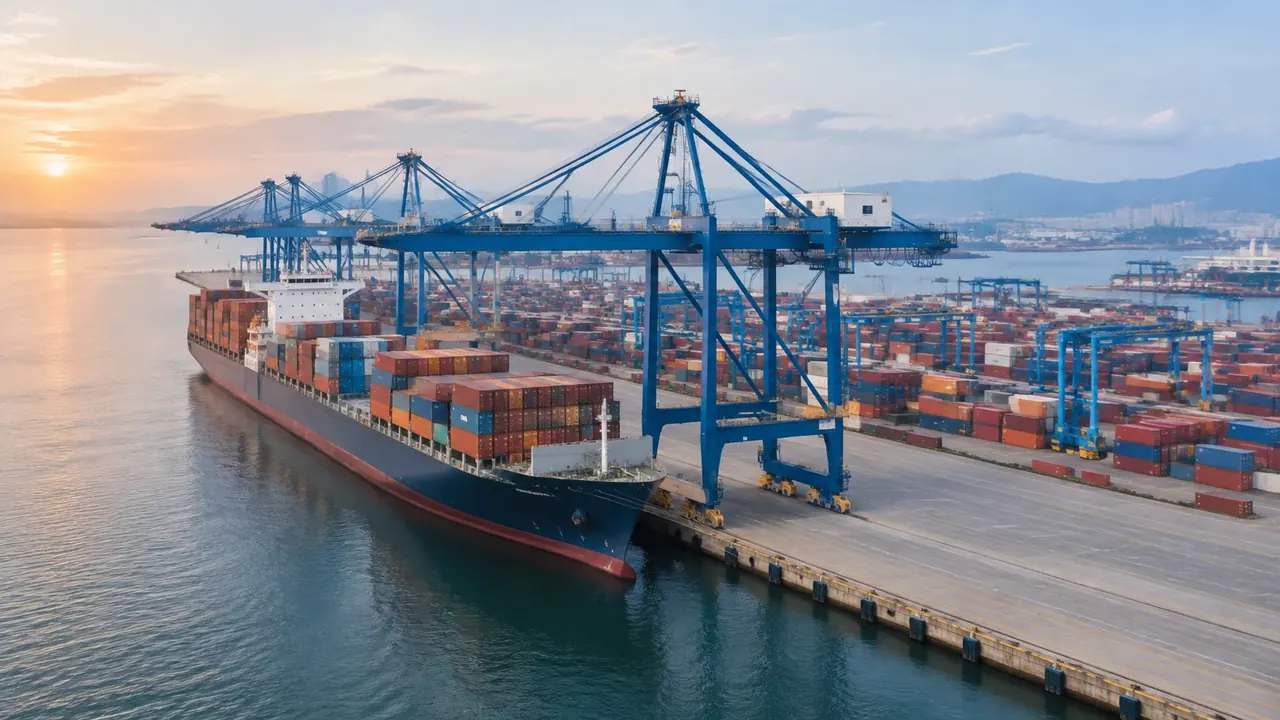
Yes, GenAnywhere exports a GLB of the generated terminal site, covering the berth, water, sheds and yard ground, but not crane geometry. Crane models come from your asset pipeline and meet the file in the next tool. Test origin, scale and orientation after import, then send scene and cranes separately.
Aircraft placement: how GenAnywhere sets a plane on site
The generated scene supplies the apron, the terminal and the neighbours, and the aircraft itself arrives from your own asset library after export. Placement happens in the receiving tool, not inside the platform. Check stand length, tail height and wingtip clearance against a drawing, and note which layers were visible.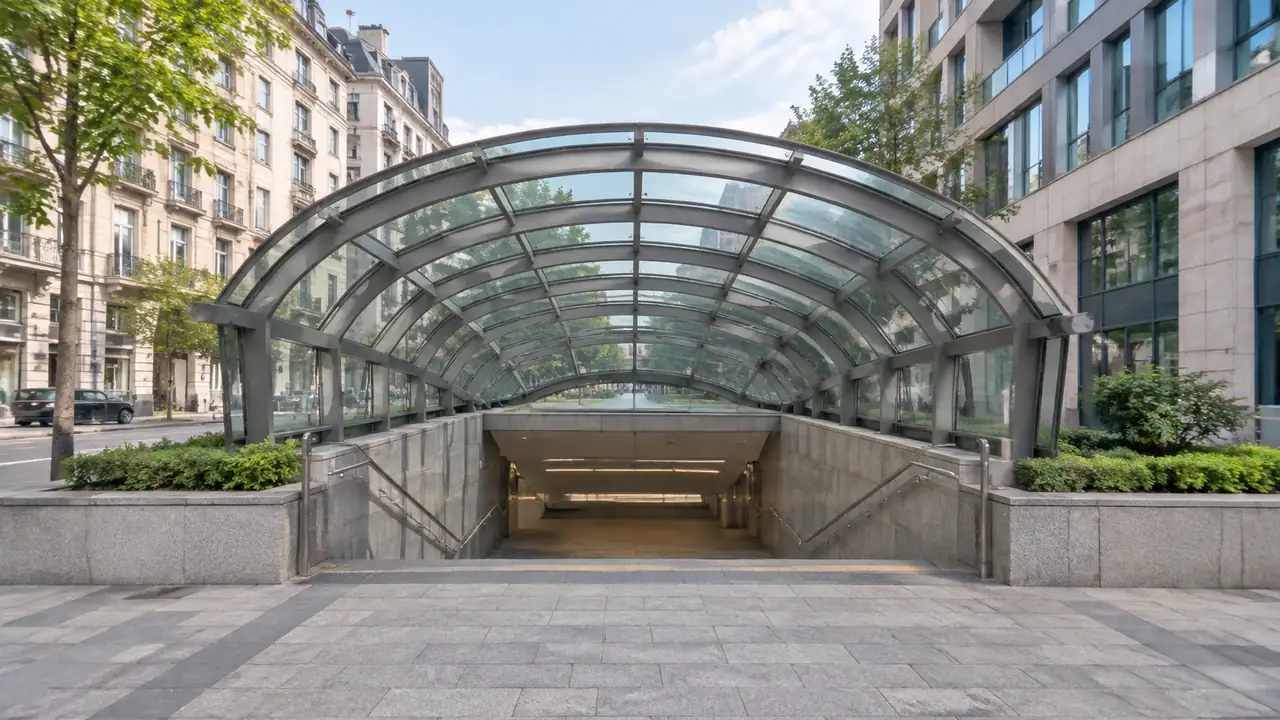
Metro station reviews: how GenAnywhere sets the scene
GenAnywhere generates the streets, buildings, ground levels and vegetation around a metro station, and the station may appear as a building mass where map data shows one. Platforms, tunnels, escalators and station systems are not generated. Use the scene for context and frontage reviews, then hand over a tested GLB.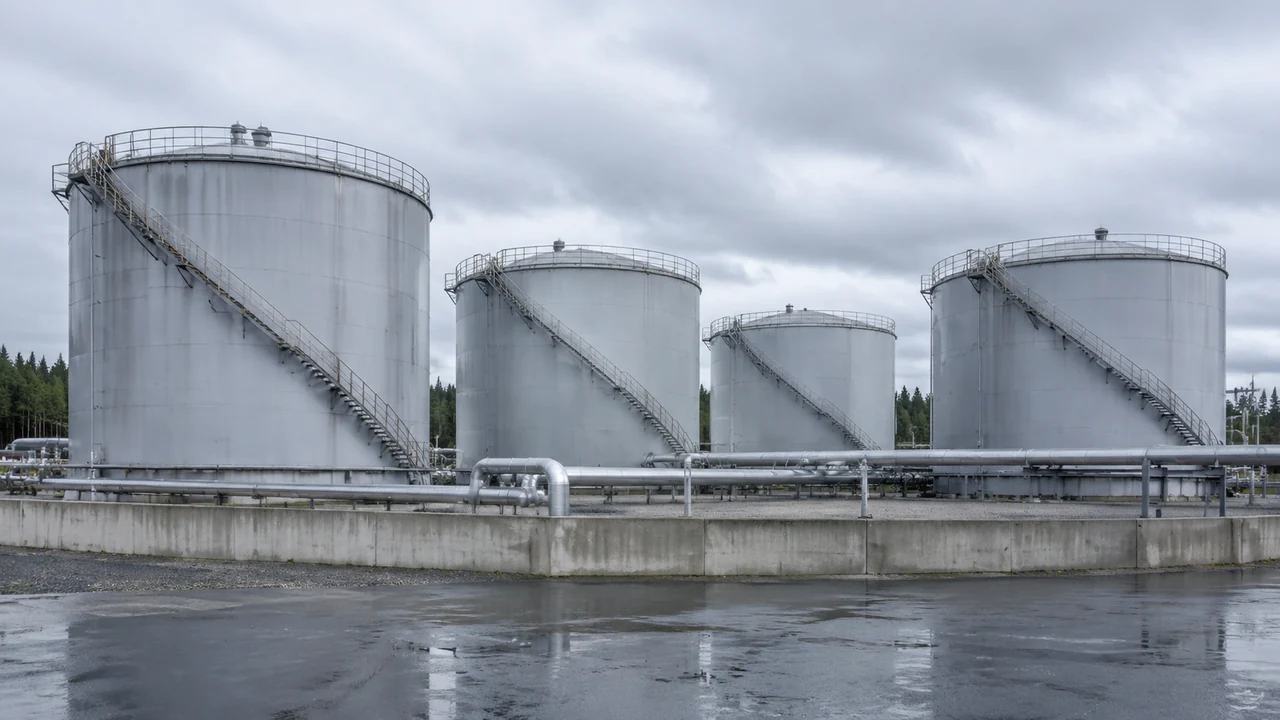
Storage tank export: does GenAnywhere support GLB?
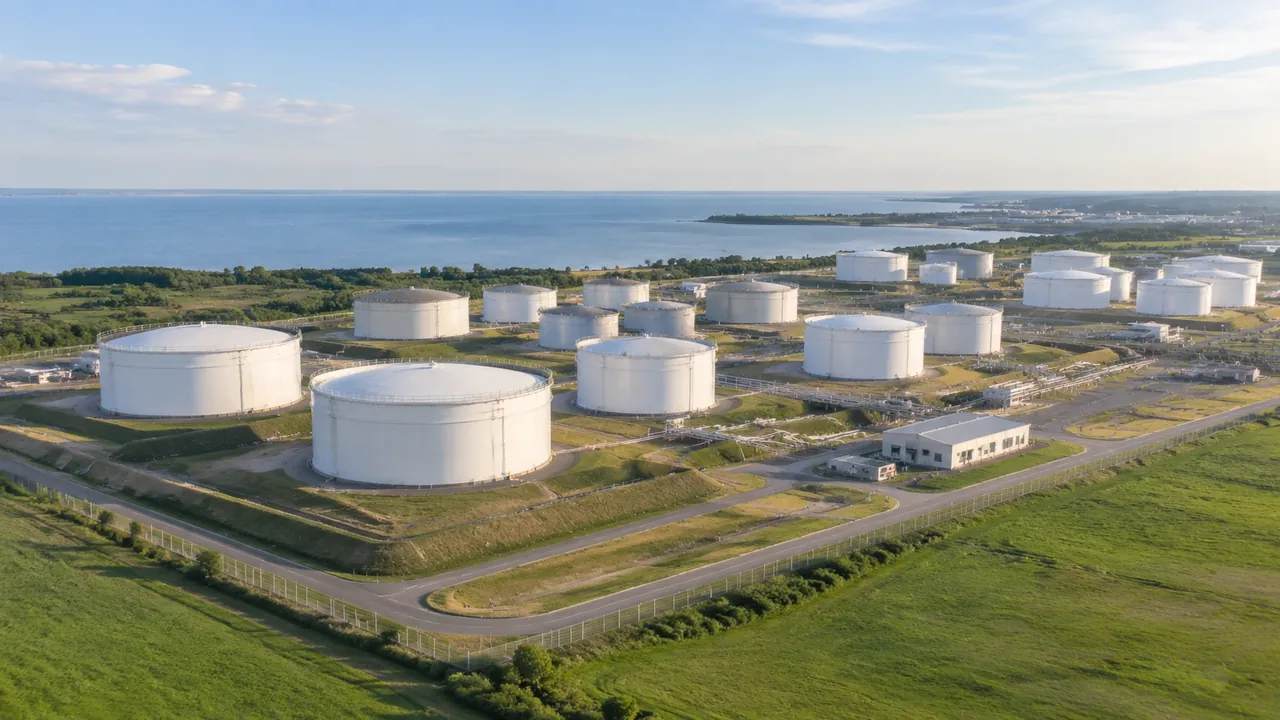
Yes, GenAnywhere exports a GLB from a previewed scene, and the file carries terrain, water, buildings and vegetation around a tank farm. Tank shells and process equipment are not included, and nor are engineering properties. Confirm scale and origin after import, then combine the site with the equipment model downstream.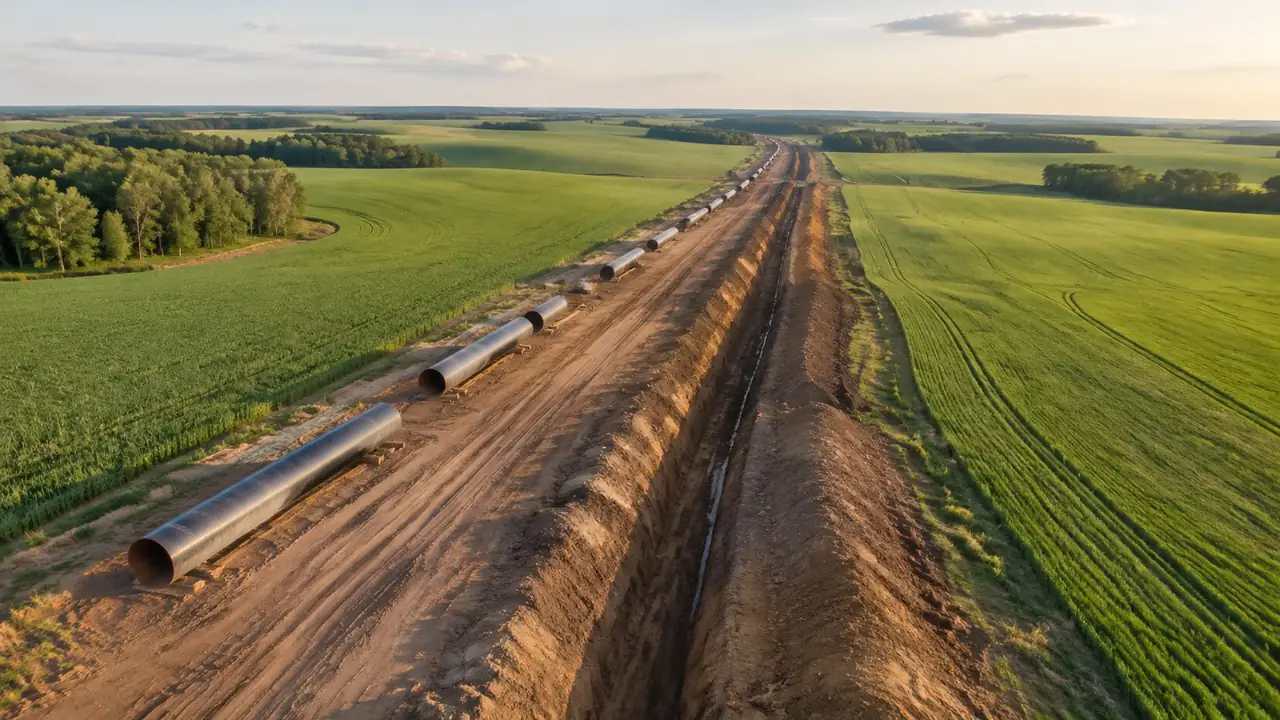
Pipeline export: where GenAnywhere sends a GLB next
GenAnywhere exports a GLB of the generated site around a pipeline corridor, not the pipeline route itself. Terrain, water, buildings and vegetation open in 3D, BIM, GIS and game engines, where design geometry is added. Check scale and origin after import, and keep hydraulic and route work in engineering tools.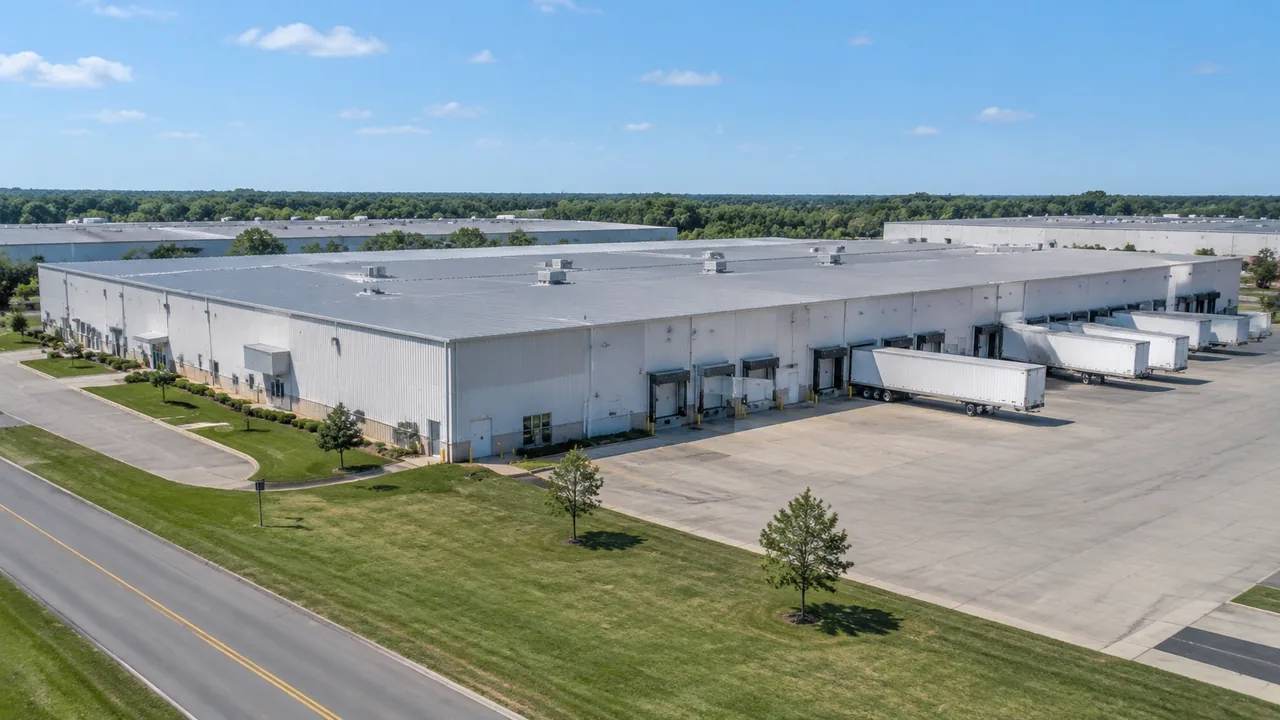
Can GenAnywhere model factory buildings? What it needs
GenAnywhere places factory buildings as masses with map footprints, estimated heights and inferred types, which suits massing and context reviews rather than construction documents. Structure, cladding, internal layout and process equipment stay outside the generated set entirely. Correct the halls you know, preview the scene, then export a site GLB.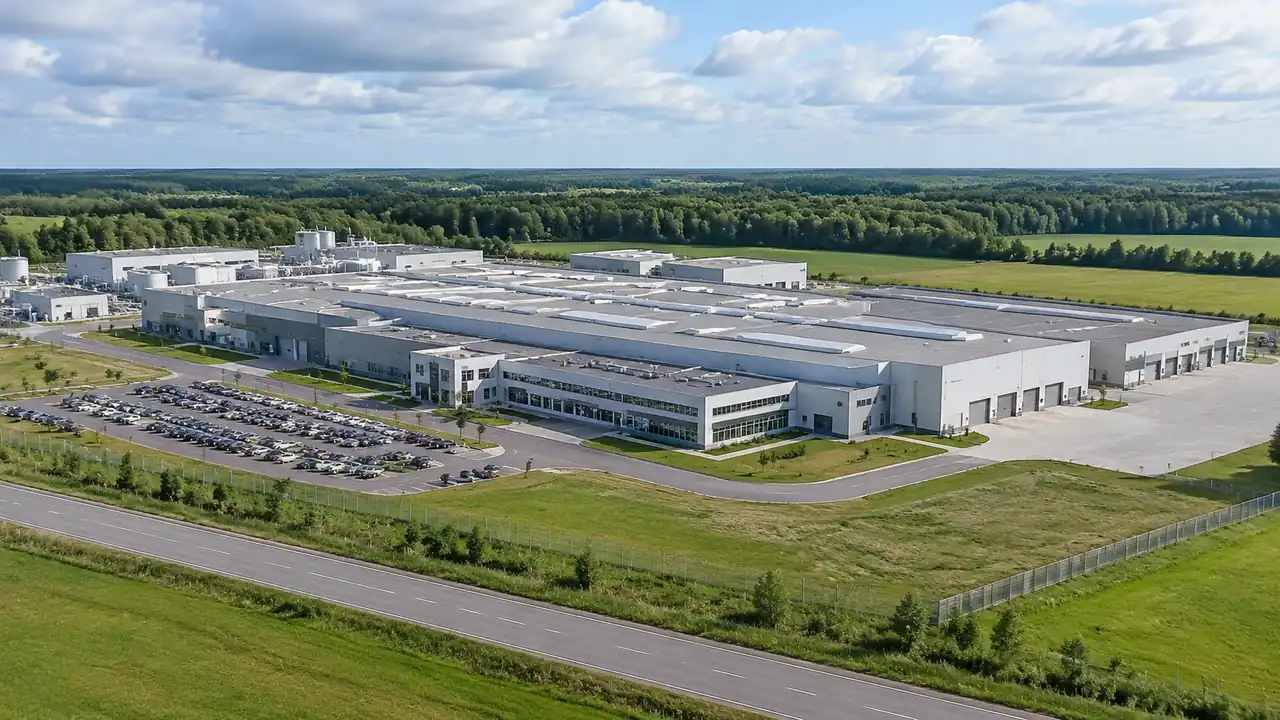
Factory site scale: what GenAnywhere covers in one scene
One generated scene holds a factory, its yards, access roads and enough of the surrounding town to explain how the plant sits. Extent is chosen on the map, and wider frames thin the detail, so agree the boundary before export. Measurement belongs in separate survey drawings, not in this scene.
Aircraft models: which project types fit GenAnywhere
GenAnywhere generates the runway, taxiway, apron, terminal and surrounding land from map data, while aircraft come as assets from your library. The scene suits terminal expansion, apron and masterplan discussions where context matters. Clearance, noise and airspace checks stay with specialist tools, so confirm the imagery date before the review.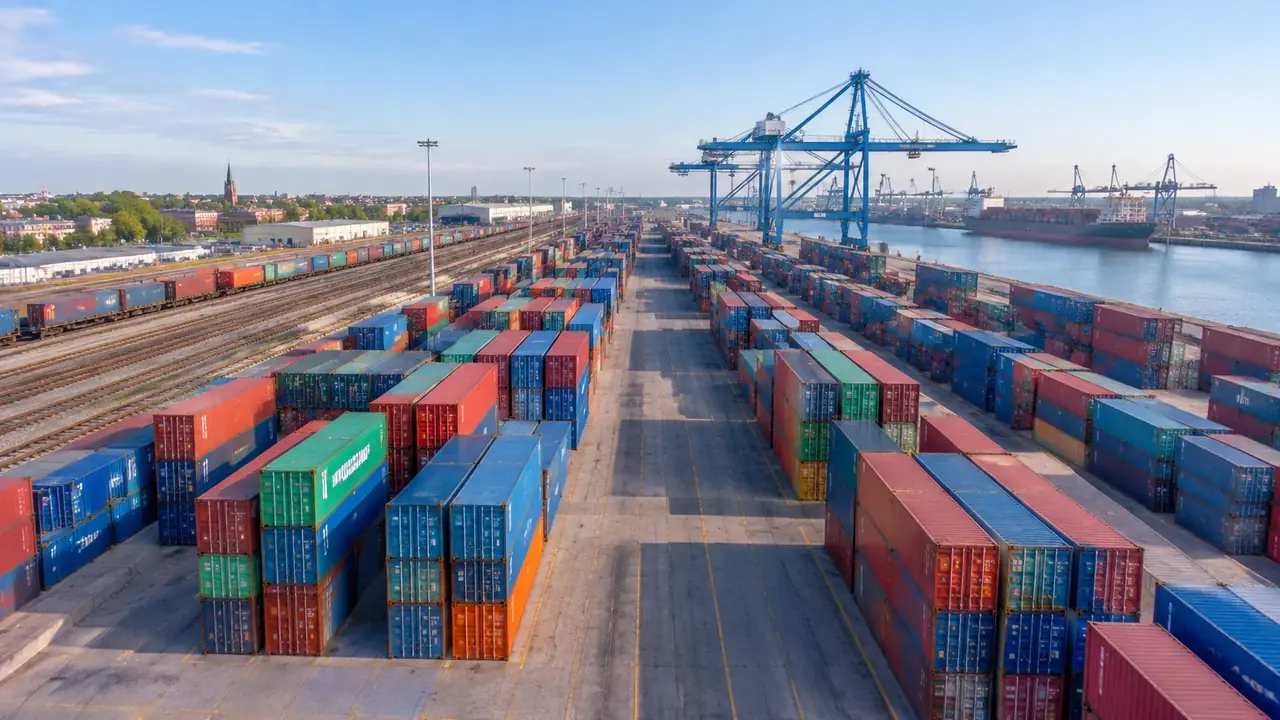
Container model edits: what teams can change in GenAnywhere
Buildings in GenAnywhere can be replaced, moved, rotated, retyped and raised or lowered after generation, and terrain, buildings and vegetation can be toggled as layers. Containers and handling equipment stay outside the generated set. Label each edit, then test the GLB before yard capacity arguments continue in the planning tool.