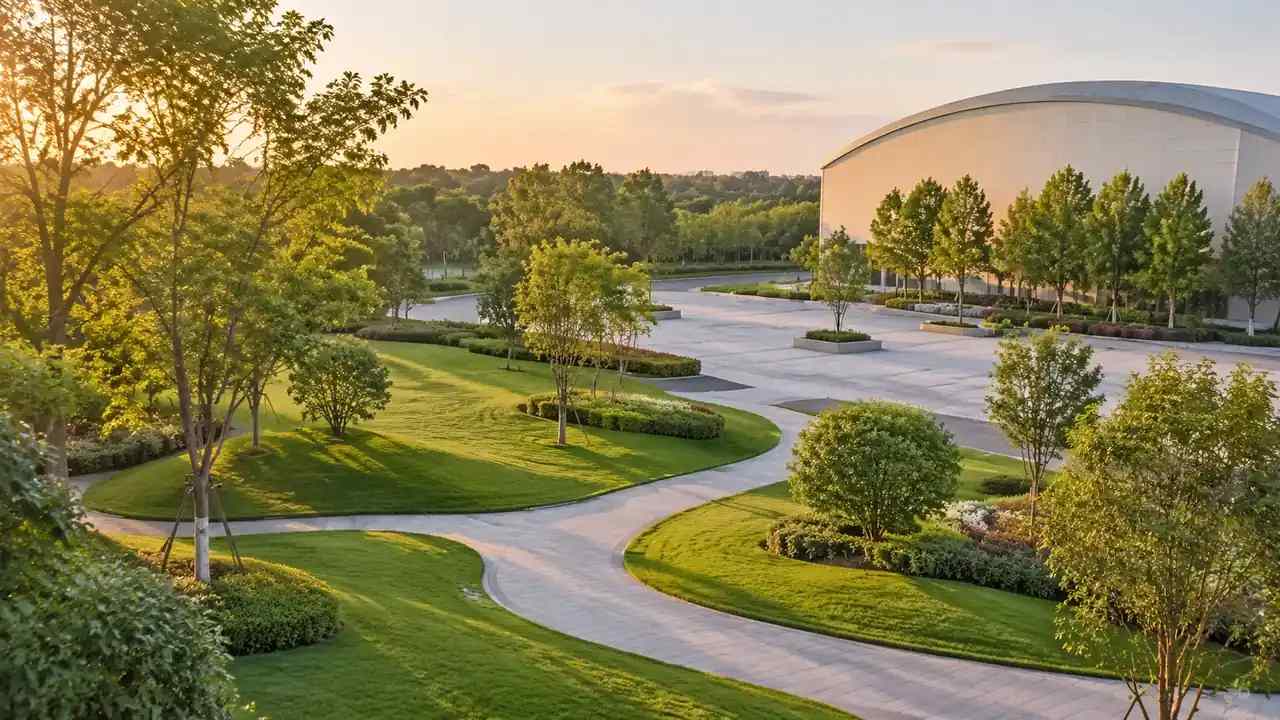
Themed land VR previews: a build sequence for GenAnywhere teams
Themed land VR previews depend on a site layer that shows paths, service edges, and surrounding buildings. This article covers building that scene, exporting it to an engine, running a short headset session, and recording what testers notice. GenAnywhere supplies spatial context; the headset experience is built in the engine.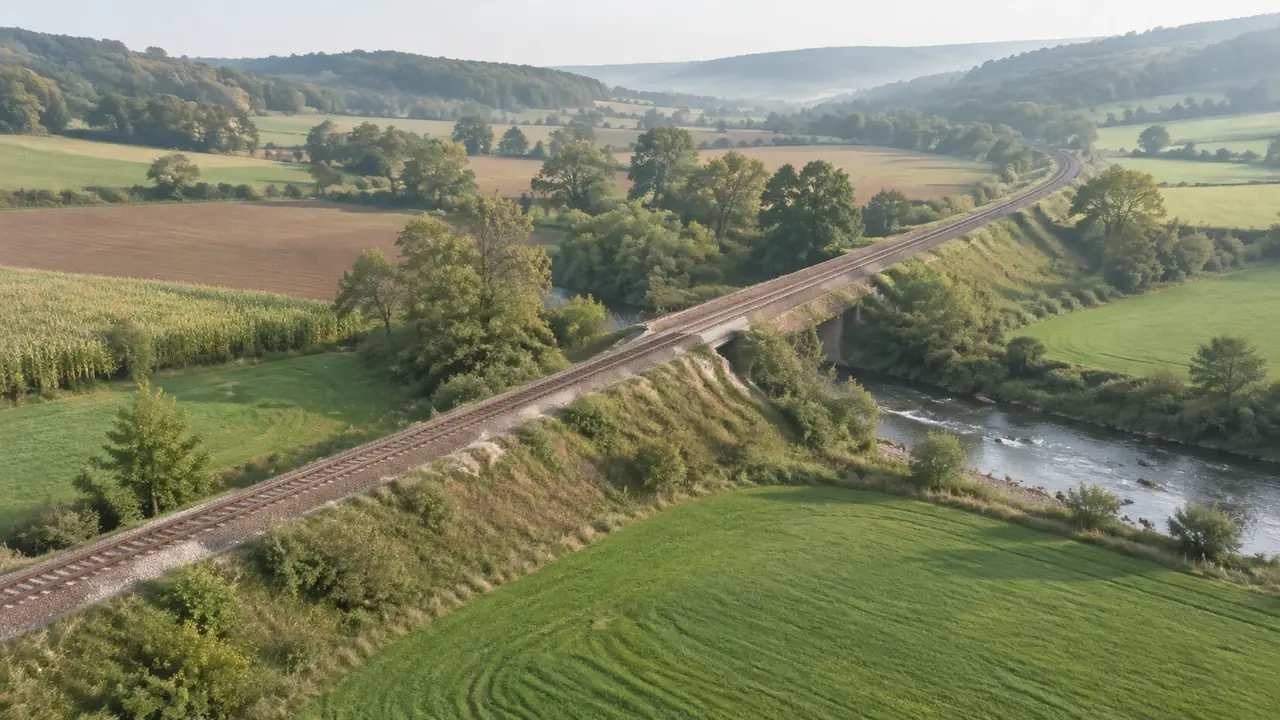
Rail link planning: a terrain-first workflow in GenAnywhere
Rail link planning starts with grade, cuttings, crossings, and the towns along the corridor. This article describes a terrain-first review, how to compare corridors fairly, and where a site scene stops and alignment design begins. GenAnywhere builds the shared ground context for early route discussions. Start with one corridor section.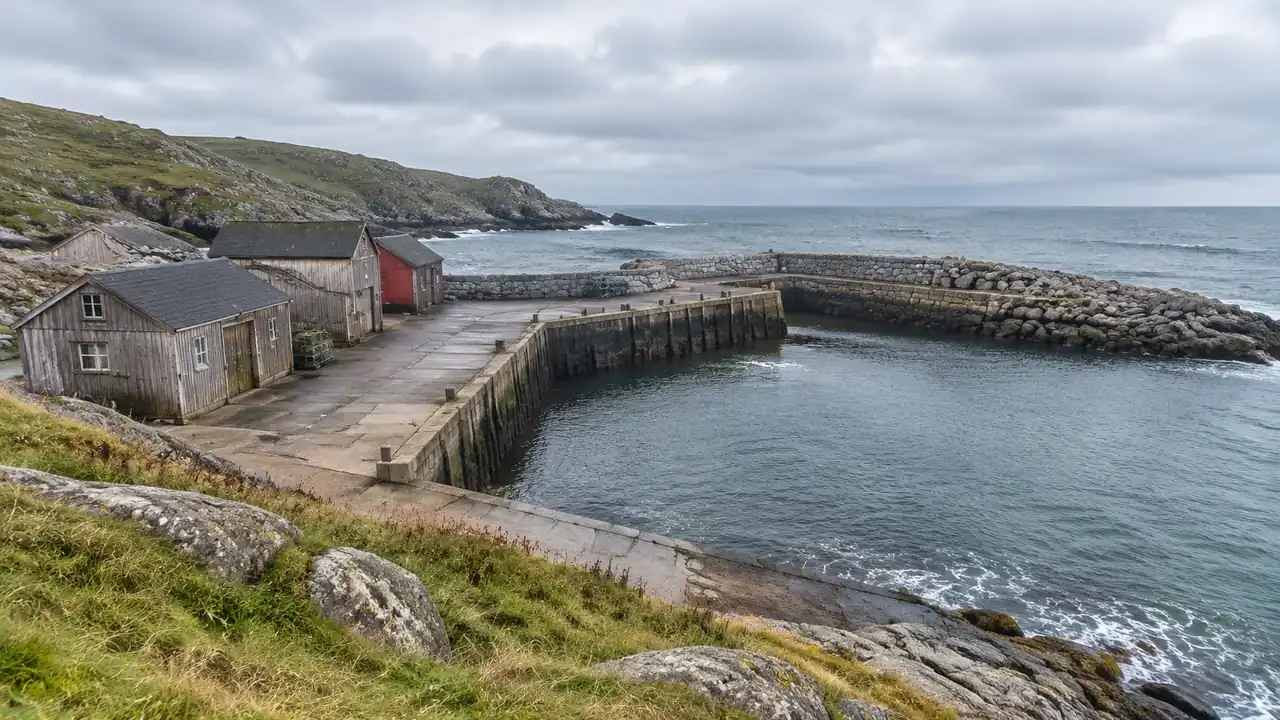
Offshore drone routes: how GenAnywhere handles site context
Offshore drone routes begin at a launch site shaped by shoreline, staging space, and nearby structures. This article explains what a scene can show, what it cannot know about tide, vessels, and airspace, and how to share it with a flight crew. GenAnywhere supplies landward context, not the flight plan.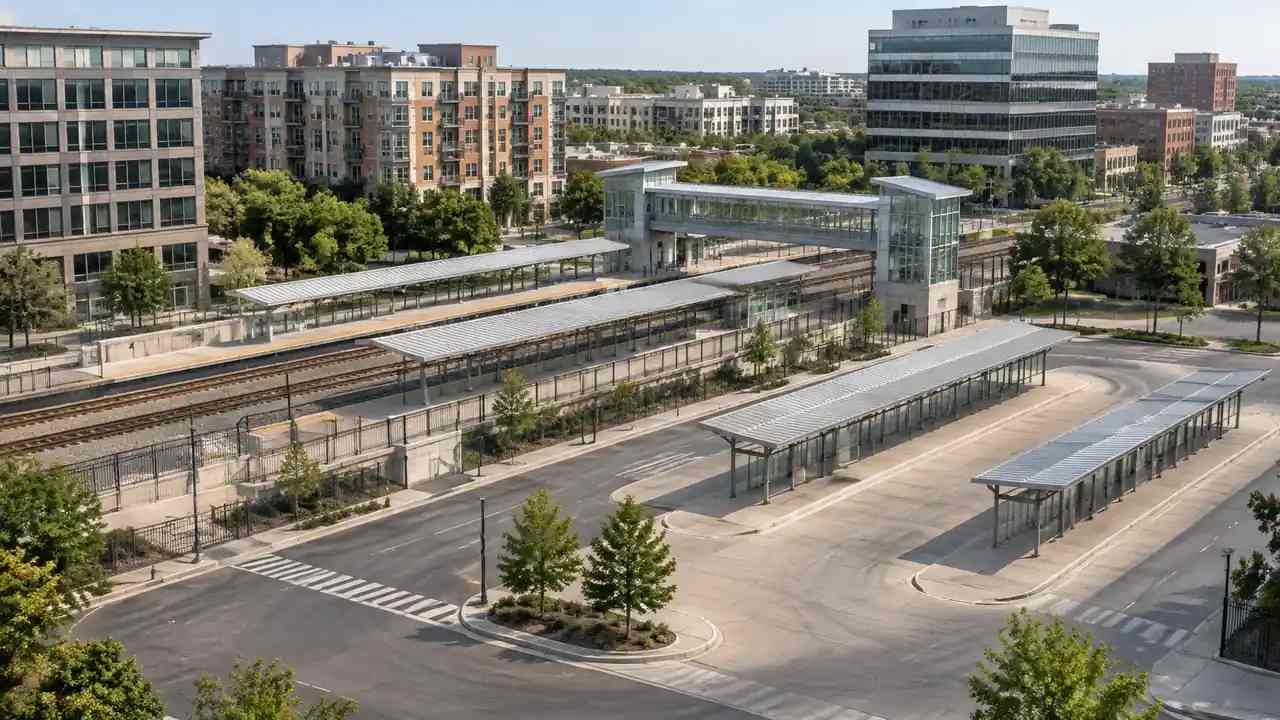
Transit digital twin inputs: a site model checklist, GenAnywhere
A transit digital twin depends on a site layer with sources, labels, and versions. This article lists what station areas must show, which data needs checking, how to organize layers, and how to run a first scenario. GenAnywhere builds the site input and exports a GLB file for other tools.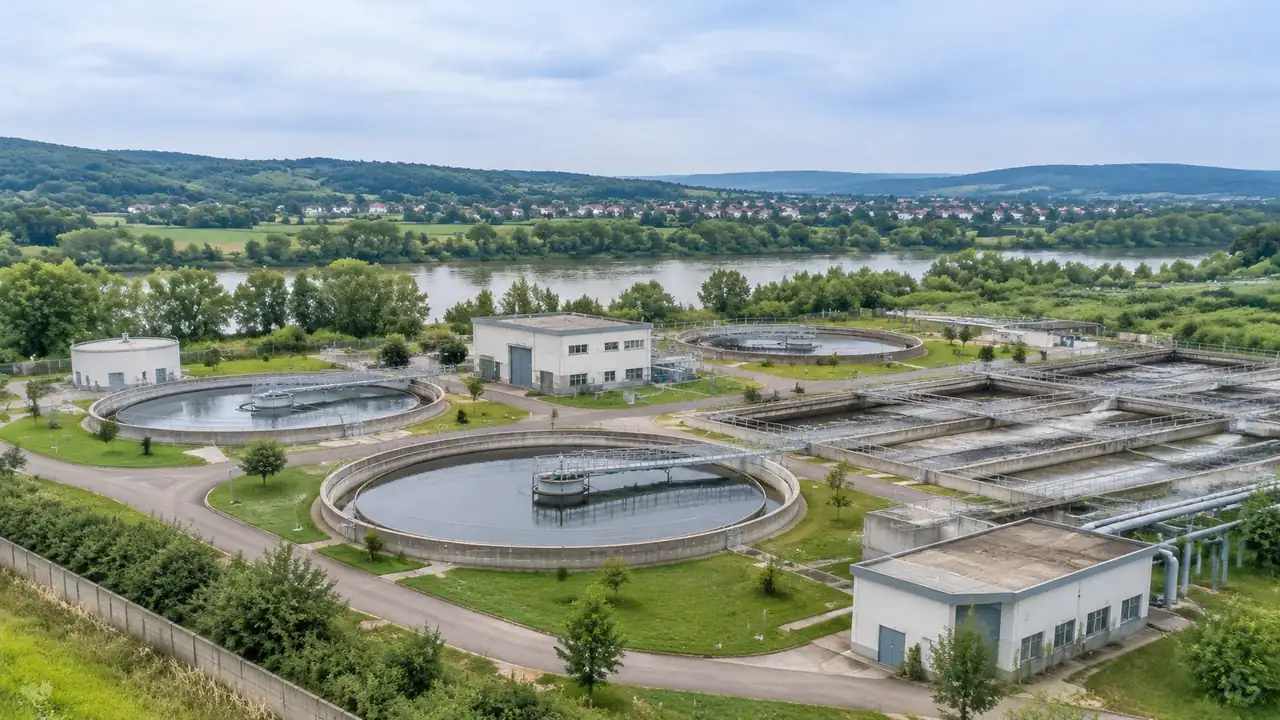
Water plant expansion: what layout reviews need early, GenAnywhere
Water plant expansions are shaped by level ground, basin placement, tie-ins, and construction space. This article walks through early layout questions, how to compare options, and where a visual model stops. GenAnywhere provides an editable site scene; tank sizing, hydraulics, and permitting stay with the plant's own engineers and regulators.
Before data center siting: what site teams screen in GenAnywhere
Screening parcels before a data center siting study saves engineering time. This article covers flat ground, drainage, access, power context, and neighbors, plus how to compare candidates consistently. A generated scene organizes questions; geotechnical, hydrology, and utility checks remain separate. GenAnywhere supplies the shared site view for the shortlist discussion.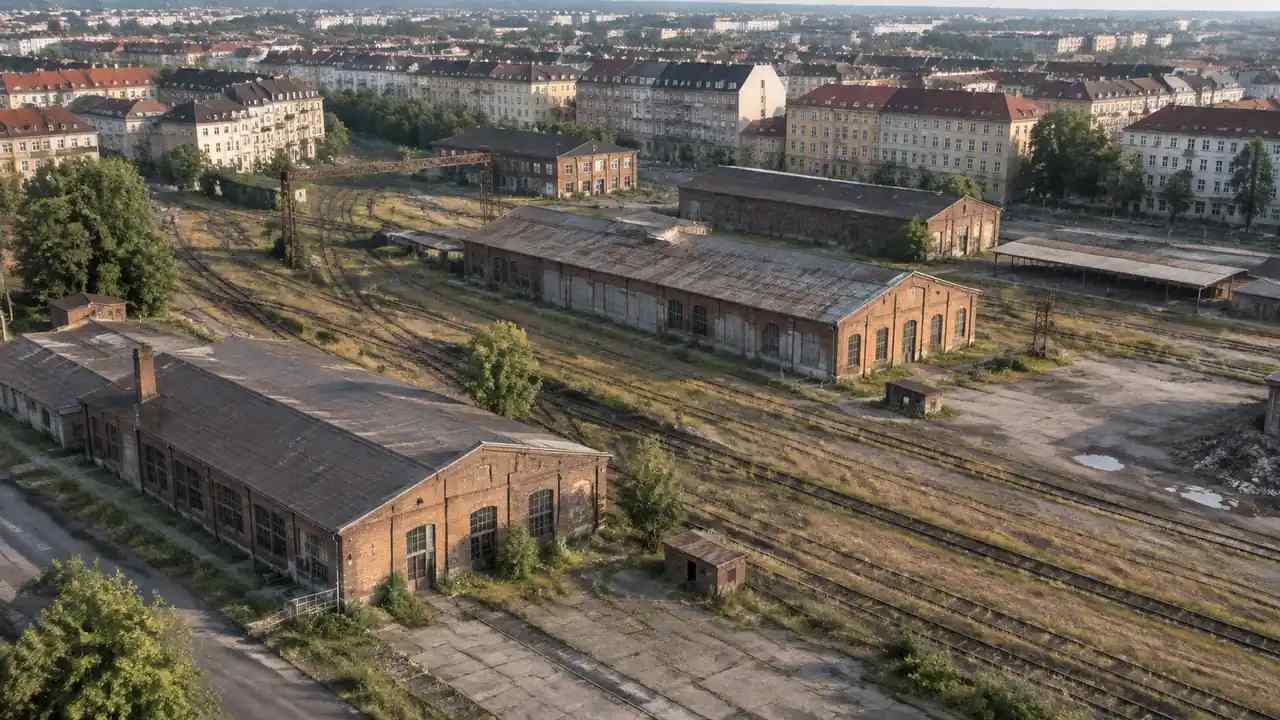
Redevelopment site comparison: how teams narrow options, GenAnywhere
Redevelopment candidates are easier to compare when each parcel is shown from the same camera, layers, and assumptions. This article explains how former uses complicate the ground, which constraints decide feasibility, and how a memo keeps options honest. GenAnywhere builds the shared scene; entitlements and contamination studies stay outside it.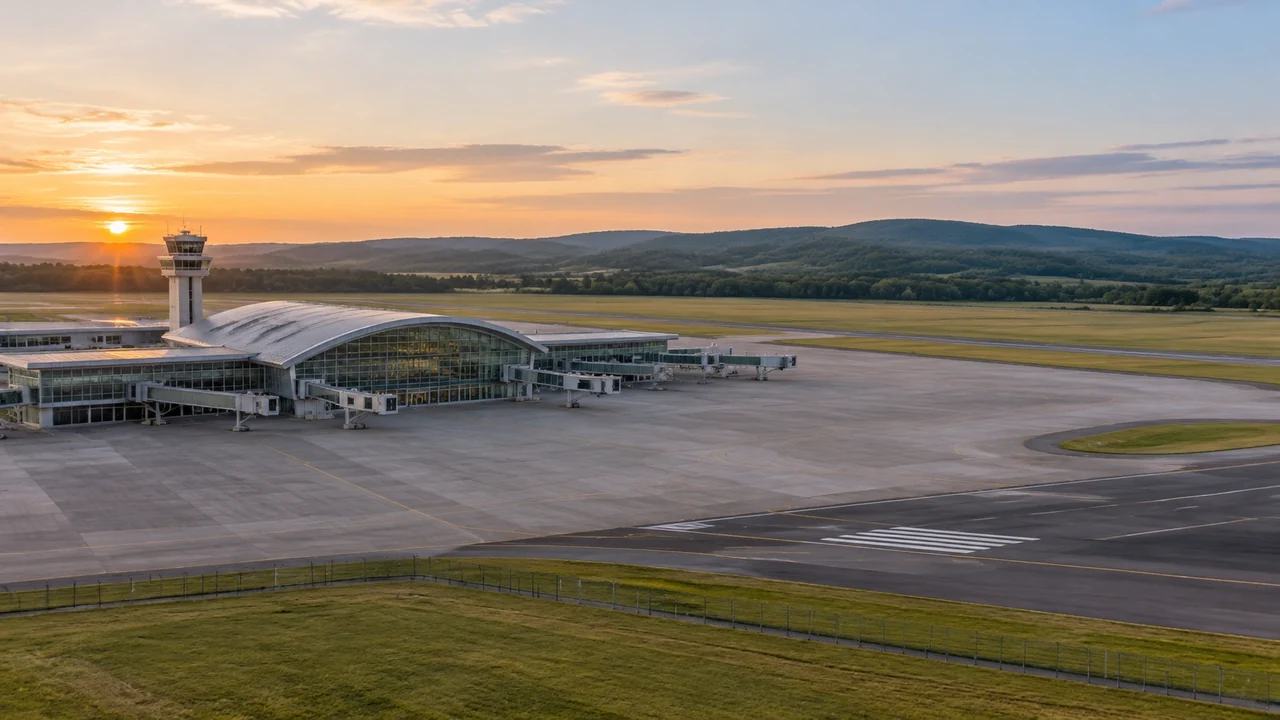
Airport expansion site review: what teams can check in GenAnywhere
Airport expansion reviews work better when runways, terminals, and surrounding land share one 3D view. The article covers what teams can check early, how to keep option comparisons fair, and where a generated site scene stops and engineering studies begin. GenAnywhere builds the shared ground context for that shared discussion.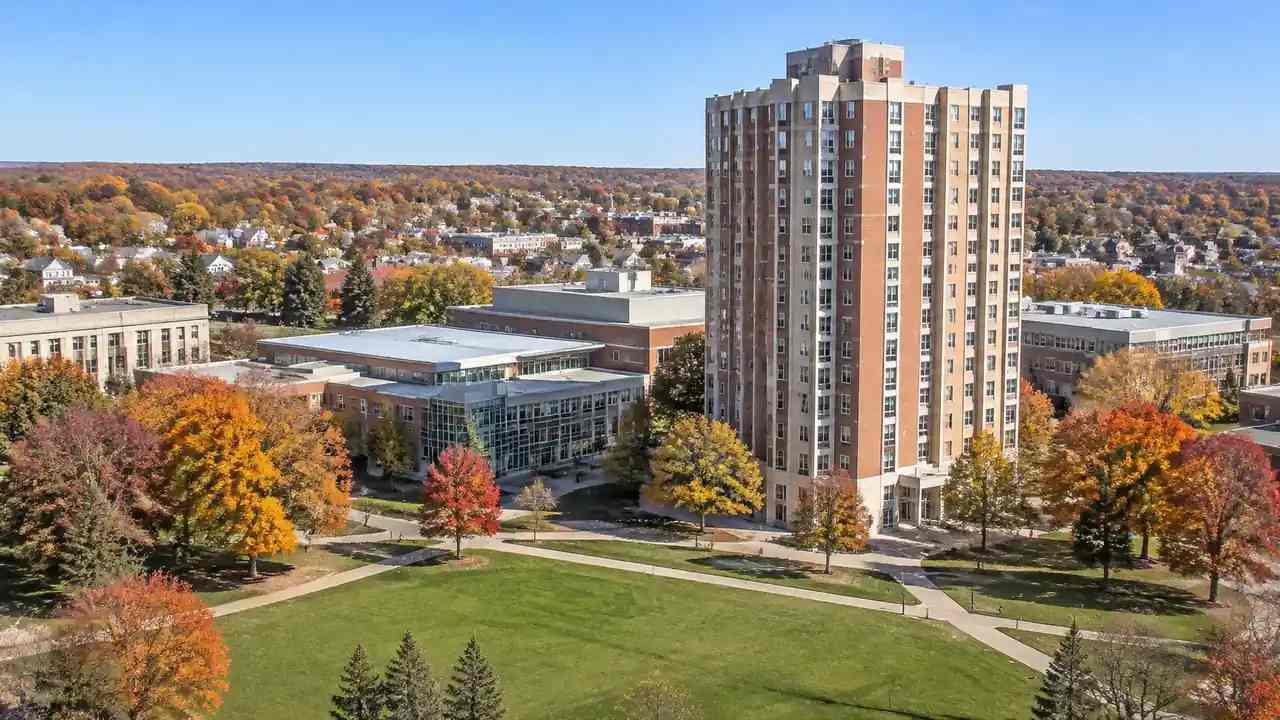
Campus housing at 19 stories: reading massing in context, GenAnywhere
A 19-story residence hall changes the skyline and the campus edge. A 3D site model lets a university test massing from the quad, the street, and surrounding blocks before design begins. The study supports scale conversations with the town, while zoning, shadow analysis, and structural work remain separate specialist studies.