Solar generation: how GenAnywhere builds a plant site
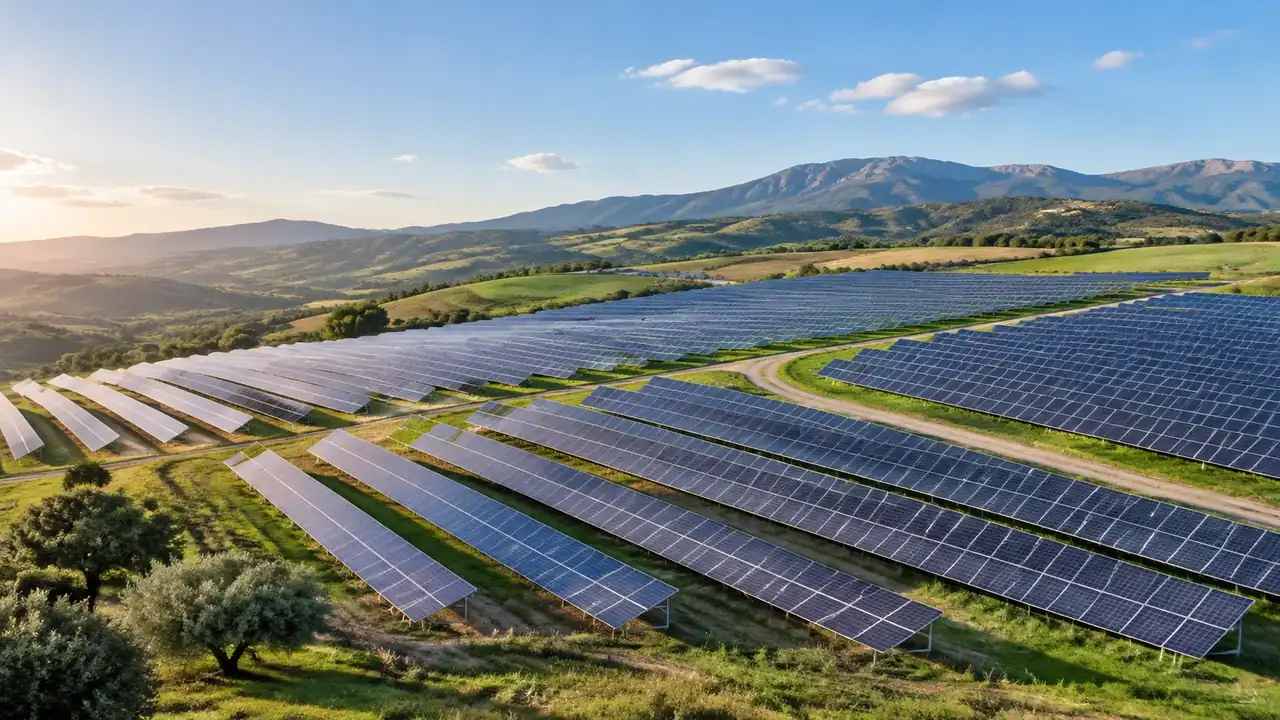
GenAnywhere builds the setting for a solar plant, not the plant: terrain, water, vegetation and buildings inside the map area. Module rows, trackers and inverter stations come from the design team. Check the imagery date, correct the masses you know about, then export a GLB and place the array downstream.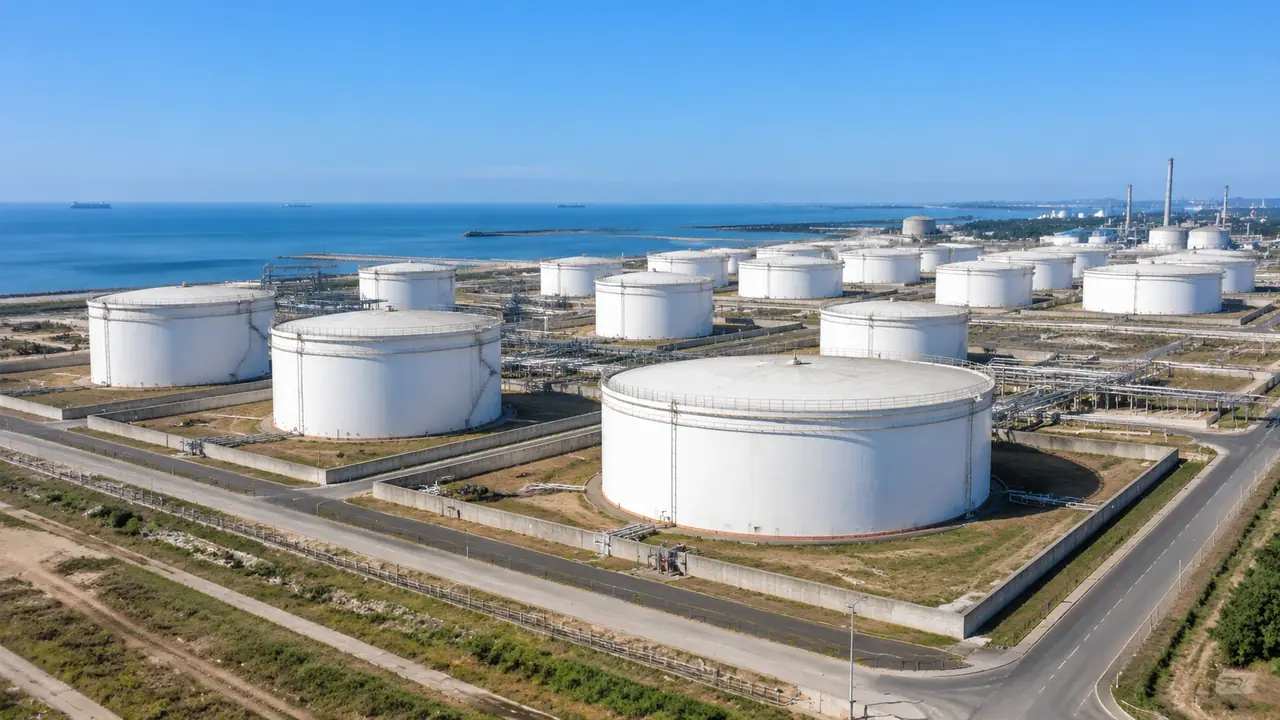
Tank farm scenes: how GenAnywhere starts from a map
A tank farm scene starts from a map selection, which fixes the ground, buildings and neighbours the room will discuss. Tank shells, pipe racks and loading arms come from design models or libraries, combined downstream. Confirm the imagery date, correct changed buildings, and leave spacing and containment to qualified reviewers.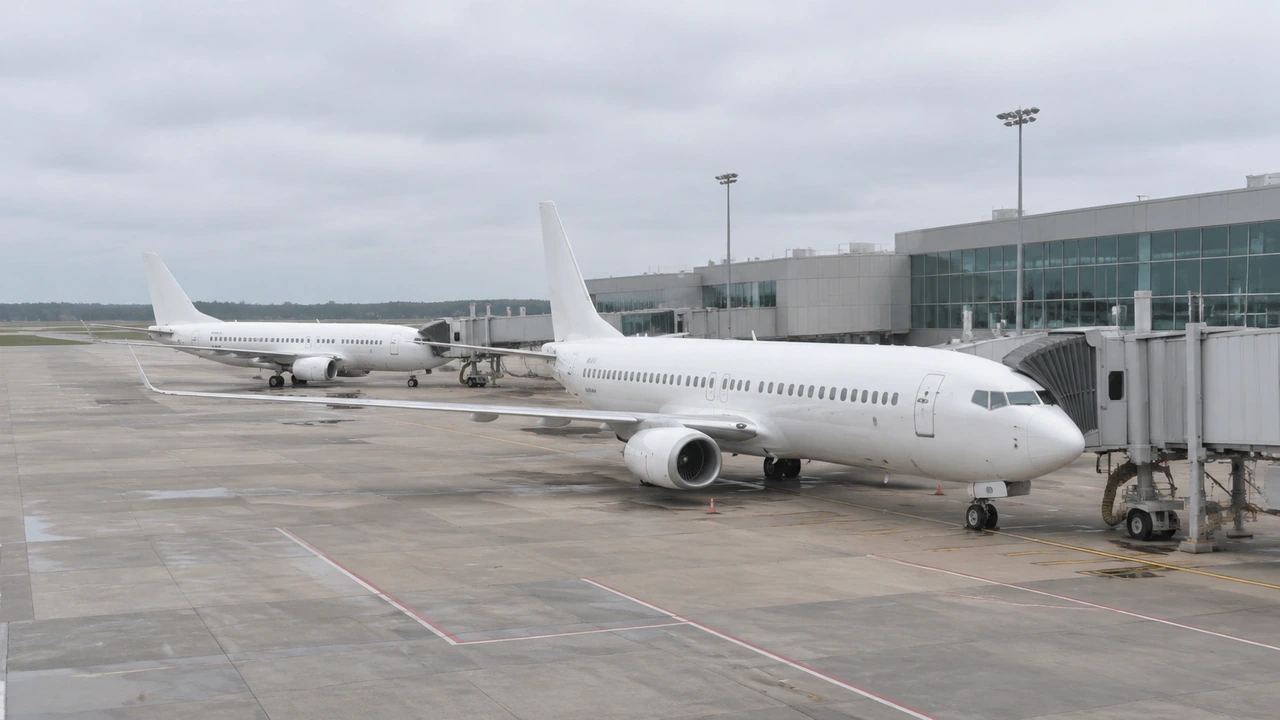
Aircraft export: where the GenAnywhere GLB goes next
An aircraft export is the airport site, with ground, terminal blocks, hangars and vegetation, and it travels to a design tool, an engine or GIS. Aircraft, jet bridges and ground equipment arrive later. Decide the destination before framing, correct buildings, export with every layer visible, and keep clearance checks elsewhere.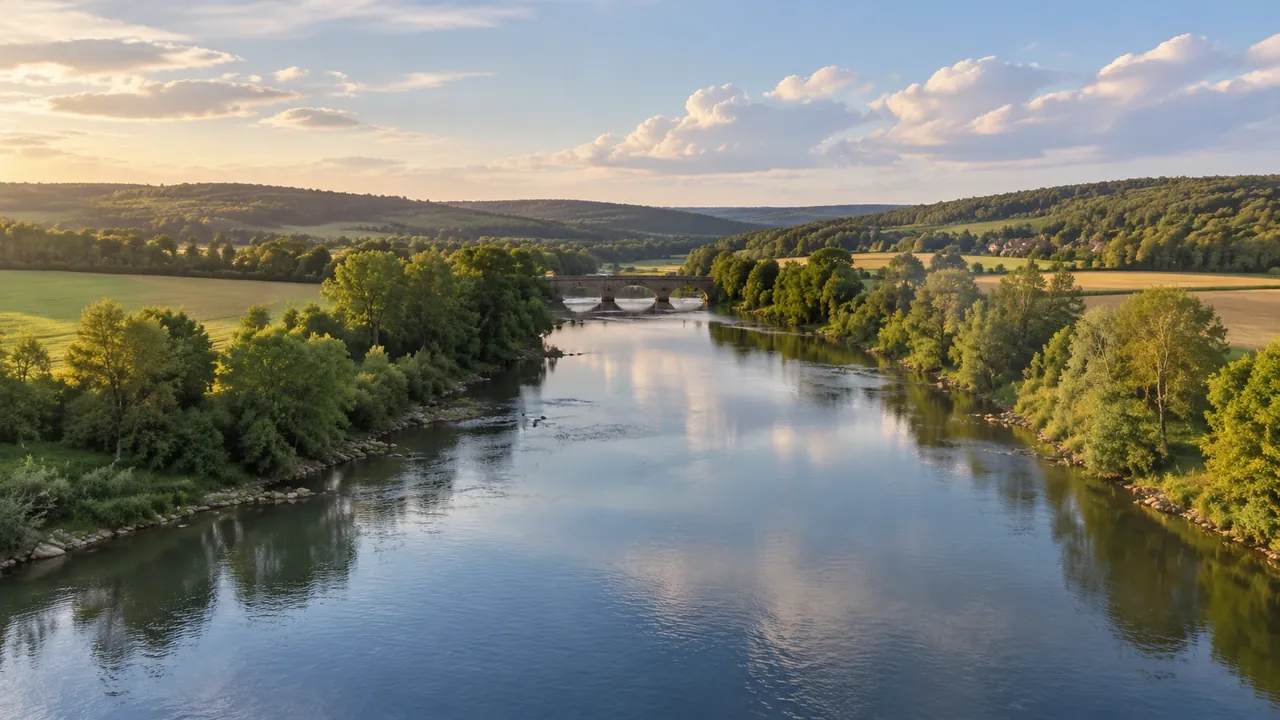
Water reports: how GenAnywhere shows flow in motion
Motion in a water report comes from a camera travelling the reach and from switching scenes, not from animated water. The surface keeps a fixed shape and the file holds no flow or quality data. Name each view, caption the imagery date, then export a GLB with that limit stated.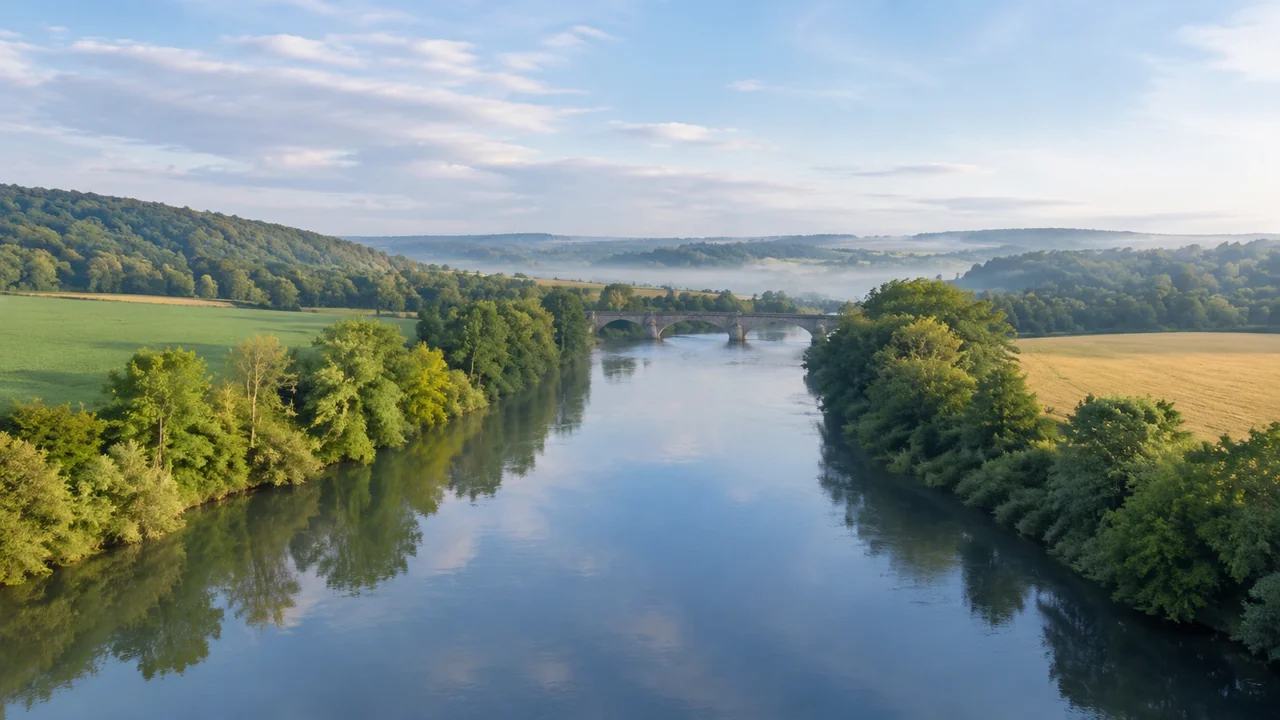
Water scenes: which project reviews fit GenAnywhere
Water scenes fit reviews about where something sits and how it looks from a known viewpoint, such as siting a scheme on a bank. They cannot answer volume, level, rate over time or quality. State the water body and its imagery date, then commission survey once every question needs measurement.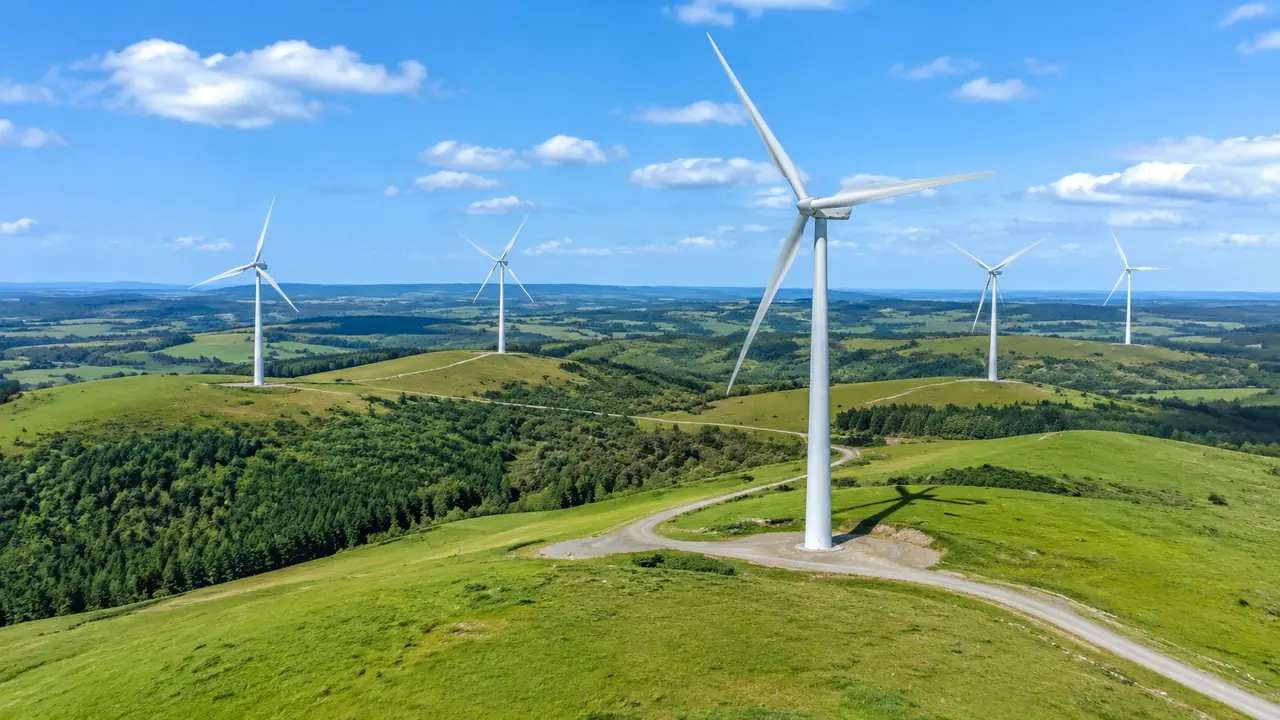
Wind farm layers: how teams review them in GenAnywhere
Wind farm reviews in GenAnywhere run on three layers, buildings, terrain and vegetation, each shown or hidden separately. Turbines are equipment, so there is no turbine layer, and hub markers are placed downstream. Hide vegetation to read the ridge, fix the layer state before comparing, and leave wind studies elsewhere.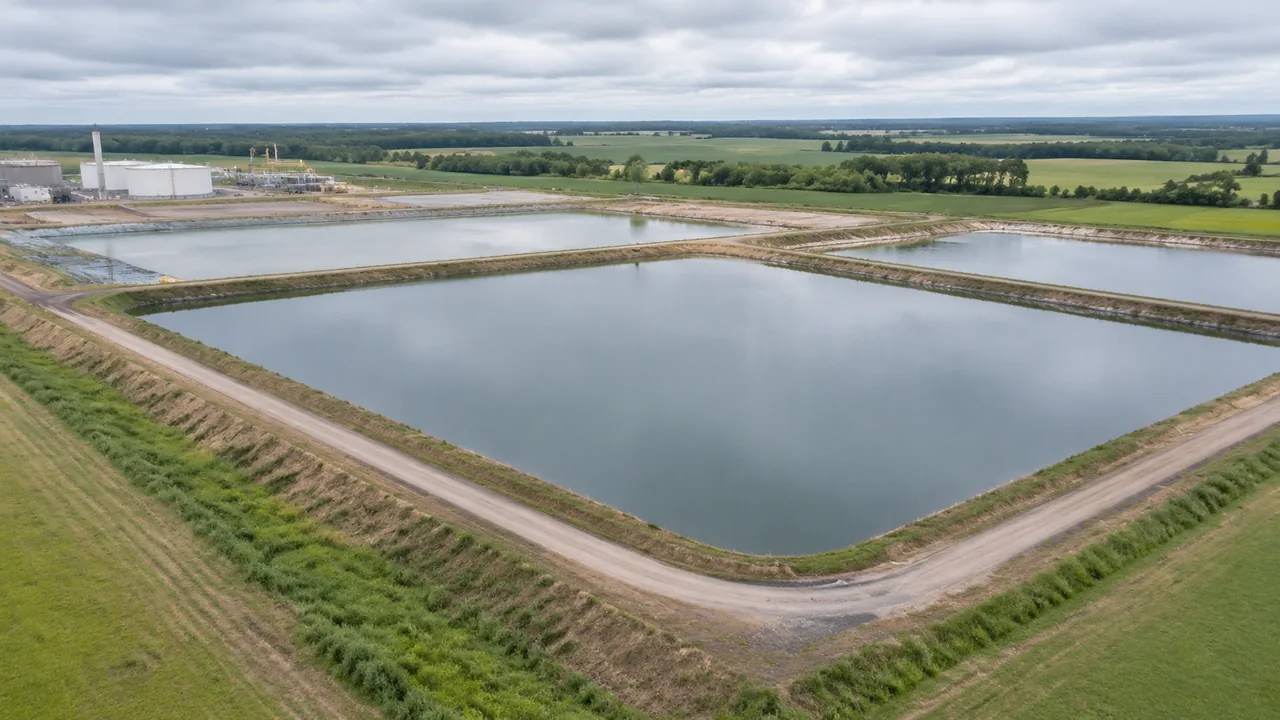
Settling pond export: does GenAnywhere support GLB?
A settling pond scene exports as GLB with terrain, the pond as mapped water, buildings, vegetation and your edits. Embankments, liners, weirs, decant towers and pumps are designed items and stay outside. Correct the scene before export, name the file for site and extent, and list missing items with owners.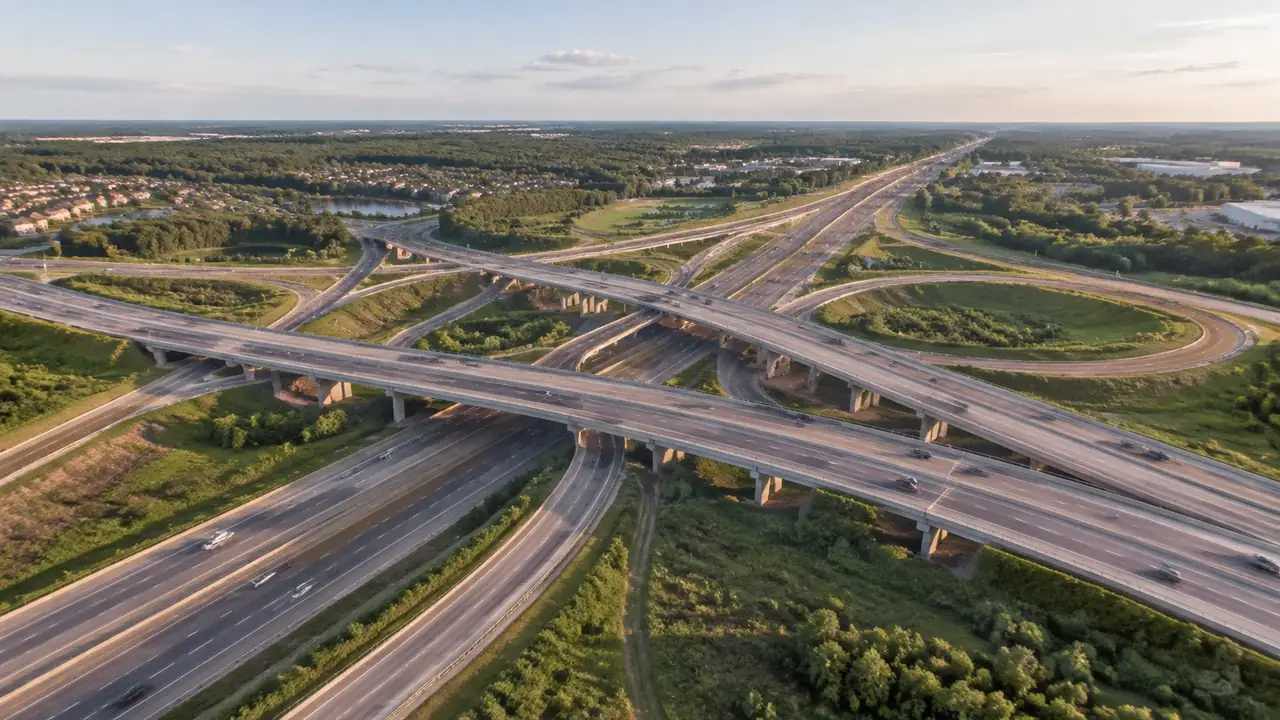
Overpass twins: how GenAnywhere hands off the model
Two decks share one generated site, so the ground is exported once and each structure model arrives separately, fetched by whoever owns it. Check units, origin and up axis as the models meet. Record the imagery date, extent, building edits and the camera positions, then re-export when a deck changes.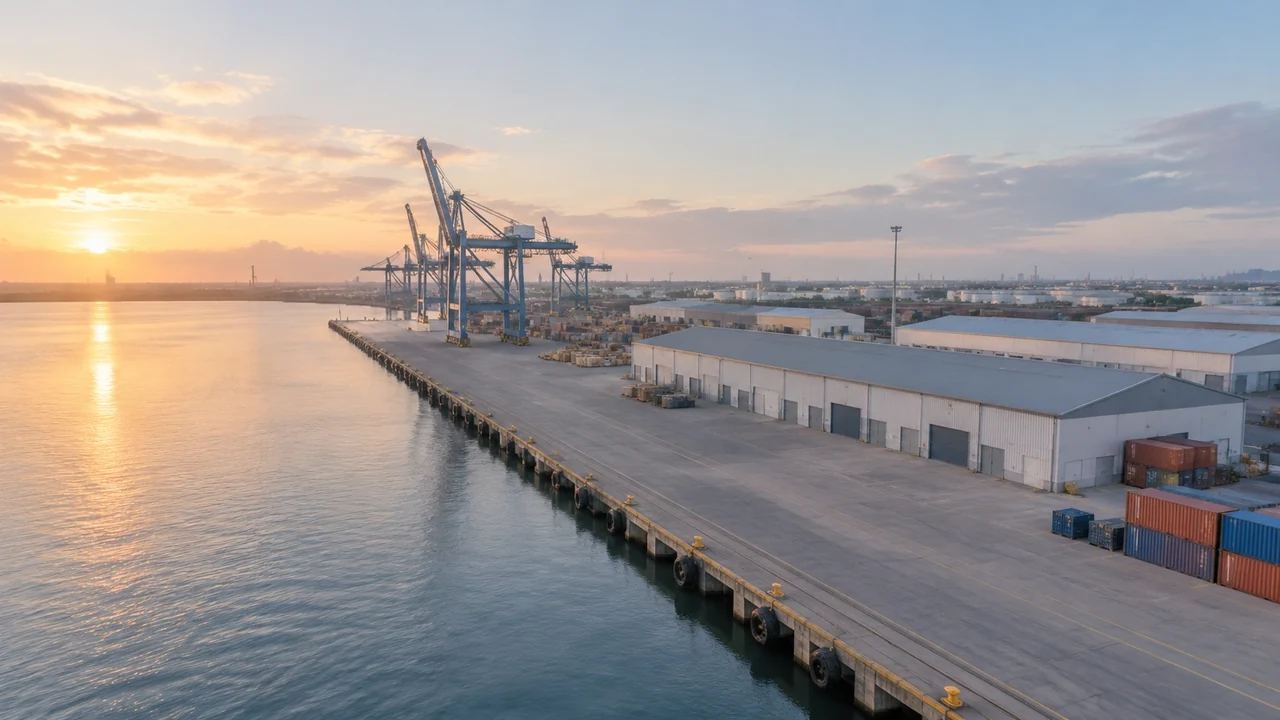
Terminal models: what GenAnywhere includes in the build
A terminal build holds terminal volumes, piers, car parks, cargo sheds, apron ground, terrain and vegetation. Aircraft, jet bridges and baggage systems are not generated, so an empty apron is normal. Edit the massing, compare options over the same ground, then pass an asset list naming who supplies missing equipment.