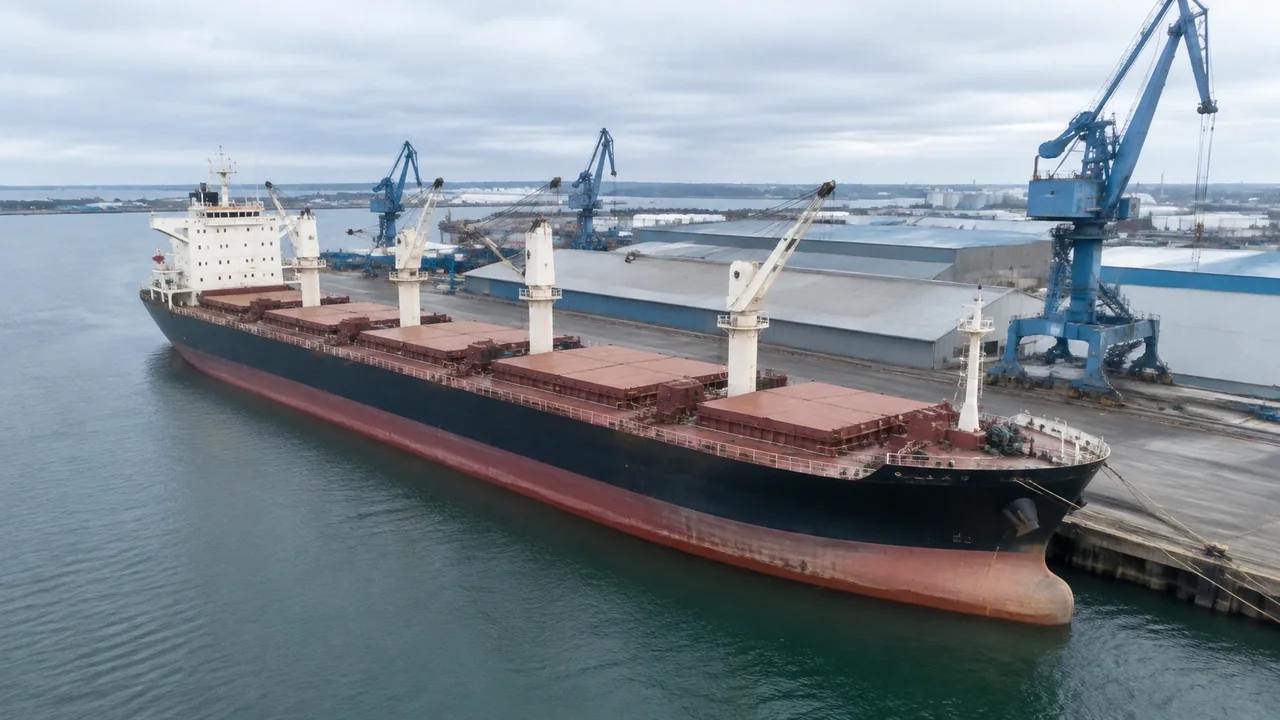
Can GenAnywhere model vessels? What the limits are
Vessels are not generated. A berth scene supplies the quay line, water surface, sheds and land, while a hull arrives from a naval architecture package or asset library and is placed after export. The scene holds no depth, tide or mooring data, so fit questions stay in drawings and surveys.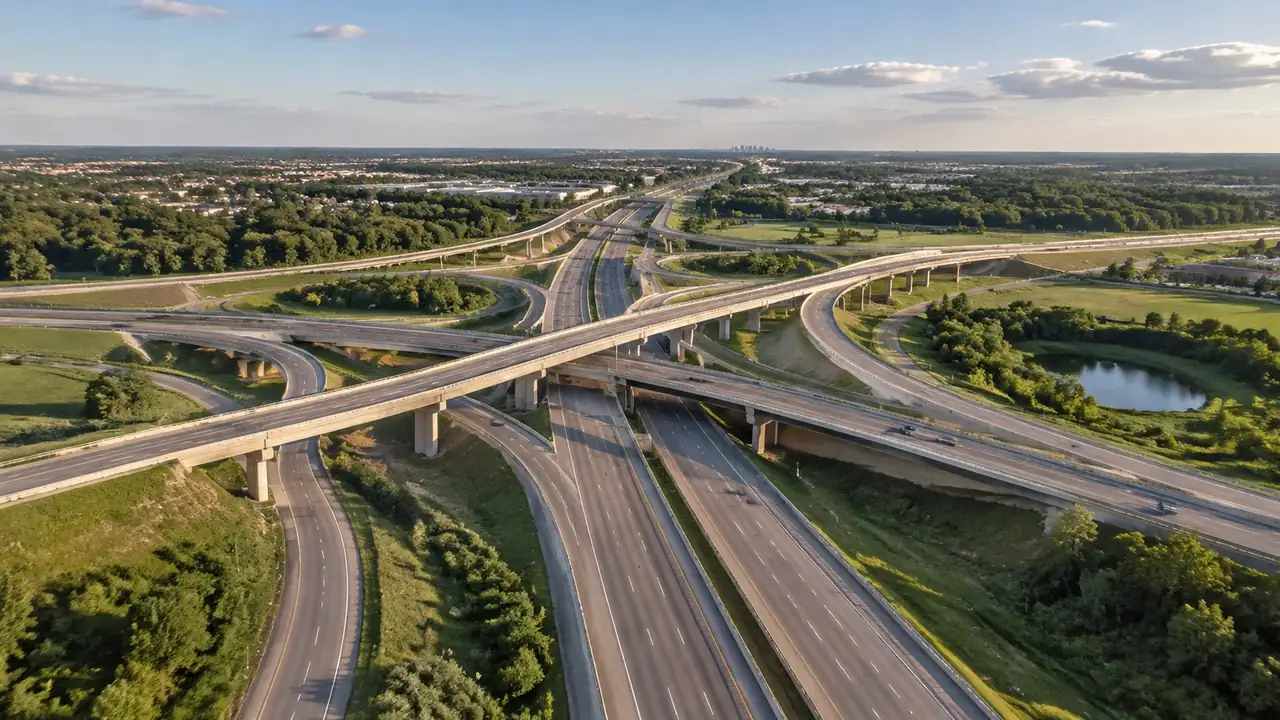
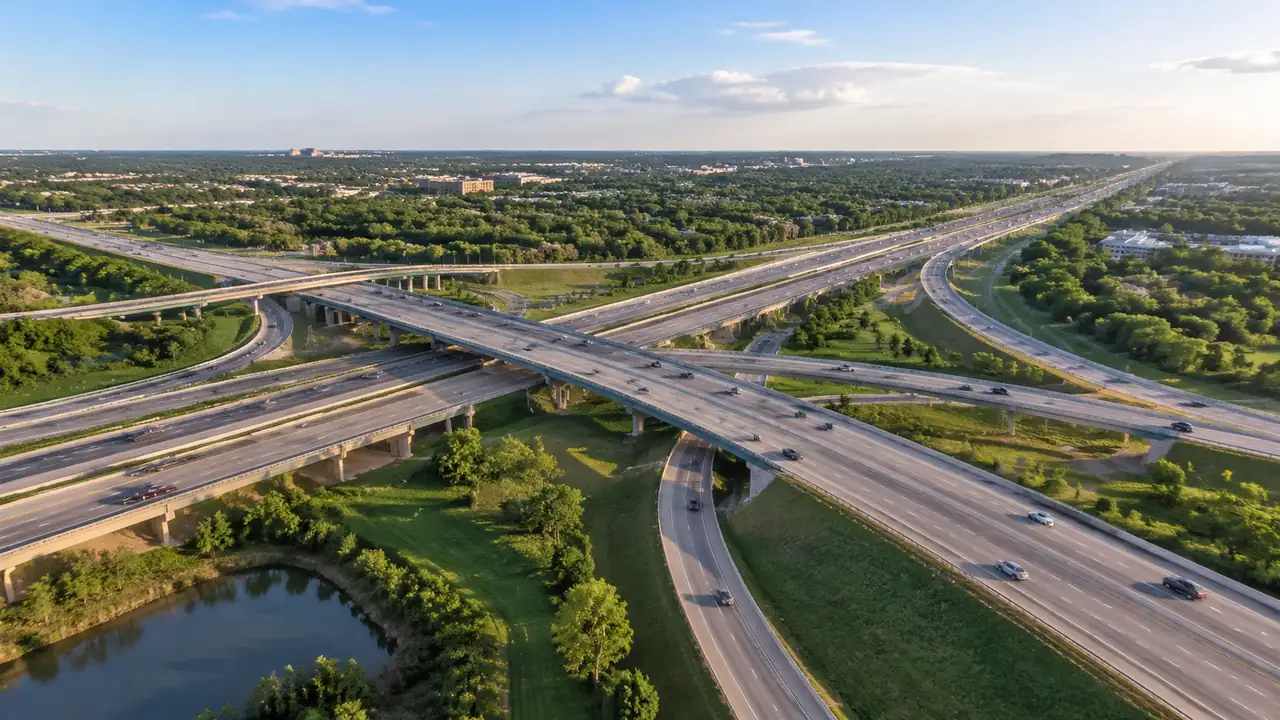
Overpass scale: what GenAnywhere covers in one view
One overpass view covers the ground inside the frame, with terrain, buildings, vegetation and water, and extent decides how much of that reads. Deck, piers, girders and parapets come from design; clearance is not measured. Keep two frames, one for context and one for the span, then export for handover.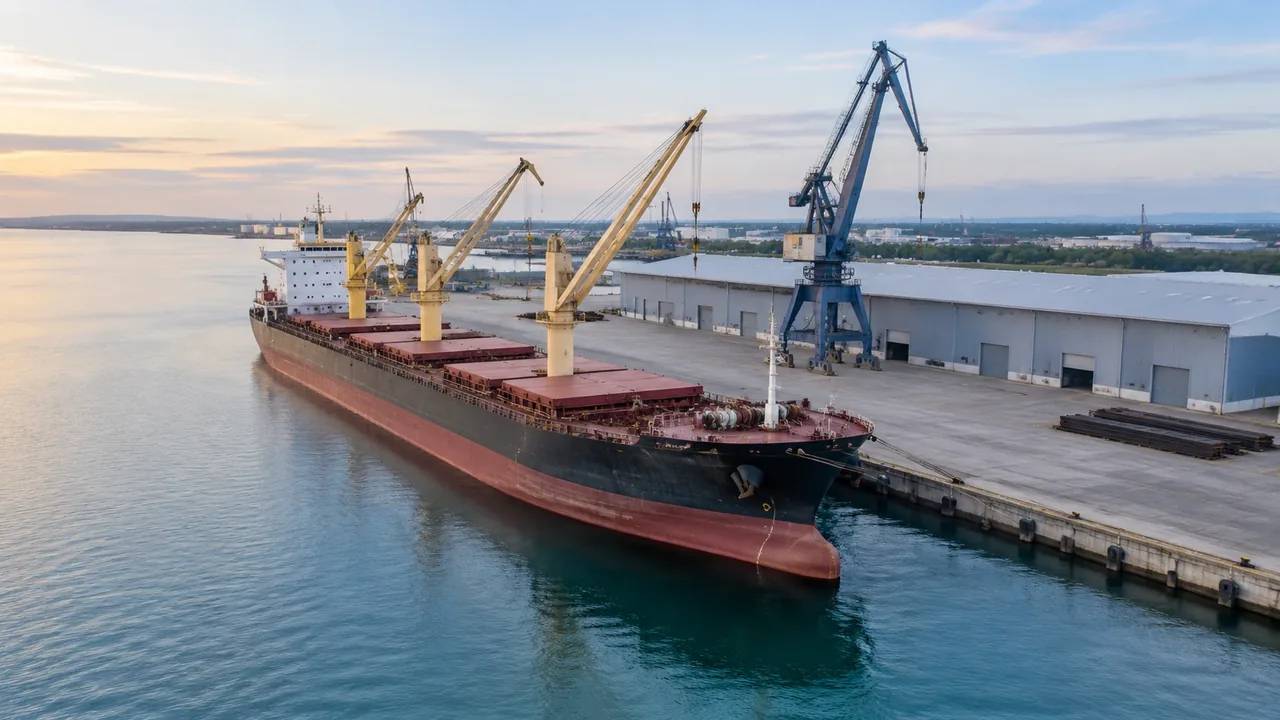
Vessel berthing reviews: how GenAnywhere sets the scene
A berth scene is the stage for a vessel discussion: the generated quay line, water edge, sheds and yard, framed at about two berth lengths. The hull, cranes, fenders and cargo are placed downstream from design models. Correct changed buildings, keep the camera low, and leave manoeuvring to navigation work.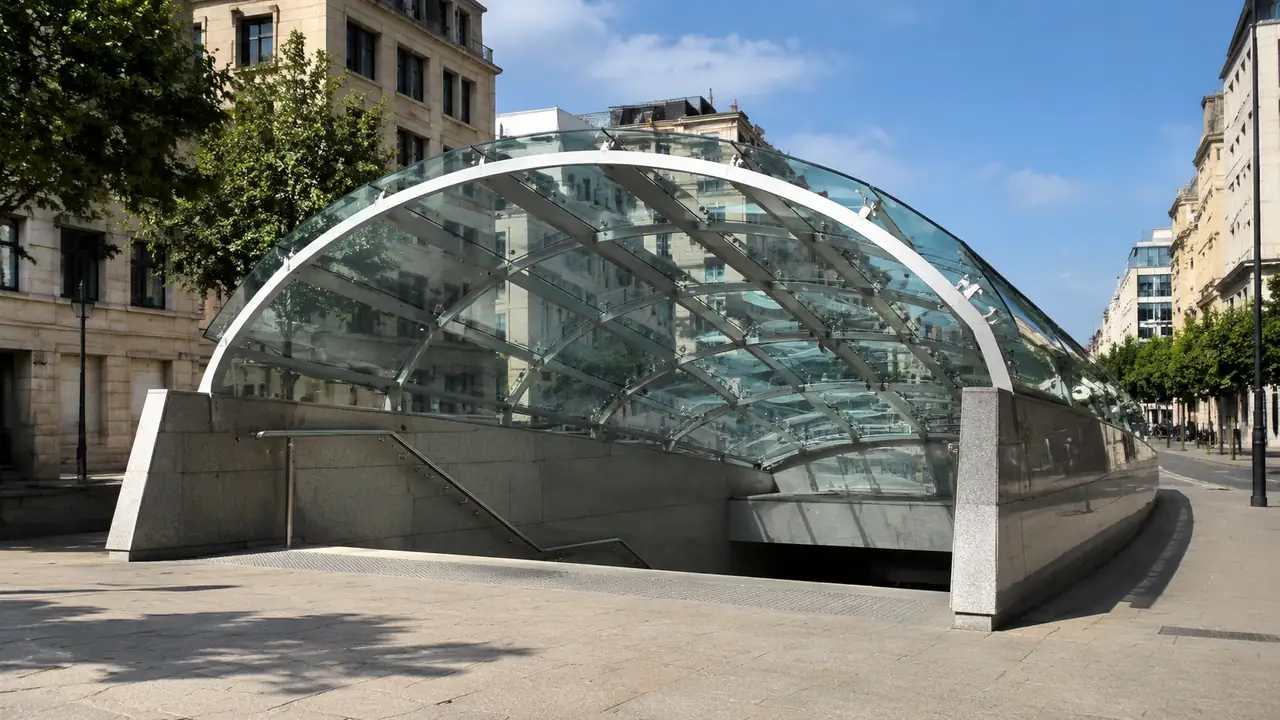
Metro station generation: how GenAnywhere starts a site
Metro generation here means the site around an entrance: streets, blocks, ground and planting inside a drawn boundary. Tracks, tunnels, platforms and trains are outside the generated set, and the station model arrives downstream. Extend the boundary a street or two, correct changed buildings, then export and test the scale.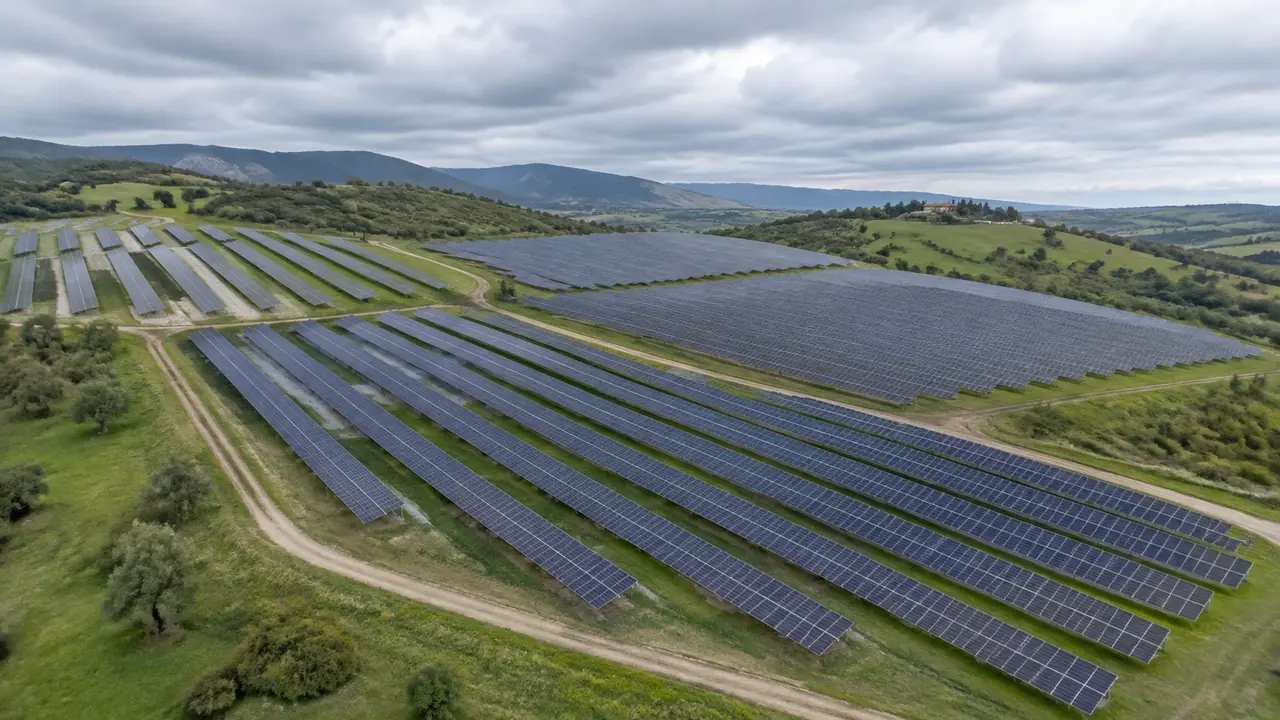
Solar panel layout: how GenAnywhere arranges arrays
GenAnywhere does not arrange panel rows; it arranges the ground those rows answer to, including slope, hedges, water and existing buildings. Modules, racking and inverters are design geometry placed downstream. Draw the boundary wider than the fence, run a fixed view sequence, and keep yield questions with the energy model.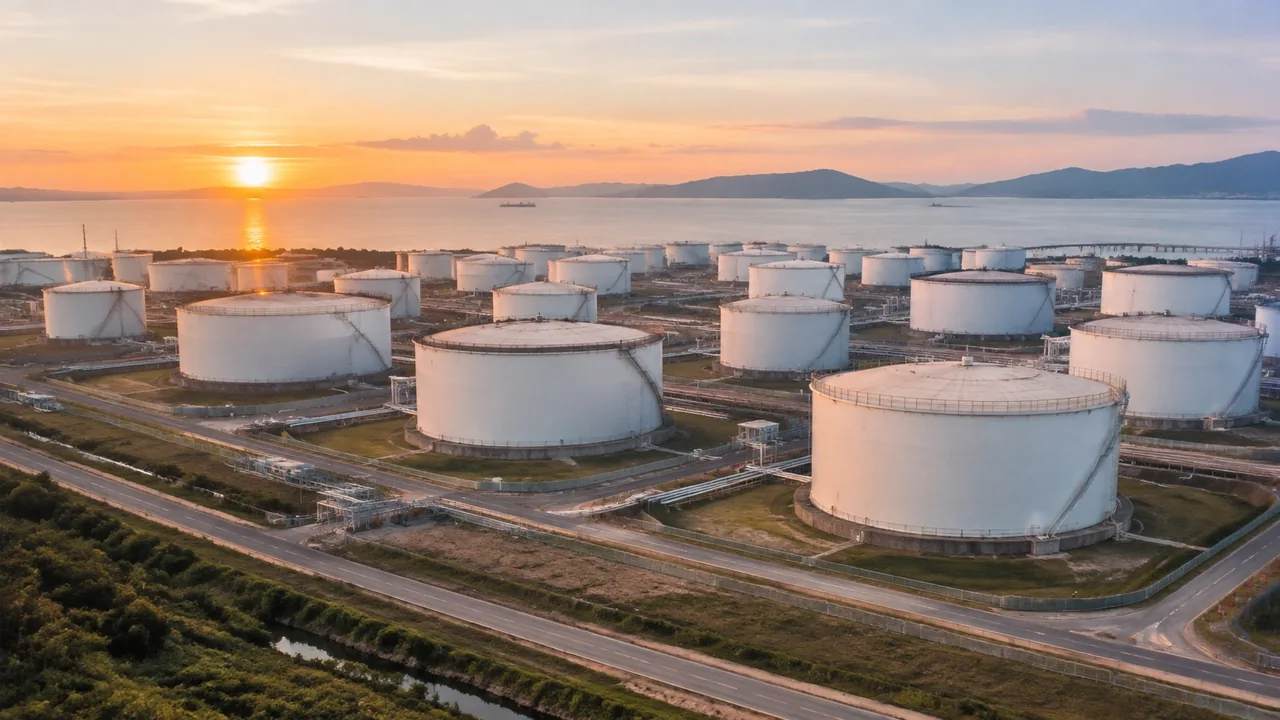
Tank farm layers: how teams review them in GenAnywhere
Tank farm reviews use three layers, terrain for access, buildings for the working site and vegetation for neighbours, switched as the meeting moves. No layer holds tanks, bunds or pipe racks, which arrive as equipment downstream. Start with vegetation off, correct the changed buildings, and leave containment questions to reviewers.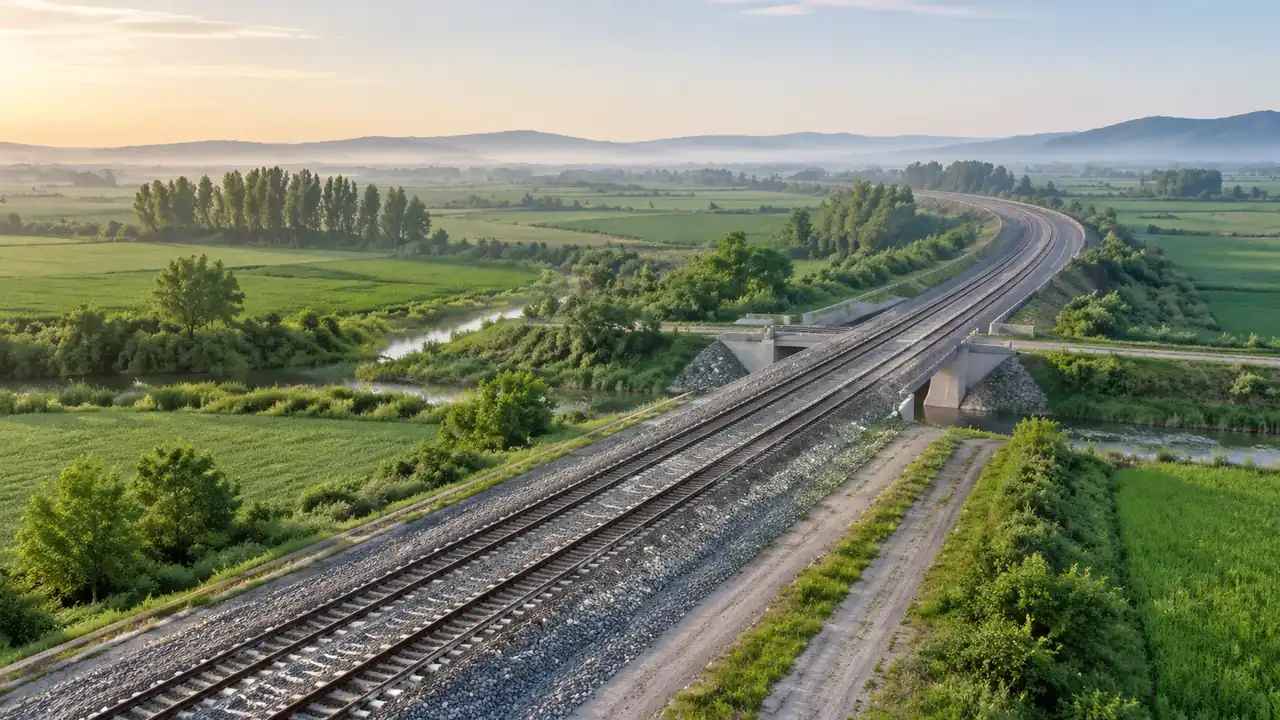
Railway export: where GenAnywhere sends the GLB
A railway export is site context, carrying ground, water, vegetation and building masses, and it goes to the alignment team, the estate team and public sessions. Track, signalling, platforms and overhead line equipment come from the railway design. Keep a register, write the covering facts, and agree the next step.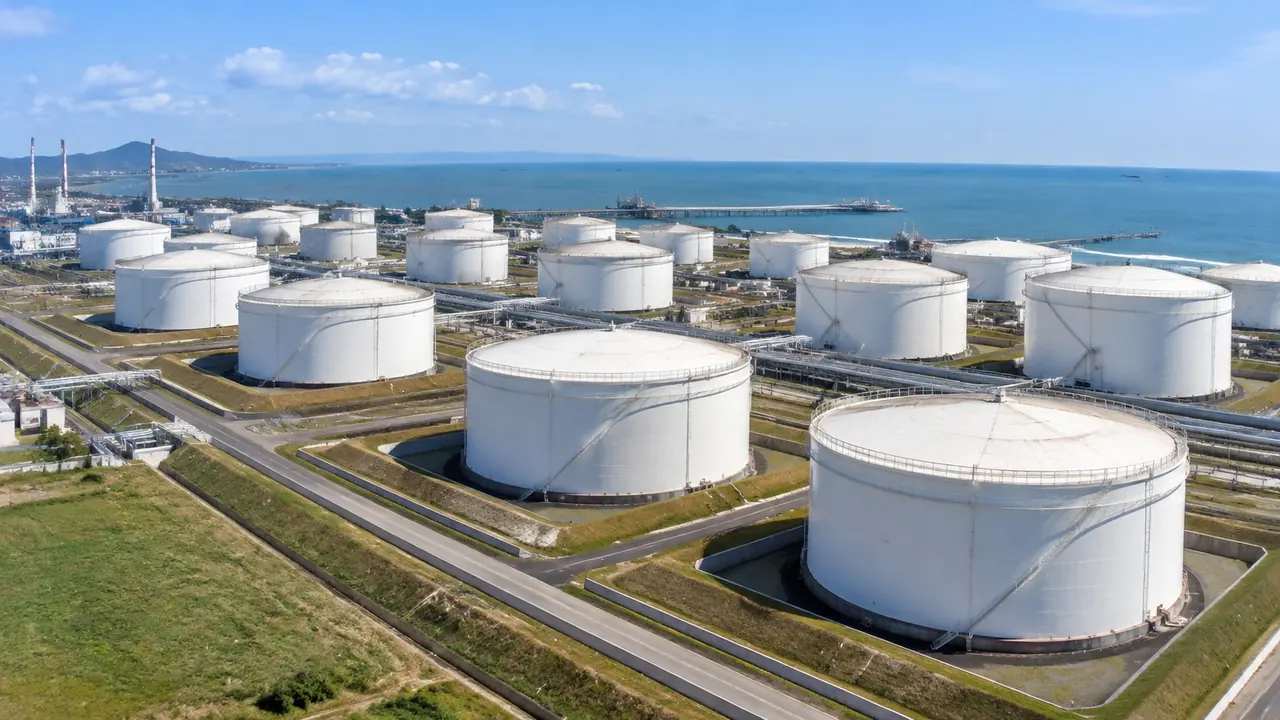
Storage tank reviews: where GenAnywhere sets the base scene
A base scene gives a tank review one shared reference: generated ground with a fixed extent and known imagery date, while tank designs change. Tanks, pipe racks and loading arms are equipment placed later. Fix the buildings before freezing, version the scene sparingly, and keep containment verdicts outside the platform.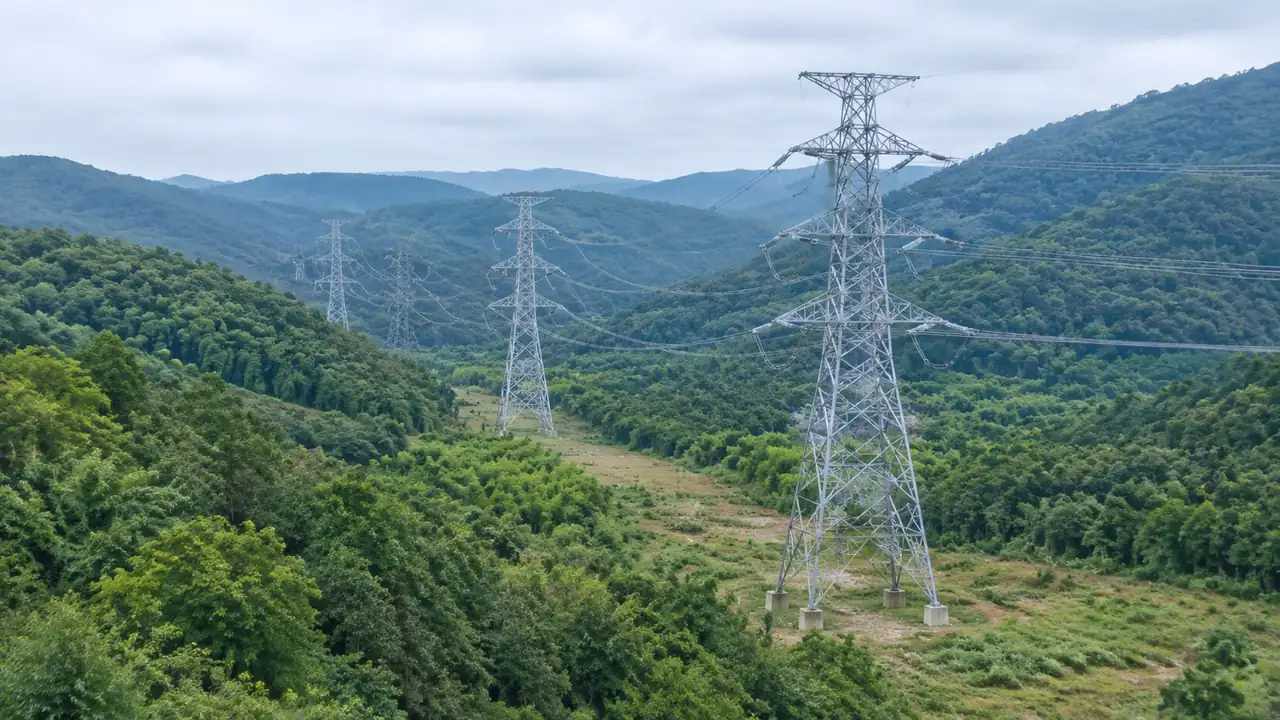
Transmission lines: how GenAnywhere builds from a site
A transmission line review starts from the ground: select the corridor, and GenAnywhere generates terrain, water, vegetation and building masses. Towers, conductors and the route come from the line designer. Widen the boundary at rivers and settlements, keep the camera low, and leave clearance and sag calculations with the engineer.